1. Introduction
Thank you for choosing the Easysleep Sound White Noise Machine. This device is designed to create a peaceful environment, aiding in relaxation and sleep for babies, children, and adults. It features a variety of soothing sounds, adjustable night lights, and convenient timer and memory functions. Please read this manual carefully to ensure proper use and maintenance of your device.
2. Safety Information
- Do not expose the device to water or moisture.
- Keep the device away from heat sources and direct sunlight.
- Use only the provided USB cable and a compatible AC adapter (not included) for power.
- Do not attempt to disassemble or repair the device yourself. Contact customer support for assistance.
- Keep out of reach of small children to prevent choking hazards from small parts.
3. Package Contents
- Easysleep Sound White Noise Machine
- User Manual
- USB Cable

Image: The package contents, showing the white noise machine, user manual, and USB cable.
4. Product Overview
The Easysleep Sound White Noise Machine features an intuitive control panel on its top surface, allowing for easy access to all functions.

Image: Easysleep White Noise Machine with control buttons.
- Power Button: Turns the device on or off.
- Volume Up/Down Buttons (+/-): Adjusts the sound volume. There are 32 levels of volume.
- Previous/Next Sound Buttons (◀◀/▶▶): Cycles through the available sounds.
- Timer Button (Clock icon): Sets the auto-off timer.
- Night Light Button (Light bulb icon): Turns the night light on/off and cycles through colors/brightness.
5. Setup
- Unpack the Easysleep Sound White Noise Machine and its accessories.
- Connect the provided USB cable to the power input port on the device.
- Plug the other end of the USB cable into a compatible AC adapter (DC 5V, 1000mA, not included) or a USB port.
- Place the device on a stable, flat surface.
6. Operating Instructions
6.1 Power On/Off
- Press the Power Button (circle with vertical line) to turn the device on.
- Press the Power Button again to turn the device off.
6.2 Sound Selection
The device offers 25 non-looping soothing sounds to choose from, including white noise, fan sounds, nature sounds (brook, sea waves, birds, bonfire, rain), and calming melodies (piano, lullabies, meditation).
- Press the Previous Sound Button (◀◀) to go to the previous sound.
- Press the Next Sound Button (▶▶) to advance to the next sound.

Image: A visual representation of the various soothing sounds available.
6.3 Volume Adjustment
The device features 32 levels of volume to effectively mask disruptive environmental noise.
- Press the Volume Up Button (+) to increase the volume.
- Press the Volume Down Button (-) to decrease the volume.

Image: Illustration of the 32 volume levels, designed to combat noise pollution.
6.4 Night Light Operation
The integrated night light offers 12 colors and 10 brightness levels, perfect for sleeping, feeding, or reading.
- Press the Night Light Button (Light bulb icon) to turn the light on/off.
- Press the Night Light Button repeatedly to cycle through the 12 available colors.
- To adjust brightness, press and hold the Night Light Button. The brightness will cycle through 10 levels. Release the button when the desired brightness is reached.
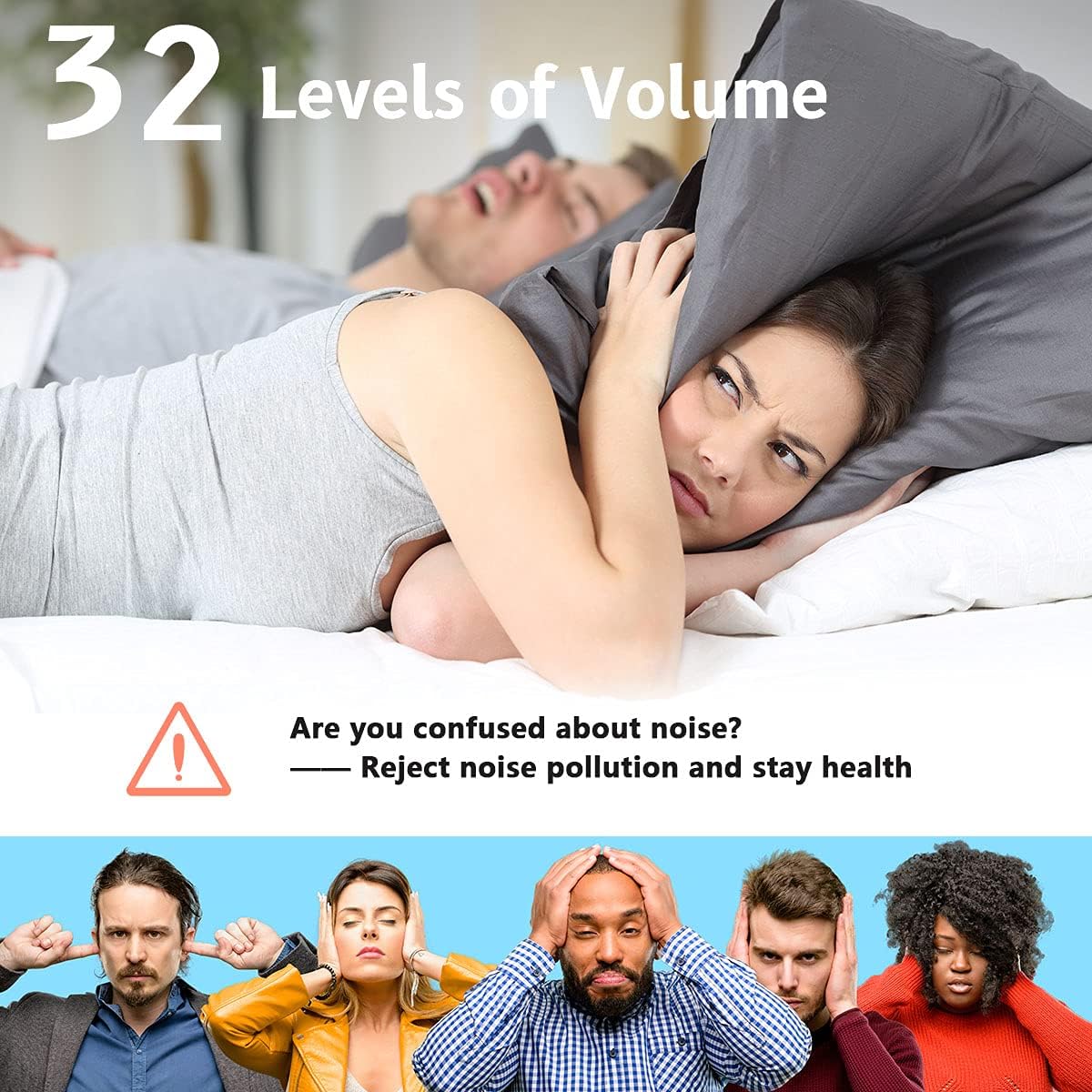
Image: The Easysleep machine on a nightstand, showcasing the 12 color night light options.
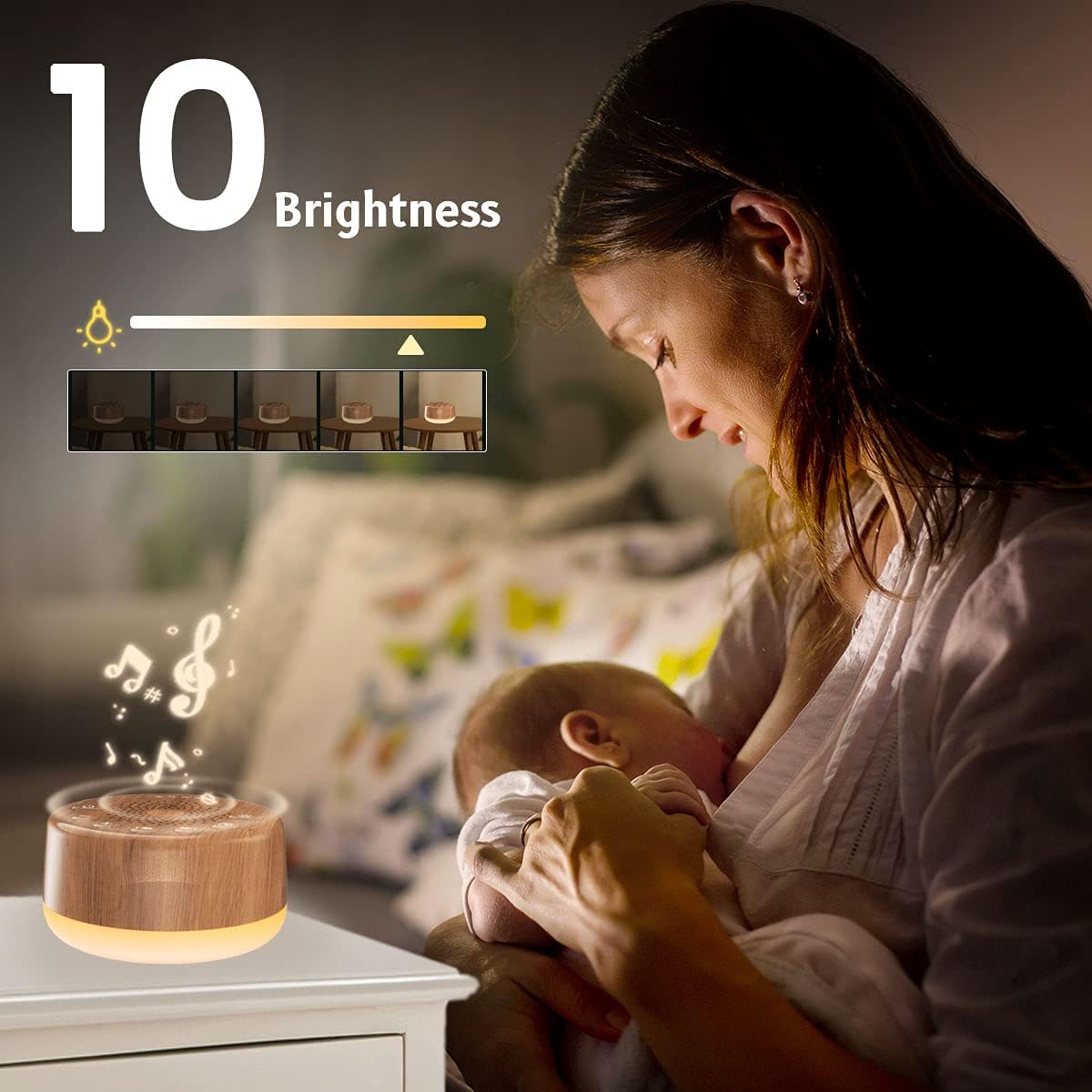
Image: A mother with her baby, illustrating the 10 adjustable brightness levels of the night light.
6.5 Timer Function
You can set the device for continuous play or use the auto-off timer.
- Press the Timer Button (Clock icon) to cycle through timer options: 60 minutes, 120 minutes, 180 minutes, 240 minutes, or continuous play (indicated by an infinity symbol).
- The corresponding indicator light above the speaker will illuminate to show the selected timer setting.
6.6 Memory Function
The memory function automatically restores your previous volume, sound, and timer settings when the device is turned back on.
6.7 Official Product Videos
Video: Demonstration of the Easysleep Sound Machine's features, including sound selection, volume control, and night light functionality.
Video: User demonstration showcasing the ease of use and various sound options available on the Easysleep White Noise Machine.
Video: A user review highlighting the long-term benefits and reliability of the Easysleep Sound Machine for sleep improvement.
7. Maintenance
- To clean the device, wipe it with a soft, dry cloth.
- Do not use abrasive cleaners or solvents.
- Ensure the device is unplugged before cleaning.
8. Troubleshooting
| Problem | Solution |
|---|---|
| Device does not power on. | Ensure the USB cable is securely connected and the power source is active. Try a different USB port or AC adapter. |
| No sound. | Check the volume level and ensure it is not set to minimum. Try selecting a different sound. |
| Night light is not working. | Press the Night Light Button to turn it on. If it still doesn't work, ensure the device is powered on. |
| Sound quality is poor. | Ensure the device is placed on a stable surface and not obstructed. Adjust the volume. |
9. Specifications
| Feature | Detail |
|---|---|
| Product Dimensions | 3.9 x 3.9 x 2.3 inches |
| Item Weight | 0.4 Pounds (6.4 ounces) |
| Item Model Number | EWN-I3 |
| Material | Wood (finish) |
| Power Source | AC or USB (DC 5V, 1000mA) |
| Sound Options | 25 non-looping sounds |
| Volume Levels | 32 levels |
| Night Light | 12 colors, 10 brightness levels |
| Timer Options | Continuous, 60, 120, 180, 240 minutes |
10. Warranty and Support
The Easysleep Sound White Noise Machine comes with an 18-month warranty from the date of purchase. If you encounter any issues or have questions regarding your device, please do not hesitate to contact Easysleep customer support. Contact information can typically be found on the product packaging or the official Easysleep website.


