
Introduction
This manual provides comprehensive instructions for the safe installation, operation, and maintenance of your BRIGHTTIA 3-Light Semi-Flush Mount Ceiling Fixture. Designed with clean lines and a minimalist silhouette, this fixture features three arms extending from a central stem, each supporting an exposed bulb for bright, even illumination. The chrome finish complements a variety of interior styles, from industrial to contemporary. Please read all instructions carefully before beginning installation and retain this manual for future reference.
Safety Warning: Always turn off the main power supply at the circuit breaker before installing, cleaning, or replacing bulbs in this fixture. Consult a qualified electrician if you are unsure about any part of the installation process.
Package Contents
Please verify that all components are present before beginning installation:
- Light Fixture Assembly
- Mounting Hardware Kit (includes mounting plate, screws, wire nuts)
- Installation Instructions (this manual)
Tools Required (Not Included)
- Phillips Head Screwdriver
- Flathead Screwdriver
- Wire Strippers
- Electrical Tape
- Ladder
- Safety Glasses
Setup and Installation
Follow these steps to safely install your BRIGHTTIA ceiling fixture:
- Turn Off Power: Locate the circuit breaker controlling the light fixture's power supply and turn it OFF. Verify power is off using a voltage tester.
- Prepare Mounting: Remove your existing fixture (if applicable). Attach the mounting plate (from the hardware kit) to the junction box in the ceiling using the provided screws. Ensure it is securely fastened.
- Wiring Connections: Carefully connect the fixture's wires to the house wires. Use the provided wire nuts:
- Connect the black fixture wire to the black (hot) house wire.
- Connect the white fixture wire to the white (neutral) house wire.
- Connect the ground fixture wire (usually bare copper or green) to the ground house wire.
- Attach Fixture: Carefully tuck all wires into the junction box. Align the fixture base with the mounting plate and secure it using the decorative nuts or screws provided.
- Install Bulbs: Screw three E26 medium base bulbs (not included) into the sockets. Do not exceed the maximum wattage of 60W per socket.
- Restore Power: Turn the power back ON at the circuit breaker. Test the light fixture.
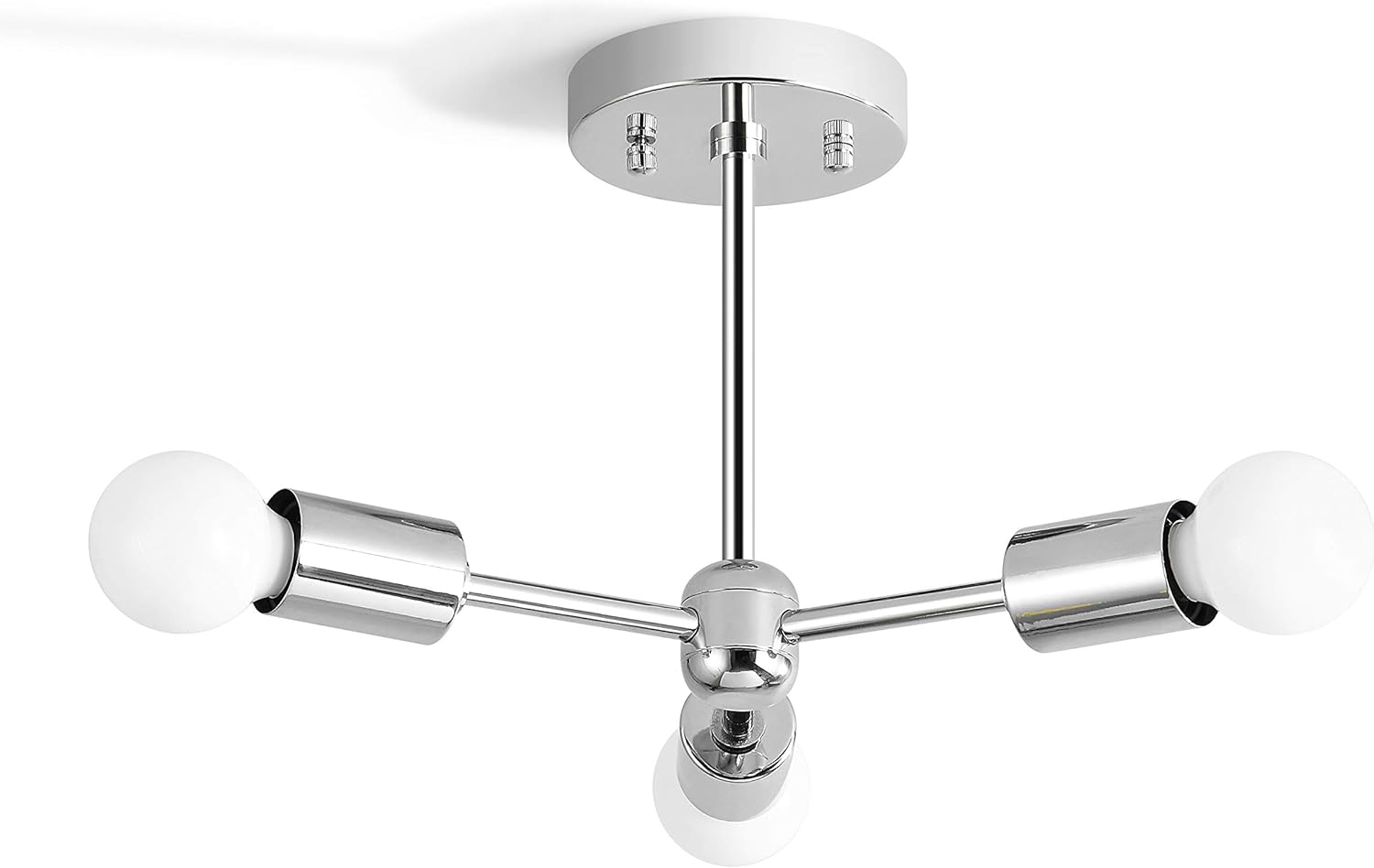
Image 1: The BRIGHTTIA 3-Light Semi-Flush Mount Ceiling Fixture in Chrome, showcasing its three arms and exposed bulb design, installed on a ceiling.
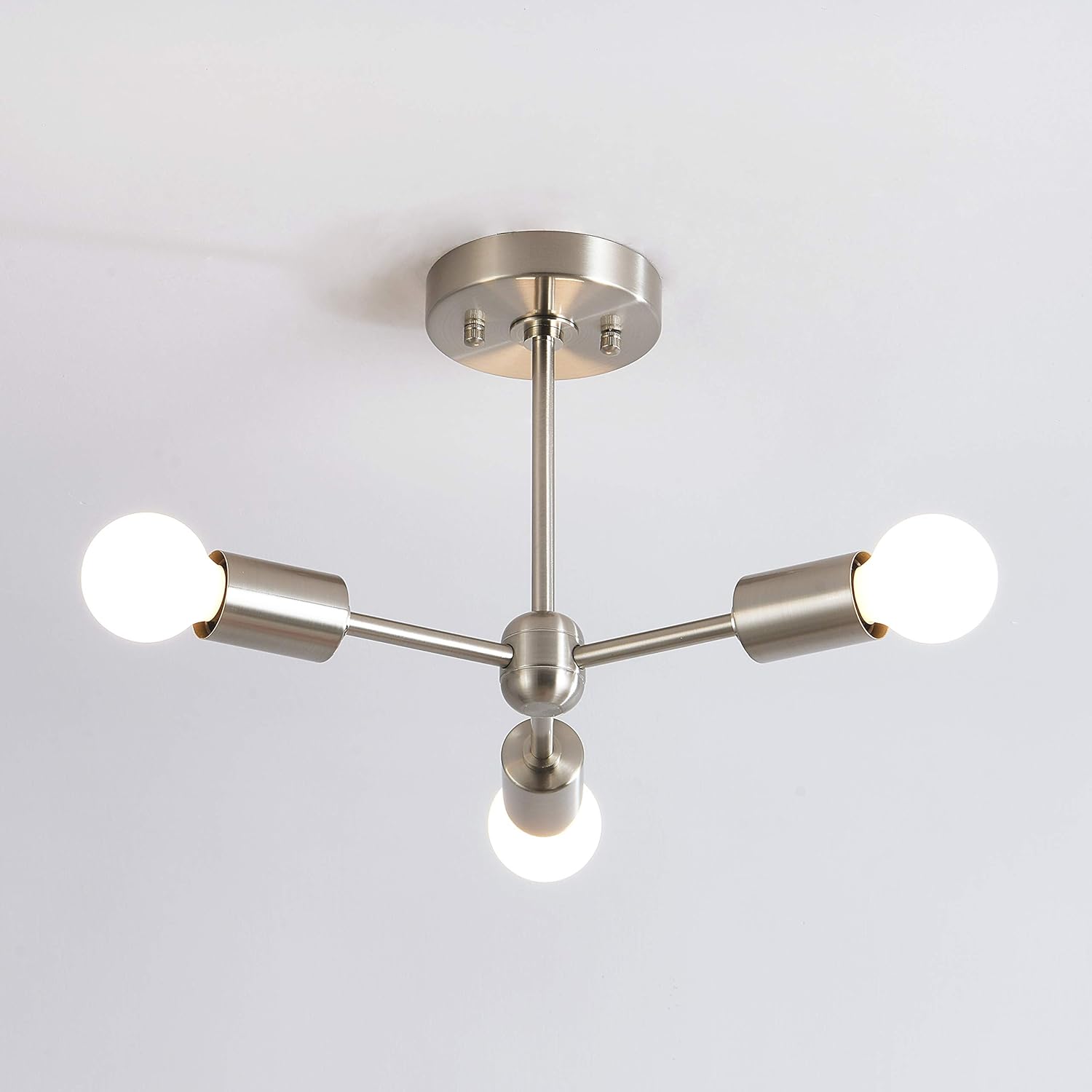
Image 2: An alternative view of the 3-Light Semi-Flush Mount Ceiling Fixture, shown in a brushed nickel finish, providing a different perspective of the design.
Operating Instructions
This fixture is designed for simple operation via a standard wall switch. Ensure appropriate bulbs are installed for desired functionality.
- Bulb Compatibility: The fixture requires three E26 medium base bulbs. It is compatible with LED, CFL, incandescent, and halogen bulbs. Smart bulbs can also be used.
- Dimmable Functionality: The fixture is dimmable when used with dimmable bulbs and a compatible dimmer switch (sold separately).
- Control Method: Can be controlled via a wall switch or, if using smart bulbs, via voice control or a mobile device.
Maintenance
Regular maintenance ensures the longevity and optimal performance of your light fixture.
- Cleaning: Always turn off power before cleaning. Wipe the fixture with a soft, dry cloth. Do not use abrasive cleaners or solvents, as they may damage the finish.
- Bulb Replacement: Turn off power before replacing bulbs. Allow bulbs to cool completely before touching. Unscrew old bulbs and screw in new E26 medium base bulbs, ensuring they do not exceed 60W per socket.
Troubleshooting
If you encounter issues with your fixture, refer to the following common problems and solutions:
| Problem | Possible Cause | Solution |
|---|---|---|
| Light does not turn on. | No power to the fixture. Loose wiring connection. Faulty bulb. | Check circuit breaker. Verify all wire connections are secure (power off first). Replace bulb with a known working one. |
| Light flickers. | Loose bulb. Incompatible dimmer switch/bulb. Loose wiring. | Tighten bulb. Ensure dimmer and bulbs are compatible. Check wiring connections (power off first). |
| Bulbs burn out quickly. | Incorrect bulb wattage. Poor ventilation. | Ensure bulbs do not exceed 60W. Verify fixture is not in an enclosed space causing overheating. |
Specifications
| Feature | Detail |
|---|---|
| Brand | BRIGHTTIA |
| Model Number | BC0023-3C |
| Color | Chrome |
| Material | Metal |
| Style | Industrial Modern |
| Light Fixture Form | Ceiling |
| Room Type | Bedroom, Dining Room, Hallway, Living Room |
| Specific Uses | Indoor use only |
| Power Source | Corded Electric |
| Installation Type | Flush Mount |
| Light Source Type | LED, CFL, Incandescent, Halogen, Smart Bulbs |
| Finish Type | Electroplated |
| Number of Light Sources | 3 |
| Voltage | 120 Volts |
| Wattage (Max per socket) | 60 watts |
| Bulb Base | E26 |
| Item Weight | 1.54 pounds |
| Product Dimensions | 13 x 11.2 x 9.8 inches |
| Certification | ETL Listed |
Warranty and Support
BRIGHTTIA stands behind the quality of its products. For specific warranty information or technical support, please refer to the warranty card included with your purchase or contact BRIGHTTIA customer service directly. Contact details can typically be found on the BRIGHTTIA official website or through your retailer.
Please have your model number (BC0023-3C) and purchase date available when contacting support.