
Introduction
Thank you for choosing the WisePlay Z-WIND Remote Control Sports Car Building Kit. This comprehensive manual provides detailed instructions for assembling, operating, and maintaining your new STEM project RC car. Designed for ages 8 and up, this 457-piece kit offers an engaging building experience culminating in a fully functional remote-controlled vehicle.

Image: The WisePlay Z-WIND Remote Control Sports Car Building Kit, showcasing the assembled car, remote control, and smartphone app interface.
Safety Information
Please read all safety warnings before assembly and operation to ensure a safe experience.
- Small Parts Warning: This kit contains small parts which may pose a choking hazard for children under 3 years old. Adult supervision is recommended during assembly and play.
- Battery Safety:
- Use only the specified 3.7V rechargeable battery and provided USB charging cable.
- Do not attempt to charge non-rechargeable batteries.
- Do not short-circuit battery terminals.
- Remove batteries from the car and remote control when not in use for extended periods.
- Dispose of batteries properly according to local regulations.
- Operating Environment: Operate the RC car in open, clear areas to avoid collisions and damage. Avoid water and extreme temperatures.
Package Contents
Verify that all components are present before beginning assembly:
- 457 x Building Blocks (various shapes and sizes)
- 1 x Main Chassis with integrated motor/electronic components
- 1 x 2.4GHz Remote Control Unit
- 1 x 3.7V Rechargeable Battery (for car)
- 1 x USB Charging Cable
- 1 x Instruction Manual (this document)
- Additional small accessories (e.g., screwdriver, spare parts)
Assembly Instructions (Setup)
Follow the included step-by-step pictorial guide for detailed assembly. The process involves connecting the 457 building blocks to form the Z-WIND sports car.
- Unpack Components: Carefully remove all parts from the packaging and organize them.
- Follow Step-by-Step Guide: Refer to the separate pictorial instruction booklet for precise block placement. Each step is designed to be clear and easy to follow.
- Connect Electronic Components: Ensure all motor and light connections are securely fastened as indicated in the guide.
- Install Battery: Once the main chassis is accessible, install the 3.7V rechargeable battery into its compartment. Secure the compartment cover with the provided screw.
- Final Checks: Before proceeding to operation, double-check all connections and ensure no parts are loose.

Image: Two children engaged in building the WisePlay RC car, demonstrating the step-by-step instruction process.

Image: Close-up details of the WisePlay Z-WIND car, highlighting the steering wheel, forward headlights, rear taillights, and adjustable tail feature.
Operating Instructions
The WisePlay Z-WIND offers dual control modes: a 2.4GHz remote controller and a smartphone application.
1. Battery Charging and Installation
- Car Battery: The car uses a 3.7V rechargeable battery. To charge, remove the battery from its compartment (secured by a screw), connect it to the provided USB charging cable, and plug the cable into a USB-A power source (not included). Charging time is approximately 1.5 hours.
- Remote Control Batteries: Insert 2x AAA batteries (not included) into the remote control unit, observing polarity.
2. Remote Control Operation
- Power On: Turn on the car's power switch (usually located on the chassis) and the remote control.
- Pairing: The car and remote should automatically pair. If not, refer to the specific pairing instructions in the pictorial guide.
- Controls: Use the joysticks/buttons on the remote to control forward/backward movement and left/right steering.
3. Smartphone App Operation
- Download App: Scan the QR code on the packaging or search for the "WisePlay RC" app in your device's app store.
- Connect: Ensure Bluetooth is enabled on your smartphone. Open the app and follow the on-screen prompts to connect to the Z-WIND car.
- Control Modes: The app typically offers various control modes, including:
- Remote Control Mode: Virtual joysticks for basic movement.
- Programming Mode: Create custom movement sequences.
- Gyro Control: Control the car by tilting your smartphone.
- Path Mode: Draw a path on the screen for the car to follow.
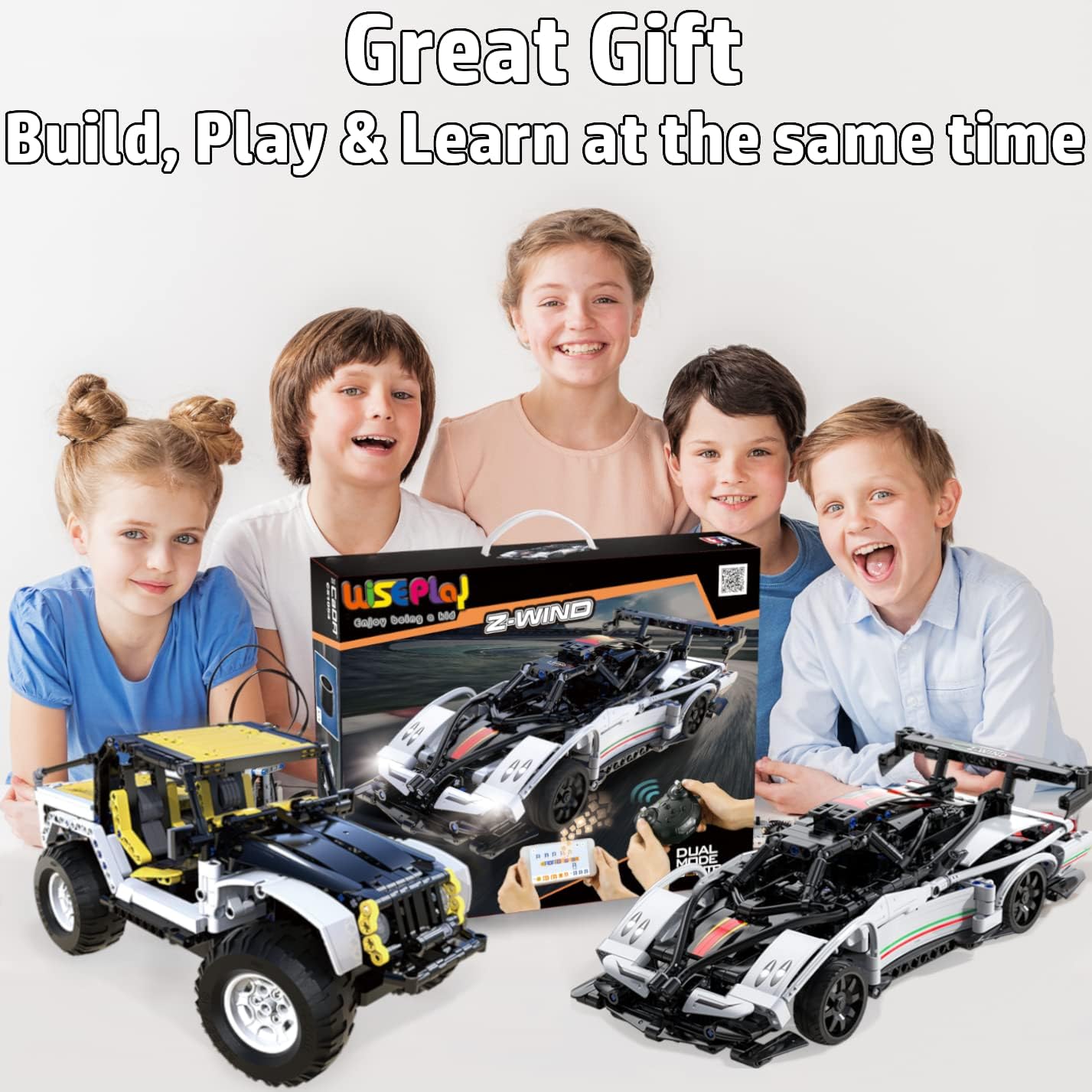
Image: The WisePlay Z-WIND RC car demonstrating its dual control capabilities via a physical remote controller and a smartphone application, highlighting various control modes.
Maintenance
- Cleaning: Use a soft, dry cloth to wipe down the car. Avoid water or cleaning solutions that could damage electronic components.
- Storage: Store the car and its components in a cool, dry place away from direct sunlight. Remove batteries from both the car and remote control if storing for extended periods.
- Battery Care: Fully charge the car's battery before long-term storage and recharge every few months to maintain battery health.
- Component Check: Periodically inspect all connections and blocks for looseness or damage. Replace any broken parts to ensure optimal performance.
Troubleshooting
| Problem | Possible Cause | Solution |
|---|---|---|
| Car does not move or respond to remote. |
|
|
| Lights are blinking. |
|
|
| Car moves erratically or slowly. |
|
|
Specifications
- Model: Z-WIND
- Brand: WisePlay
- ASIN: B08F3YQLKV
- Number of Pieces: 457
- Product Dimensions (Assembled): Approximately 13 x 6.3 x 3.9 inches (Length x Width x Height)
- Model Length: 12.6 inches
- Item Weight: 2.23 pounds
- Recommended Age: 8 years and up
- Car Battery: 1 x 3.7V Rechargeable (included)
- Remote Control Battery: 2 x AAA (not included)
- Control Frequency: 2.4GHz
- Control Modes: Remote Control, Programming, Gyro Control, Path Mode (via app)
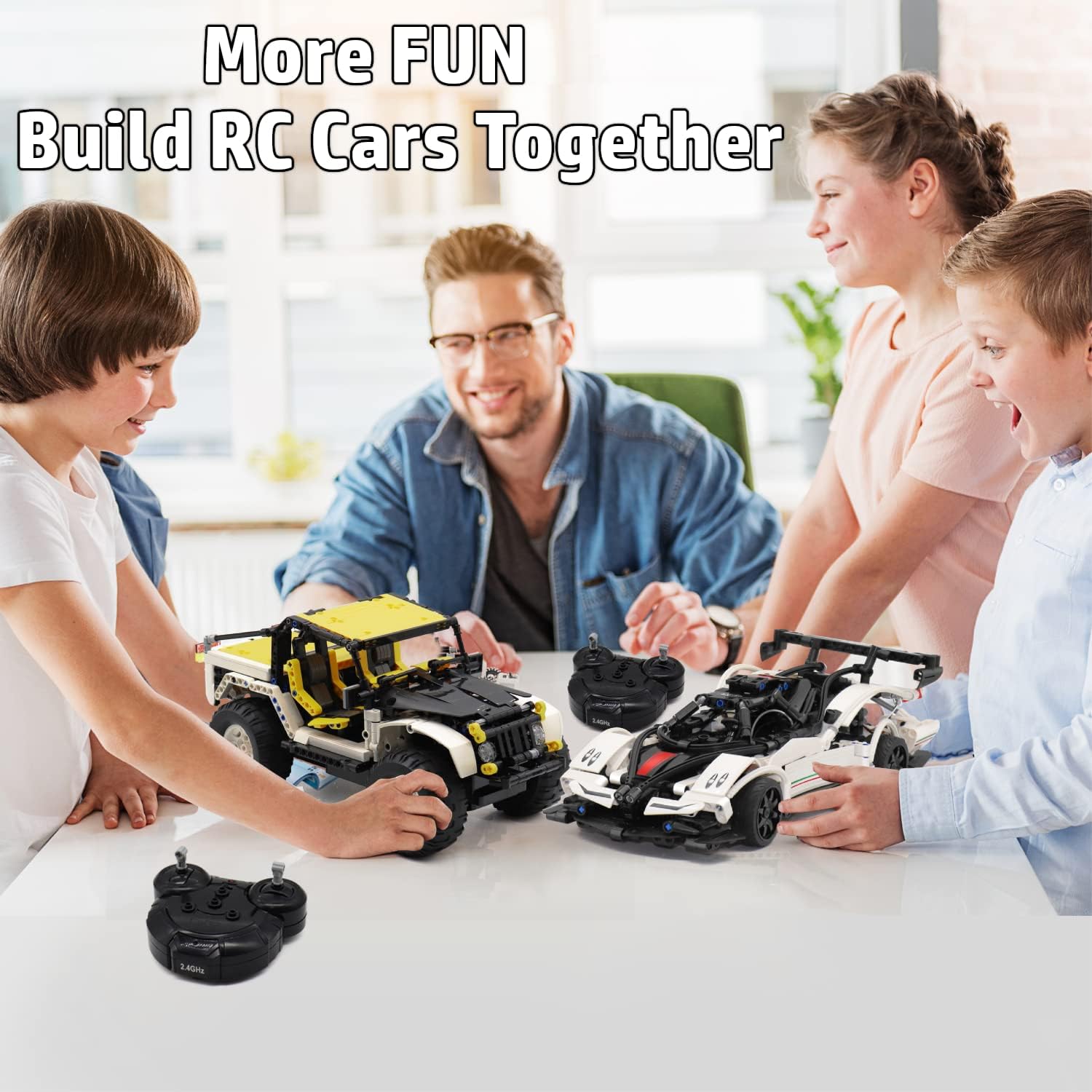
Image: The WisePlay Z-WIND RC car with its key dimensions highlighted: 12.6 inches in length, 6 inches in width, and 3.4 inches in height.
Warranty and Support
For any questions, concerns, or support regarding your WisePlay Z-WIND Remote Control Sports Car Building Kit, please contact WisePlay customer service. While specific warranty details are not provided in this manual, WisePlay is committed to customer satisfaction.
Contact Information: Please refer to the WisePlay official website or your purchase platform for the most current customer support contact details.