
cottonlilac SX-5513
SX-5513 Car MP3 Player Digital FM Stereo Radio User Manual
Model: SX-5513 | Brand: cottonlilac
Introduction
This manual provides detailed instructions for the installation, operation, and maintenance of your cottonlilac SX-5513 Car MP3 Player. Please read this manual thoroughly before using the product to ensure proper functionality and safety.

Image: The SX-5513 Car MP3 Player unit, accompanied by its remote control, wiring harnesses, and the user manual. This image provides an overview of all components included with the product.
Product Features
- Digital FM Stereo Radio with automatic station search.
- Supports MP3/WMA/WAV audio formats for lossless music playback.
- Multiple playback options: USB 2.0, TF Card, Bluetooth, and AUX input.
- Bluetooth connectivity for hands-free calls and audio streaming.
- Voice broadcast function for navigation prompts.
- Power-off memory function to resume playback from the last position.
- Includes a remote control for convenient operation.
- 50 Watt output for clear audio.

Image: Illustration highlighting the lossless music playback capability, supporting WAV, MP3, and WMA formats for clear audio without noise.

Image: Depiction of multi-play options including Bluetooth, USB disk, TF card, and AUX audio playback, offering versatile connectivity.

Image: Visual representation of the voice broadcast feature, enabling mobile phone navigation prompts to be played through the car's speakers via Bluetooth.
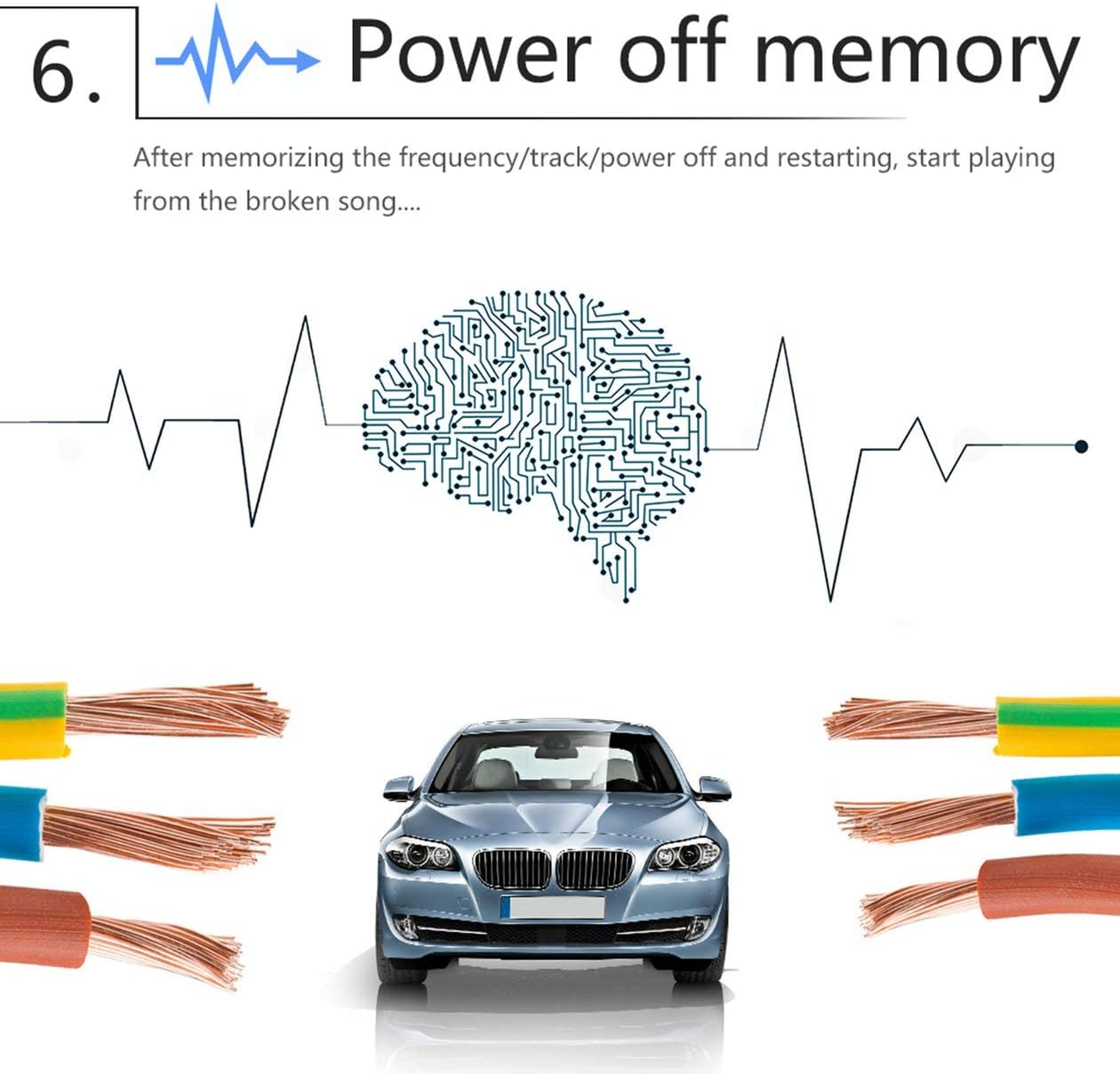
Image: Diagram illustrating the power-off memory function, which allows the device to resume playing from the last frequency or track after being powered off and restarted.
Setup and Installation
Proper installation is crucial for the optimal performance of your car MP3 player. It is recommended to have this unit installed by a professional if you are not familiar with car audio wiring.
Wiring Diagram
Refer to the following diagrams for correct wiring connections. Ensure all connections are secure to prevent short circuits or damage.

Image: Side view of the SX-5513 unit, showing a detailed wiring diagram printed on its casing. This diagram indicates connections for power, speakers, and other accessories.

Image: Rear view of the SX-5513 car radio, displaying various connection ports including RCA outputs, antenna input, and the main power/speaker harness connector.
General Installation Steps
- Disconnect the vehicle's negative battery terminal before starting any electrical work.
- Remove the existing car stereo (if any) and its mounting bracket.
- Connect the wiring harness from the SX-5513 to your vehicle's wiring, matching colors and functions according to the wiring diagram.
- Connect the antenna cable.
- Slide the SX-5513 unit into the dashboard opening until it clicks into place.
- Reconnect the vehicle's negative battery terminal.
- Test the unit's functions before fully reassembling the dashboard.
Operating Instructions
Front Panel Controls
Image: Close-up of the SX-5513 car radio's front panel, showing the display, control knobs, and buttons for various functions like APS, BND, DIS, 1/INT, 2/INT, 3/RPT, 4/RDM, 5/D-, 6/D+, USB, and SD card slots.
- Power/Mode Button: Press to turn on/off. Short press to switch between modes (FM, USB, TF, AUX, Bluetooth).
- Volume Knob: Rotate to adjust volume. Press to access audio settings (Bass, Treble, Balance, Fader, EQ).
- APS/BND Button: In FM mode, short press for automatic station search. Long press to store stations. Press to switch between FM bands (FM1, FM2, FM3).
- DIS Button: Display clock or other information.
- 1/INT Button: In playback mode, short press for play/pause. Long press for intro scan.
- 2/INT Button: In playback mode, short press for next track. Long press for repeat.
- 3/RPT Button: In playback mode, short press for repeat.
- 4/RDM Button: In playback mode, short press for random play.
- 5/D- Button: In playback mode, short press for previous folder/10 tracks back.
- 6/D+ Button: In playback mode, short press for next folder/10 tracks forward.
- USB Port: Insert USB flash drive for music playback.
- TF Card Slot: Insert TF (Micro SD) card for music playback.
- AUX Input: Connect external audio devices via a 3.5mm audio cable.
FM Radio Operation

Image: Illustration demonstrating the FM radio function, showing a radio tower, radio waves, and the car radio displaying an FM frequency (87.5M-108M).
- Press the Mode button to select FM mode.
- Press the BND button to switch between FM1, FM2, and FM3 bands.
- Long press the APS/BND button for automatic station search and storage.
- Short press the 2/INT or 3/RPT buttons to manually tune to the next/previous station.
Bluetooth Operation
- Press the Mode button to select Bluetooth mode (display will show "BT ON").
- On your mobile device, enable Bluetooth and search for "SX-5513".
- Select "SX-5513" to pair. Once paired, the display will show "BT ON" steadily.
- You can now play audio from your device or make/receive calls through the car stereo.
- Use the remote control or front panel buttons to answer/end calls, play/pause music, and skip tracks.
Maintenance
- Keep the unit dry. Moisture can damage the internal circuits.
- Do not expose the unit to extreme temperatures.
- Clean the unit with a soft, dry cloth. Do not use harsh chemicals or abrasive cleaners.
- Ensure proper ventilation around the unit to prevent overheating.
Troubleshooting
| Problem | Possible Cause | Solution |
|---|---|---|
| No power | Incorrect wiring; Blown fuse; Vehicle battery issue. | Check power and ground connections. Inspect and replace fuse if necessary. Check vehicle battery. |
| No sound | Incorrect speaker wiring; Volume too low; Mute function active. | Verify speaker connections. Increase volume. Deactivate mute. |
| Poor FM reception | Antenna not connected; Weak signal area; Damaged antenna. | Ensure antenna is securely connected. Try tuning to stronger stations. Inspect antenna for damage. |
| Bluetooth not connecting | Device not in pairing mode; Incorrect pairing procedure; Interference. | Ensure unit is in Bluetooth mode. Re-attempt pairing. Move closer to the unit. |
Specifications
| Feature | Detail |
|---|---|
| Brand | cottonlilac |
| Model | SX-5513 |
| Special Features | FM-tuner |
| Audio Output Mode | Stereo |
| Audio Output Type | Loudspeakers |
| Output Wattage | 50 Watt |
| Connectivity Technology | USB |
| Supported Audio Formats | MP3, WMA, WAV |
| First Available Date | October 13, 2020 |
Warranty and Support
For warranty information and technical support, please refer to the documentation provided with your purchase or contact cottonlilac customer service. Keep your proof of purchase for warranty claims.
For further assistance, please visit the official cottonlilac website or contact their customer support channels.
Ask a question about this manual
Ask about setup, troubleshooting, compatibility, parts, safety, or missing instructions. Manuals+ will review the question and use this page’s manual context to help answer it.