
BLARO W915
BLARO Bluetooth Headphones W915 User Manual
Model: W915 | Brand: BLARO
Introduction
Thank you for choosing BLARO Bluetooth Headphones W915. This manual provides essential information for setting up, operating, and maintaining your new headphones. Please read it carefully before use to ensure optimal performance and longevity of your device.
What's in the Box
- BLARO W915 Bluetooth Headphones
- 3.5mm Audio Cable
- USB Charging Cable
- Portable Carrying Bag
- User Manual
Product Overview & Features
High-Fidelity Audio with Deep Bass
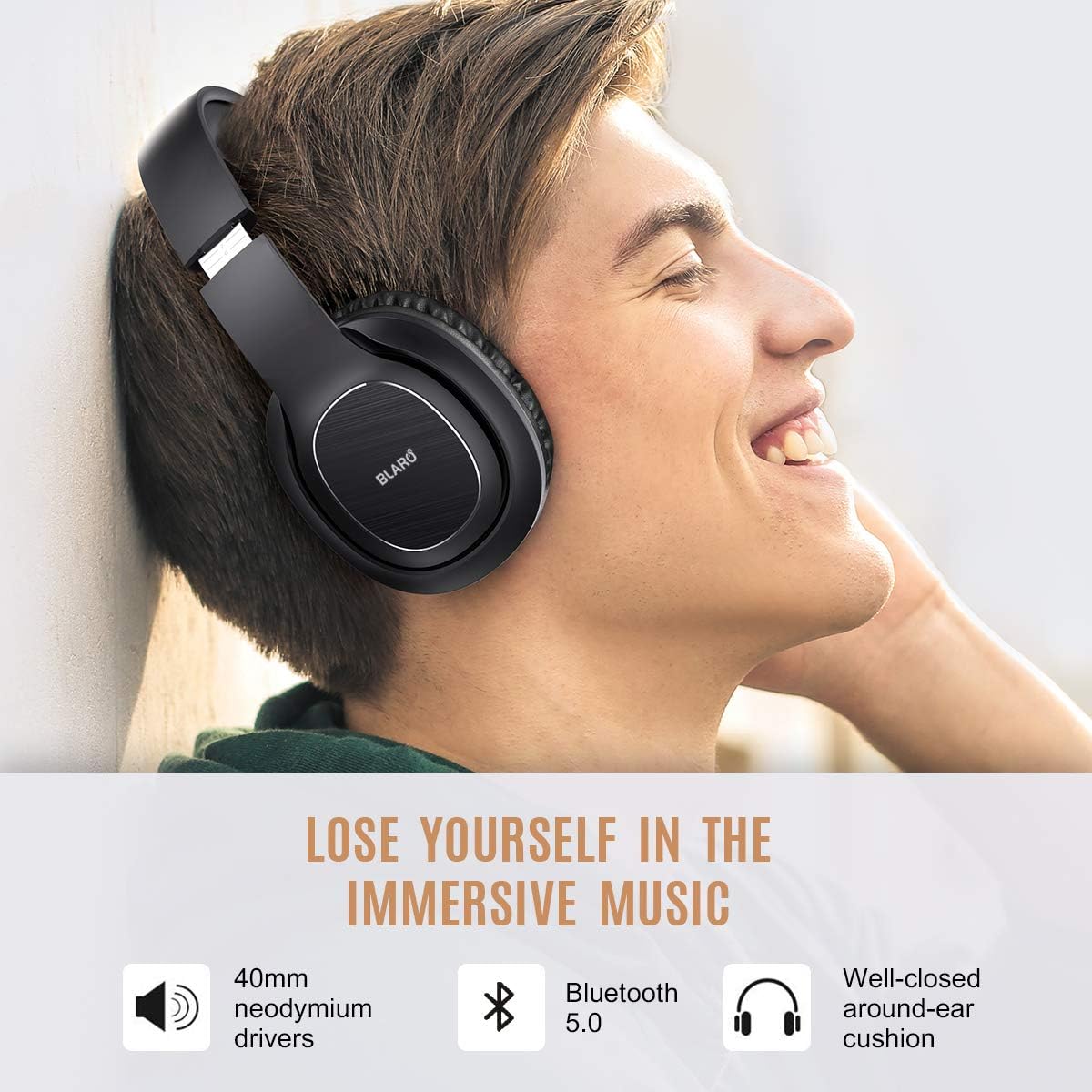
Experience immersive Hi-Fi sound and rich bass delivered by 40mm dynamic drivers. The closed-back design and sound isolation pads help minimize ambient noise, providing a focused listening experience. Equipped with Bluetooth 5.0 for stable and fast connectivity.
Extended Playtime & Dual Mode Connectivity

Enjoy up to 72 hours of music or talk time on a single charge (at maximum volume), or up to 90 hours at medium volume. A quick 2-hour charge provides 2 days of playtime. For uninterrupted listening, use the included 3.5mm audio cable to switch to wired mode, ensuring your headphones never power off.

Wired Mode: The headphones can also be used as a wired headset with the provided audio cable. This mode also supports calling due to the in-line microphone on the cable.
Comfort & Portability

Memory-protein ear cushions provide lasting comfort for extended listening sessions. The stainless steel slider and softly padded headband ensure a perfect, constraint-free fit for various head sizes. The stylish design adds a touch of elegance.

The unique foldable design allows for easy storage and portability, making them ideal for travel. A portable carrying bag is included for added convenience and protection.
Hands-Free Communication
Equipped with a high-quality built-in CVC6.0 noise reduction microphone, these headphones enable clear hands-free calls. Enjoy stable connections with Bluetooth-enabled devices such as cell phones, tablets, PCs, and TVs within a 10m/33ft range.
Setup & Pairing
Bluetooth Pairing
To pair your BLARO W915 headphones with a device:
- Ensure the headphones are charged.
- Press and hold the Power button on the right earcup until the LED indicator flashes blue and red alternately. This indicates pairing mode.
- On your device (smartphone, tablet, PC), enable Bluetooth and search for available devices.
- Select "BLARO W915" from the list of found devices to connect.
- Once connected, the LED indicator will turn solid blue or stop flashing, depending on the model.
Video: Official BLARO W915 Bluetooth headphones overview and pairing guide. This video demonstrates the unboxing, features, and simple Bluetooth pairing process for the headphones.
Operating Instructions
Controls
The main controls are located on the right earcup:
- Power Button: Press and hold to turn on/off. Short press to play/pause music or answer/end calls.
- Volume Up (+): Short press to increase volume. Long press for next track.
- Volume Down (-): Short press to decrease volume. Long press for previous track.
Making Calls
When connected via Bluetooth or wired mode (using the cable with in-line mic):
- Answer/End Call: Short press the Power button.
- Reject Call: Long press the Power button.
- Redial Last Number: Double-press the Power button.
Maintenance
To ensure the longevity and optimal performance of your BLARO W915 headphones:
- Keep the headphones clean by wiping them with a soft, dry cloth.
- Avoid exposing the headphones to extreme temperatures, humidity, or direct sunlight.
- Store the headphones in the provided portable bag when not in use to protect them from dust and scratches.
- Do not attempt to disassemble or modify the headphones, as this will void the warranty.
Troubleshooting
If you encounter issues with your headphones, try the following solutions:
- No Power: Ensure the headphones are fully charged using the provided USB cable.
- Cannot Pair: Make sure the headphones are in pairing mode (flashing blue and red). Turn off and on your device's Bluetooth, then try pairing again. Ensure the headphones are within 10m/33ft of your device.
- No Sound: Check the volume levels on both the headphones and your connected device. Ensure the headphones are properly paired or the audio cable is securely connected.
- Poor Sound Quality: Move closer to your device to reduce interference. If using wired mode, ensure the cable is fully inserted and undamaged.
If the issue persists, please refer to the warranty and support information.
Specifications
| Feature | Specification |
|---|---|
| Model Number | W915 |
| Connectivity Technology | Wireless, Wired |
| Wireless Communication Technology | Bluetooth 5.0 |
| Bluetooth Range | 10 Meters (33 feet) |
| Battery Life | Up to 72 Hours (max volume), 90 Hours (medium volume) |
| Charging Time | 2.5 Hours |
| Headphones Jack | 3.5 mm Jack |
| Audio Driver Type | Dynamic Driver (40mm) |
| Microphone | Built-in CVC6.0 Noise Reduction Mic |
| Ear Placement | Over Ear |
| Noise Control | Sound Isolation (Note: Not Active Noise Cancellation) |
| Material | Faux Leather, Matte finished, ABS |
| Item Weight | 240 Grams (8.5 ounces) |
| Product Dimensions | 5.91 x 5.31 x 3.19 inches |
| UPC | 712673069863 |
Warranty & Support
BLARO provides a standard warranty for its products. For detailed warranty information, product support, or technical assistance, please contact BLARO customer service through the retailer's platform or the official BLARO website. Please retain your proof of purchase for warranty claims.
For further assistance, you may visit the BLARO Brand Store on Amazon.
Ask a question about this manual
Ask about setup, troubleshooting, compatibility, parts, safety, or missing instructions. Manuals+ will review the question and use this page’s manual context to help answer it.