
Introduction
This manual provides essential information for the proper installation and maintenance of your PURE CLEAN Replacement Accessory & Filter Kit. This kit is designed to maintain the optimal performance of your compatible Pyle robotic vacuum cleaner.
Regular replacement of these components ensures efficient cleaning and extends the lifespan of your vacuum.
Compatibility
This replacement kit is specifically designed for use with the following Pyle Robotic Vacuum Cleaner models:
- PUCRC95
- PUCRC96B
Please verify your vacuum's model number before installing these replacement parts.
Kit Contents
The PURE CLEAN Replacement Accessory & Filter Kit includes the following components:
- (2) Side Brushes
- (1) Primary Air Filter
- (1) Secondary Air Filter
- (1) Mop Cloth

Image: An assortment of replacement parts, including multiple side brushes and two filters, for the PURE CLEAN robotic vacuum kit.
Installation Instructions
1. Replacing Side Brushes
- Power Off: Ensure your robotic vacuum is powered off and disconnected from its charging base.
- Access Brushes: Carefully turn the vacuum cleaner upside down to access the side brushes.
- Remove Old Brushes: Locate the screws holding the side brushes in place. Use a screwdriver to remove these screws and detach the worn brushes.
- Install New Brushes: Align the new side brushes with the corresponding posts on the vacuum. Secure them in place with the screws previously removed. Ensure they are firmly attached and can rotate freely.

Image: A Pyle robotic vacuum with its top cover open, revealing the filter compartment. A single side brush is shown detached next to the vacuum, illustrating its placement.
2. Replacing Air Filters
- Open Dust Bin: Locate and open the dust bin compartment on your robotic vacuum.
- Remove Old Filters: Carefully remove the existing primary and secondary air filters from the dust bin. Dispose of them properly.
- Insert New Filters: Place the new primary air filter into its designated slot, followed by the secondary air filter. Ensure they are seated correctly to maintain proper filtration.
- Close Dust Bin: Close the dust bin compartment securely.
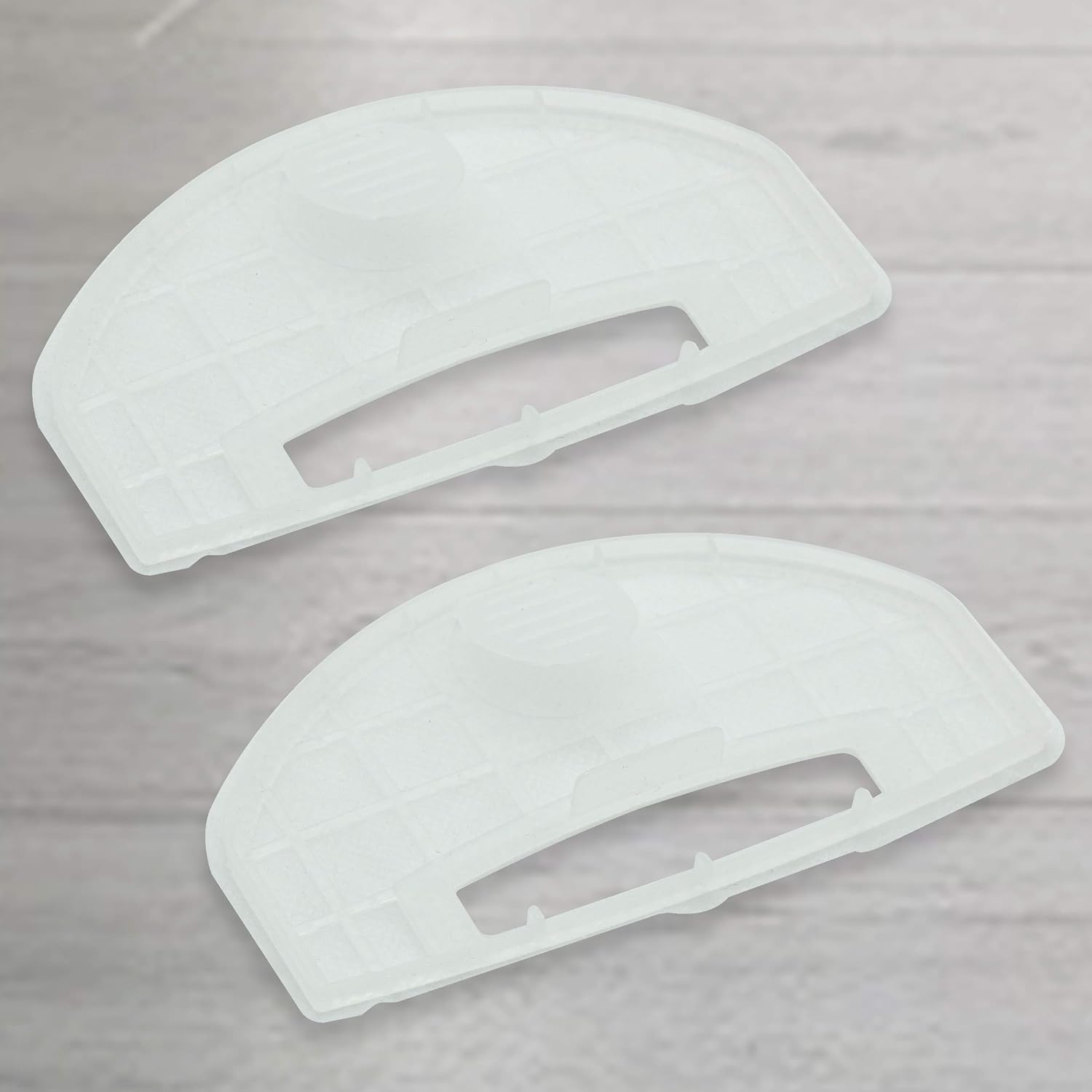
Image: A pair of new replacement air filters, designed to fit into the vacuum's dust bin.

Image: A close-up view of a vacuum filter and a side brush, with labels indicating 'Vac Filter' and 'Side Brushes' respectively.
3. Replacing Mop Cloth
If your Pyle robotic vacuum model utilizes a mop cloth, follow these steps:
- Detach Old Cloth: Remove the used mop cloth from the vacuum's mopping attachment.
- Attach New Cloth: Secure the new mop cloth to the mopping attachment, ensuring it is properly aligned and fastened.
Maintenance and Replacement Schedule
To ensure optimal cleaning performance and longevity of your robotic vacuum, adhere to the following general maintenance guidelines:
- Side Brushes: Inspect regularly for wear and tear. Replace every 3-6 months, or sooner if visibly damaged or bent.
- Air Filters: Clean filters weekly by gently tapping out debris. Replace every 1-3 months, depending on usage and pet hair presence.
- Mop Cloth: Wash after each use. Replace every 1-2 months, or when it shows signs of significant wear.
Note: Actual replacement frequency may vary based on usage, environment, and specific vacuum model.
Troubleshooting
If your vacuum's cleaning performance decreases after replacing parts, consider the following:
- Incorrect Installation: Double-check that all brushes and filters are installed correctly and securely.
- Obstructions: Ensure no hair or debris is tangled around the side brushes or main brush (if applicable).
- Filter Clogging: Even new filters can become clogged quickly in very dusty environments. Clean or replace more frequently if needed.
Specifications
| Brand | PURE CLEAN |
| Compatible Models | Pyle PUCRC95, PUCRC96B |
| Kit Contents | (2) Side Brushes, (1) Primary Air Filter, (1) Secondary Air Filter, (1) Mop Cloth |
| Item Model Number (Kit) | PRTPUCRC9510.9 |
| UPC | 842893131641 |
| Product Dimensions | 2 x 6 x 10 inches (packaging) |
| Item Weight | 1.41 ounces |
Customer Support
For further assistance, technical support, or warranty inquiries regarding your PURE CLEAN Replacement Accessory & Filter Kit, please contact PURE CLEAN customer service through their official website or the retailer where the product was purchased.
Always refer to your specific robotic vacuum's user manual for detailed instructions on part removal and installation, as procedures may vary slightly between models.