

Introduction
This manual provides essential instructions for the safe and efficient operation of your Motorola Sonic MAXX 820 XL Wireless Portable Party Speaker. Please read this manual thoroughly before using the product and retain it for future reference. The Sonic MAXX 820 XL is designed to deliver powerful audio with integrated dual subwoofers, a multi-color LED party light system, and IPX4 water resistance, making it suitable for various environments.
Package Contents
Verify that all items listed below are present in your package:
- Motorola Sonic MAXX 820 XL Speaker
- Microphone
- Charging Cable
- User Manual (this document)
Product Overview
Familiarize yourself with the speaker's components and controls.

Image: A close-up view of the speaker's grille, highlighting the Motorola branding.

Image: Top-down view of the speaker's control panel, showing buttons for volume, playback, EQ, and input selection, along with the display.
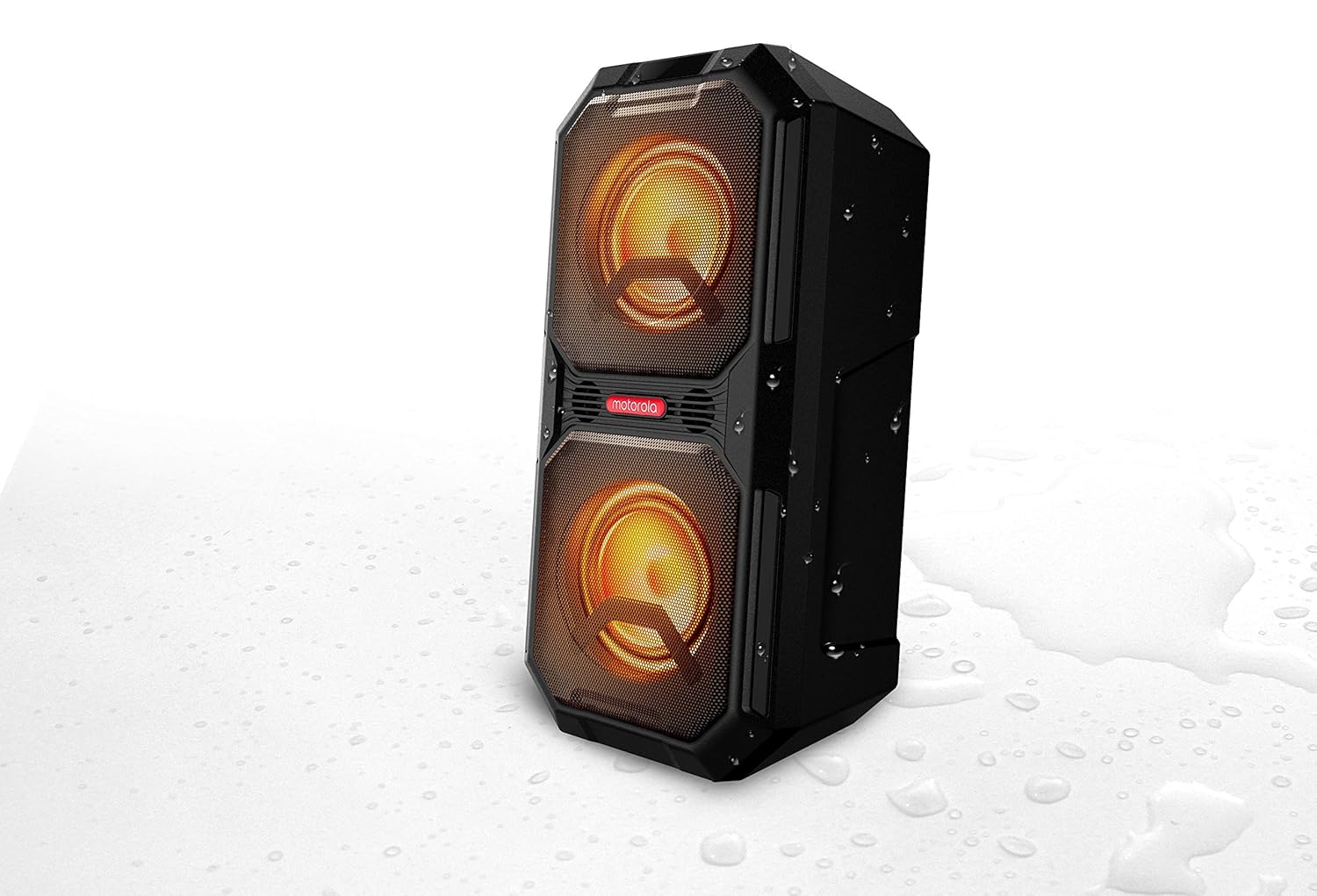
Image: Side view of the speaker, illustrating the integrated handle for portability and the rear input/output ports.
Setup
1. Charging the Speaker
Before first use, fully charge the speaker. Connect the provided charging cable to the speaker's DC IN port and a suitable power source. The LED display will indicate charging status. A full charge provides approximately 20 hours of music playtime.
2. Powering On/Off
- To power on: Press and hold the Power button on the control panel.
- To power off: Press and hold the Power button again.
3. Bluetooth Pairing
The speaker uses Bluetooth 5.0 for wireless connectivity.
- Ensure the speaker is powered on and in Bluetooth pairing mode (indicated by a flashing Bluetooth icon on the display).
- On your mobile device, enable Bluetooth and search for available devices.
- Select "Motorola Sonic MAXX 820 XL" from the list.
- Once connected, the Bluetooth icon will stop flashing.
4. True Wireless Link (TWS) Connection
To connect two Sonic MAXX 820 XL speakers for stereo sound:
- Ensure both speakers are powered on and not connected to any Bluetooth device.
- On one speaker (this will be the primary speaker), press and hold the TWS button. The display will show 'TWS'.
- The primary speaker will automatically search for and connect to the secondary speaker.
- Once connected, the TWS indicator will be solid on both speakers.
- Now, pair your mobile device to the primary speaker via Bluetooth as described above.
Operating Instructions
1. Audio Playback
- Volume Control: Use the 'VOL+' and 'VOL-' buttons on the control panel to adjust the master volume.
- Playback Controls: Use the Play/Pause button to start or stop playback. Use the Previous/Next track buttons to skip tracks.
2. EQ Modes
The speaker features 5 preset EQ programs. Press the EQ button to cycle through Flat, Rock, Pop, Classic, and Jazz modes to optimize sound for different music genres.
3. LED Party Lights
The integrated multi-color LED light system can be controlled via a dedicated button on the control panel. Press the button to cycle through different light modes or to turn the lights off.

Image: The Motorola Sonic MAXX 820 XL speaker with its multi-color LED lights illuminated, showcasing the party light feature.
4. Microphone Usage
Connect the included microphone to the MIC-1 or MIC-2 input port. Adjust the microphone volume using the 'MIC VOL+' and 'MIC VOL-' controls. The 'ECHO+' and 'ECHO-' controls adjust the microphone echo effect.

Image: The Motorola Sonic MAXX 820 XL speaker with the included microphone connected to one of its input ports.
5. AUX Input
Connect an external audio device using a 3.5mm audio cable to the AUX IN port. The speaker will automatically switch to AUX mode, or you may need to select it manually via the input selection button.
6. USB Playback/Charging
The USB port (USB 5V 1A) can be used for playing audio files from a USB drive or for charging compatible external devices.
Maintenance
1. Cleaning
Wipe the speaker's exterior with a soft, dry cloth. Do not use abrasive cleaners or solvents. Ensure all ports are dry before connecting cables.
2. Water Resistance (IPX4)
The speaker is IPX4 water resistant, meaning it is protected against splashing water from any direction. Do not submerge the speaker in water or expose it to strong jets of water. Ensure all port covers are securely closed when near water.
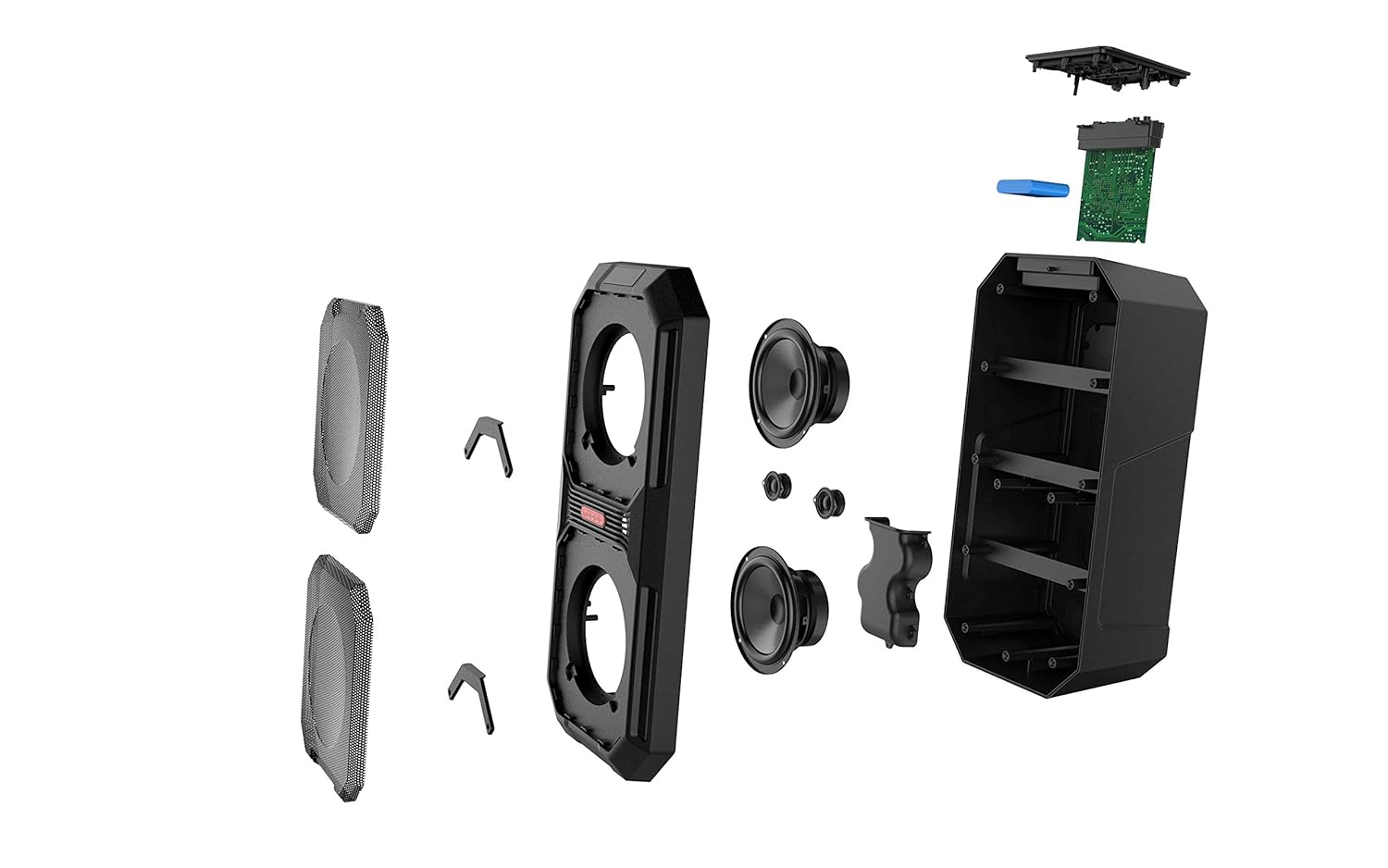
Image: The Motorola Sonic MAXX 820 XL speaker with water droplets, illustrating its IPX4 water resistance.
Troubleshooting
- No Power: Ensure the speaker is charged. Connect the charging cable and allow it to charge for a period before attempting to power on.
- No Sound: Check the volume levels on both the speaker and your connected device. Ensure the correct input source (Bluetooth, AUX) is selected.
- Bluetooth Connection Issues: Ensure the speaker is in pairing mode. Turn off and on Bluetooth on your device. Move your device closer to the speaker. Disconnect from other Bluetooth devices.
- Microphone Not Working: Ensure the microphone is securely plugged into the MIC port. Check the microphone volume control on the speaker.
Specifications
Detailed technical specifications for the Motorola Sonic MAXX 820 XL speaker:

Image: Diagram showing the dimensions of the Motorola Sonic MAXX 820 XL speaker (Height: 70.3cm, Width/Depth: 34.1cm).
| Feature | Specification |
|---|---|
| Model Name | SP020 |
| Speaker Type | Subwoofer |
| Wattage | 80 Watts |
| Bluetooth Version | Bluetooth 5.0 |
| Battery Life | Up to 20 hours |
| Water Resistance | IPX4 |
| Product Dimensions (LxWxH) | 24.3 x 30 x 61.2 cm |
| Item Weight | 4.2 kg |
| Included Components | Speaker, Microphone, Cable, Manual |
| EQ Programs | Flat, Rock, Pop, Classic, Jazz |
| Control Method | Touch |
Safety Information
- Do not expose the speaker to extreme temperatures or direct sunlight for extended periods.
- Avoid dropping or subjecting the speaker to strong impacts.
- Keep the speaker away from medical devices.
- Do not attempt to disassemble or modify the speaker. This will void the warranty.
- Use only the provided charging cable or a certified equivalent.
Warranty and Support
Your Motorola Sonic MAXX 820 XL speaker is covered by a manufacturer's warranty. Please refer to the warranty card included in your package for specific terms and conditions. For technical support or service inquiries, please contact your local Motorola Sound customer service or authorized dealer.