
SLENPET F65-20
SLENPET Portable Rechargeable Fan User Manual
Model: F65-20
1. Product Overview
The SLENPET F65-20 is a versatile, rechargeable portable fan designed for various uses, including home, office, and outdoor activities like camping. It features a high-capacity 20,000mAh battery, offering extended operation time, a USB output for emergency charging of other devices, multiple speed settings, a convenient auto-off timer, and 350-degree rotation for optimal airflow.
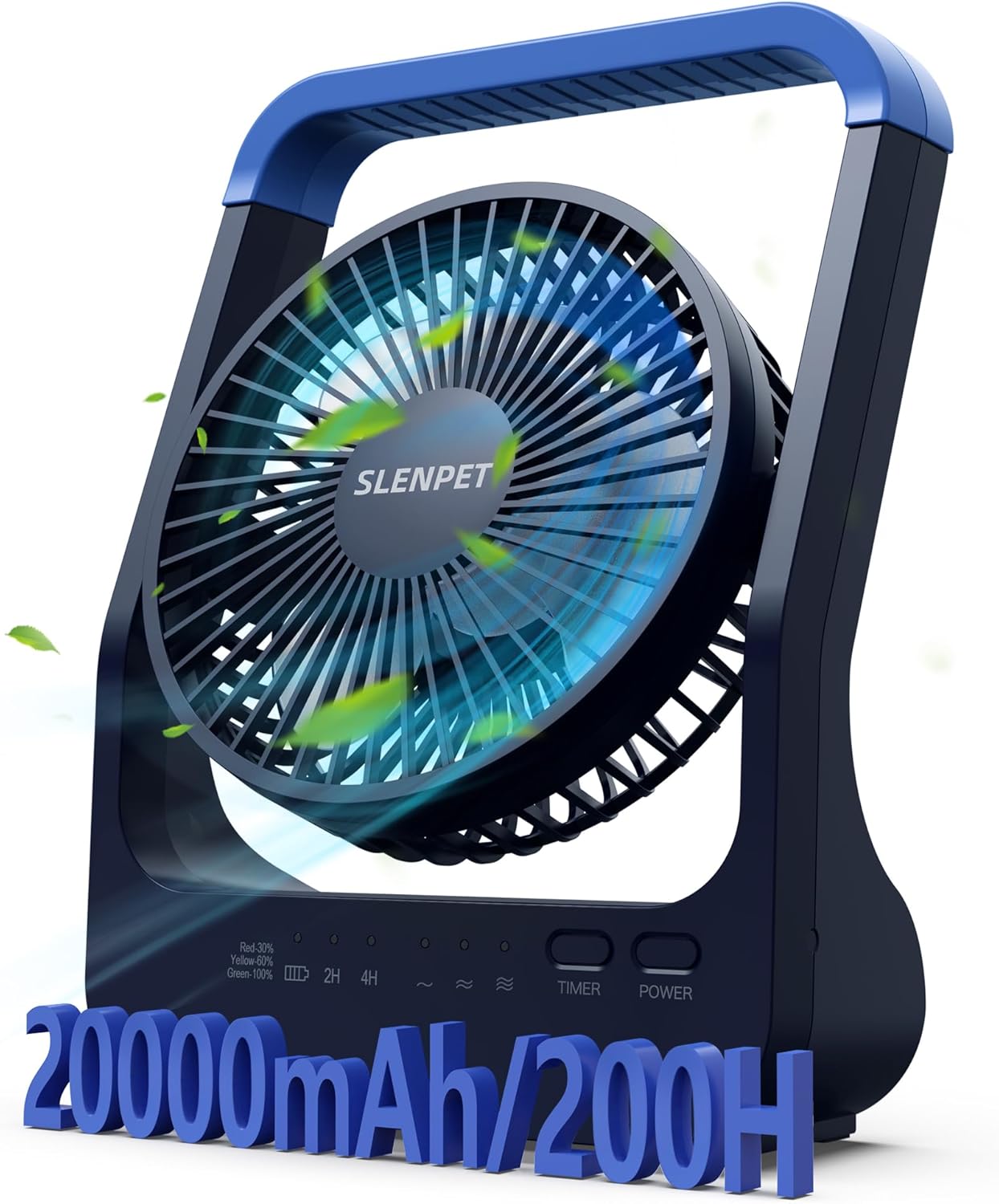
Figure 1.1: SLENPET F65-20 Portable Rechargeable Fan. This image shows the fan from a front-angle view, highlighting its compact design and the SLENPET logo on the fan grille.
2. Safety Instructions
Please read all safety instructions carefully before using the fan to ensure safe and proper operation. Keep this manual for future reference.
- Do not insert fingers or any objects into the fan grille when the fan is operating.
- Keep the fan away from water or other liquids to prevent electric shock.
- Do not disassemble, repair, or modify the fan yourself. Contact qualified service personnel for repairs.
- Keep out of reach of children and pets.
- Do not expose the fan to extreme temperatures, direct sunlight, or high humidity.
- Use only the provided charging cable or a certified equivalent.
- Ensure the fan is placed on a stable, flat surface to prevent it from tipping over.
- Unplug the fan when not in use for extended periods or before cleaning.
3. Package Contents
Verify that all items are present in the package:
- SLENPET F65-20 Portable Rechargeable Fan
- USB Charging Cable
- User Manual (this document)
4. Product Features
- High-Capacity Battery: Built-in 20,000mAh rechargeable battery provides up to 200 hours of continuous operation on a single charge (at lowest speed).
- Emergency Power Bank: Equipped with a USB output port to charge mobile phones, laptops, and other devices during power outages or emergencies.
- Auto-Off Timer: Features a 2-hour or 4-hour automatic shut-off timer for convenient use, especially during sleep.
- Multiple Speed Settings: Choose from 3 adjustable fan speeds (Soft, Moderate, Strong Wind) to suit your cooling needs.
- 350° Rotation: The fan head can be manually rotated 350 degrees vertically and horizontally to direct airflow precisely.
- Ultra-Quiet Operation: Designed to operate with low noise, ensuring minimal disturbance.
- Portable Design: Compact size with a convenient handle for easy carrying and space-saving placement.
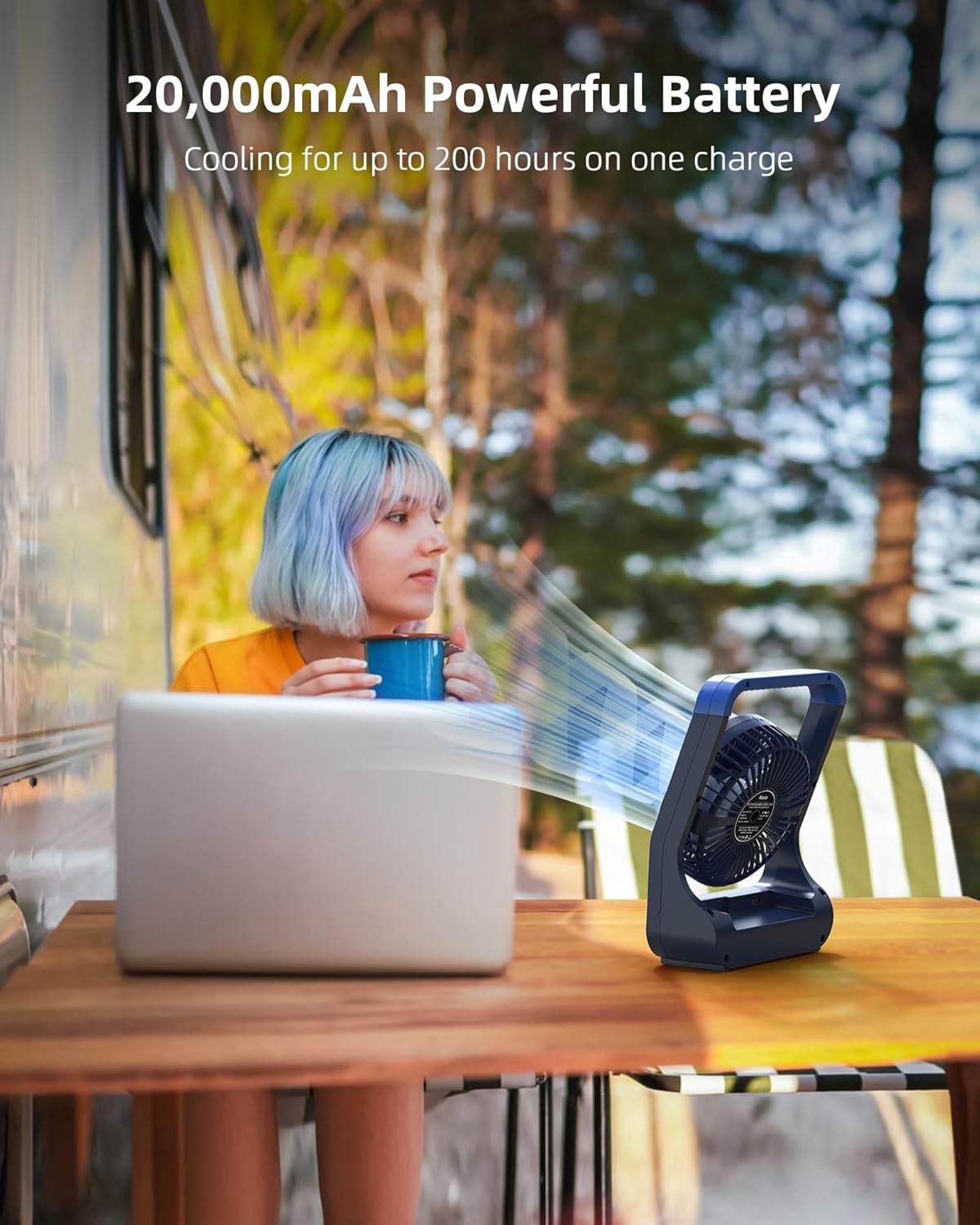
Figure 4.1: The fan's powerful 20,000mAh battery provides extended cooling, as shown with a person using it next to a laptop outdoors.

Figure 4.2: The fan offers days of continuous cooling, making it ideal for outdoor activities like camping, as depicted with two people relaxing near a tent.
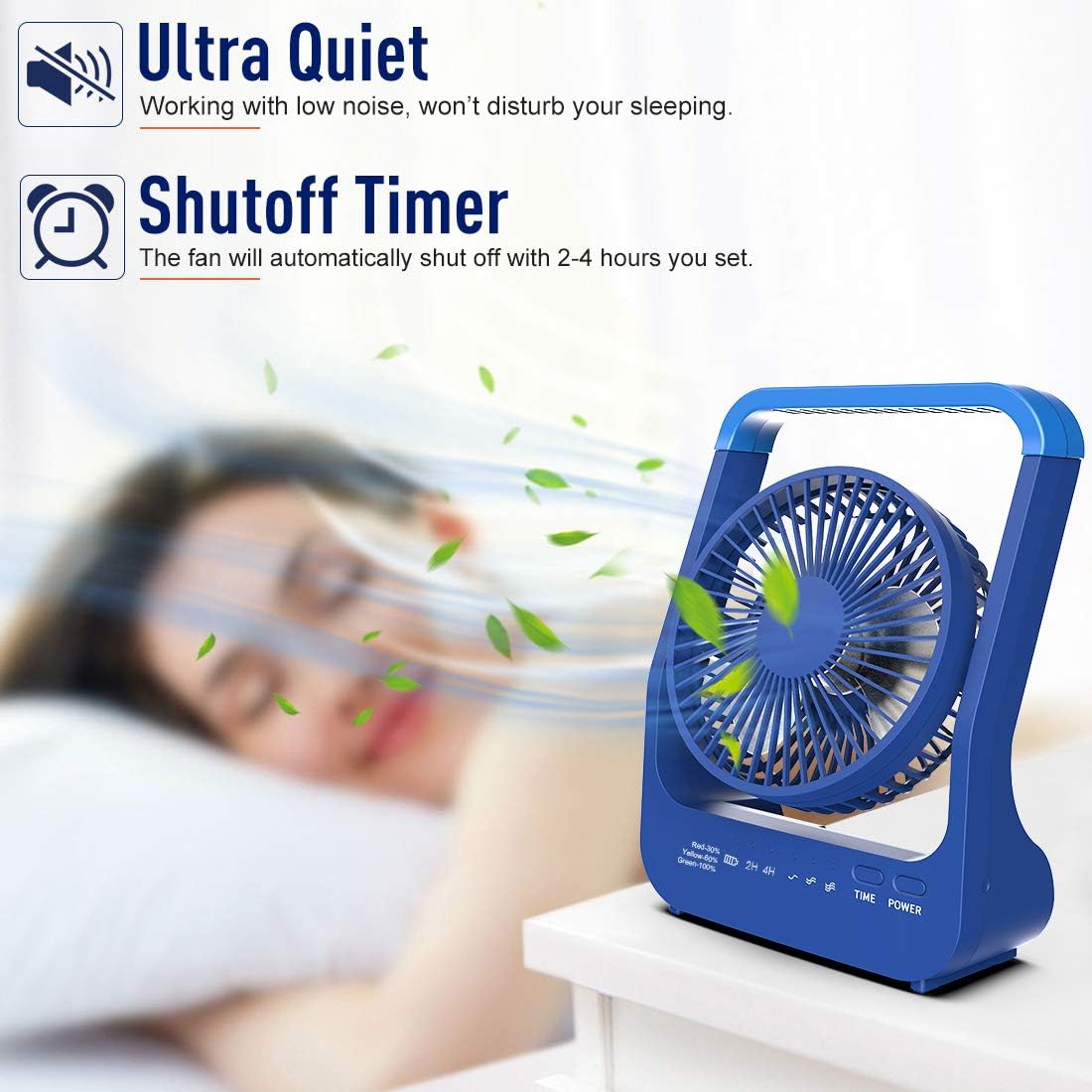
Figure 4.3: The fan features ultra-quiet operation and a convenient shutoff timer, perfect for use in a bedroom without disturbing sleep.
5. Setup
5.1 Initial Charging
Before first use, fully charge the fan. Connect the provided USB charging cable to the fan's input port and plug the other end into a USB power adapter (not included) or a computer USB port. The indicator lights will show the charging status and battery level.
- Red light: Battery below 30%
- Yellow light: Battery 30%-60%
- Green light: Battery 60%-100%
- All lights solid: Fully charged
5.2 Placement
Place the fan on a stable, flat surface. Ensure there is adequate space around the fan for proper airflow. The integrated handle also allows for hanging the fan if desired.
6. Operating Instructions
6.1 Power On/Off and Speed Adjustment
- Press the POWER button once to turn the fan on at the lowest speed (Soft Wind).
- Press the POWER button again to cycle through speeds: Moderate Wind, Strong Wind.
- Press the POWER button a fourth time to turn the fan off.
6.2 Timer Function
To set the auto-off timer:
- Press the TIMER button once for a 2-hour auto-off timer. The "2H" indicator light will illuminate.
- Press the TIMER button again for a 4-hour auto-off timer. The "4H" indicator light will illuminate.
- Press the TIMER button a third time to deactivate the timer function.
6.3 Adjusting Airflow Direction
The fan head can be manually rotated up to 350 degrees. Gently adjust the fan grille to your desired angle for optimal airflow.

Figure 6.1: The fan's 350-degree rotation capability allows for wide air coverage and precise airflow direction.
6.4 Using as an Emergency Power Bank
To use the fan as a power bank, connect your device's charging cable to the USB output port on the fan. The fan will automatically begin charging your device. Note that using the power bank function will consume the fan's battery life.

Figure 6.2: The fan can serve as an emergency charger, keeping your devices powered, as shown with a child charging a phone.
7. Maintenance
7.1 Cleaning
- Ensure the fan is turned off and unplugged before cleaning.
- Use a soft, dry cloth to wipe the exterior of the fan.
- For stubborn dirt, lightly dampen the cloth with water and a mild detergent, then wipe dry immediately.
- Do not use abrasive cleaners, solvents, or immerse the fan in water.
- Periodically clean the fan grille to remove dust buildup, which can affect performance. Use a soft brush or vacuum cleaner with a brush attachment.
7.2 Storage
When not in use for extended periods, store the fan in a cool, dry place, away from direct sunlight and extreme temperatures. It is recommended to charge the battery to about 50% before storing to prolong battery life.
8. Troubleshooting
| Problem | Possible Cause | Solution |
|---|---|---|
| Fan does not turn on. | Battery is depleted. | Charge the fan fully. |
| Weak airflow. | Fan grille is dusty; Fan is on low speed. | Clean the fan grille; Increase the fan speed. |
| Fan is noisy. | Fan grille is obstructed; Fan is on highest speed. | Check for obstructions and clean; Reduce fan speed if noise is excessive. |
| Device not charging when connected to USB output. | Fan battery is too low; Cable is faulty; Device is incompatible. | Charge the fan; Try a different USB cable; Ensure device is compatible with USB charging. |
9. Specifications
| Brand | SLENPET |
| Model Number | F65-20 |
| Color | Black, Blue |
| Product Dimensions (L x W x H) | 7.37 x 18.03 x 24.38 cm (2.9 x 7.1 x 9.6 inches) |
| Weight | 499 g (1.1 lbs) |
| Power | 5 Watts |
| Voltage | 5 Volts |
| Material | Plastic |
| Auto Shut-off Function | Yes (2H/4H) |
| Number of Speeds | 3 |
| Noise Level | 40 dB |
| Battery Type | Lithium-ion (20,000mAh) |
| Battery Life (Max) | Up to 200 hours (on lowest speed) |
10. Warranty and Support
SLENPET products are manufactured to high-quality standards. For warranty information, technical support, or any questions regarding your product, please contact SLENPET customer service through the retailer where you purchased the product or visit the official SLENPET website for contact details.
Please retain your proof of purchase for warranty claims.
Ask a question about this manual
Ask about setup, troubleshooting, compatibility, parts, safety, or missing instructions. Manuals+ will review the question and use this page’s manual context to help answer it.