
1. Introduction
The V-Guard Voltino Max TV Stabilizer is designed to provide reliable voltage protection for your valuable electronic appliances. This manual contains important information regarding the installation, operation, and maintenance of your stabilizer. Please read it thoroughly before use and retain it for future reference.
2. Safety Instructions
To ensure safe operation and prevent damage, observe the following safety precautions:
- Do not open the stabilizer casing. Refer all servicing to qualified service personnel.
- Ensure the stabilizer is installed in a well-ventilated area, away from direct sunlight, heat sources, and moisture.
- Do not overload the stabilizer beyond its specified capacity.
- Ensure proper grounding for all connected appliances.
- Keep children and pets away from the unit during operation.
- Disconnect the power supply before cleaning or performing any maintenance.
3. Product Features
The V-Guard Voltino Max TV Stabilizer offers advanced features for optimal protection:
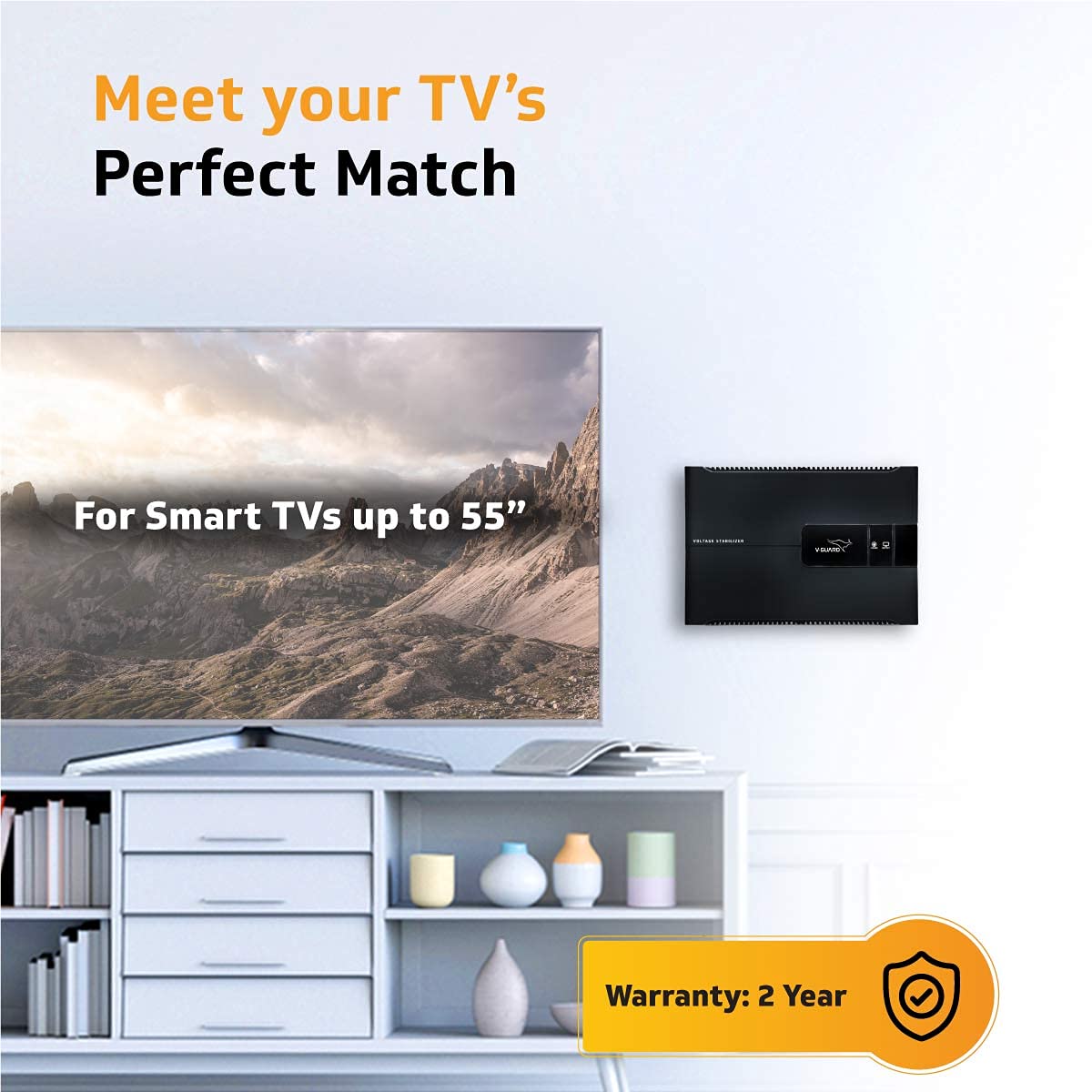
- Wide Compatibility: Suitable for Smart TVs up to 140 cm (55 inches), Set Top Boxes, Home Theatre Systems, and Gaming Consoles.
- Initial Time Delay System: Provides a gradual power supply to connected devices, extending their lifespan by reducing strain on electronics.
- Graphical LED Display: Offers real-time information on input and output voltage performance.
- Built-in Thermal Overload Protection: Automatically shuts down power during excessive heat to prevent damage from overheating.
- Faster & Accurate Input Voltage Correction: Utilizes advanced IC technology for precise voltage regulation.
- Effective Spike Protection: Incorporates a Metal Oxide Varistor (MOV) to safeguard against sudden voltage spikes.


4. Setup and Installation
Follow these steps for proper installation of your V-Guard Voltino Max Stabilizer:
- Locate a Suitable Place: Choose a location on the wall near the equipment to be connected, ensuring adequate ventilation.
- Mark Drilling Holes: Mark the positions for drilling holes, ensuring they are 140 mm apart.
- Drill Holes: Drill holes with a diameter less than 7 mm at the marked positions.
- Insert Plastic Plugs: Place the provided plastic plugs into the drilled holes.
- Mount Stabilizer: Insert the steel screws and securely mount your Voltino Stabilizer onto the wall.

Connecting Your Devices
Connect your TV, set-top box, home theatre system, or gaming console to the output sockets of the stabilizer. Ensure all connections are firm and secure.

5. Operating Instructions
Once installed and connected, operate your stabilizer as follows:
- Power On: Switch on the main power supply to the stabilizer.
- Initial Delay: The stabilizer will undergo an initial time delay (typically 4-6 seconds) before providing output power. This protects your devices from immediate power surges.
- Monitor LED Display: The graphical LED display will indicate the input and output voltage status. A steady green light typically indicates normal operation. Refer to the display for any warnings or error codes.
- Device Operation: After the delay, power will be supplied to your connected devices, which can then be switched on normally.

6. Maintenance
To ensure the longevity and optimal performance of your stabilizer:
- Cleaning: Regularly wipe the exterior with a soft, dry cloth. Do not use liquid cleaners or solvents.
- Ventilation: Ensure that the ventilation openings are not obstructed to prevent overheating.
- Cable Inspection: Periodically check power cords and connections for any signs of wear or damage.
- Avoid Overloading: Do not connect appliances that exceed the stabilizer's maximum capacity.
7. Troubleshooting
If you encounter issues with your V-Guard Voltino Max Stabilizer, refer to the following common problems and solutions:
| Problem | Possible Cause | Solution |
|---|---|---|
| No power output | Main power switch off, stabilizer switch off, input voltage too low/high, thermal overload activated. | Check main power, turn on stabilizer, wait for voltage to normalize, allow unit to cool if overloaded. |
| LED display shows error | Input voltage out of range, internal fault. | Check input voltage with a multimeter. If persistent, contact customer support. |
| Connected device not working | Device power switch off, faulty cable, stabilizer not providing power. | Check device power, inspect cables, verify stabilizer output. |
If the problem persists after attempting these solutions, please contact V-Guard customer support.
8. Specifications
Key technical specifications for the V-Guard Voltino Max TV Stabilizer:
- Model: Voltino Max For TVs Up to 140 cm (55")
- Applicable TV Size: Up to 140 cm (55 inches)
- Compatibility: Smart TVs, Set Top Boxes, Home Theatre Systems, Gaming Consoles
- Input Voltage Range: 90-290 VAC
- Capacity: 3 Ampere
- Item Weight: 2 kg 600 g
- Item Dimensions (LxWxH): 29 x 20 x 9.2 Centimeters
- Included Components: 1 Stabilizer Unit, 1 User Manual / Warranty Guide, Wall Mounting Screws

9. Warranty and Support
Your V-Guard Voltino Max TV Stabilizer comes with a 2-year warranty from the date of purchase, covering manufacturing defects. Please retain your purchase receipt and warranty card for service claims.
Customer Support
For any queries, service requests, or complaints, please contact V-Guard customer service:
- Phone: 012 0485 0100, 1860 180 3000
- Email: customercare@vguard.in
- Manufacturer Address: V-Guard Industries Ltd. 42/962, Vennala High School Road, Vennala, Kochi- 682028, Kerala, India