
Introduction
This manual provides essential information for the proper use and maintenance of your Sinocare Electronic Arm Blood Pressure Monitor. Please read this manual thoroughly before using the device to ensure accurate measurements and safe operation. Regular monitoring of blood pressure can help you stay informed about your health condition and assist medical professionals in understanding your medical history more precisely.
The Sinocare Blood Pressure Monitor is designed for convenient and reliable blood pressure measurement at home. It features a large LED display, voice broadcast function, and memory storage for two users.
Safety Information
- Consult your physician before using this device if you have any medical conditions.
- Do not use this device for diagnosis or treatment of any health problem or disease.
- Keep the device out of reach of children.
- Do not use the device in a moving vehicle or on an airplane.
- Avoid taking measurements immediately after bathing, exercising, or consuming alcohol/caffeine.
- Ensure the cuff is applied correctly and comfortably; over-tightening may cause discomfort.
Product Features

Image: Overview of the Sinocare Blood Pressure Monitor's key features, including two-user support, accuracy, irregular heartbeat symbol, large LED display, heartbeat detection, one-button design, voice function, automatic shutdown, and Type-C power.
- Voice Function: Features an English voice broadcast for readings, ideal for the elderly. Voice can be turned on/off.
- Large LED Display: High-definition LED screen (89mm * 97mm) with large numbers for easy reading of systolic, diastolic, and pulse rate data.
- 2x90 Memory for 2 Users: Stores 90 readings for each of two users, including date and time, and displays the average of the last three readings.
- Irregular Heartbeat (IHB) Detection: Alerts the user to irregular heartbeats during measurement.
- Blood Pressure Classification Indicator: Provides a color-coded indicator based on WHO guidelines for easy interpretation of blood pressure levels.
- Adjustable Cuff: Comes with a comfortable cuff suitable for arm circumferences from 22cm to 42cm.
- Smart Pressure & Over-pressure Protection: Ensures accurate and safe inflation during measurement.
- Power Options: Can be powered by 4 AAA batteries (included) or via AC/DC adapter with a Type-C port.
- Automatic Shut-off: Device automatically turns off after a period of inactivity to conserve power.
Components and Display

Image: Detailed view of the monitor's components, including the charging port, setting button, switch button, and memory button. The screen indicators for irregular heartbeat, user groups, blood pressure levels, and cuff detection are also highlighted.
The Sinocare Blood Pressure Monitor consists of the main unit and an arm cuff. The main unit features a large LED display and several control buttons:
- LED Display: Shows systolic (SYS), diastolic (DIA), pulse (PUL) readings, irregular heartbeat symbol, user group, memory indicator, and cuff detection status.
- START/STOP Button: Initiates and stops the measurement process.
- Setting Button: Used to adjust date, time, and voice settings.
- Switch Button: Allows switching between User 1 and User 2 memory profiles.
- Memory Button: Accesses stored measurement data.
- Charging Port (Type-C): For connecting an AC/DC adapter (not included) for power.
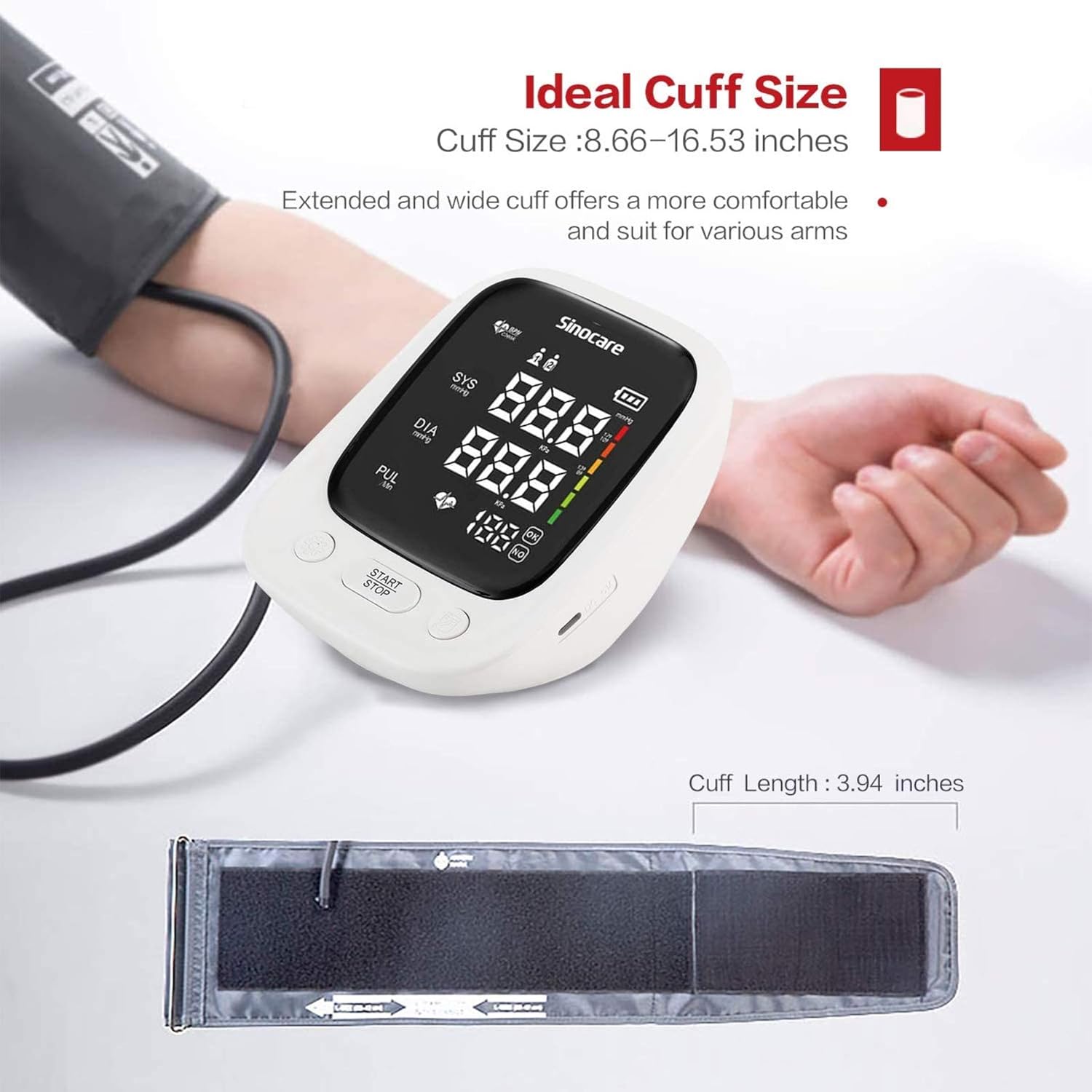
Image: The adjustable arm cuff, demonstrating its extended and wide design for comfortable fit on various arm sizes (22-42cm).
The arm cuff is designed to fit arm circumferences from 22cm to 42cm, ensuring a comfortable and accurate fit for most users.
Setup
1. Battery Installation
The device requires 4 AAA batteries. Open the battery compartment cover on the back of the monitor. Insert the batteries according to the polarity indicators (+/-) inside the compartment. Close the cover securely.
2. Attaching the Arm Cuff
Connect the air tube of the arm cuff to the air jack on the side of the main unit. Ensure the connection is secure.
Operating Instructions
1. Wearing the Cuff
- Place the cuff on your bare upper arm, 1 to 2 cm above the elbow joint.
- Ensure the air tube points towards your forearm.
- The red marked area on the cuff should point towards the middle of your finger. Keep the nozzle pointing upwards.
- Wrap the cuff snugly around your arm, ensuring it is not too tight or too loose.
2. Measurement Posture and Conditions
For accurate readings, follow these guidelines:
- Sit upright with your back straight and relaxed.
- Place your forearm on a table with your palm facing upwards.
- Ensure the center of the cuff is at the same height as your heart.
- Relax and avoid talking or moving during the measurement.
- Expose your upper arm or wear only thin clothing.
3. Taking a Measurement

Image: A finger pressing the 'START/STOP' button, illustrating the one-key operation of the device.
- Once the cuff is correctly positioned and you are in the proper posture, press the START/STOP button.
- The cuff will automatically inflate. Remain still and quiet.
- After the measurement is complete, the systolic, diastolic, and pulse rate readings will be displayed on the LED screen. If the voice function is enabled, the readings will be announced.
- The device will automatically store the reading in the selected user's memory.
4. Using the Voice Function
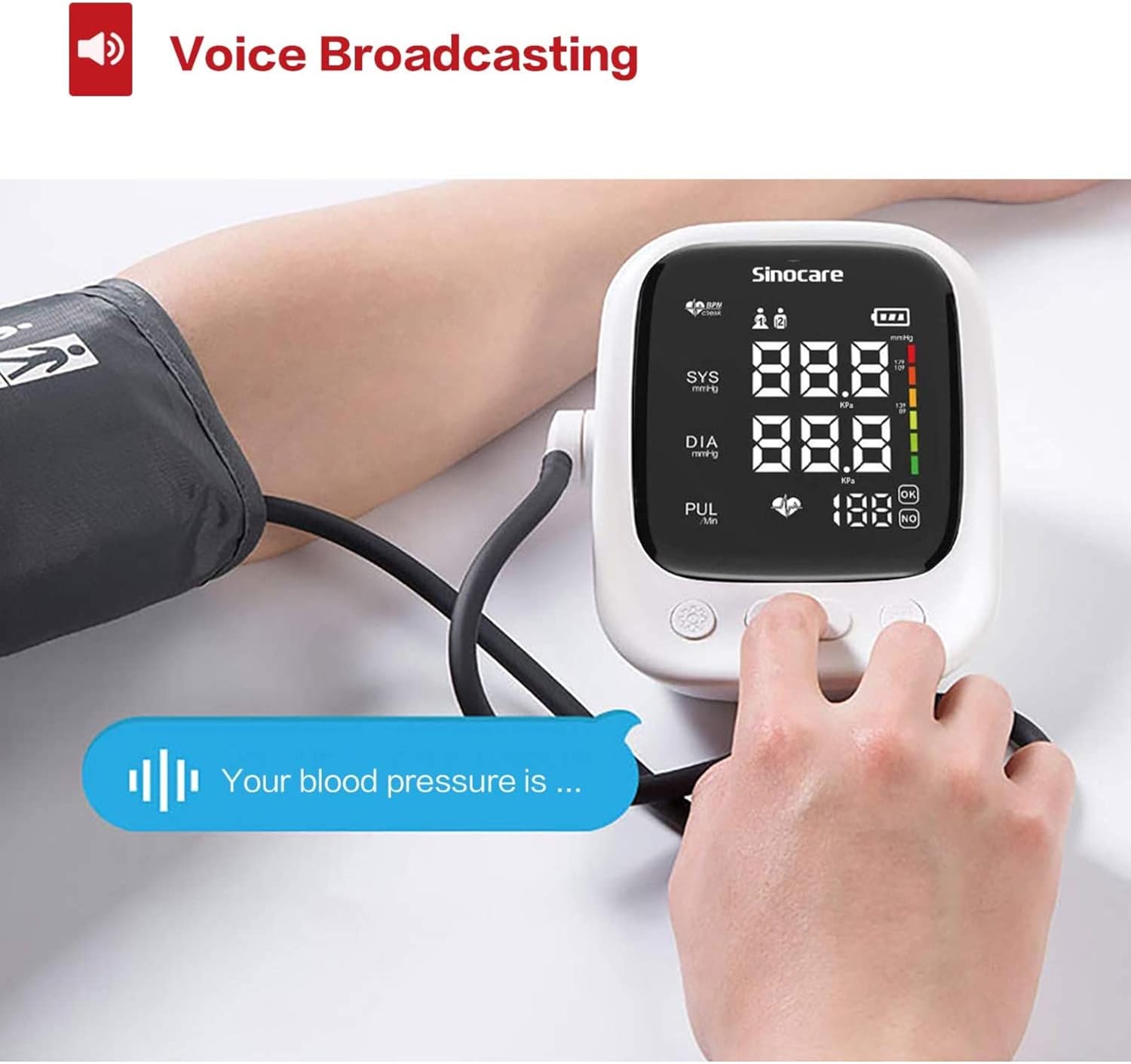
Image: The blood pressure monitor in use, with a voice bubble indicating the device's voice broadcasting feature for announcing readings.
The monitor is equipped with an English voice broadcast function. To enable or disable the voice, or to adjust its volume, refer to the settings menu accessible via the Setting button.
5. Memory Function (2 Users)

Image: The monitor highlighting its ability to switch between two user profiles, each storing 90 groups of readings to help monitor health.
The device supports two users, each with 90 memory slots. To switch between User 1 and User 2, press the Switch button. To view past readings, press the Memory button. The monitor will display the average of the last three readings for the selected user.
Maintenance
- Cleaning: Wipe the monitor and cuff with a soft, dry cloth. Do not use abrasive cleaners or immerse the device in water.
- Storage: Store the device in a cool, dry place, away from direct sunlight and extreme temperatures.
- Batteries: Remove batteries if the device will not be used for an extended period to prevent leakage.
Troubleshooting
| Problem | Possible Cause | Solution |
|---|---|---|
| No display/Device won't turn on | Low or dead batteries; Incorrect battery installation | Replace batteries; Check battery polarity |
| Inaccurate readings | Improper cuff placement; Incorrect posture; Movement/talking during measurement | Re-apply cuff correctly; Ensure proper posture; Remain still and quiet |
| Cuff does not inflate | Air tube not connected; Air leakage from cuff | Ensure air tube is securely connected; Check cuff for damage |
| Error message on screen | Specific error detected by the device | Refer to the error code in the manual (if provided by manufacturer) or contact customer support. |
Specifications
- Model: AES-U181
- Dimensions: 137mm * 109.2mm * 82 mm
- Weight: Approx. 255g ± 26g (excluding batteries)
- Display: LED Display
- Screen Size: 89mm * 97mm
- Cuff Size: Adjustable, 22-42cm
- Memory: 2 users, 90 sets of data each
- Power Source: 4 AAA batteries (included) or AC/DC adapter (not included) via Type-C port
- Automatic Shut-off: Yes
Warranty and Support
For warranty information, technical support, or service inquiries, please refer to the warranty card included with your product or contact Sinocare customer service directly. Contact details can typically be found on the product packaging or the official Sinocare website.


