
Introduction
Thank you for choosing the blucoil 5000mAh Portable Power Bank. This manual provides essential information for the safe and efficient use of your device. Please read it thoroughly before operation and retain it for future reference.
Product Overview
The blucoil 5000mAh Portable Power Bank is a compact and lightweight external battery designed to charge various electronic devices on the go. It features dual USB output ports for simultaneous charging and a Micro USB input for recharging the power bank itself.

Image: The blucoil 5000mAh Portable Power Bank, a black rectangular device with four LED indicator lights and the blucoil logo.
Setup and Charging the Power Bank
Before initial use, fully charge your blucoil Portable Power Bank.
- Locate the Micro USB input port on the power bank.
- Connect one end of the supplied 12-inch Micro USB charging cable to the power bank's input port.
- Connect the other end of the charging cable to a compatible USB wall adapter (not included) or a computer's USB port.
- The LED indicator lights on the power bank will illuminate to show the charging status. A full charge typically takes approximately 3.5 hours.
- Once all four LED lights are solid, the power bank is fully charged and ready for use.
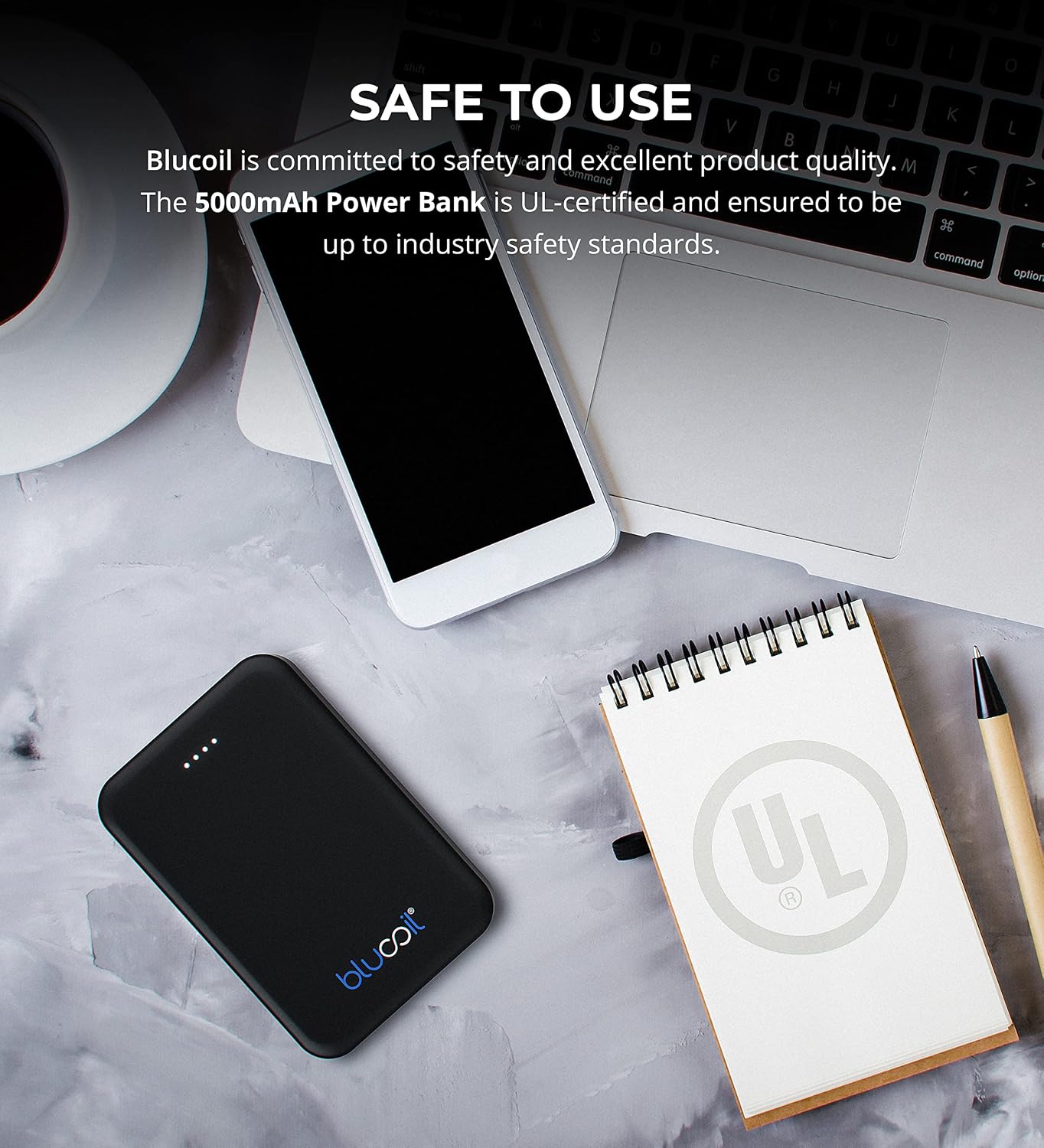
Image: The blucoil power bank connected to a wall adapter via a white USB cable, illustrating the charging process.
Operating Instructions
Charging Your Devices
The blucoil 5000mAh Portable Power Bank is equipped with two USB output ports, allowing you to charge up to two devices simultaneously.
- Connect your device's charging cable to one of the USB output ports on the power bank.
- Connect the other end of the cable to your electronic device.
- The power bank will automatically begin charging your device. The LED indicator lights will show the remaining power level of the power bank.
- Both USB ports provide 5V, 2.1A output power, suitable for fast charging compatible devices.

Image: The blucoil power bank simultaneously charging a smartphone and a tablet using its dual USB output ports.
Power Level Indicators
The four LED lights on the power bank indicate the remaining battery capacity:
- 4 LEDs: 75-100% charged
- 3 LEDs: 50-75% charged
- 2 LEDs: 25-50% charged
- 1 LED: 0-25% charged (recharge soon)
Wide Compatibility
The blucoil 5000mAh Portable Power Bank is compatible with a wide range of devices, including but not limited to:
- Smartphones
- Tablets
- Digital Cameras
- MP3/MP4 Players
- Headphones
- Game Consoles

Image: The blucoil power bank surrounded by icons representing various compatible devices such as phones, tablets, headphones, and game consoles.
Maintenance and Care
- Keep the power bank dry. Do not expose it to moisture or liquids.
- Avoid extreme temperatures. Do not store in very hot or cold environments.
- Clean the power bank with a soft, dry cloth. Do not use harsh chemicals or abrasive cleaners.
- Store the power bank with a partial charge (around 50%) if not used for extended periods to prolong battery life.
- Avoid dropping or subjecting the power bank to strong impacts.
Safety Information
The blucoil 5000mAh Portable Power Bank is designed with safety in mind and is UL-certified, ensuring it meets industry safety standards.
- Do not disassemble, modify, or attempt to repair the power bank.
- Keep out of reach of children.
- Do not short-circuit the power bank.
- Dispose of the power bank responsibly according to local regulations.

Image: The blucoil power bank placed next to a notebook with a prominent UL certification logo, indicating product safety compliance.
Troubleshooting
- Power bank not charging: Ensure the charging cable is securely connected to both the power bank's Micro USB input and the wall adapter/USB port. Try a different cable or adapter.
- Device not charging from power bank: Ensure the power bank is sufficiently charged. Check that the device's charging cable is properly connected to both the power bank's output port and your device. Try a different cable.
- Slow charging: Ensure you are using a compatible charging cable and that the power bank has adequate charge. Some devices may charge slower if the power bank's charge is very low.
Specifications
| Feature | Detail |
|---|---|
| Brand | blucoil |
| Model | 5000mAh Portable Power Bank |
| Battery Capacity | 5000 Milliamp Hours (18.5Wh) |
| Output Voltage | 5 Volts |
| Output Current | 2.1A (per port) |
| Connector Type | Micro USB (Input) |
| Item Weight | 4.6 ounces |
| Package Dimensions | 6.26 x 3.58 x 0.71 inches |
| Special Features | Lightweight, Portable, Travel-friendly |
Warranty and Support
For warranty information or technical support, please refer to the product packaging or contact blucoil customer service through the retailer where the product was purchased. Keep your proof of purchase for any warranty claims.