
1. Introduction
This manual provides detailed instructions for the installation, operation, and maintenance of your ZOSI 5MP 8-Channel PoE Security Camera System. This system is designed to provide reliable 24/7 surveillance with high-definition video, advanced human detection, and remote access capabilities.

Image 1.1: ZOSI 5MP 8-Channel PoE Security Camera System components including NVR, 2TB HDD, and 8 PoE cameras.
2. Package Contents
Verify that all items listed below are included in your package. If any items are missing or damaged, please contact ZOSI customer support.
- 1 x 8-Channel 5MP CCTV PoE NVR with 2TB Security Grade Hard Drive
- 8 x 4MP Indoor/Outdoor PoE CCTV Cameras
- 8 x 60ft Ethernet Cables
- 8 x Mounting Screw Kits
- 1 x NVR Power Supply
- 1 x USB Mouse
- 1 x Quick Start Guide
- 8 x Mounting Hole Templates
- 8 x Warning Stickers

Image 2.1: Visual representation of all items included in the ZOSI security system package.
3. System Overview
3.1 Network Video Recorder (NVR)
The NVR is the central unit for recording, storing, and managing video footage from your cameras. It features multiple ports for camera connections, network access, and video output.
3.2 PoE IP Cameras
The included PoE (Power over Ethernet) cameras receive both power and data through a single Ethernet cable, simplifying installation. They are designed for both indoor and outdoor use with IP66 weatherproof rating.
Image 3.1: Close-up of a ZOSI camera highlighting its features (metal casing, IP66, microphone, 4.0mm lens, 95° viewing angle, IR-LEDs for 100ft night vision) and the NVR's rear panel with power, video input (PoE), network, audio out, HDMI, VGA, and USB ports.
4. Setup and Installation
4.1 Connecting the System (PoE)
The PoE system simplifies installation by using a single Ethernet cable for both power and video transmission. Connect each camera directly to the PoE ports on the NVR using the provided Ethernet cables.
- Connect the NVR to a power source using the NVR Power Supply.
- Connect the NVR to your router using an Ethernet cable for network access.
- Connect a monitor to the NVR via HDMI or VGA port.
- Connect the USB mouse to the NVR's USB port for navigation.
- Connect each PoE camera to an available PoE port on the NVR using the Ethernet cables. The cameras will power on automatically.

Image 4.1: Simplified diagram showing a PoE camera connected to the NVR via a single Ethernet cable for power, video, and audio.
4.2 Camera Mounting
The cameras are IP66 weatherproof, suitable for both indoor and outdoor environments. Choose mounting locations that provide optimal viewing angles and coverage.
- Use the provided mounting hole templates to mark drilling positions.
- Securely attach the cameras using the mounting screws.
- Adjust the camera angle for desired coverage.

Image 4.2: A ZOSI camera mounted outdoors, demonstrating its IP66 weatherproof rating and suitability for various temperatures.
5. Operation
5.1 24/7 Recording
The NVR is equipped with a 2TB security-grade hard drive for continuous 24/7 recording. The system utilizes H.265+ video compression technology, which optimizes storage space while maintaining high video quality.

Image 5.1: Illustration of the NVR providing 24/7 video and audio recording, with footage stored on the hard drive.
5.2 Video Quality and Night Vision
The cameras provide 4MP Ultra HD video at 25 frames per second (fps), capturing clear details. Enhanced night vision capabilities extend up to 100 feet, ensuring visibility in low-light conditions.

Image 5.2: Split screen showing clear 4MP Super HD video during the day and 100ft night vision footage at night.
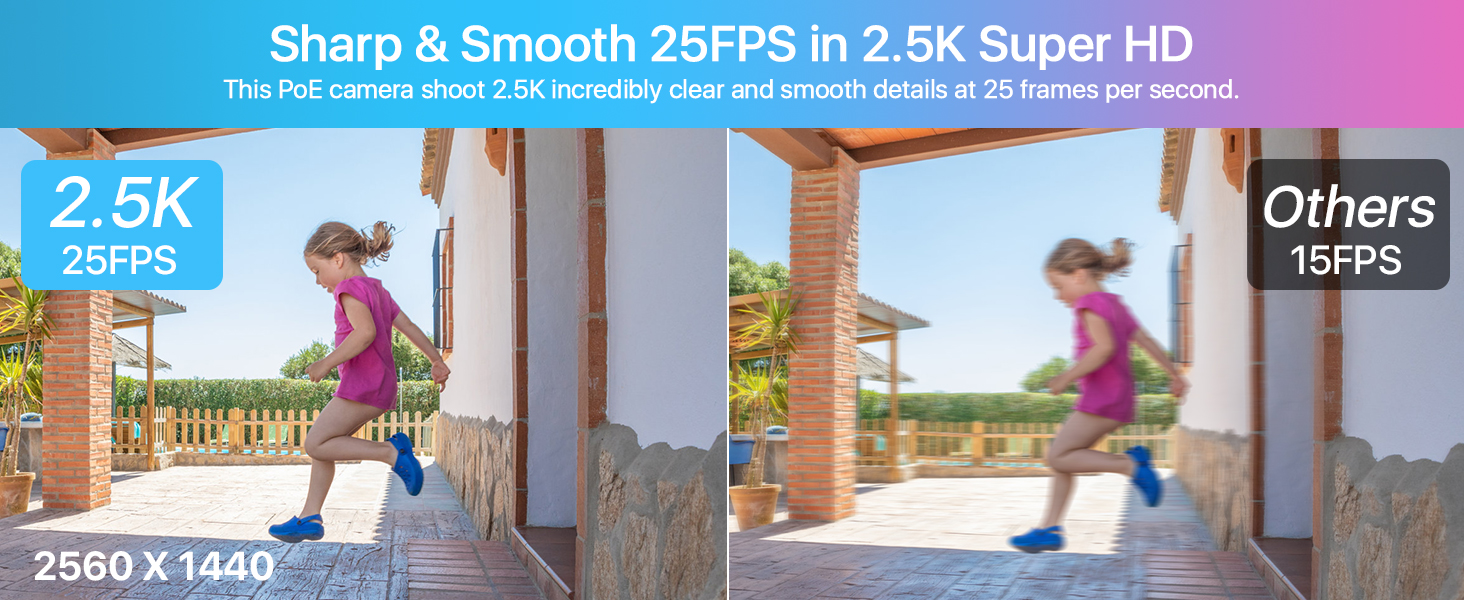
Image 5.3: A ZOSI camera with infrared lights, demonstrating upgraded night vision up to 100ft with 3D-DNR and WDR for clear details in darkness.
5.3 Human Detection and Alerts
The system features advanced human detection to minimize false alarms. You can customize specific motion detection zones for each camera. Instant notifications and email alerts will be sent to your phone when human motion is detected.
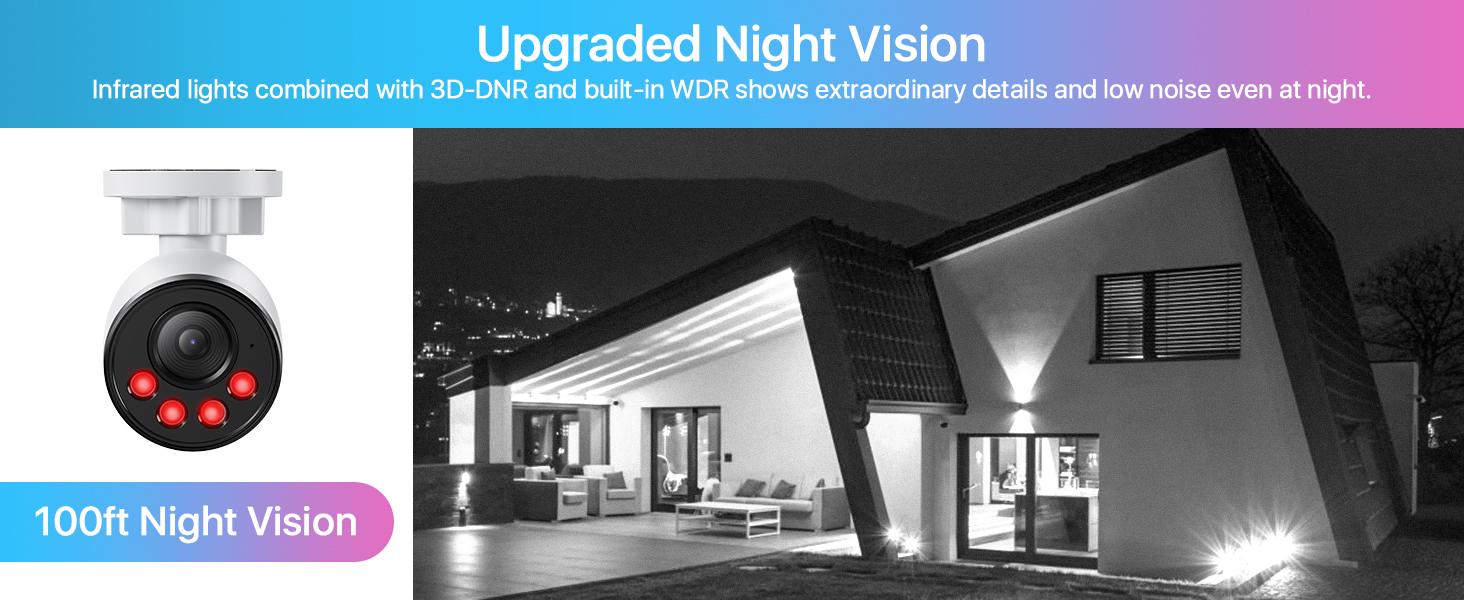
Image 5.4: A security camera view showing a person detected within a green box, with an alert notification from the Zosi Smart app.
5.4 One-Way Audio Recording
Each camera includes a built-in microphone for one-way audio recording, capturing sound within the camera's vicinity. This feature can provide additional context to video footage.
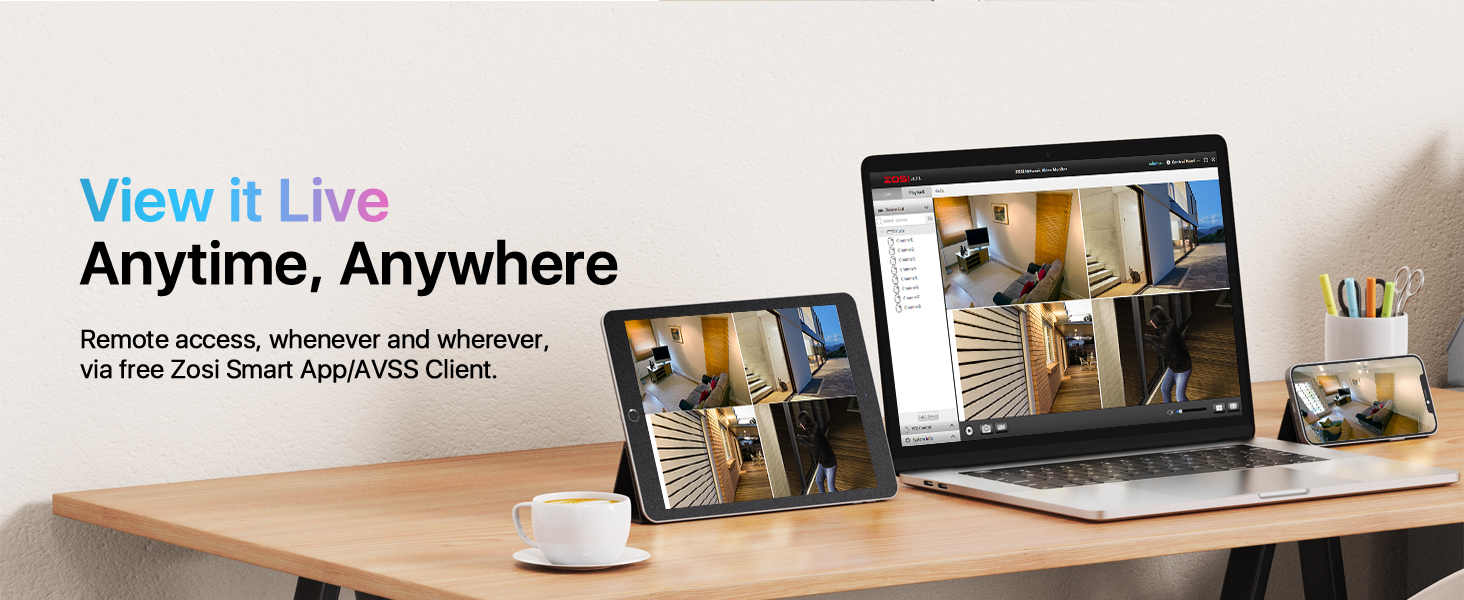
Image 5.5: A ZOSI camera monitoring a doorway, illustrating its one-way audio recording capability as a delivery person speaks.
5.5 Remote Access and Smart Playback
Access your security system remotely from anywhere using the ZOSI Smart App on your smartphone or tablet, or the AVSS Client software on your PC. Review recorded footage with highlighted timelines indicating motion events for quick retrieval.
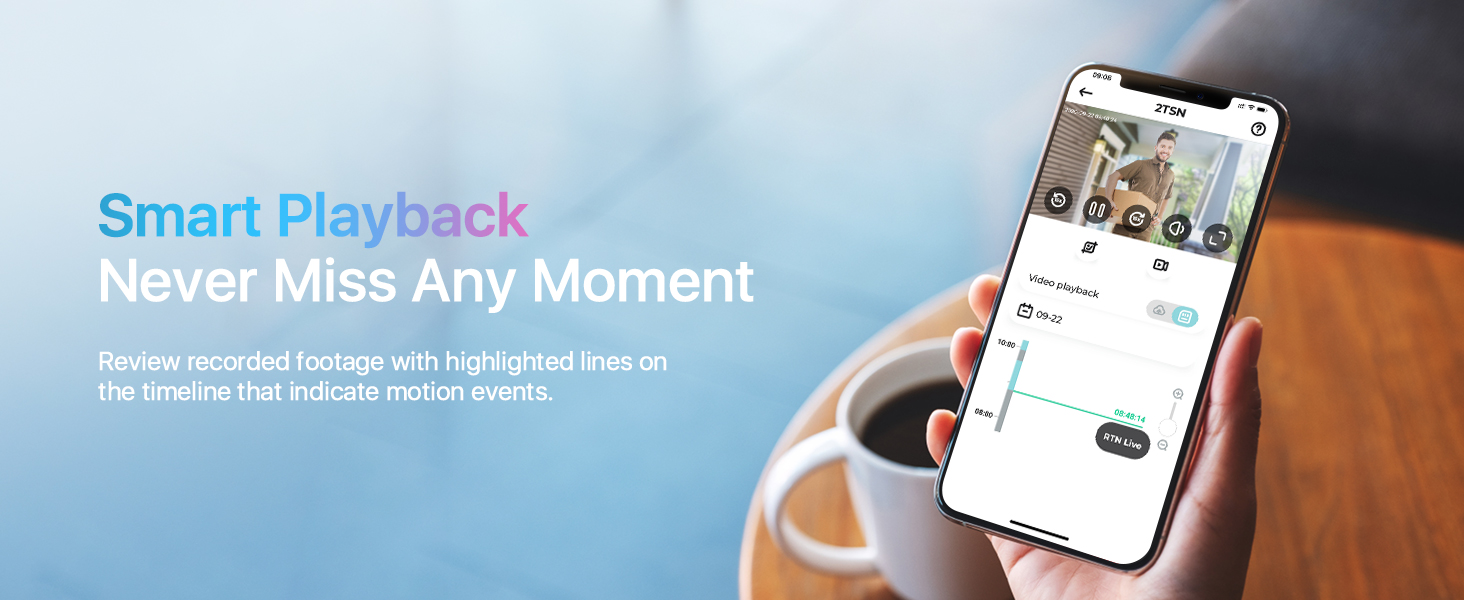
Image 5.6: A laptop, tablet, and smartphone displaying live feeds from ZOSI security cameras, demonstrating remote viewing capabilities.

Image 5.7: A smartphone screen showing the ZOSI Smart App's playback interface with a timeline highlighting motion events.
6. Storage Management
The NVR includes a 2TB hard drive. The recording duration depends on the number of active channels and the resolution settings. The system can be configured to automatically overwrite the oldest footage when the hard drive is full.
6.1 Estimated Recording Duration
| Channel | Daily Occupied Memory | 1TB HDD | 2TB HDD | 3TB HDD | 4TB HDD |
|---|---|---|---|---|---|
| 1CH | 20G/d | 51d | 102d | 153d | 205d |
| 2CH | 40G/d | 26d | 51d | 77d | 102d |
| 3CH | 60G/d | 17d | 34d | 51d | 68d |
| 4CH | 80G/d | 13d | 26d | 38d | 51d |
| 5CH | 100G/d | 10d | 20d | 30d | 41d |
| 6CH | 120G/d | 9d | 17d | 26d | 34d |
| 7CH | 140G/d | 7d | 14d | 22d | 29d |
| 8CH | 160G/d | 6d | 12d | 19d | 25d |
Table 6.1: Estimated recording duration based on the number of active 4MP cameras and HDD size.
7. Maintenance
7.1 Camera Cleaning
Periodically clean the camera lenses with a soft, damp cloth to ensure clear image quality. Avoid using harsh chemicals that could damage the lens coating.
7.2 Firmware Updates
Check the ZOSI official website or the ZOSI Smart App regularly for firmware updates. Keeping your system updated ensures optimal performance and access to new features.
7.3 Hard Drive Management
While the NVR automatically overwrites old footage, it is recommended to back up important recordings to an external USB drive periodically. Ensure the NVR is in a well-ventilated area to prevent overheating.
8. Troubleshooting
- No Video Display: Ensure the NVR is powered on and connected to the monitor. Check HDMI/VGA cable connections. Verify cameras are properly connected to PoE ports.
- No Recording: Check hard drive status in NVR settings. Ensure recording schedules are configured correctly.
- Poor Image Quality: Clean camera lenses. Check for obstructions in the camera's field of view. Ensure cameras are within optimal range for night vision.
- No Remote Access: Verify NVR is connected to the internet. Check network settings and ensure the ZOSI Smart App or AVSS Client is properly configured and connected to the NVR.
- False Motion Alerts: Adjust motion detection sensitivity and customize detection zones in the NVR settings to reduce triggers from irrelevant movements (e.g., trees, animals).
9. Specifications
| Feature | Specification |
|---|---|
| Brand | ZOSI |
| Model Number | 8UC-1804W8-20-US |
| Connectivity Technology | Wired (PoE) |
| Video Capture Resolution | 4MP (Cameras), 5MP (NVR Support) |
| Number of Channels | 8 |
| Memory Storage Capacity | 2 TB HDD (Built-in) |
| Special Features | App Control, Audio Recording, Automatic Overwrite, Human Detection, Image Sensor |
| Power Source | Corded Electric |
| IP Rating | IP66 Weatherproof (Cameras) |
| Night Vision Range | Up to 100 Feet |
| Frame Rate | 25fps |
| Viewing Angle | 90 Degrees |
| Video Compression | H.265+ |
| Product Dimensions | 17 x 12 x 11 inches |
| Item Weight | 20.4 pounds |
10. Warranty and Support
ZOSI provides customer support and warranty services for its products. For technical assistance, troubleshooting, or warranty claims, please refer to the official ZOSI support channels.
You can find more information and support resources on the ZOSI Store on Amazon or by scanning the QR code below with your smartphone.

Image 10.1: Scan this QR code for direct access to ZOSI support resources.