
Introduction
Thank you for choosing the UXD CT887 Bluetooth Sport Earbuds. This manual provides essential information for setting up, operating, and maintaining your earbuds to ensure optimal performance and longevity. Please read this manual thoroughly before use.
Safety Information
- Do not expose the earbuds to extreme temperatures or direct sunlight for extended periods.
- Avoid dropping or applying excessive force to the earbuds.
- Keep the earbuds away from children and pets.
- Do not attempt to disassemble or modify the earbuds. This will void the warranty.
- Use only the provided charging cable or a certified equivalent.
- Prolonged listening at high volume levels may cause hearing damage.
Package Contents
Verify that all items are present in your package:
- UXD CT887 Bluetooth Sport Earbuds
- Micro-USB Charging Cable
- S/M Eartips (multiple pairs)
- S/M EarWings (multiple pairs)
- Cord Management Clip
- User Manual

Image: The UXD CT887 Bluetooth Sport Earbuds, micro-USB charging cable, various sizes of eartips and ear wings, and the user manual are displayed.
Product Overview
The UXD CT887 earbuds feature an in-ear design with a neckband for secure wear. They include integrated controls and a microphone for hands-free operation.
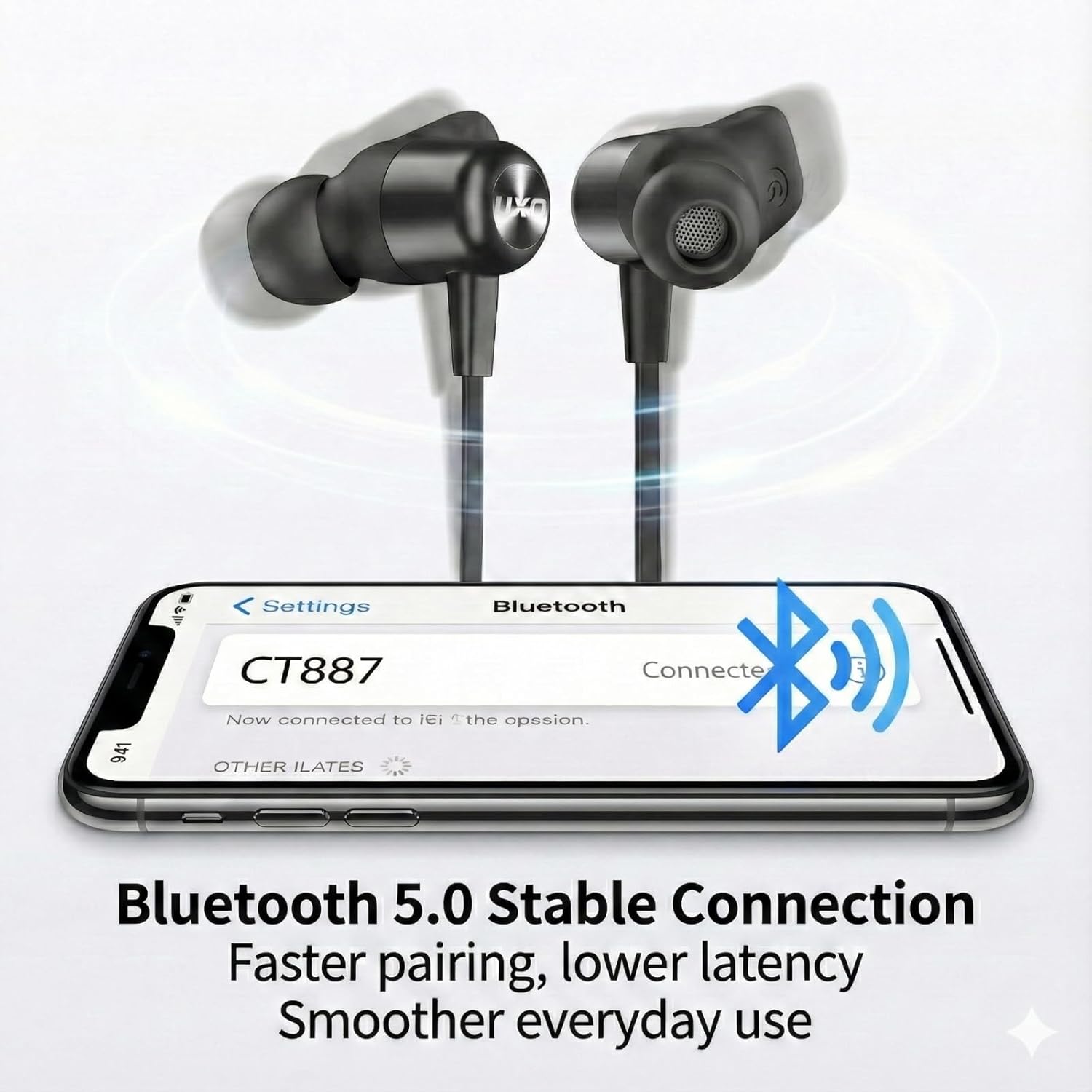
Image: A close-up view of the UXD CT887 Bluetooth Sport Earbuds, highlighting their in-ear design and the UXD logo.

Image: The UXD CT887 earbuds shown with their magnetic backs, allowing them to clip together for convenient neck storage when not in use.
Charging the Earbuds
Before first use, fully charge your earbuds. A full charge takes approximately 2 hours and provides up to 20 hours of playtime.
- Connect the micro-USB charging cable to the charging port on the earbuds.
- Connect the other end of the cable to a USB power source (e.g., computer, wall adapter).
- The LED indicator will show charging status (refer to product for specific light behavior).
- Once fully charged, disconnect the charging cable.
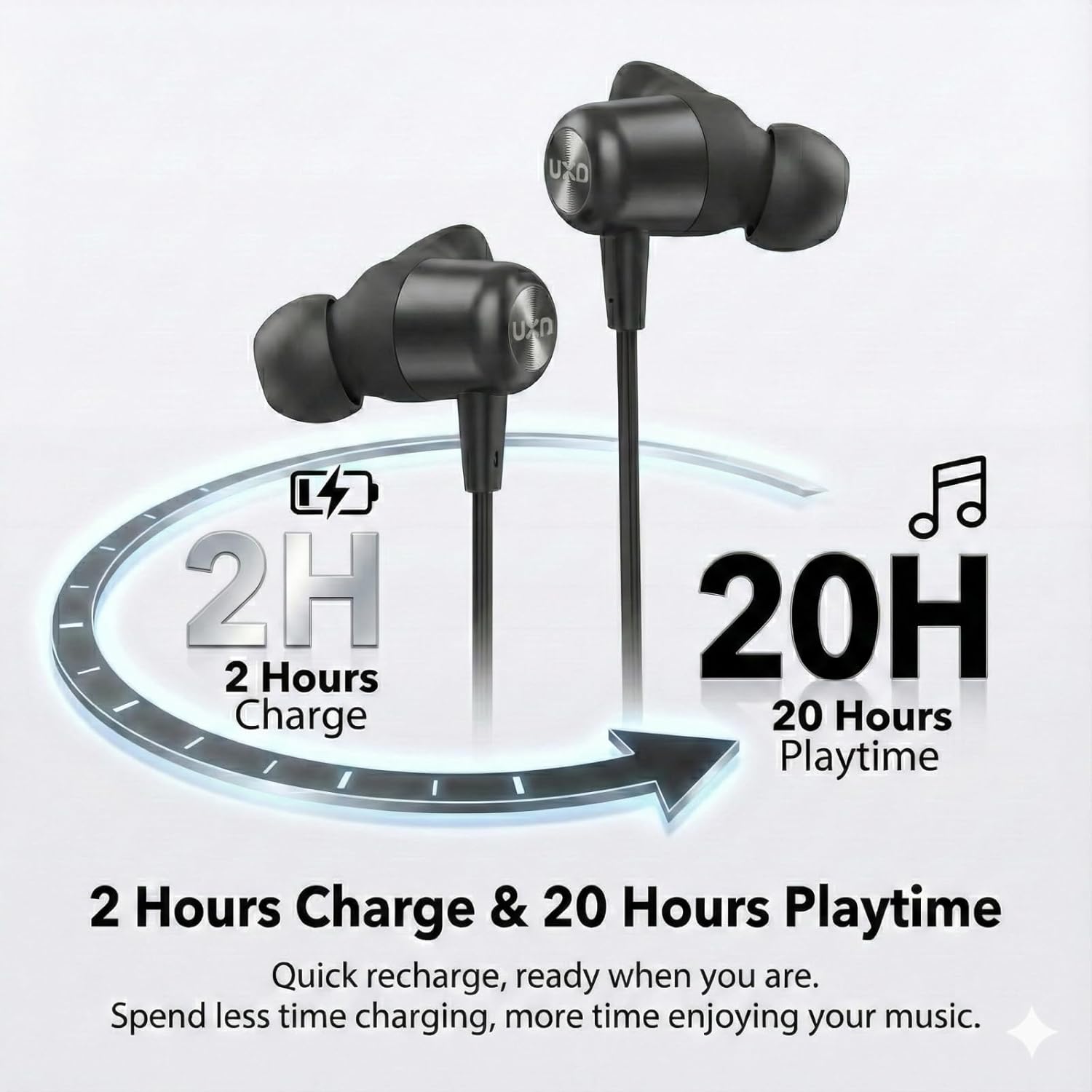
Image: An illustration depicting the charging time of 2 hours leading to 20 hours of playback time for the earbuds.
Pairing with a Device
The UXD CT887 earbuds use Bluetooth 5.0 for a stable connection up to 10 meters (30 feet).
- Ensure the earbuds are charged and turned off.
- Press and hold the multi-function button on the earbuds until the LED indicator flashes red and blue, indicating pairing mode.
- On your device (smartphone, tablet, etc.), enable Bluetooth.
- Search for available Bluetooth devices and select "CT887" from the list.
- Once connected, the LED indicator will typically show a solid blue light or flash slowly.
- The earbuds will automatically reconnect to the last paired device when powered on, if the device's Bluetooth is active and within range.
Image: A smartphone screen displaying a successful Bluetooth connection to 'CT887', illustrating the stable Bluetooth 5.0 connection.
Wearing the Earbuds
For optimal sound quality and a secure fit, especially during sports, choose the correct size eartips and ear wings.
- Select the eartips and ear wings that provide a comfortable and snug fit in your ears.
- Insert the earbuds into your ear canals and rotate them slightly to ensure the ear wings are securely tucked into your ear's concha.
- The neckband should rest comfortably around your neck.
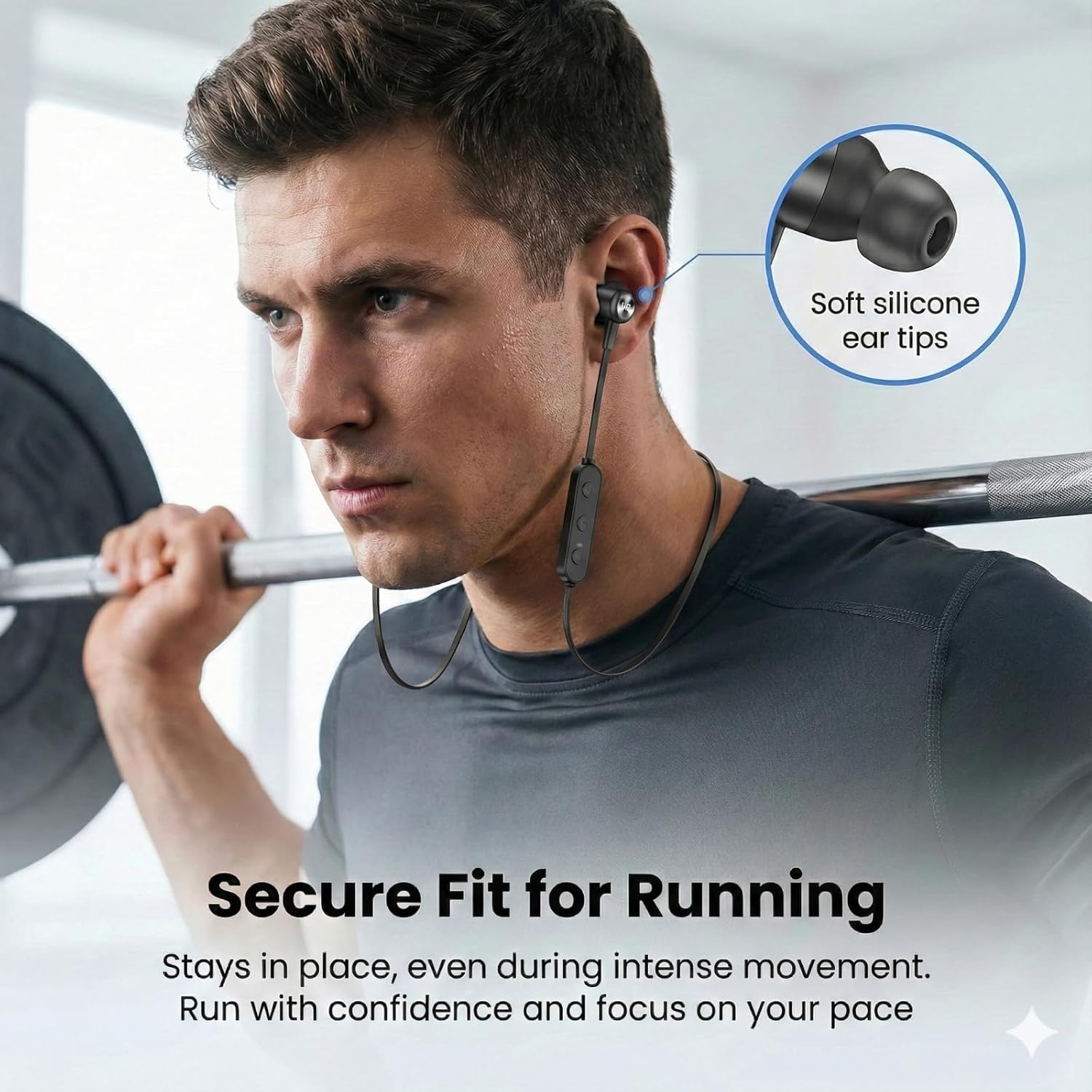
Image: A man wearing the UXD CT887 earbuds while lifting weights, demonstrating their secure fit during intense movement.
Basic Operation
Power On/Off
- Power On: Press and hold the multi-function button until the LED indicator flashes blue.
- Power Off: Press and hold the multi-function button until the LED indicator flashes red and then turns off.
Music Playback
- Play/Pause: Press the multi-function button once.
- Next Track: Press and hold the '+' button.
- Previous Track: Press and hold the '-' button.
- Volume Up: Press the '+' button once.
- Volume Down: Press the '-' button once.
Call Management
The CVC 8.0 noise-cancelling microphone ensures clear phone calls.
- Answer/End Call: Press the multi-function button once.
- Reject Call: Press and hold the multi-function button for 2 seconds.
- Redial Last Number: Double-press the multi-function button.
Waterproof Feature (IPX7)
The UXD CT887 earbuds are IPX7 waterproof, protecting them from sweat, rain, and accidental splashes. This makes them suitable for sports and outdoor activities.
- IPX7 rating means the earbuds can be submerged in up to 1 meter of water for 30 minutes.
- Do not intentionally submerge the earbuds for extended periods or in depths greater than specified.
- Ensure the charging port cover is securely closed before exposure to water.
- After exposure to water, wipe the earbuds dry before charging.
Maintenance
Cleaning
- Wipe the earbuds with a soft, dry, lint-free cloth.
- Remove eartips and ear wings for separate cleaning with mild soap and water, then dry thoroughly before reattaching.
- Do not use abrasive cleaners or solvents.
Storage
- Store the earbuds in a cool, dry place away from direct sunlight.
- When not in use, the magnetic design allows the earbuds to clip together around your neck for convenient storage and to prevent tangling.
- Avoid storing with sharp objects that could damage the cable or earbuds.
Troubleshooting
| Problem | Solution |
|---|---|
| Earbuds won't turn on | Ensure the earbuds are fully charged. |
| Cannot pair with device | Ensure earbuds are in pairing mode (flashing red/blue). Turn off and on Bluetooth on your device. Move closer to the device. |
| No sound or low volume | Check volume levels on both earbuds and connected device. Ensure earbuds are properly connected. |
| Intermittent connection | Ensure no obstacles between earbuds and device. Move closer to the device. Avoid strong electromagnetic interference. |
| Microphone not working | Ensure the earbuds are properly connected and selected as the audio input device on your phone. |
Specifications
- Model: CT887
- Brand: UXD
- Connectivity: Bluetooth 5.0 (Wireless)
- Bluetooth Range: Up to 10 meters (30 feet)
- Battery: 150mAh Lithium-ion
- Charging Time: Approximately 2 hours
- Playtime: Up to 20 hours
- Water Resistance: IPX7 (Waterproof)
- Microphone: CVC 8.0 Noise-Cancelling
- Frequency Range: 20 Hz - 20,000 Hz
- Audio Driver Type: Dynamic
- Ear Placement: In-Ear
- Control Method: Tactile (Touch)
- Weight: 15 Grams
- Compatible Devices: iPhones, Android phones
- Included Components: Micro-USB charging cable, in-ear headphones, eartips, ear wings, cord clip
Warranty and Support
Your UXD CT887 Bluetooth Sport Earbuds come with a 30-day refund policy and a 3-month warranty from the date of purchase. For any product-related inquiries, technical support, or warranty claims, please contact our customer service. We are committed to providing responsive customer service to address your needs.
Please retain your proof of purchase for warranty purposes.