
1. Introduction
The alilo Smarty Bunny Rattle is an interactive musical and light-up toy designed for infants and toddlers. This manual provides essential information on how to operate, maintain, and troubleshoot your Smarty Bunny Rattle to ensure a safe and enjoyable experience for your child.

Image 1.1: The alilo Smarty Bunny Rattle, showcasing its design and accompanying color cards.
2. Product Features
- 5 Interactive Modes: Includes 66 natural sounds, 16 nursery rhymes, 13 stories, 5 soothing music tracks, and white noise.
- Exclusive Color Recognition: Identifies 9 colors using included color cards.
- Safe & Soft Materials: Ears made of RoHS-certified silicone for teething; body made of high-strength ABS plastic.
- Light-Up Ears: Ears illuminate in 7 vibrant colors, promoting visual stimulation.
- Baby-Friendly Design: Ergonomic and lightweight, easy for infants to grasp.
- Rechargeable Battery: Built-in lithium-ion battery, charged via Micro USB.

Image 2.1: Detailed diagram illustrating the various features and components of the Smarty Bunny Rattle.
3. Setup
3.1 Initial Charging
Before first use, fully charge the alilo Smarty Bunny Rattle. Connect the included Micro USB charging cable to the charging port located at the base of the toy and plug the other end into a USB power source (e.g., computer, wall adapter).
- The ears will flash red when the battery is low.
- During charging, the ears will turn red and remain lit.
- The ears will turn off when fully charged.
- A full charge provides up to 4 hours of continuous use.

Image 3.1: The Smarty Bunny Rattle being charged via its USB interface.
4. Operating Instructions
4.1 Power On/Off and Volume Control
- To power on/off, rotate the volume control knob located at the base of the toy.
- Adjust the volume by turning the same knob clockwise (increase) or counter-clockwise (decrease).
4.2 Switching Modes
Press the Home Button (located on the front of the bunny's body) to cycle through the 5 different modes:
- Rattle Mode: Shake the bunny to randomly emit 66 different natural sounds. This mode helps introduce babies to a variety of sounds and promotes hand-eye coordination.
- Music Mode: Plays 16 preloaded nursery rhymes.
- Story Mode: Plays 13 preloaded stories. Listening to stories aids in language development, imagination, and focus.
- Soothing Music Mode: Plays 5 soothing music tracks to help calm and relax your child.
- White Noise Mode: Plays 45 minutes of white noise, designed to assist with sleep. The toy will automatically enter sleep mode after 30 minutes of inactivity in this setting.

Image 4.1: Visual representation of the five operational modes of the Smarty Bunny Rattle.
4.3 Color Recognition Function
The Smarty Bunny Rattle features an exclusive color recognition function. Use the included 9 color cards to engage your child in interactive color learning.
- Ensure the toy is in Rattle Mode.
- Place the bunny's base onto one of the color cards. The toy will identify the color and play a corresponding sound or phrase.
- Note: Color recognition is most accurate when pressing the bunny onto the included color cards. Identification with other items may vary.

Image 4.2: Children engaging with the color recognition feature using the Smarty Bunny Rattle and color cards.
5. Maintenance
5.1 Cleaning Instructions
To clean the alilo Smarty Bunny Rattle, wipe it with wet wipes. Do not immerse the toy in water or use harsh cleaning agents, as this may damage the electronic components.
5.2 Storage
Store the toy in a cool, dry place away from direct sunlight and extreme temperatures when not in use.
6. Safety Information
- The product materials are Latex Free, Lead Free, and Phthalate Free.
- The silicone ears are safe and gentle for mouthing, serving as a teether.
- Always supervise infants and toddlers during play.
- Do not attempt to disassemble or modify the toy.
- Keep the charging cable away from children when not in use.
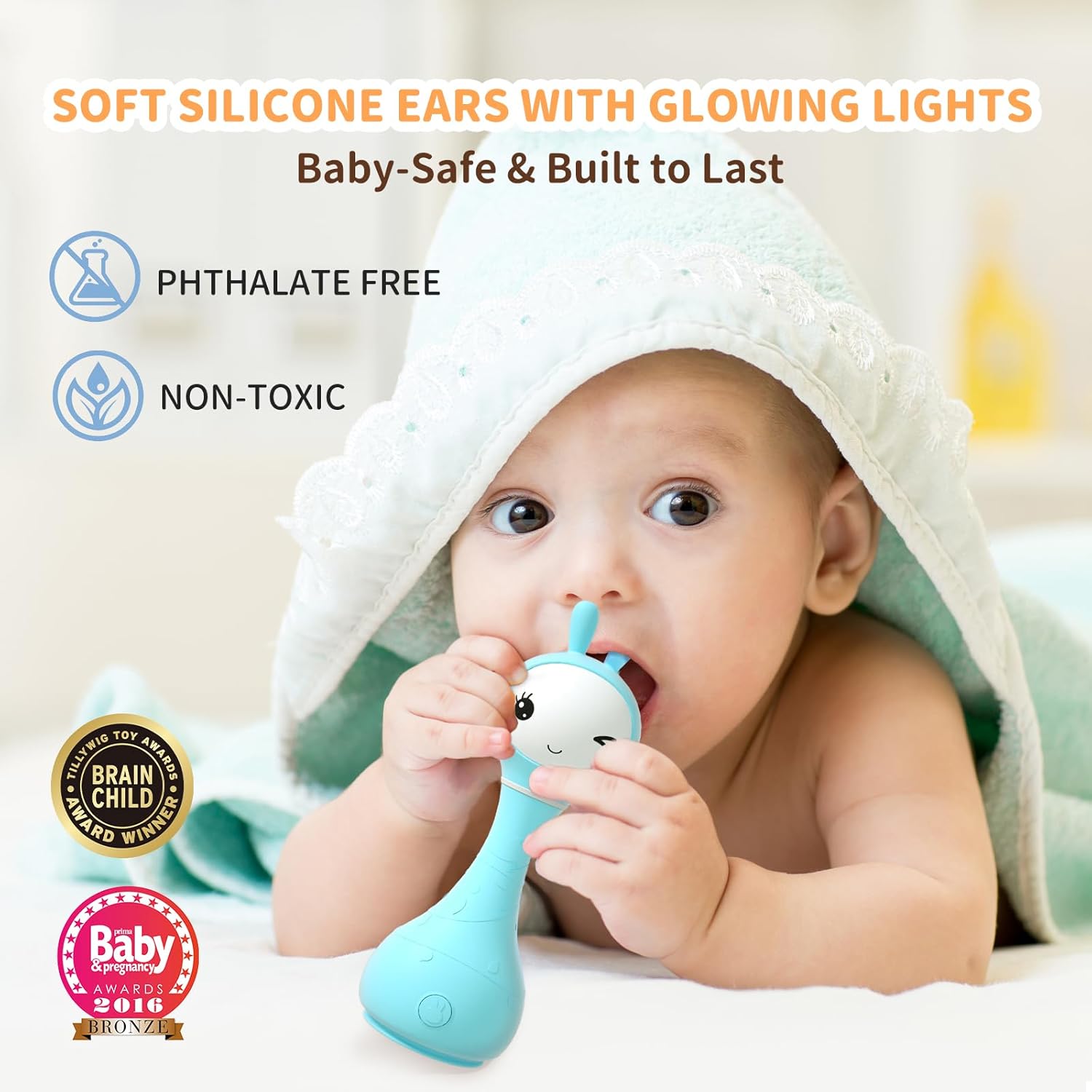
Image 6.1: Demonstrating the safe, soft silicone ears of the Smarty Bunny Rattle, suitable for teething.
7. Troubleshooting
| Problem | Possible Cause | Solution |
|---|---|---|
| Toy does not turn on. | Battery is depleted. | Charge the toy using the Micro USB cable. |
| No sound or low volume. | Volume is set too low or muted. | Adjust the volume control knob at the base of the toy. |
| Color recognition is inaccurate. | Not using official color cards or toy is not in Rattle Mode. | Ensure the toy is in Rattle Mode and use only the provided color cards for best results. |
| Ears are not lighting up. | Battery is low or toy is off. | Charge the toy or ensure it is powered on. |
8. Specifications
- Model Number: R101BLU
- Dimensions (L x W x H): 6.3 x 2.3 x 2.1 inches
- Item Weight: 6.5 ounces
- Material: Acrylonitrile Butadiene Styrene (ABS), Silicone
- Battery: 1 Lithium Ion battery (included)
- Recommended Age: 0 - 2 years
- Care Instructions: Wipe with wet wipes
- Material Type Free: Latex Free, Lead Free, Phthalate Free
9. Warranty and Support
The alilo Smarty Bunny Rattle comes with a 1-Year Warranty. For any questions or support, please contact alilo customer service via the Amazon Message Center. Our team is available 24/7 to provide quick assistance.
For additional information and product registration, please visit the official alilo store: alilo Store on Amazon.

Image 9.1: Contents included in the alilo Smarty Bunny Rattle package.