Introduction
The Atomi Smart WiFi LED Ceiling Light offers advanced lighting control for your home. This smart ceiling light provides 2200 lumens of tunable and dimmable light, with a spectrum of 16 million colors. It can be controlled conveniently via the free Atomi Smart app or through voice commands using Amazon Alexa and Google Assistant. Its modern design with a brushed nickel finish ensures even light distribution and exceptional color accuracy, making it suitable for various rooms.

Image: The Atomi Smart WiFi LED Ceiling Light, showcasing its sleek design and the accompanying mobile application for control.
Setup and Installation
This section guides you through the process of installing your Atomi Smart WiFi LED Ceiling Light and connecting it to your home network.
What's Included
- Atomi Smart WiFi LED Ceiling Light
- Mounting Hardware
- User Manual (this document)
Before You Begin
- Ensure your WiFi network is 2.4GHz. The light does not support 5GHz networks.
- Turn off power at the circuit breaker before installation.
- Have basic electrical tools ready (screwdriver, wire strippers).
Physical Installation
- Turn Off Power: Locate the circuit breaker controlling the light fixture you are replacing or installing and turn it off. Verify power is off using a voltage tester.
- Remove Old Fixture (if applicable): Carefully disconnect and remove the existing ceiling light fixture.
- Mount Bracket: Attach the mounting bracket to the junction box in the ceiling using the provided screws.
- Wire Connections: Connect the wires from the ceiling light to your home's electrical wiring. Typically, this involves connecting:
- Black (Live) to Black (Live)
- White (Neutral) to White (Neutral)
- Green or Bare Copper (Ground) to Green or Bare Copper (Ground)
- Attach Light Fixture: Secure the Atomi Smart Ceiling Light to the mounting bracket.
- Restore Power: Turn the power back on at the circuit breaker.

Image: The Atomi Smart WiFi LED Ceiling Light packaging, suggesting a quick and easy installation process.
App Setup and WiFi Connection
- Download Atomi Smart App: Download the free Atomi Smart app from the App Store (iOS) or Google Play Store (Android).
- Create Account: Open the app and create a new account or log in to an existing one.
- Add Device: Follow the in-app instructions to add your new Atomi Smart Ceiling Light. This typically involves:
- Selecting 'Add Device' or the '+' icon.
- Choosing 'Lighting' or 'Ceiling Light' from the device list.
- Ensuring the light is blinking rapidly (indicating pairing mode). If not, turn the light off and on 3 times to reset.
- Entering your WiFi network name and password.
- Pairing: The app will connect to the light. Once connected, you can rename your light for easy identification.
Image: A smartphone screen showing the Atomi Smart app, which is used for controlling the ceiling light.
Video: An official product video demonstrating the features and setup of the Atomi Smart Ceiling Light. This video provides a visual guide to the product's capabilities and initial configuration.
Operating Your Smart Light
Once installed and connected, you can fully utilize the features of your Atomi Smart WiFi LED Ceiling Light.
App Control Features
The Atomi Smart app provides comprehensive control over your light:
- Turn On/Off: Toggle the light on or off remotely.
- Adjust Brightness: Dim or brighten the light to your desired level (fully dimmable).
- Change White Temperature: Select from a tunable white light range (2000K-6500K) to create warm or cool white light.
- Color-Changing Hue: Choose from over 16 million colors to set the perfect mood or ambiance.
- Create/Edit Scenes and Effects: Utilize built-in scene modes for various occasions (e.g., party, relaxation, night light).
- Group Control: Link and control multiple Atomi Smart Ceiling Lights together.
- Timers and Schedules: Set custom schedules for the light to turn on/off automatically.

Image: A living room illuminated by the Atomi Smart Ceiling Light, demonstrating its ability to create various ambient lighting settings controlled via a smartphone.
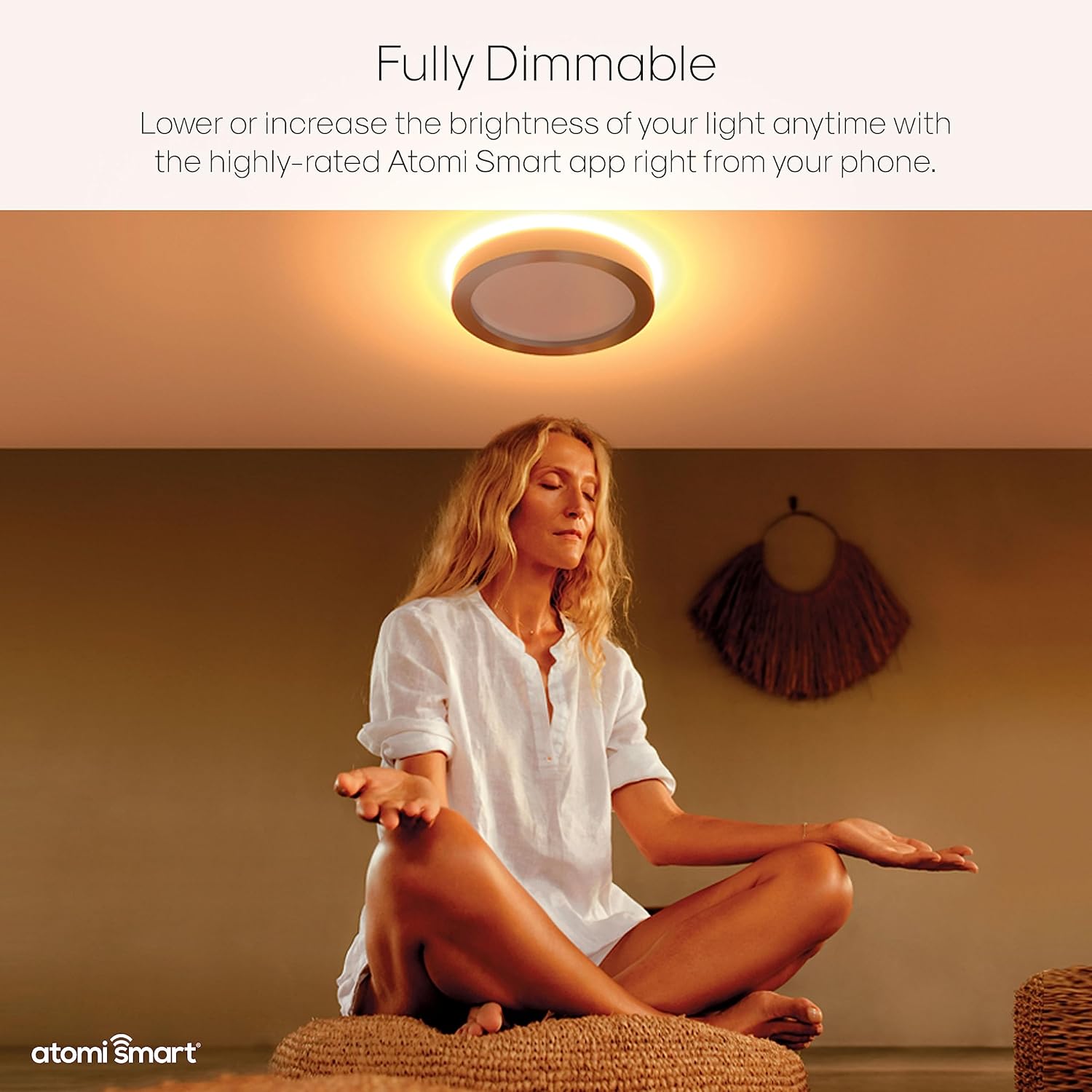
Image: The Atomi Smart Ceiling Light providing a warm, dim glow, illustrating its fully dimmable feature for creating a relaxing atmosphere.
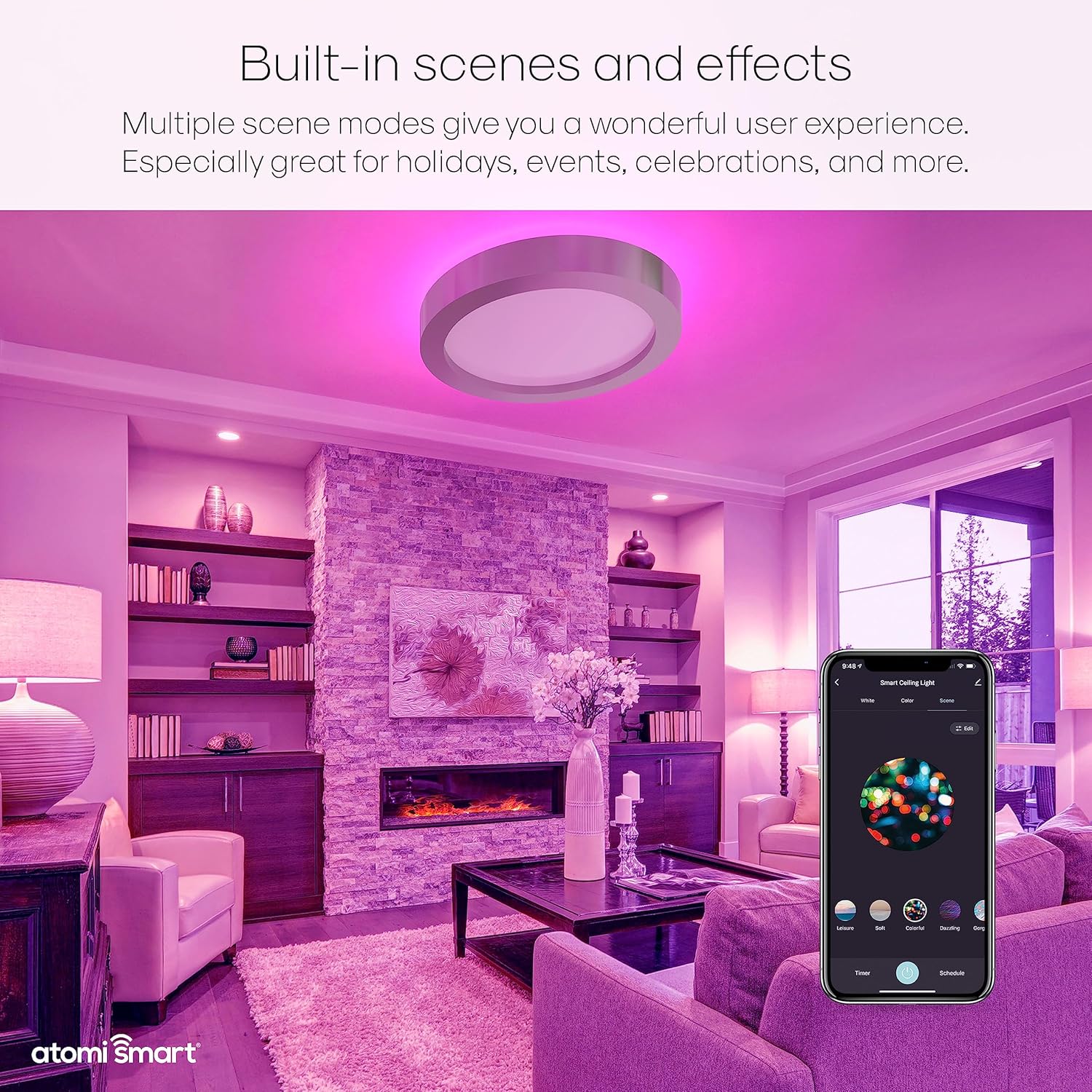
Image: The Atomi Smart Ceiling Light displaying a vibrant purple hue, highlighting its built-in scene modes and effects controllable through the app.

Image: A detailed view of the Atomi Smart app interface, illustrating the various controls available for the ceiling light, including color selection and brightness adjustment.
Voice Control
The Atomi Smart Ceiling Light is compatible with Amazon Alexa and Google Assistant. Once linked, you can use simple voice commands to control your light. Refer to the respective voice assistant's app for detailed linking instructions.
- "Alexa, turn on the living room light."
- "Hey Google, set the kitchen light to blue."
- "Alexa, dim the bedroom light to 50%."

Image: An Amazon Echo device in a living room setting, demonstrating the Atomi Smart Ceiling Light's compatibility with voice assistants like Alexa and Google Assistant.
Maintenance
The Atomi Smart WiFi LED Ceiling Light is designed for long-lasting performance with minimal maintenance.
- Cleaning: To clean the light fixture, ensure power is off at the circuit breaker. Use a soft, dry cloth to wipe down the surface. Do not use abrasive cleaners or solvents.
- No Bulb Replacement: The light uses integrated LED chips designed to last up to 50,000 hours, eliminating the need for bulb replacement. This is equivalent to approximately 2 x 60W incandescent bulbs.
- Regular Checks: Periodically check the mounting and wiring connections to ensure they remain secure.

Image: A detailed view of the Atomi Smart Ceiling Light, emphasizing its LED components and durable brushed nickel finish, which contribute to its low maintenance.
Troubleshooting
If you encounter issues with your Atomi Smart WiFi LED Ceiling Light, refer to the following common solutions:
| Problem | Possible Cause | Solution |
|---|---|---|
| Light does not turn on. | No power; loose wiring; faulty fixture. | Check circuit breaker. Ensure all wiring connections are secure. Contact a qualified electrician if unsure. |
| Light disconnects from WiFi frequently. | Weak WiFi signal; router issues; interference. | Ensure the light is within range of your 2.4GHz WiFi router. Restart your router. Minimize interference from other devices. |
| Cannot connect to Atomi Smart app. | Incorrect WiFi password; light not in pairing mode; 5GHz network. | Double-check WiFi password. Turn the light off and on 3 times to enter pairing mode (rapid blinking). Ensure you are connecting to a 2.4GHz network. |
| Voice control not working. | Voice assistant not linked; incorrect device name. | Verify the Atomi Smart skill/service is linked in your Alexa/Google Home app. Ensure you are using the correct device name as set in the Atomi Smart app. |
For further assistance, please contact Atomi Smart customer support.
Specifications
Detailed technical specifications for the Atomi Smart WiFi LED Ceiling Light.
| Feature | Specification |
|---|---|
| Model Number | AT1515 |
| Brand | Atomi Smart |
| Light Source Type | LED |
| Brightness | 2200 Lumens (2400 Lumen in some specifications) |
| Wattage | 24W (120 watts in some specifications) |
| Voltage | 120 Volts |
| Color Temperature | 2000K-6500K (Tunable White) |
| Color Options | 16 Million Colors (RGB-CCT) |
| Control Method | WiFi (2.4GHz), Voice (Alexa, Google Assistant), App |
| Material | Glass (Shade: Nickel) |
| Finish Type | Brushed Nickel |
| Dimensions | 16 inches (Diameter) x 2.4 inches (Height) |
| Item Weight | 6.64 pounds |
| Lifespan | 50,000 hours (LED chips) |
| Indoor/Outdoor Usage | Indoor |

Image: A diagram illustrating the physical dimensions of the Atomi Smart Ceiling Light, showing its 16-inch diameter and 2.4-inch height.
Warranty and Support
Atomi Smart stands behind its products with dedicated customer service and a comprehensive warranty.
Warranty Information
Atomi Smart provides a 5-year limited warranty on all its smart products, including this ceiling light. This warranty covers defects in materials and workmanship under normal use. Please retain your proof of purchase for warranty claims.
Customer Support
For any questions, technical assistance, or warranty inquiries, please contact Atomi Smart customer service. Their professional service team is committed to providing 100% satisfaction with a 24-hour quick response.
You can typically find contact information on the Atomi Smart official website or within the Atomi Smart app.