
Introduction
The SKEETER HAWK Personal Mosquito Zapper & Lantern is designed to attract and eliminate flying insects such as mosquitoes, flies, gnats, and no-see-ums using dual-band UV light technology and a 360° electrical grid. This portable device also functions as a 150-lumen lantern with multiple light modes, making it suitable for both indoor and outdoor use. This manual provides essential information for the safe and effective operation, maintenance, and troubleshooting of your device.
Safety Information
Please read all safety instructions carefully before using the device. Failure to follow these instructions may result in electric shock, fire, or serious injury.
- Do not insert foreign objects into the electrical grid.
- Keep out of reach of children and pets.
- Do not use near flammable liquids or gases.
- Do not immerse the device in water. The device has an IPX4 water resistance rating, meaning it is resistant to splashing water, but not submersion.
- Always unplug the device before cleaning or performing any maintenance.
- This product contains chemicals known to the State of California to cause cancer and birth defects or other reproductive harm.
Package Contents
Verify that all items are present in the package:
- SKEETER HAWK Personal Mosquito Zapper / Lantern
- USB Charging Cable
- Cleaning Brush
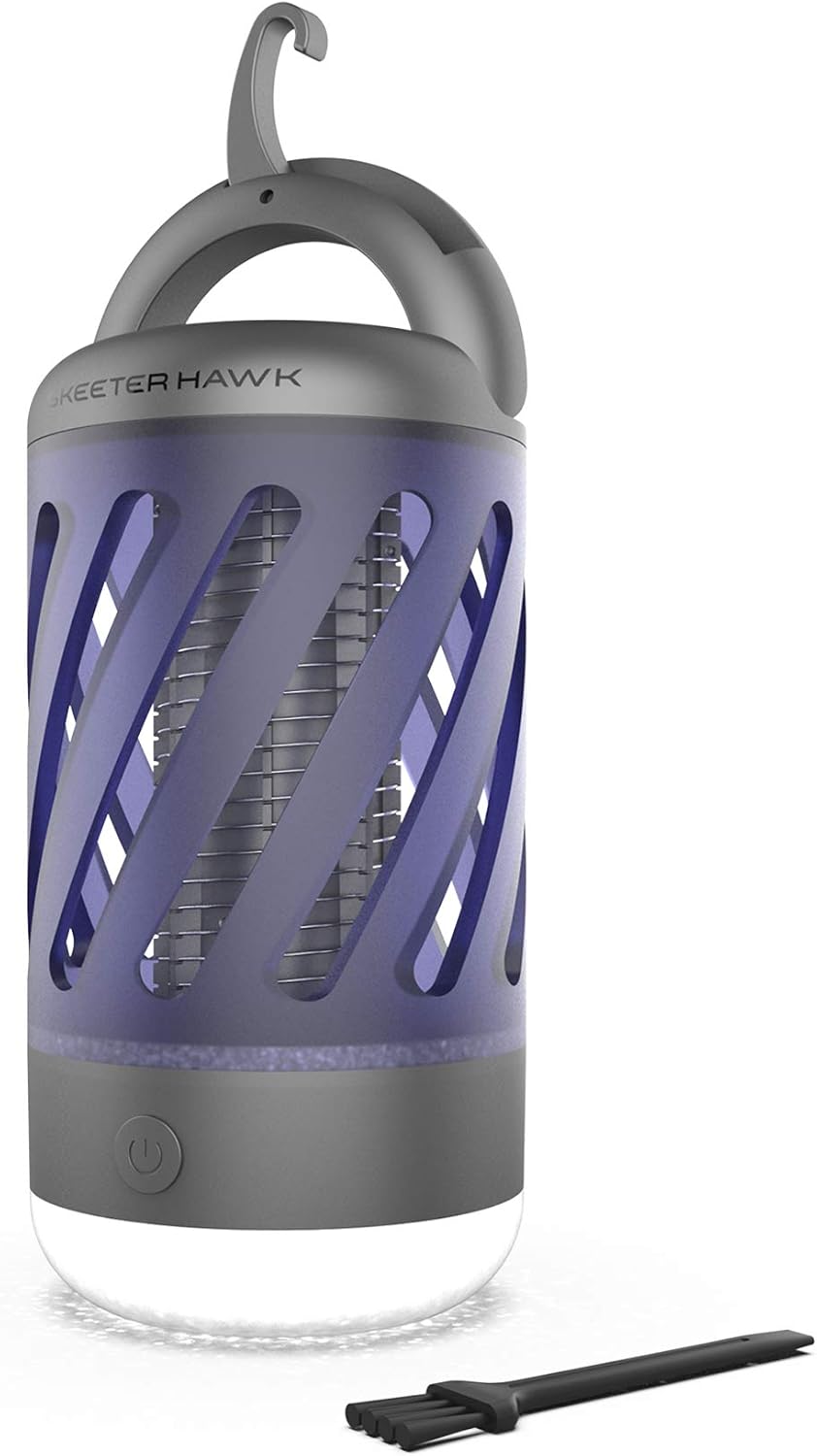
Image: The SKEETER HAWK Personal Mosquito Zapper and Lantern, shown with its included cleaning brush and USB charging cable.
Setup
Before first use, fully charge the device.
- Charging: Connect the supplied USB charging cable to the Micro-USB port on the device and to a compatible USB power source (e.g., wall adapter, computer USB port). The battery indicator will illuminate to show the current power level while charging.
- Placement: For optimal performance, place the zapper in an area where flying insects are prevalent, away from competing light sources. The foldaway handle/hook allows for versatile hanging.
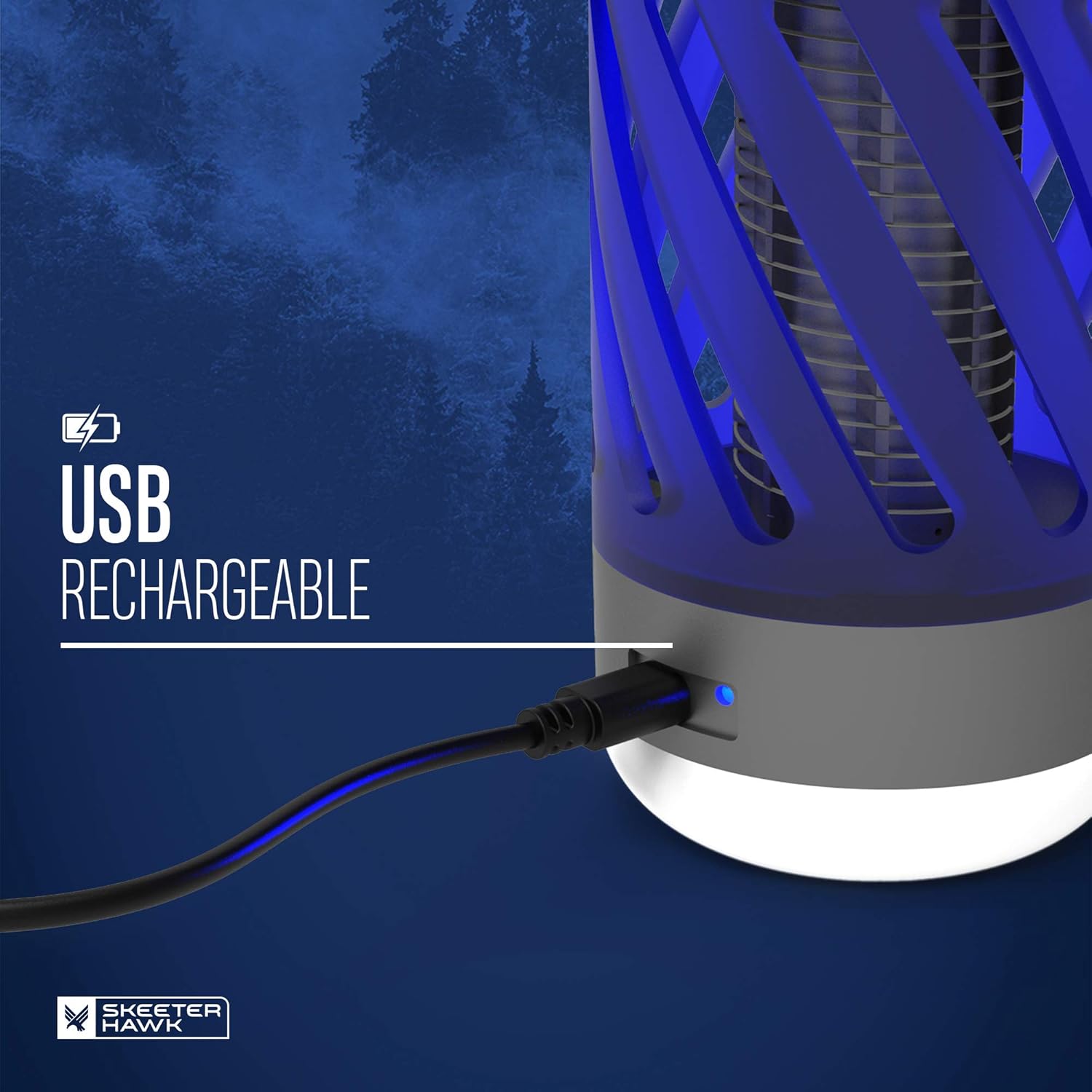
Image: The USB charging port of the SKEETER HAWK Personal Mosquito Zapper, indicating charging status with a blue light.
Operating Instructions
The SKEETER HAWK Personal Mosquito Zapper & Lantern features multiple operating modes controlled by a single power button.
- Power On/Off: Press the power button once to turn the device on. Press and hold the power button to turn the device off.
- Zapper Function: The dual-band UV light attracts flying insects to the 360° electrical grid, where they are zapped. This function operates automatically when the device is on.
- Lantern Modes: The device offers 2 light modes for the lantern (High & Low). Press the power button repeatedly to cycle through the available lantern modes.

Image: Illustration of the Dual Band UV LED technology used in the SKEETER HAWK zapper to attract insects.

Image: A visual representation of the 360° electrical grid within the SKEETER HAWK zapper, designed to eliminate insects.
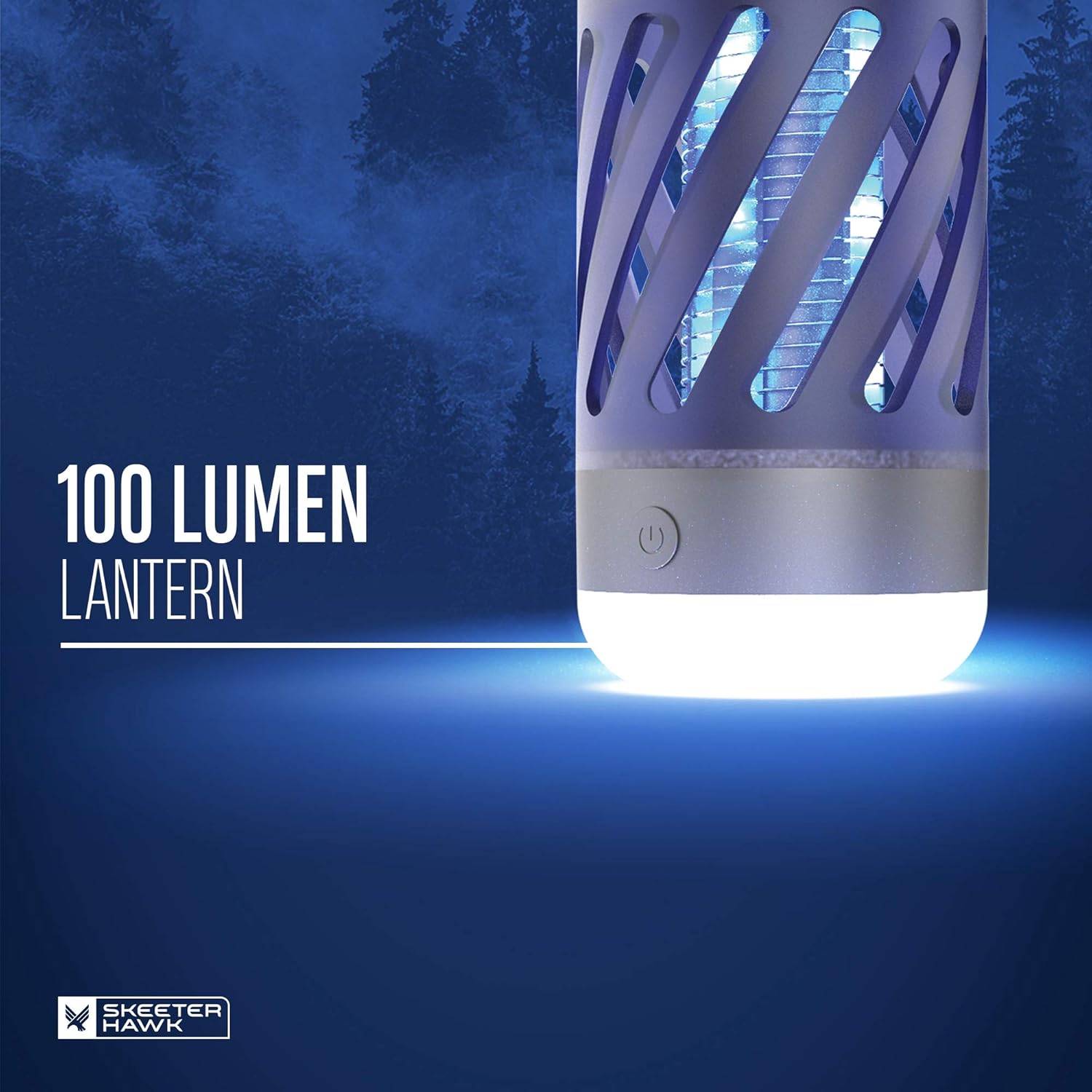
Image: The SKEETER HAWK zapper emitting light as a 100 lumen lantern.
Maintenance
Regular cleaning ensures optimal performance and longevity of your device.
- Cleaning the Grid: Ensure the device is turned off and unplugged. Use the included cleaning brush to gently remove any insects or debris from the electrical grid. Do not use water or cleaning solutions directly on the grid.
- Exterior Cleaning: Wipe the exterior of the device with a soft, damp cloth. Do not use abrasive cleaners or solvents.
- Storage: When not in use for extended periods, store the device in a cool, dry place.
Troubleshooting
If you encounter issues with your SKEETER HAWK Personal Mosquito Zapper & Lantern, refer to the following common problems and solutions:
| Problem | Possible Cause | Solution |
|---|---|---|
| Device does not turn on or hold a charge. | Battery is depleted or faulty; charging cable/port issue. | Ensure the device is fully charged using the provided USB cable. Try a different USB power source. If the issue persists after prolonged charging, the battery may require service. |
| Zapper is not attracting or killing insects effectively. | Grid is dirty; competing light sources; device placement. | Clean the electrical grid with the cleaning brush. Move the device away from other bright lights. Ensure optimal placement in areas with high insect activity. Note that larger, hard-shelled insects may not be effectively zapped. |
| Lantern light is dim or not working. | Low battery; light mode setting. | Recharge the device. Cycle through the lantern modes by pressing the power button to ensure the desired brightness setting is selected. |
Specifications
| Feature | Detail |
|---|---|
| Brand | SKEETER HAWK |
| Model Name | Personal Mosquito Zapper / Lantern |
| Part Number | SKE-ZAP-0001 |
| Color | Black & Blue |
| Style | Personal Zapper & Lantern |
| Material | Blend |
| Is Electric | Yes |
| Target Species | Fly, Gnat |
| Unit Count | 1.0 Count |
| UPC | 645397936169 |
| Item Dimensions (LxWxH) | 4.17 x 5.35 x 7.72 inches |
| Package Weight | 0.46 Kilograms |
| Lantern Output | 150 Lumens |
| Water Resistance Rating | IPX4 |
| Impact Resistance | Up to 1 meter |
Warranty and Support
Your SKEETER HAWK Personal Mosquito Zapper & Lantern comes with a 1-year manufacturer's warranty from the date of purchase. This warranty covers defects in materials and workmanship under normal use.
For warranty claims, technical support, or any questions regarding your product, please contact SKEETER HAWK customer service. Refer to the product packaging or the official SKEETER HAWK website for the most current contact information.
Please retain your proof of purchase for warranty purposes.


