
1. Introduction
This manual provides essential information for the proper installation, operation, and maintenance of your LeFix CR2032 CMOS RTC Battery. This battery is designed to maintain the BIOS settings, date, and time on compatible computer systems, including various Dell, HP, ASUS, and Samsung models. Please read these instructions carefully before proceeding with installation.
2. Product Overview
The LeFix CR2032 CMOS RTC Battery is a high-quality replacement component manufactured with Japanese battery cells. It features a standard 2-pin MOLEX 51021-0200 1.25mm pitch connector with regular polarity (Red: Positive, Black: Negative). The battery includes a convenient adhesive pad for secure mounting and comes with 2.4-inch (6cm) copper lead wires for reliable conductivity.
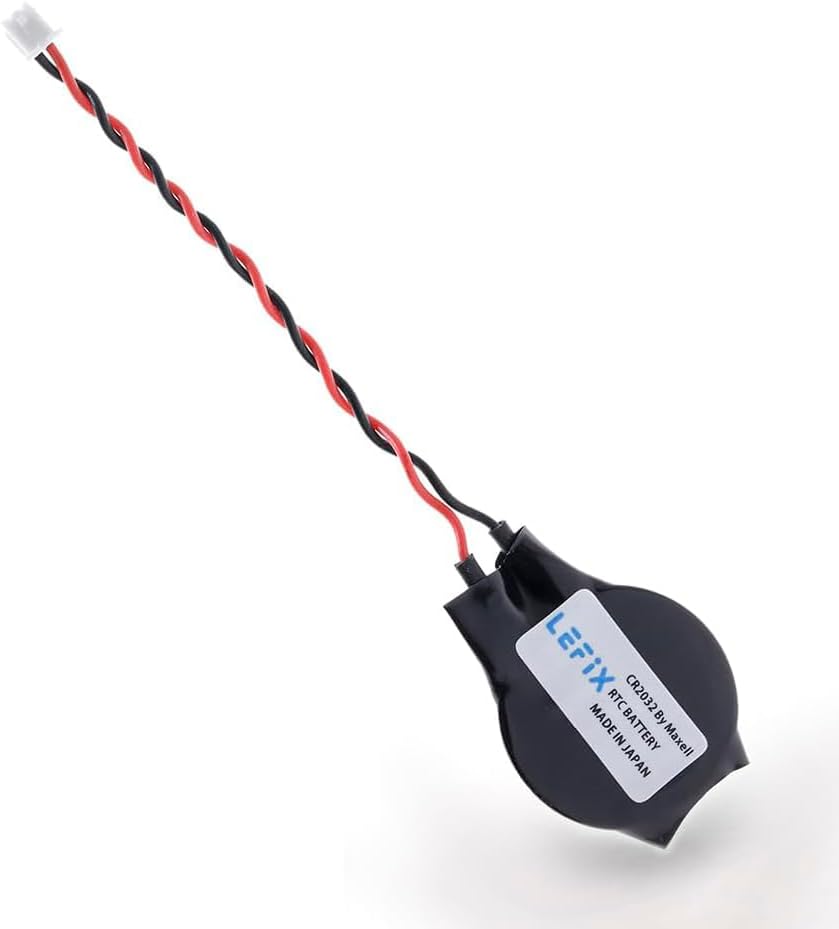
Figure 2.1: LeFix CR2032 RTC Battery with its standard 2-pin connector and twisted red and black wires.

Figure 2.2: Diagram illustrating the CR2032 battery specifications: single use, 20mm diameter, and 3.2mm thickness.

Figure 2.3: Close-up view of the LeFix CR2032 battery, highlighting its Japanese origin and quality components.

Figure 2.4: Illustration showing the ABS and PC materials used in the battery's construction, emphasizing durability.

Figure 2.5: Detail of the heat shrink tubing protecting the wire connections for enhanced safety and insulation.

Figure 2.6: Image showing the 2.4-inch (6cm) lead wires, made of copper for optimal performance.
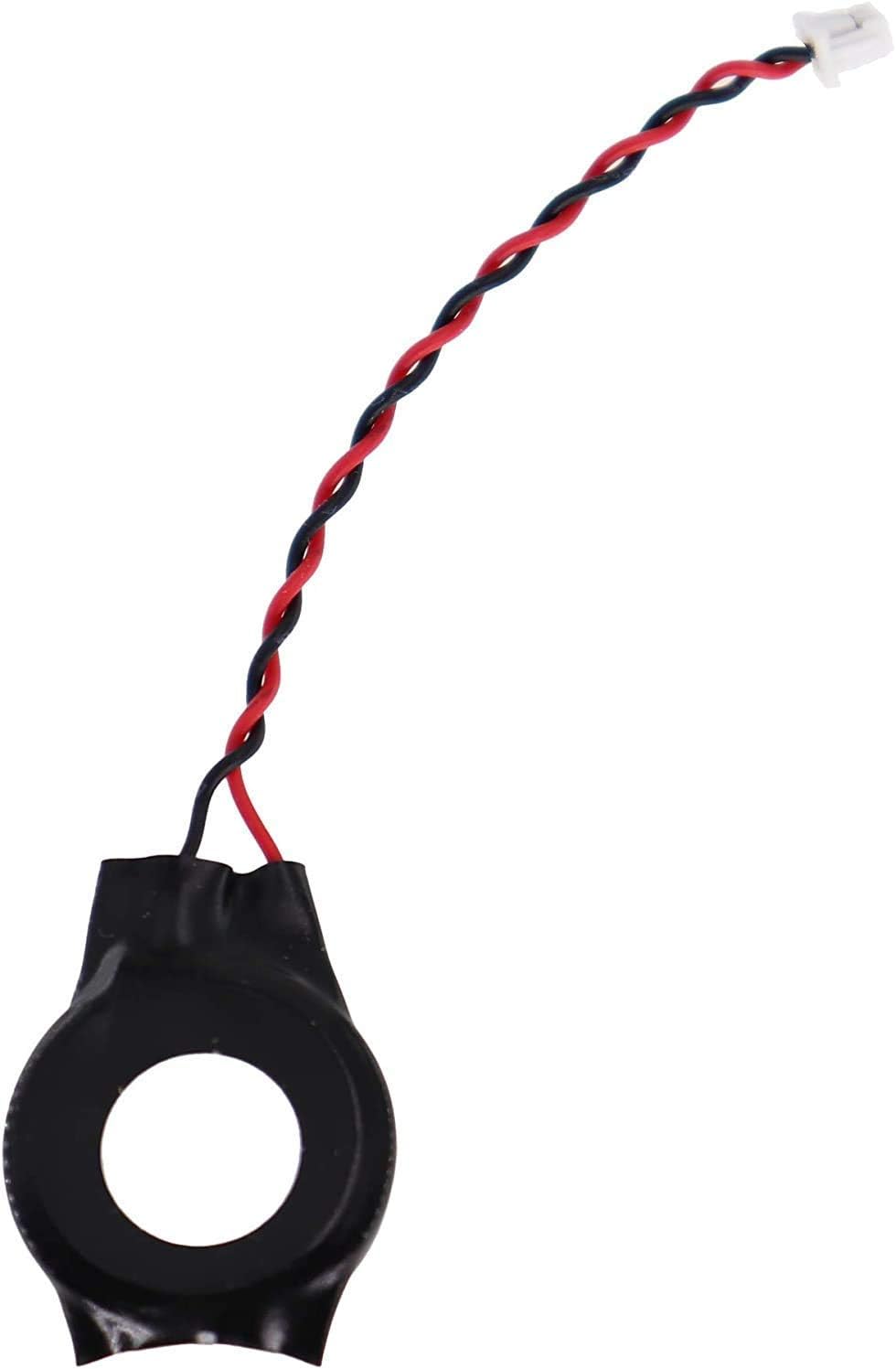
Figure 2.7: The anti-static packaging bag designed to protect the battery during shipping and storage.
3. Compatibility
This LeFix CR2032 CMOS RTC Battery is designed for use with various laptop and mini PC models. It is crucial to verify the connector type and polarity of your existing battery before installation. This battery features a Regular Polarity 2-pin connector (Red wire for positive, Black wire for negative).
Known compatible models include, but are not limited to:
- DELL: D830, E6530, N4050, E7270, Latitude 7480, Latitude E7470, Inspiron 13
- HP: CQ41, 8440p, G4, Elitbook 4840p
- ASUS: S56, X611
- Samsung: R467, R458
- Various mATX motherboards and mini PCs.

Figure 3.1: Visual guide demonstrating the correct 'Regular Polarity' wiring for the 2-pin connector (Red: Positive, Black: Negative) and contrasting it with incorrect 'Reverse Polarity'.

Figure 3.2: Detailed diagram of the CR2032 battery connector, showing 2 pins and 2 wires, with red indicating positive and black indicating negative.
4. Setup and Installation
Replacing a CMOS battery typically involves opening your device. It is recommended to consult your device's specific service manual for detailed instructions. The following are general steps:
- Safety First: Power off your device completely and disconnect it from all power sources. If it's a laptop, remove the main battery.
- Access the Motherboard: Carefully open your device's casing to gain access to the motherboard. This may require removing screws and panels.
- Locate the Old CMOS Battery: Identify the existing CMOS battery. It will typically be a coin-cell battery encased in plastic with two wires leading to a small connector on the motherboard.
- Disconnect the Old Battery: Gently unplug the connector of the old battery from the motherboard. Avoid pulling on the wires directly.
- Prepare the New Battery: Remove the protective backing from the adhesive pad on the new LeFix CR2032 battery.
- Connect the New Battery: Carefully plug the new battery's connector into the corresponding port on the motherboard. Ensure the connector is fully seated and the polarity matches (Red to Positive, Black to Negative).
- Secure the Battery: Use the adhesive pad to secure the new battery in a suitable location within the device, ensuring it does not obstruct any moving parts or ventilation.
- Reassemble and Test: Reassemble your device, reconnect the main battery (if applicable), and power it on. You may need to enter the BIOS/UEFI settings to set the correct date and time.
Caution: Improper installation or incorrect polarity can damage your device. If you are unsure, seek professional assistance.

Figure 4.1: A visual representation of the adhesive pad on the battery, showing how it peels off for installation.

Figure 4.2: An image depicting the LeFix CR2032 battery installed within a laptop motherboard, illustrating its intended use.
5. Operating Principles
The CMOS (Complementary Metal-Oxide-Semiconductor) battery, also known as the RTC (Real-Time Clock) battery, is a small, non-rechargeable battery located on the motherboard of your computer. Its primary function is to power the CMOS memory chip, which stores critical system information such as:
- System date and time
- BIOS/UEFI configuration settings
- Hardware settings (e.g., boot order)
This battery ensures that these settings are retained even when the computer is turned off or disconnected from the main power supply. The LeFix CR2032 battery provides a stable 3V power source for this purpose.
6. Maintenance
The LeFix CR2032 CMOS RTC Battery is a sealed unit and requires no routine maintenance. Its lifespan typically ranges from 3 to 5 years, depending on usage and environmental factors. When the battery begins to fail, you may notice symptoms such as:
- Incorrect system date and time upon startup
- Loss of BIOS/UEFI settings after power off
- Boot errors or system instability
If these symptoms occur, it indicates that the battery needs to be replaced. Refer to the 'Setup and Installation' section for replacement procedures.
7. Troubleshooting
If you encounter issues after installing the LeFix CR2032 CMOS RTC Battery, consider the following troubleshooting steps:
- Incorrect Date/Time: If the system date and time are still incorrect after replacement, ensure you have manually set them in the operating system and/or BIOS/UEFI settings.
- BIOS Settings Not Saving: Verify that the battery connector is securely plugged into the motherboard. Double-check that you have the correct polarity battery (Regular Polarity) for your device.
- Device Not Booting: Re-check all connections, especially the CMOS battery connector. Ensure no other components were dislodged during installation. If the issue persists, it may not be related to the CMOS battery.
- Connector Mismatch: If the connector does not fit, confirm that your device requires a MOLEX 51021-0200 1.25mm pitch connector with regular polarity. Some devices may use different connectors or reverse polarity.

Figure 7.1: A laptop screen displaying a time error, illustrating a common issue resolved by replacing the CMOS battery.
8. Specifications
| Feature | Specification |
|---|---|
| Model Number | 262-CR2032-3V |
| Battery Type | CR2032 Lithium Manganese Dioxide |
| Voltage | 3 Volts |
| Connector Type | MOLEX 51021-0200 1.25mm Pitch, 2-pin |
| Polarity | Regular (Red: Positive, Black: Negative) |
| Lead Wire Length | 2.4 inches (6 cm) |
| Product Dimensions | 1.77 x 0.79 x 0.13 inches |
| Item Weight | 0.317 ounces |
| Manufacturer | LeFix |
| Included Batteries | 1 CR2032 (included) |
9. Warranty and Support
For warranty information and technical support, please refer to the official LeFix website or contact your retailer. Keep your purchase receipt as proof of purchase.