
Introduction
The Xtreme Multi-Color Horizontal/Vertical LED Light Bar is designed to enhance your environment with dynamic and customizable lighting. Featuring 16 static colors and 4 dynamic lighting modes, this light bar offers versatile illumination for various settings. Its sound-reactive capabilities allow the lights to synchronize with your audio, creating an immersive experience. The multi-positional base enables both horizontal and vertical placement, providing flexibility for your lighting needs. Powered by any 5-volt USB source, it's a convenient and adaptable lighting solution.
Product Overview
Key Features:
- Multiple Color/Lighting/LED Effects: Offers 16 static and 4 dynamic color lighting settings.
- Dimmable LED Effects: Adjust brightness with the included remote control.
- Horizontal/Vertical Placement: Adaptable multi-position base for flexible setup.
- Versatile Application: Suitable for living rooms, home offices, TV setups, bedrooms, kitchens, and more.
- Sound-Reactive Color Lighting: Lights flash in sync with music for unique visual effects.
- USB Powered: Connects to any standard 5-volt USB power source.
Product Components:
The Xtreme LED Light Bar package includes the light bar unit, a multi-positional base, and a remote control for convenient operation.
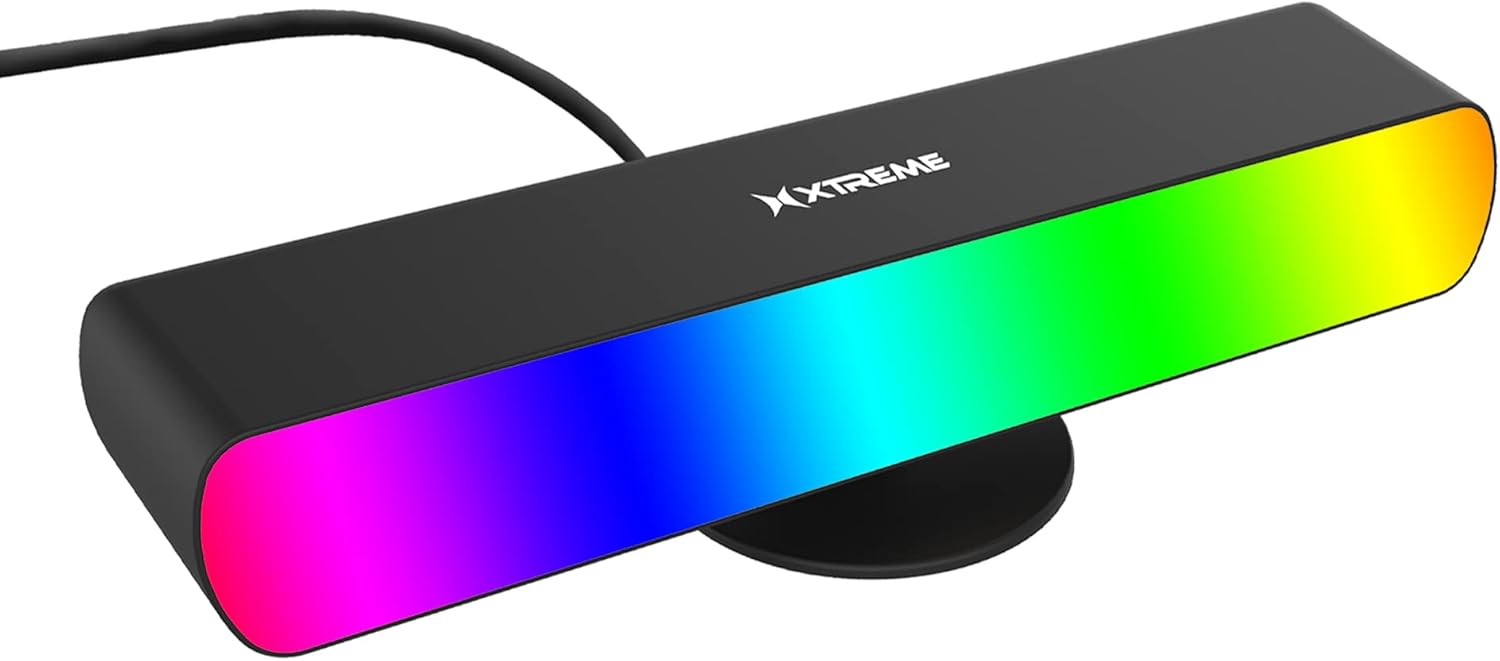
Figure 1: The Xtreme Multi-Color LED Light Bar, showcasing its vibrant color capabilities.
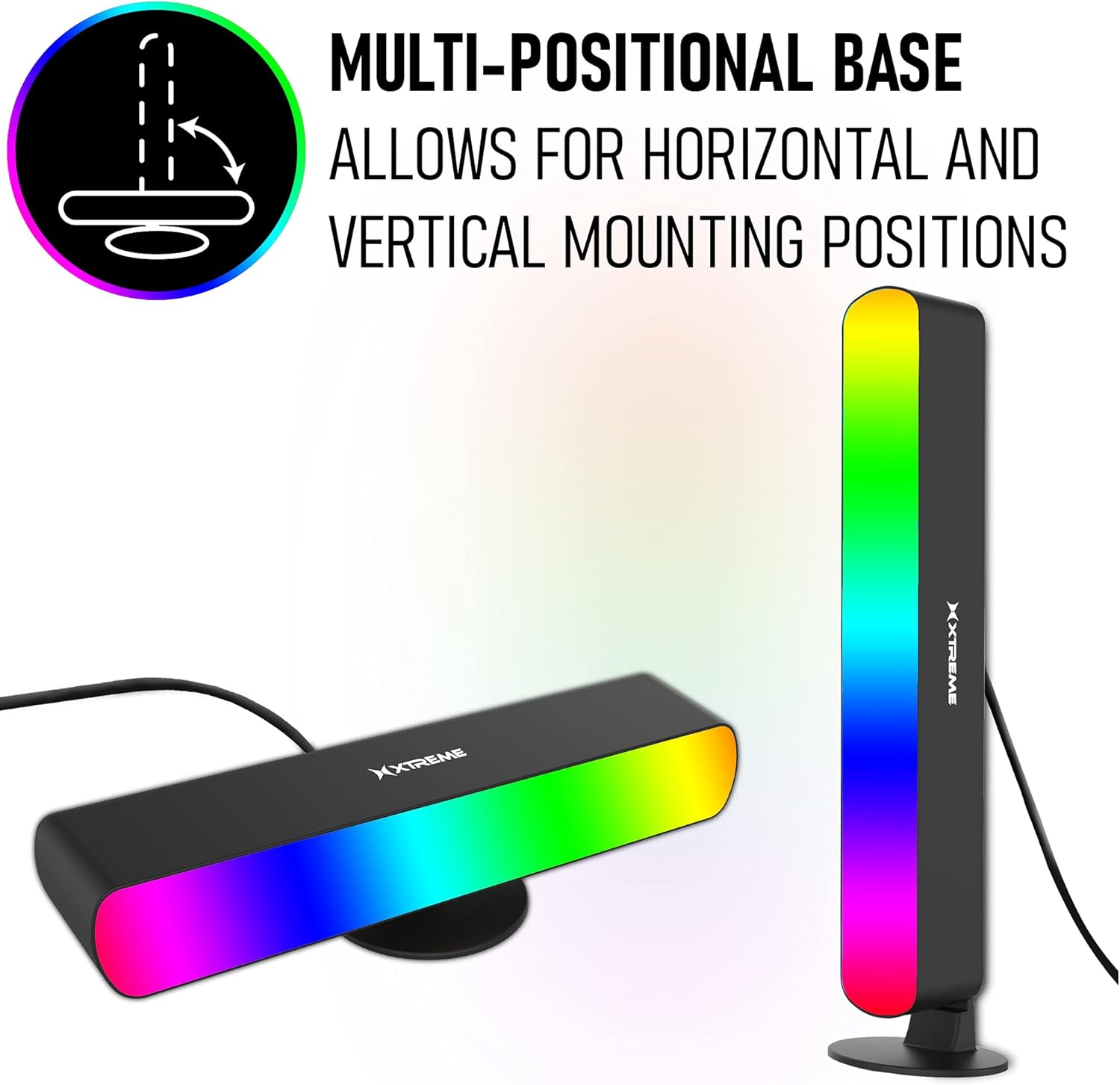
Figure 2: The included remote control, demonstrating its use to change the light bar's color to green.
Setup
- Unpack Components: Carefully remove the LED light bar, multi-positional base, and remote control from the packaging.
- Attach Base: Securely attach the multi-positional base to the bottom of the light bar. Ensure it clicks into place for stability.
- Positioning:
- Vertical Placement: Stand the light bar upright on its base.
- Horizontal Placement: Lay the light bar flat on its base.
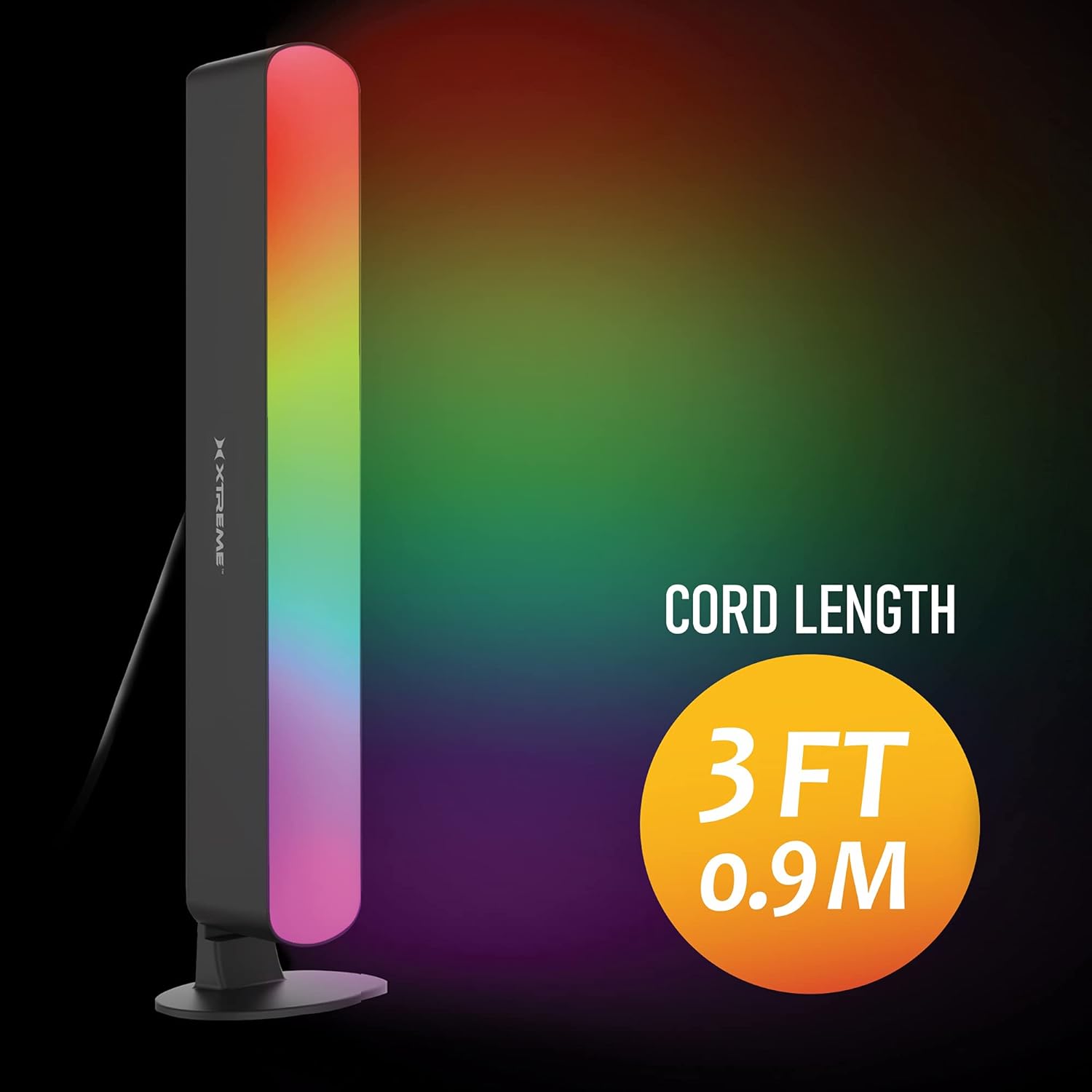
Figure 3: The light bar demonstrating its multi-positional base for both horizontal and vertical setups.
- Power Connection: Connect the USB cable from the light bar to any standard 5-volt USB power source (e.g., USB wall adapter, computer USB port, power bank). The light bar requires a 5V power input.
- Remote Control Battery: Ensure the remote control has a working battery. If not, insert or replace the battery according to the markings on the remote.
Operating Instructions
Using the Remote Control:
The included remote control allows you to fully customize your lighting experience. Point the remote directly at the light bar for optimal responsiveness.
- Power On/Off: Press the ON button to turn the light bar on, and the OFF button to turn it off.
- Color Selection: Choose from 16 static colors by pressing the corresponding color buttons on the remote.
- Brightness Adjustment: Use the DIM UP and DIM DOWN buttons to increase or decrease the brightness of the selected color or mode.
- Dynamic Modes: Select from 4 dynamic lighting effects (e.g., Flash, Strobe, Fade, Smooth) using the dedicated mode buttons.
- Sound-Reactive Mode: Activate the sound-reactive feature by pressing the MUSIC button. The lights will then respond to ambient sounds and music.

Figure 4: The light bar highlighting its sound-reactive capability, where colors dance to music.
Maintenance
To ensure the longevity and optimal performance of your Xtreme LED Light Bar, follow these simple maintenance guidelines:
- Cleaning: Gently wipe the surface of the light bar with a soft, dry cloth. Avoid using abrasive cleaners, solvents, or excessive moisture, as these can damage the unit.
- Storage: When not in use for extended periods, store the light bar in a cool, dry place away from direct sunlight and extreme temperatures.
- Power Disconnection: Always disconnect the power source before cleaning or performing any maintenance.
Troubleshooting
| Problem | Possible Cause | Solution |
|---|---|---|
| Light bar does not turn on. | No power, loose connection, faulty USB source. | Ensure USB cable is securely connected. Try a different USB power source or wall adapter. Verify the power source is active. |
| Remote control is not working. | Dead battery, obstruction, out of range, sensor issue. | Replace the remote control battery. Ensure there are no obstructions between the remote and the light bar's sensor. Point the remote directly at the light bar. Move closer to the light bar. |
| Colors are not changing or responding. | Remote not aimed correctly, interference, mode conflict. | Ensure direct line of sight to the light bar's sensor. Try cycling through modes or power cycling the unit. |
| Sound-reactive mode is not working effectively. | Low audio volume, ambient noise, sensor sensitivity. | Increase the volume of the audio source. Reduce ambient noise. Ensure the light bar is positioned to pick up sound clearly. |
Specifications
| Feature | Detail |
|---|---|
| Brand | XTREME |
| Model Number | XLB71033BLK |
| Color | Multicolor |
| Light Source Type | LED |
| Power Source | Plug-in Electric (USB) |
| Voltage | 5 Volts |
| Wattage | 2.5 watts |
| Brightness | 800 Lumen |
| Controller Type | Remote Control |
| Number of Light Sources | 20 |
| Product Dimensions | 11 x 4 x 3 inches |
| Item Weight | 5.3 ounces |
| Base Material | Plastic |
| Special Feature | Dimmable |
| Indoor/Outdoor Usage | Indoor |
Warranty and Support
For information regarding warranty coverage, technical support, or replacement parts, please refer to the manufacturer's official website or contact their customer service directly. Contact details are typically provided in the product packaging or on the manufacturer's website.
Manufacturer: Jem Accessories
Brand Website: XTREME Digital Lifestyle Accessories Store


