
Sangean WR-301
SANGEAN WR-301 FM Radio Bluetooth Speaker User Manual
Model: WR-301
Introduction
Thank you for choosing the SANGEAN WR-301 FM Radio Bluetooth Speaker. This compact and stylish device combines classic aesthetics with modern audio technology, offering both FM radio and Bluetooth connectivity. Its wooden cabinet design provides a rich, powerful sound experience. Designed for portability, the WR-301 features a built-in battery capable of up to 36 hours of playback, making it an ideal companion for any setting.

The SANGEAN WR-301, a compact and stylish FM radio and Bluetooth speaker, shown here on a decorative wooden tray.
Product Overview
Components
- SANGEAN WR-301 Unit
- External Antenna Cable
- USB Charging Cable
- Built-in Lithium-ion Battery (1 x AA size, included)
Controls and Indicators
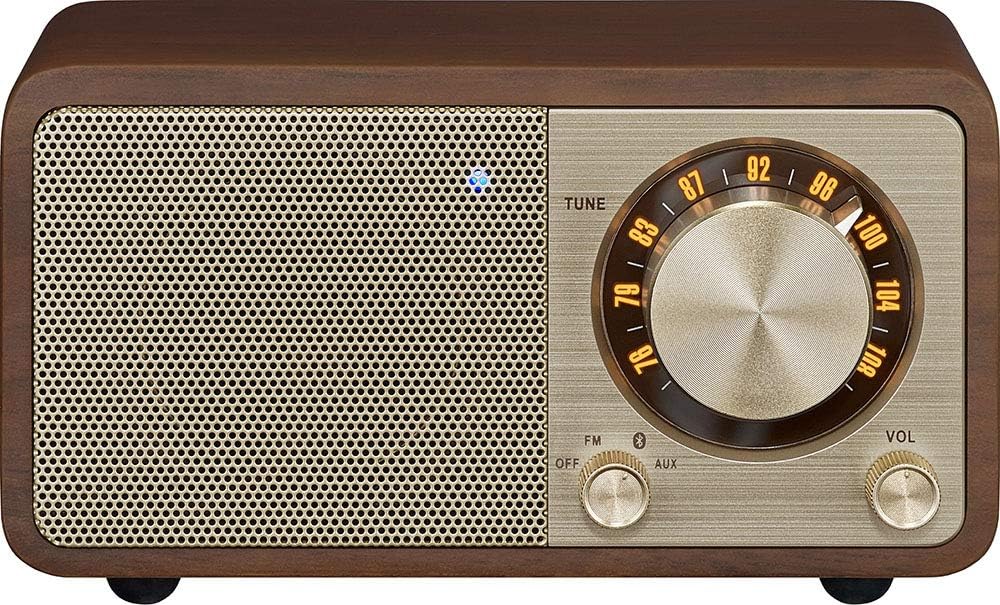
Front view of the SANGEAN WR-301, highlighting the tuning dial, volume knob, and function switch.
- TUNE Dial: Large rotary dial for selecting FM radio frequencies.
- VOL Knob: Rotary knob for adjusting the volume level.
- Function Switch (FM/OFF/AUX): Selects between FM radio, turns the unit off, or selects AUX input.
- Bluetooth Indicator: A small blue LED light that indicates Bluetooth pairing status.
- Power/Charging Indicator: A small LED light indicating power status and charging.

Rear view of the SANGEAN WR-301, showing the EXT-ANT, AUX IN, and DC IN (USB) ports.
- EXT-ANT Port: For connecting the external FM antenna.
- AUX IN Port: 3.5mm jack for connecting external audio devices.
- DC IN 5V==2.4A (USB) Port: USB port for charging the internal battery.
Setup
- Initial Charging: Before first use, connect the supplied USB charging cable to the DC IN port on the back of the unit and to a USB power adapter (not included) or a computer USB port. The charging indicator will illuminate. Charge the unit fully until the indicator changes or turns off, typically taking a few hours.
- Antenna Connection: For optimal FM reception, connect the supplied external antenna cable to the EXT-ANT port on the back of the unit. Extend the antenna fully and position it for the best signal.
- Power On: Rotate the Function Switch from "OFF" to "FM" or "AUX" to power on the unit.
Operating Instructions
Power On/Off
To turn the unit on, rotate the Function Switch to either "FM" or "AUX". To turn the unit off, rotate the Function Switch to "OFF".
FM Radio Operation
- Ensure the external antenna is connected and positioned correctly.
- Rotate the Function Switch to "FM".
- Slowly rotate the TUNE Dial to scan for FM radio stations. The tuning indicator will light up when a strong signal is received.
- Adjust the VOL Knob to your desired listening level.
Bluetooth Pairing
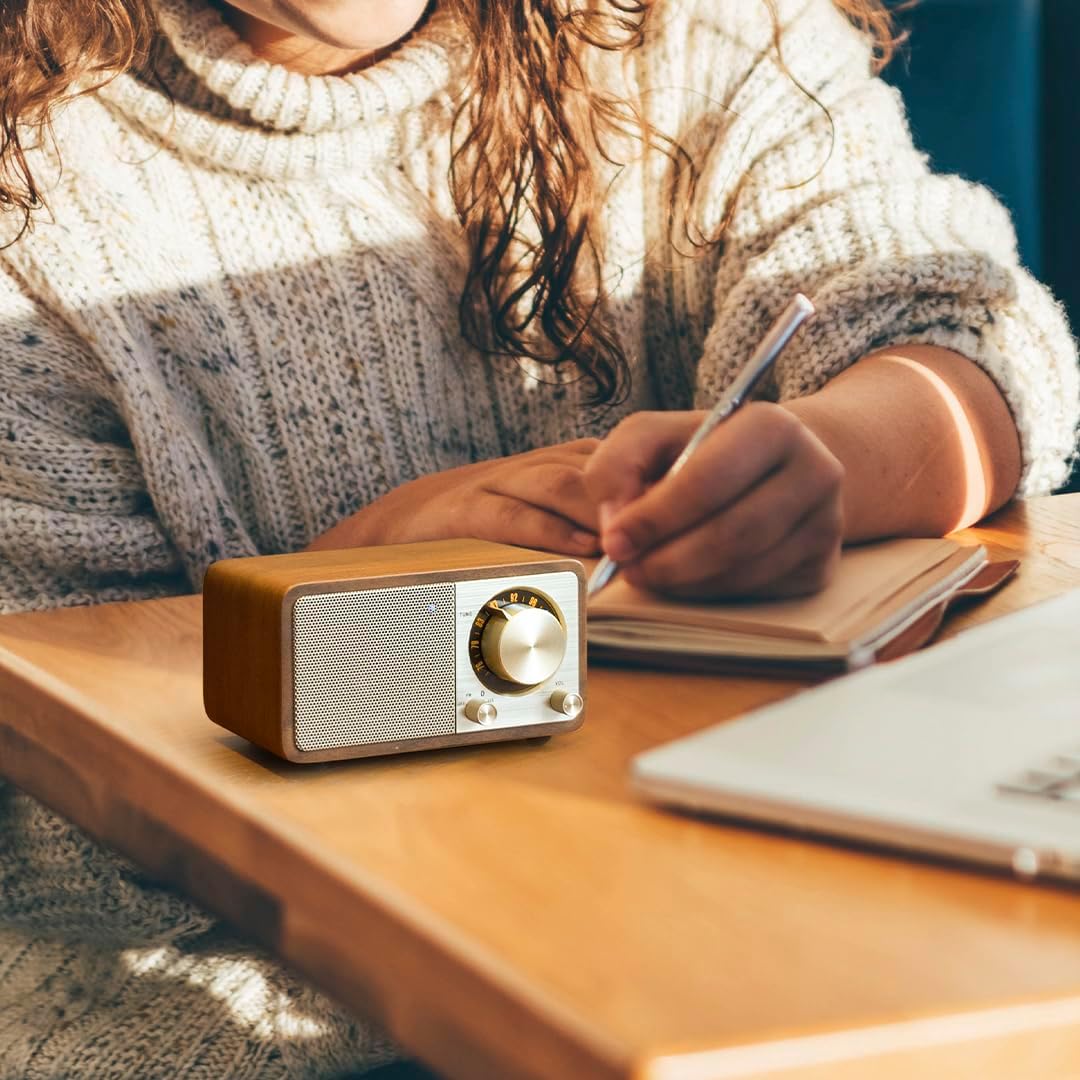
The SANGEAN WR-301 in use, demonstrating its portability and ease of integration into daily activities.
- Rotate the Function Switch to "FM". The Bluetooth indicator will start blinking, indicating it's in pairing mode.
- On your Bluetooth-enabled device (smartphone, tablet, etc.), enable Bluetooth and search for available devices.
- Select "SANGEAN WR-301" from the list of devices.
- Once successfully paired, the Bluetooth indicator will stop blinking and remain solid.
- You can now play audio from your device through the WR-301. Adjust volume using both your device and the WR-301's VOL Knob.
AUX Input
To play audio from an external device via the AUX input:
- Connect a 3.5mm audio cable (not included) from your external audio device's headphone jack or audio out port to the AUX IN port on the back of the WR-301.
- Rotate the Function Switch to "AUX".
- Play audio on your external device. Adjust volume using both your device and the WR-301's VOL Knob.
Maintenance
- Cleaning: Use a soft, dry cloth to clean the exterior of the unit. Do not use abrasive cleaners, waxes, or solvents as they may damage the finish.
- Battery Care: To prolong the life of the built-in lithium-ion battery, avoid fully discharging it frequently. Recharge the unit regularly, especially if it will not be used for an extended period. Store in a cool, dry place.
- Storage: When not in use for long periods, store the unit in a dry environment away from direct sunlight and extreme temperatures.
Troubleshooting
| Problem | Possible Cause | Solution |
|---|---|---|
| No power / Unit does not turn on. | Battery is depleted. | Charge the unit using the USB charging cable. |
| Poor FM reception. | Antenna not connected or poorly positioned. | Connect the external antenna and adjust its position for better signal. Try moving the unit to a different location. |
| Bluetooth device cannot pair. | WR-301 not in pairing mode; Device too far; Device's Bluetooth is off. | Ensure Function Switch is on "FM" (for pairing). Move device closer to WR-301. Ensure Bluetooth is enabled on your device. |
| No sound from AUX input. | Function Switch not on "AUX"; Cable not fully inserted; External device volume too low. | Set Function Switch to "AUX". Ensure 3.5mm cable is fully inserted. Increase volume on both WR-301 and external device. |
Specifications
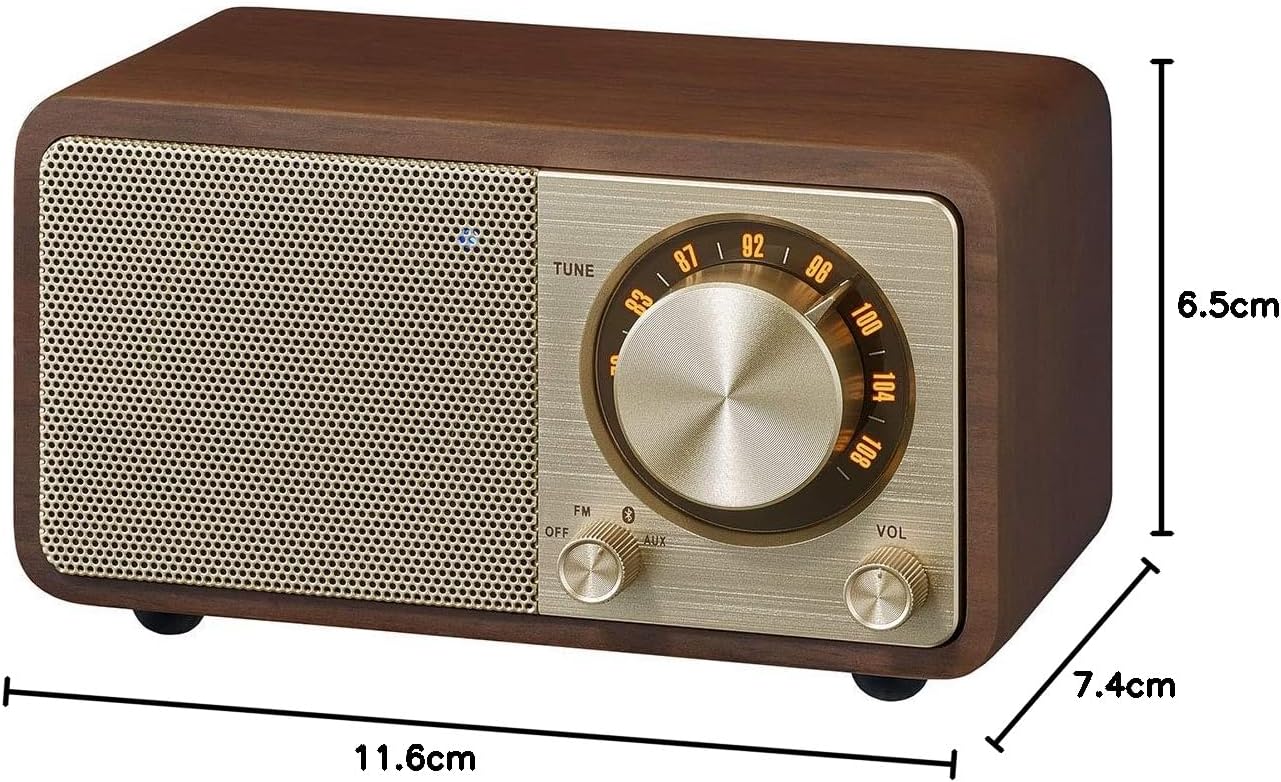
Dimensions of the SANGEAN WR-301: 11.6 cm (length) x 7.4 cm (width) x 6.5 cm (height).
| Feature | Detail |
|---|---|
| Model Number | WR-301 |
| Brand | Sangean |
| Color | Walnut |
| Connectivity Technology | Bluetooth |
| Tuner Technology | FM |
| Power Source | Battery Powered |
| Battery Type | Lithium-ion (1 x AA size, included) |
| Product Dimensions | 11.6 cm (Length) x 7.4 cm (Width) x 6.5 cm (Height) |
| Included Components | External Antenna Cable, USB Charging Cable |
| Recommended Use | For smartphones or tablets |
Warranty and Support
SANGEAN products are manufactured to high quality standards. For warranty information and technical support, please refer to the warranty card included with your product or visit the official SANGEAN website. Keep your purchase receipt as proof of purchase for any warranty claims.
For further assistance, please contact SANGEAN customer service through their official channels.