
Introduction
This manual provides instructions for the Cuttte 16 Pack Plastic Key Tags. These tags are designed to help organize and identify various items, including keys, luggage, and personal belongings. Each tag features a durable plastic casing, a label window, and a metal key ring, offering a practical solution for organization.
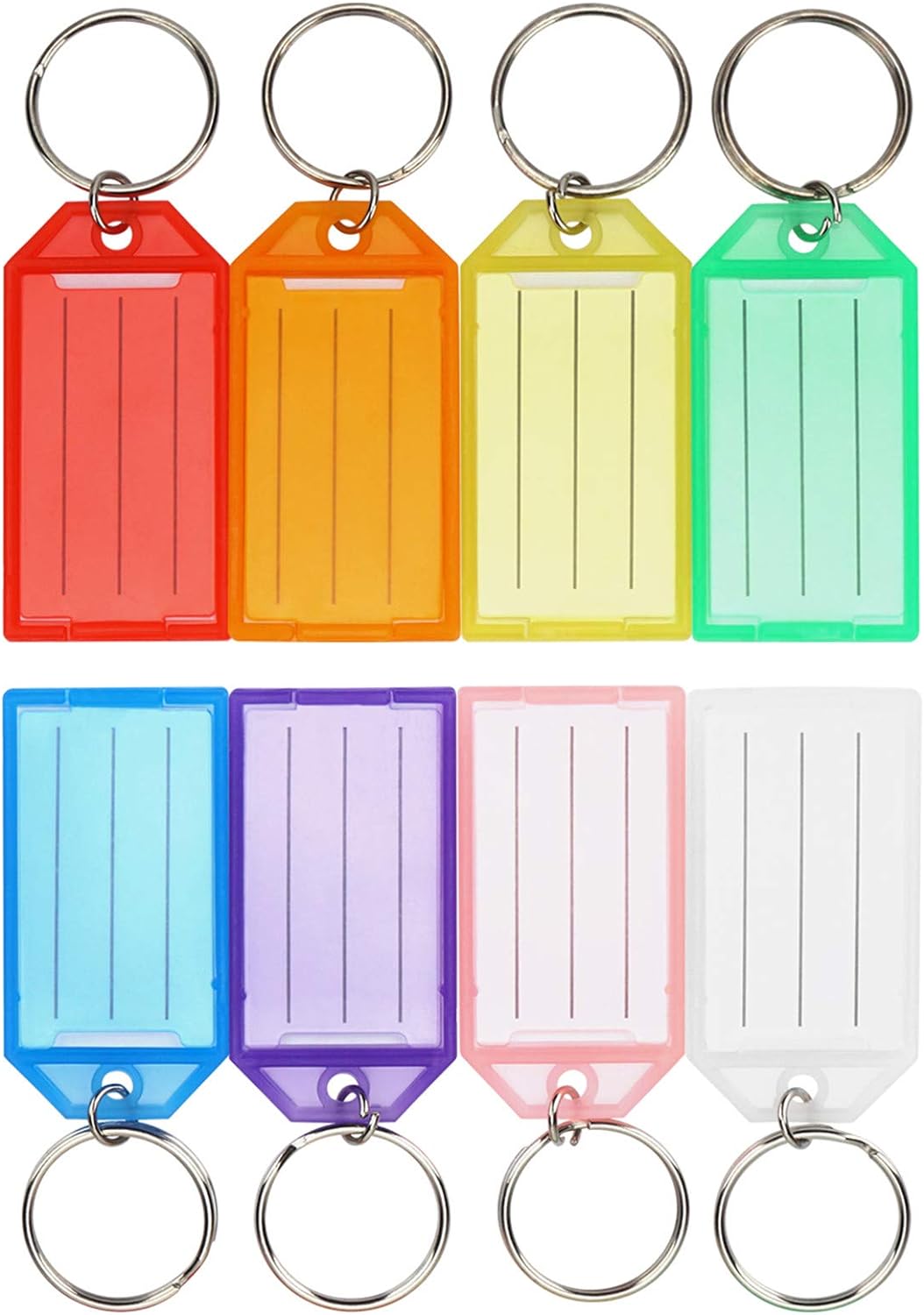
Image: A comprehensive view of the 16 Cuttte plastic key tags, showcasing the variety of colors and their design.
Product Features
- Durable Construction: Tags are made of hard polypropylene, ensuring reusability, reliability, and lightweight handling.
- Compact Size: Total dimensions are 1.15 x 2.2 inches, with a large label window for ample writing space.
- Protected Labels: Each tag includes a paper label for writing and a clear plastic cover to protect the label from fading. The cover opens and closes easily without removing the key ring.
- Color Assortment: The pack contains 16 key tags in 8 distinct colors (2 of each color), facilitating easy identification and categorization.
- Versatile Application: Ideal for labeling keys, pet collars, backpacks, lunchboxes, jackets, luggage, USB drives, and other items requiring identification.

Image: An overview of the eight available colors for the key tags, highlighting the color-coding benefit.

Image: Visual representation of the key tag dimensions, showing its compact and lightweight design.
Setup and Installation
Attaching a Label
Follow these steps to prepare your Cuttte key tag for use:
- Step 1: Open the Tag. Use a fingernail or a small, flat tool (such as a small screwdriver) to gently pry open the slot located on the end of the tag near the key ring.
- Step 2: Write on the Label. Carefully remove the paper label from inside the tag. Write your desired identification information clearly on the label. Allow the ink to dry for a few minutes to prevent smudging.
- Step 3: Insert the Label. Place the written label back into the tag, ensuring it is correctly oriented and lies flat within the window.
- Step 4: Close the Tag. Snap the plastic cover securely back into place. The clear cover will protect your label.

Image: A visual guide illustrating the four steps to open, label, insert, and close the key tag.
Operating Instructions
Once labeled, attach the key tag to your desired item using the integrated metal key ring. The clear plastic cover protects the label from wear and fading, ensuring long-term readability. The bright colors also aid in quick visual identification.
Usage Examples
- Key Organization: Differentiate between house keys, office keys, car keys, and other access keys.
- Personal Belongings: Label backpacks, lunchboxes, jackets, and luggage for easy identification, especially in shared spaces or travel.
- Pet Identification: Attach to pet collars for contact information.
- Digital Storage: Label USB drives or external hard drives to quickly identify contents.
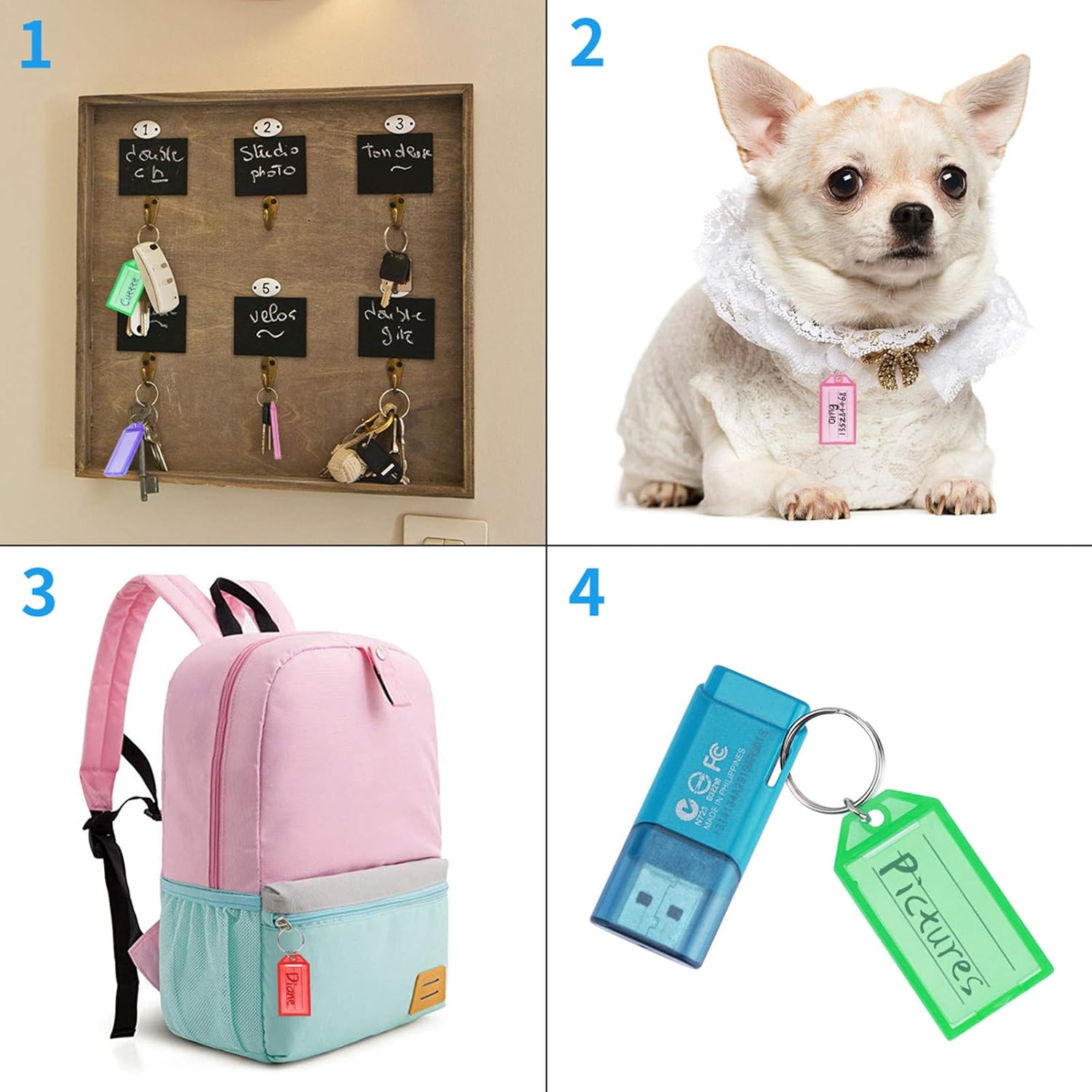
Image: Examples of key tags used for organizing keys, identifying a pet, marking a backpack, and labeling a USB drive.
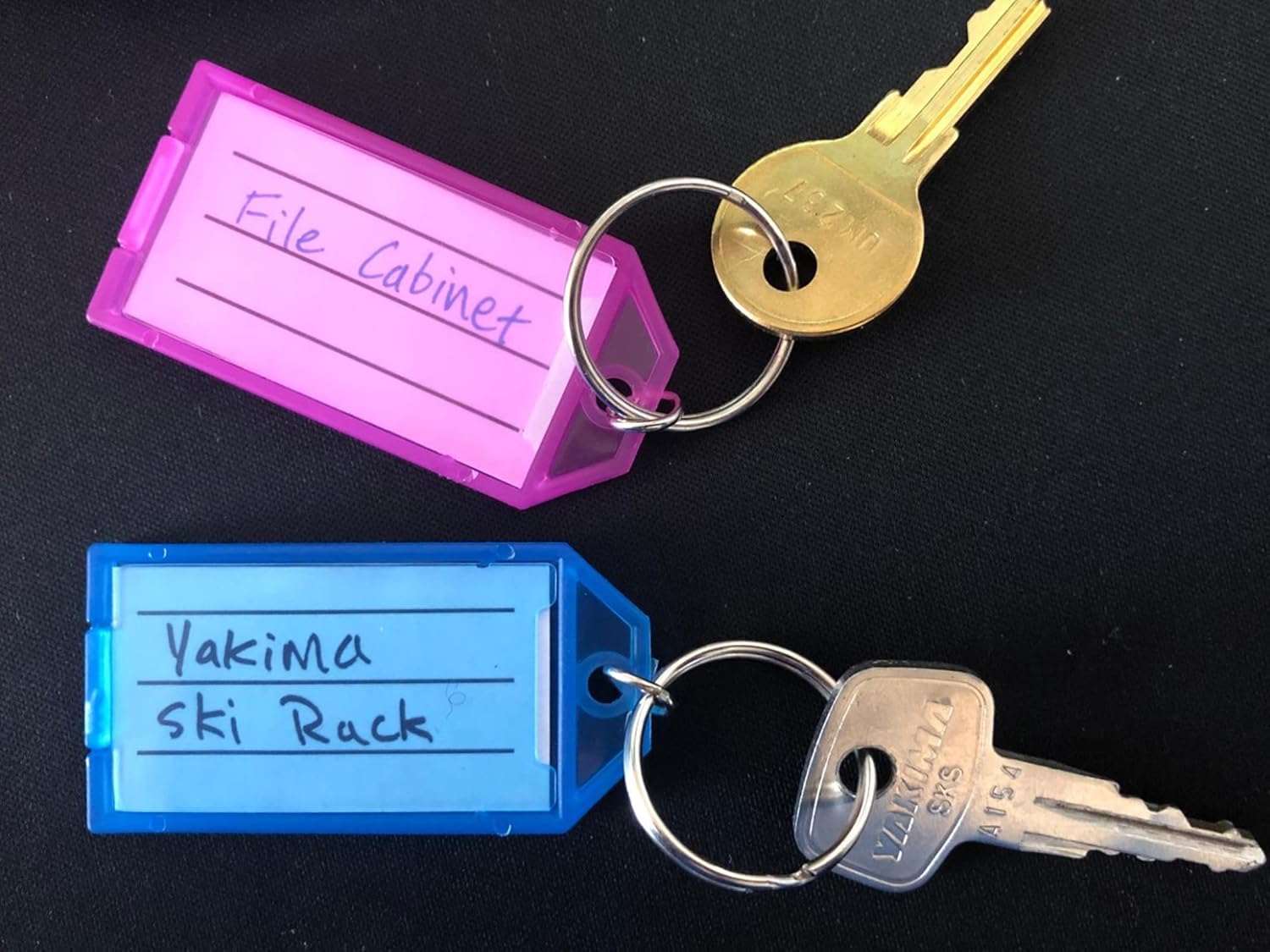
Image: Further examples demonstrating key tags attached to a door key, a lunchbox, luggage, and a jacket zipper.

Image: A close-up of two labeled key tags attached to keys, showing clear handwritten identification.
Maintenance
To maintain the clarity and functionality of your key tags, wipe them with a soft, damp cloth as needed. Avoid using harsh abrasive cleaners or chemicals that may damage the plastic material or fade the printed labels.
Troubleshooting
Label Fading
If the ink on your label appears to fade, ensure the plastic cover is securely closed to protect it from environmental exposure. For best results, use permanent markers for writing on the labels and allow the ink to dry completely before closing the cover.
Difficulty Opening Tag
The tag is designed to close securely. If you find it difficult to open, use a fingernail or a small, flat tool (such as a small screwdriver) to gently pry open the slot on the end near the key ring. Avoid excessive force to prevent damage.
Specifications
| Attribute | Detail |
|---|---|
| Brand | Cuttte |
| Model Number | CT-CT033A |
| Item Weight | 3.84 ounces |
| Package Dimensions | 7.48 x 6.65 x 0.55 inches |
| Colors Included | Red, Orange, Yellow, Green, Blue, Purple, Pink, White (2 of each) |
| Closure Type | Split Ring |
| Shape | Rectangular |
| Material Type | Plastic |
| Number of Items | 16 |
| Tag Size | 1.15 x 2.2 inches |
| First Available Date | May 30, 2020 |
Warranty and Support
Cuttte products are designed for durability and functionality. For any product support, inquiries, or to report issues, please contact Cuttte customer service directly through their official channels or the retailer where the product was purchased. Specific warranty details may vary; please refer to your purchase documentation or the Cuttte official website for the most current information.