1. Product Overview
The AUTOKAY Trimmer/Weedwacker TAP 'N Go Cutting Head is a replacement part designed for specific Weed-Eater models, including the W25SBK. This cutting head features a "Tap 'N Go" mechanism for easy line feeding during operation. It is an aftermarket product engineered for reliable performance and ease of installation, providing a durable solution for your trimming needs.

Image 1.1: The AUTOKAY Trimmer/Weedwacker TAP 'N Go Cutting Head, shown with two included eyelets.
2. Package Contents
Please verify that all items listed below are included in your package:
- 1 x AUTOKAY Trimmer/Weedwacker TAP 'N Go Cutting Head
- 2 x Eyelets

Image 2.1: A detailed view of the trimmer head and the two accompanying eyelets, which are essential components for line management.
3. Compatibility
This replacement cutting head is designed to be compatible with Weed-Eater model W25SBK. It replaces part number 537419225. Ensure your trimmer model matches the specified compatibility to guarantee proper fit and function.

Image 3.1: Visual representation highlighting the status as a brand new, aftermarket product with professional design and reliable performance, indicating its compatibility as a replacement for old accessories.
4. Product Features
The AUTOKAY Trimmer/Weedwacker TAP 'N Go Cutting Head offers several advantages:
- Durable Construction: Built to withstand the rigors of regular use in outdoor environments.
- High Quality: Manufactured to meet performance standards for effective trimming.
- Easy to Install: Designed for straightforward replacement on compatible models.
- Tap 'N Go Mechanism: Allows for quick and easy feeding of trimmer line by tapping the head on the ground during operation.
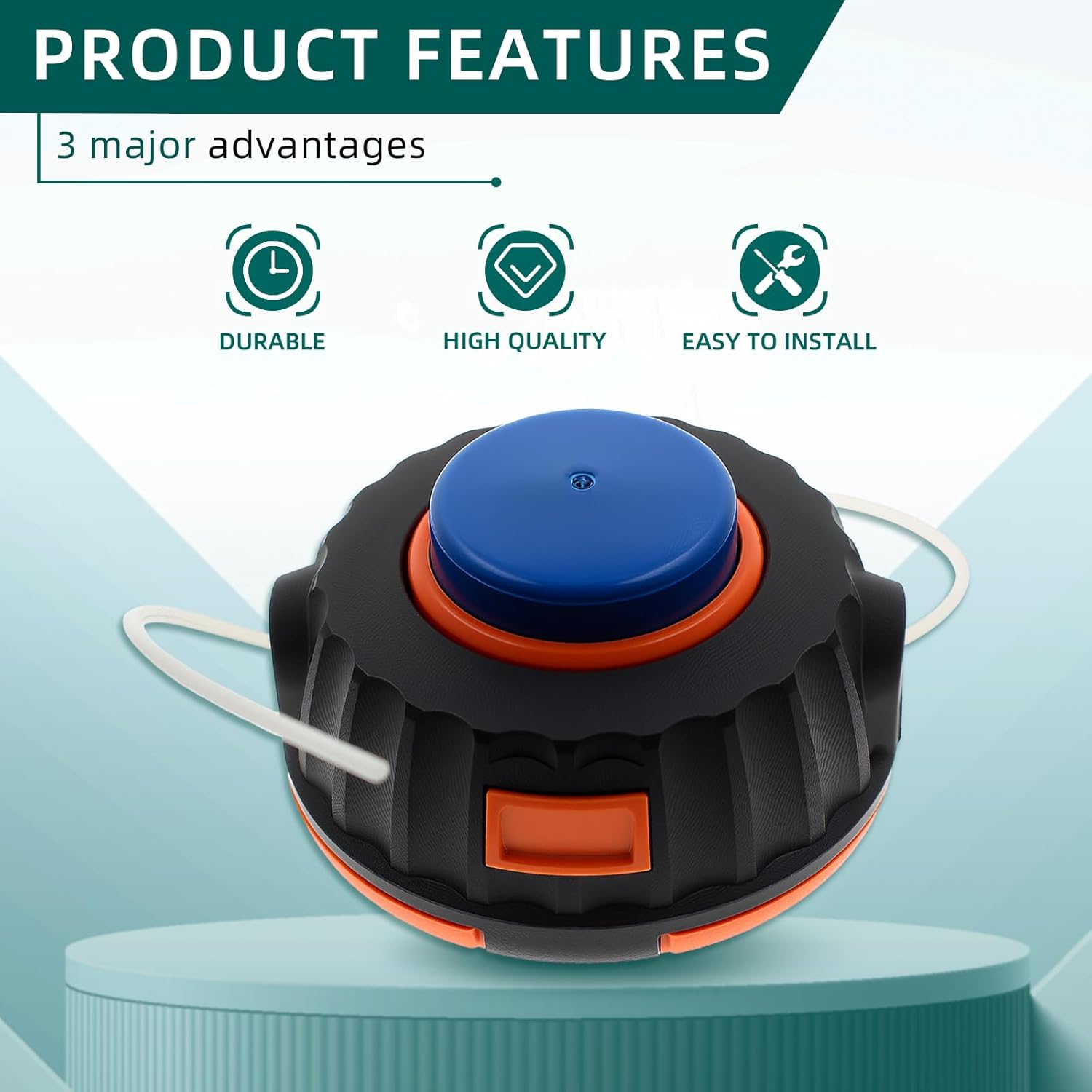
Image 4.1: This graphic highlights the core benefits of the product: durability for long-term use, high quality for consistent performance, and ease of installation for user convenience.
5. Setup and Installation
Follow these steps to install the new cutting head on your Weed-Eater W25SBK:
- Safety First: Ensure your trimmer is turned off and the spark plug wire is disconnected to prevent accidental starting.
- Remove Old Head: Depending on your specific trimmer model, you may need to use a wrench or a pin to lock the shaft and unscrew the old cutting head. Note the direction of the threads (often left-hand thread).
- Inspect Shaft: Clean any debris from the trimmer shaft threads.
- Install New Head: Align the new AUTOKAY cutting head with the trimmer shaft threads. Carefully screw it on by hand, ensuring it engages properly. Tighten securely.
- Insert Trimmer Line: Feed the trimmer line through the eyelets on the cutting head. Ensure equal lengths of line extend from both sides.
- Reconnect Power: Reconnect the spark plug wire.
For a visual demonstration of the product, please refer to the official product video below.
Video 5.1: An official product video showcasing the AUTOKAY Trimmer/Weedwacker TAP 'N Go Cutting Head, demonstrating its appearance and features.
6. Operation
Once installed, operate the trimmer according to your Weed-Eater's instruction manual. The "Tap 'N Go" feature allows you to extend the trimmer line by gently tapping the cutting head on the ground while the trimmer is running at operating speed. This action releases more line from the spool.
7. Maintenance
To ensure the longevity and optimal performance of your cutting head:
- Clean Regularly: After each use, remove grass clippings and debris from the cutting head. This prevents buildup that can hinder performance.
- Inspect Eyelets: Periodically check the metal eyelets for wear. Replace them if they show signs of significant abrasion or damage to ensure smooth line feeding.
- Store Properly: Store the trimmer in a clean, dry place when not in use.
- Replace Line: Use appropriate diameter trimmer line as recommended for your Weed-Eater model.
8. Troubleshooting
If you encounter issues with your cutting head, refer to the table below:
| Problem | Possible Cause | Solution |
|---|---|---|
| Cutting head does not thread onto shaft securely or breaks loose. | The internal threading mechanism may be seated too deep within the cutting head, preventing full engagement with the trimmer shaft's threads. | 1. Carefully disassemble the cutting head to access the internal threaded component. 2. If the threaded insert is removable, attempt to re-seat it so that its threads are flush or slightly protruding from the base of the cutting head. 3. If the threaded insert is fixed but too deep, consider if a spacer or washer can be added to the trimmer shaft before attaching the head to allow for better thread engagement. (Consult a professional if unsure). 4. Ensure the correct thread direction (often left-hand thread for trimmers). |
| Trimmer line does not feed properly. | Worn or damaged eyelets; incorrect line diameter; tangled line inside spool. | Replace eyelets; ensure correct line diameter is used; open head and untangle/re-spool line. |
| Excessive vibration during operation. | Improperly installed head; damaged head; unbalanced line. | Re-install head securely; inspect for damage and replace if necessary; ensure line is evenly distributed. |
9. Specifications
| Attribute | Detail |
|---|---|
| Brand | AUTOKAY |
| Model Number | AU0125 |
| Item Weight | 11.2 ounces |
| Package Dimensions | 4.96 x 4.06 x 3.27 inches |
| Replaces Part Number | 537419225 |
| Compatible Trimmer Model | Weed-Eater W25SBK |
10. Warranty and Support
For information regarding warranty coverage, returns, or technical support, please refer to the product listing on Amazon.com or contact AUTOKAY customer service directly. Keep your purchase receipt as proof of purchase.
You can visit the official AUTOKAY store on Amazon for more products and support: AUTOKAY Store