
1. Introduction
The AIOMEST Digital Anemometer AI-816B is a compact, handheld device designed for measuring wind speed and temperature. It features sensitive fan blades for accurate readings, a backlit LCD display for clear visibility, and multiple unit options for versatility. This manual provides detailed instructions for the proper use and maintenance of your anemometer.
2. Safety Information
- Do not expose the device to extreme temperatures or direct sunlight for prolonged periods.
- Avoid dropping the device or subjecting it to strong impacts.
- Keep the device away from water and high humidity to prevent damage.
- Ensure correct battery polarity during installation.
- Do not attempt to disassemble or modify the device, as this will void the warranty.
3. Product Overview
3.1 Key Features
- 7 Sensitive Fan Blades for precise wind measurement.
- Measures wind velocity and temperature.
- Features Max/Average/Current mode.
- Wind chill indication.
- Backlit LCD display for clear readings.
- 5 airflow velocity units: m/s, ft/min, knots, km/hr, mph.
- Temperature units: Fahrenheit/Celsius switchable.
- Automatic shut-off to conserve battery life.
- Compact and lightweight design.
3.2 Device Components

The image above illustrates the main features of the AIOMEST AI-816B anemometer, including its ability to measure temperature, provide backlight, switch between Celsius and Fahrenheit, select wind speed units, indicate wind chill, offer real-time measurements, and automatically power off.

This image provides a visual guide to the physical dimensions of the anemometer and highlights the functions of its three control buttons: MODE, °C/°F, and SET. The MODE button is used for selection and backlight, the °C/°F button switches temperature units, and the SET button is for mode options and power off.
4. Setup
4.1 Battery Installation
The AIOMEST AI-816B anemometer uses one CR2032 3.0V battery. Follow these steps to install or replace the battery:
- Use a coin to rotate the battery cover counter-clockwise to the "OPEN" position.
- Carefully remove the battery cover.
- Insert the CR2032 battery with the positive (+) side facing up, ensuring correct polarity.
- Place the battery cover back and rotate it clockwise to the "CLOSE" position using a coin.

This image visually guides you through the process of replacing the CR2032 battery, from opening the cover with a coin to correctly inserting the new battery and securing the cover.
4.2 Lanyard Attachment
To attach the included lanyard for convenient carrying:
- Locate the small loop hole on the top side of the anemometer.
- Thread the thin loop end of the lanyard through this hole.
- Pass the main strap of the lanyard through the loop you just created and pull tight to secure.

The image displays the anemometer with its lanyard properly attached, ready for portable use.
4.3 Setup Video Guide
Video 1: This video demonstrates the battery installation and basic key usage for the AIOMEST AI-816B anemometer, including how to attach the lanyard.
5. Operating Instructions
5.1 Power On/Off
- Power On: Long press the "MODE" button to turn on the device. The display will show "m/s" flashing.
- Power Off: Long press the "SET" button to manually turn off the device. The device will also automatically shut off after 5 seconds (or 12 minutes, depending on the specific model's firmware) of inactivity to conserve battery.
5.2 Mode and Unit Selection
- Temperature Unit Switch (°C/°F): Press the "°C/°F" button to toggle between Celsius and Fahrenheit.
- Wind Speed Unit Selection: While the device is on, short press the "MODE" button to cycle through the available wind speed units: m/s, ft/min, knots, km/hr, and mph.
- Measurement Modes: The device supports Max, Average, and Current wind speed readings. Use the "MODE" button to switch between these display modes.
5.3 Backlight
To activate the backlight for improved visibility in low-light conditions, short press the "MODE" button. The backlight will remain on for a short period.
5.4 Wind Chill Indication
The anemometer provides a wind chill indication, especially useful in colder environments. Refer to the display for this reading.
5.5 Measuring Wind Speed
Hold the anemometer upright, ensuring the fan blades are exposed to the wind flow. The display will show real-time wind speed and temperature readings. For accurate measurements, ensure no obstructions are blocking the fan.
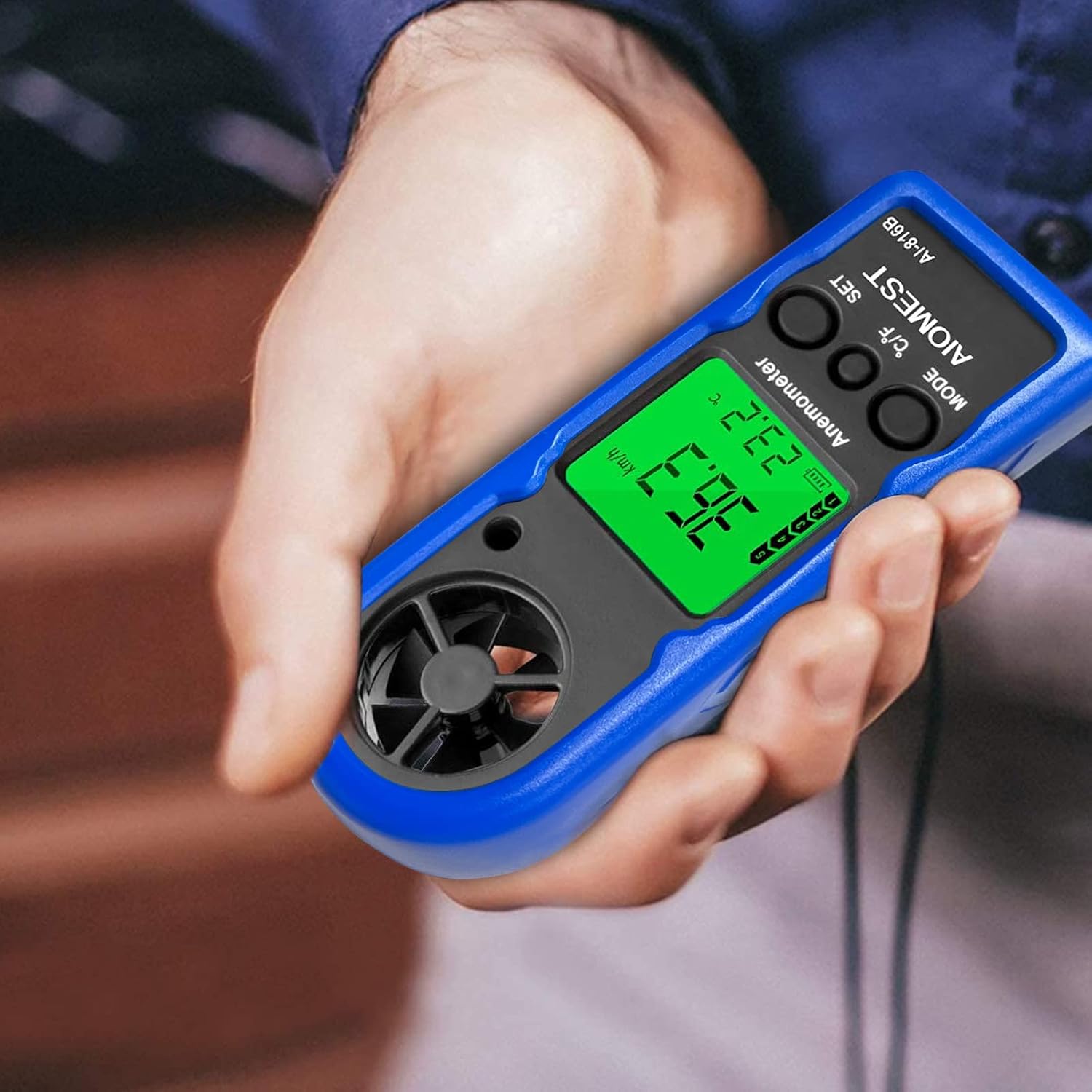
This image shows the anemometer being held, demonstrating how to read the wind speed and temperature from its display during operation.
5.6 Application Scenarios
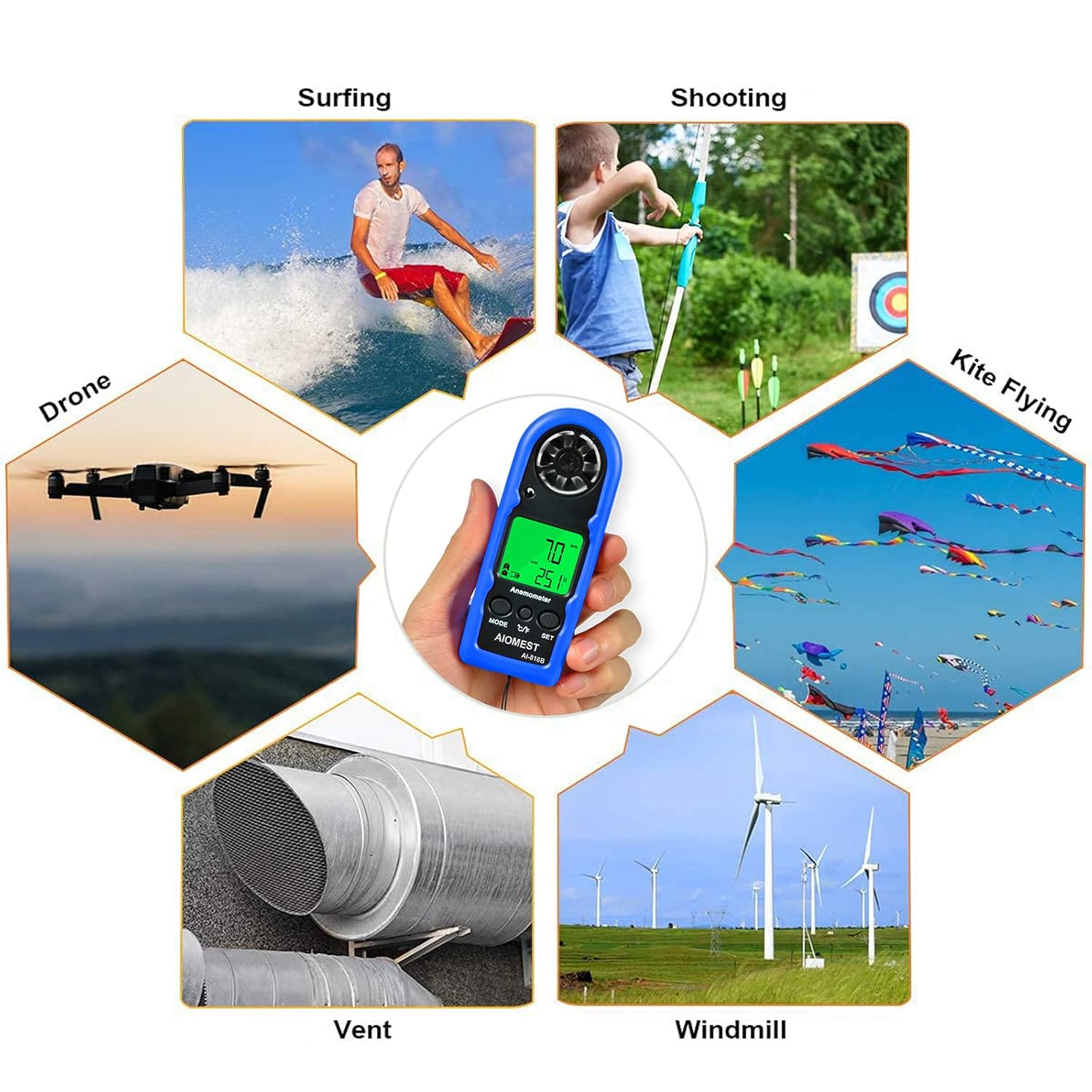
The image illustrates the versatility of the AIOMEST AI-816B, showing its utility in activities like surfing, shooting, kite flying, drone piloting, HVAC system checks, and wind turbine monitoring.
6. Maintenance
6.1 Cleaning
Wipe the device with a soft, dry cloth. Do not use abrasive cleaners or solvents. Ensure the fan blades are free from dust and debris for accurate readings.
6.2 Storage
When not in use for extended periods, remove the battery to prevent leakage. Store the device in a cool, dry place away from direct sunlight.
7. Troubleshooting
- Device not turning on: Check if the battery is installed correctly and has sufficient charge. Replace the battery if necessary.
- Inaccurate readings: Ensure the fan blades are clean and unobstructed. Verify that the device is held correctly in the wind path.
- Display issues: If the display is dim or flickering, the battery may be low. Replace the battery.
8. Specifications
| Feature | Detail |
|---|---|
| Model | AI-816B |
| Wind Speed Range | 0-65 mph (0.2 resolution) |
| Wind Speed Accuracy | ±5% |
| Temperature Range | 14~113°F (-10~45°C) |
| Power Source | CR2032 3.0V battery (1pc) |
| Dimensions | 4.88 x 2.13 x 1.54 inches (approx. 12.4 x 5.4 x 3.9 cm) |
| Item Weight | 1.76 ounces (approx. 50g) |
| Material | Plastic |
| Auto Shut-off | After 5 seconds of inactivity (some models may be 12 minutes) |
9. Warranty and Support
The AIOMEST Digital Anemometer AI-816B comes with a 12-month product warranty and lifetime technical support. If you encounter any issues or have questions regarding your device, please contact AIOMEST customer service for assistance.
For support, please visit the official AIOMEST website or refer to the contact information provided with your purchase.