
NEBO Mycro Rechargeable LED Keychain Light
Instruction Manual
Product Overview
The NEBO Mycro is a compact, rechargeable LED keychain light designed for portability and versatile illumination. It features multiple light modes, including a powerful 400-lumen Turbo mode, and is constructed from durable aircraft-grade aluminum. This manual provides detailed instructions for its proper use and care.

Image: The NEBO Mycro keychain light in silver, shown alongside its Micro-USB charging cable. This image highlights the compact design of the flashlight and the included charging accessory.
Setup
Initial Charging
Before first use, fully charge the NEBO Mycro. Locate the Micro-USB charging port, typically covered by a protective cap. Connect the included Micro-USB cable to the flashlight and the other end to a standard USB power source (e.g., computer, wall adapter). The charging indicator light will illuminate to show charging status.

Image: An exploded view diagram of the NEBO Mycro, illustrating its internal components, including the Micro-USB charging port and the aircraft-grade anodized aluminum body. This image helps identify the charging port location.
A full charge typically takes less than 2 hours. The indicator light will change color (e.g., from red to green) when charging is complete.
Operating Instructions
The NEBO Mycro features a primary button for power and mode selection. It includes six distinct light modes.

Image: A close-up of the NEBO Mycro flashlight, highlighting the primary button and listing the six unique light modes: Turbo (400 lumens), High, Medium, Low, Green, and Red. This visual aid clarifies button function and mode options.
Power On/Off and Mode Selection
- To Turn On: Press the primary button once. The light will activate in the last used mode (due to power memory setting).
- To Cycle Modes: While the light is on, press the primary button repeatedly to cycle through High, Medium, Low, Green, and Red modes.
- Turbo Mode: Double-press the primary button at any time to activate Turbo mode (400 lumens). This mode provides maximum brightness for a short duration.
- To Turn Off: Press and hold the primary button for approximately 1-2 seconds. If the light has been in a single mode for more than 8 seconds, a single press will turn it off.
Mode Details
- Turbo: 400 lumens (momentary burst).
- High: Optimal visibility.
- Medium: Balanced output.
- Low: Extended runtime, up to 5 hours.
- Green & Red: Designed to help maintain night vision.
Maintenance
Charging
Regularly charge the device to maintain optimal performance. Use only the provided Micro-USB cable or a compatible alternative. Avoid over-discharging the battery completely, as this can reduce its lifespan.
Cleaning
Wipe the exterior of the flashlight with a soft, damp cloth as needed. Do not use abrasive cleaners or solvents, as these may damage the finish or internal components. Ensure the charging port cover is securely closed to maintain water resistance.
Storage
Store the NEBO Mycro in a cool, dry place away from direct sunlight and extreme temperatures. If storing for an extended period, charge the battery to approximately 50% capacity every few months to prevent deep discharge.
Troubleshooting
- Light does not turn on:
- Ensure the battery is charged. Connect to a power source using the Micro-USB cable.
- Check for any obstructions around the button.
- Light modes are not cycling:
- Ensure the button is being pressed firmly and released.
- If the light has been on a single mode for an extended period, a single press may turn it off. Try turning it off and on again.
- Charging indicator not working:
- Verify the Micro-USB cable is securely connected to both the flashlight and the power source.
- Try a different USB cable or power source.
- Reduced brightness or runtime:
- The battery may be low. Recharge the device fully.
- Extreme temperatures can affect battery performance. Operate within recommended temperature ranges.
Specifications
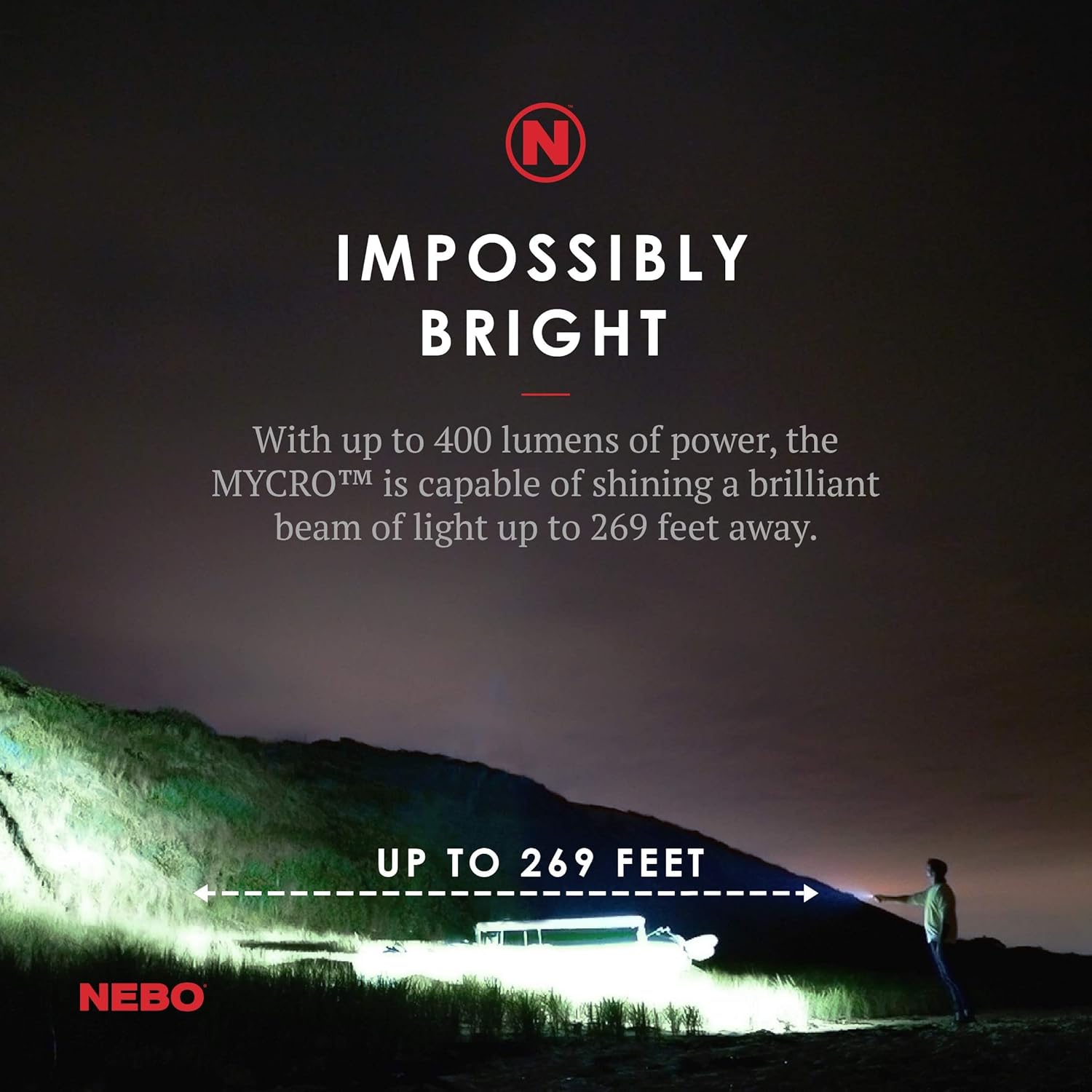
Image: The NEBO Mycro flashlight illuminating a dark outdoor scene, demonstrating its powerful beam capable of reaching up to 269 feet. This image illustrates the effective range and brightness of the device.
| Feature | Detail |
|---|---|
| Model Name | Nebo - NEB-KEY-0005 |
| Dimensions | 1.73"D x 1.16"W x 0.67"H |
| Weight | 0.13 Pounds |
| Brightness (White) | Up to 400 Lumens (Turbo Mode) |
| Light Source Type | LED |
| Power Source | Battery Powered |
| Battery Type | 200 mAh Lithium Polymer (Rechargeable) |
| Run Time (Low) | Up to 5 hours |
| Water Resistance Level | Water Resistant |
| Material | Aircraft-grade Anodized Aluminum |
| Included Components | Micro-USB to USB charging cable |
Warranty Information
The NEBO Mycro Rechargeable LED Keychain Light comes with a 1-year warranty from the date of purchase. This warranty covers manufacturing defects in materials and workmanship under normal use. It does not cover damage caused by misuse, accidents, unauthorized modifications, or normal wear and tear. Please retain your proof of purchase for warranty claims.
Support
For further assistance, technical support, or warranty inquiries, please visit the official NEBO website or contact their customer service department. You can often find additional resources, FAQs, and contact information on the NEBO Store on Amazon or the manufacturer's dedicated support channels.