
Agoigo W1
Agoigo Kids Waterproof Camera User Manual
Model: W1 | Brand: Agoigo
1. Introduction
The Agoigo Kids Waterproof Camera is designed for children aged 3-12, offering a fun and durable way to capture memories. Equipped with 5.0 megapixels and 1080p HD video, it features a 2-inch screen, 28 photo frames, and 6 filters for creative photography. Its robust waterproof case allows for underwater use up to 98 feet, making it ideal for various adventures.
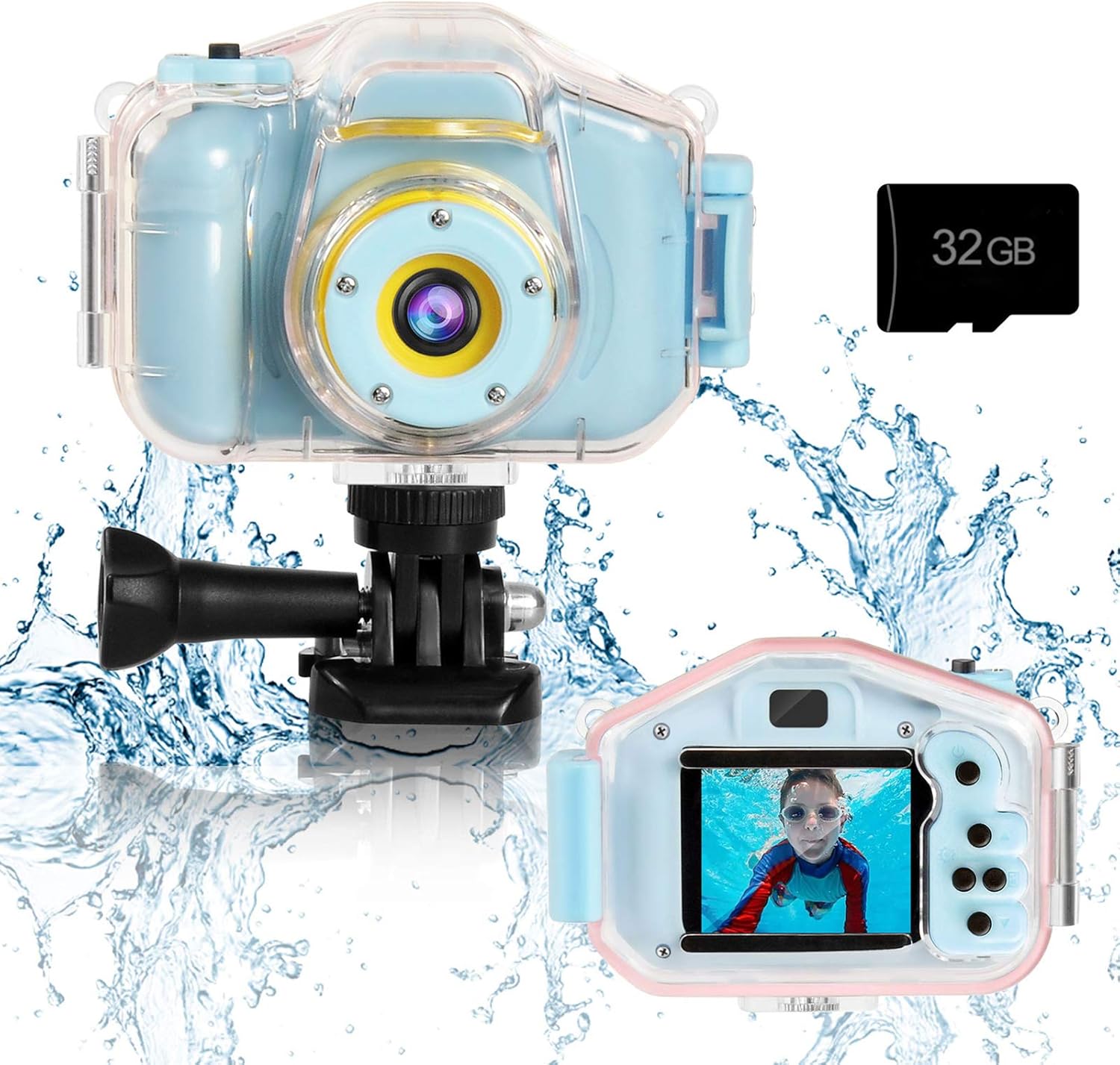
Figure 1: Agoigo Kids Waterproof Camera with 32GB SD Card.
2. What's in the Box
Your Agoigo Kids Waterproof Camera package includes the following items:
- Kids Digital Camera (Model W1)
- Waterproof Case
- 32GB Micro SD Card
- USB Charging Cable
- Lanyard
- Versatile Mounting Kits (for bikes, helmets, skateboards)
- User Manual
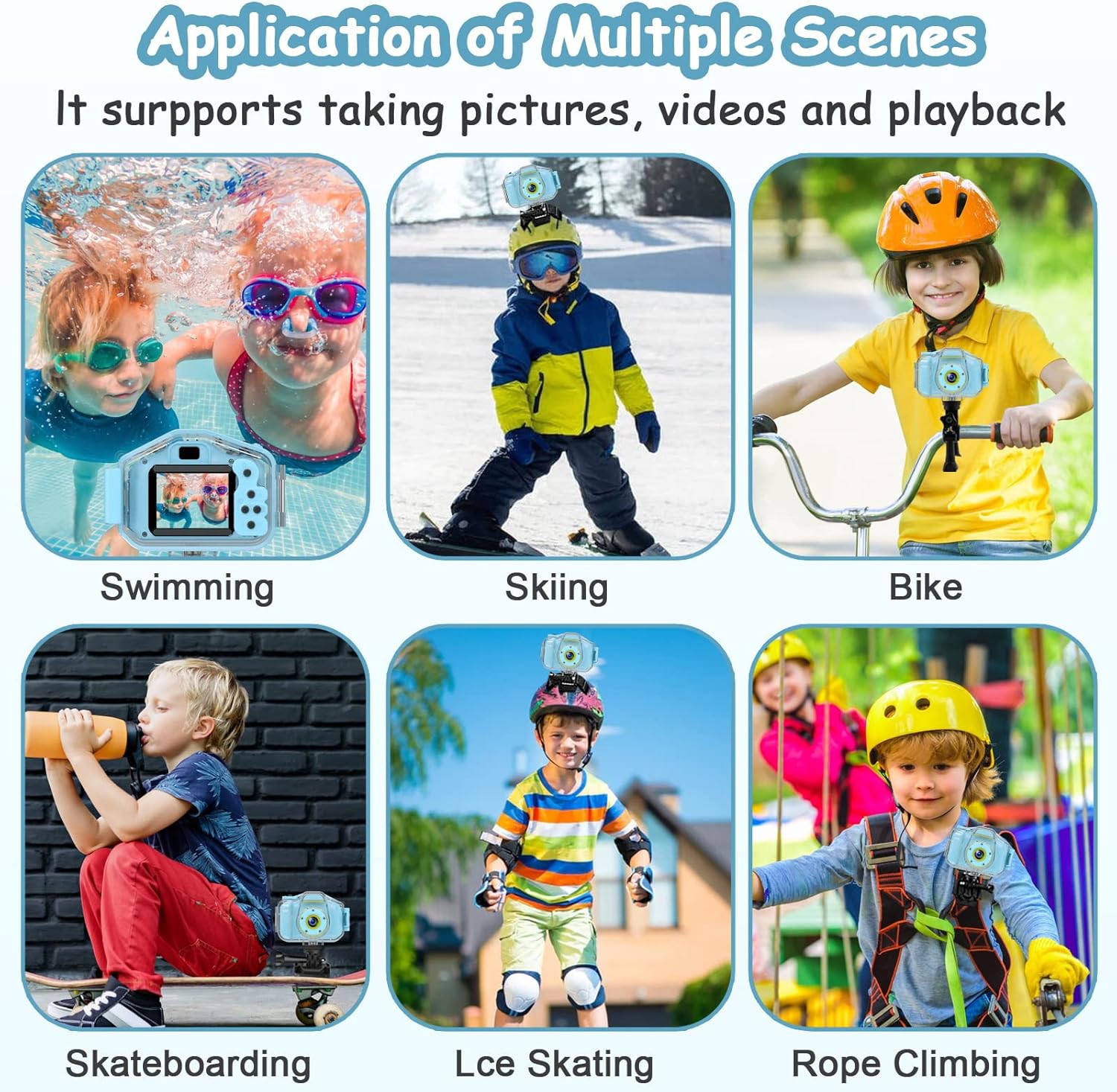
Figure 2: Package Contents.
3. Setup
3.1 Charging the Camera
Before first use, fully charge the camera. Connect the provided USB charging cable to the camera's USB port and plug the other end into a computer or a compatible USB power adapter. The built-in 600mAh rechargeable lithium battery provides 2-3 hours of use.
3.2 Inserting the SD Card
The camera supports up to a 32GB Micro SD card. Locate the SD card slot, typically on the side of the camera, and gently insert the card until it clicks into place. Ensure the camera is powered off before inserting or removing the SD card.
3.3 Setting Date and Time
To set the correct date and time on your camera, please refer to the instructional video below:
Video 1: Instructions on how to set the date and time on the Agoigo Kids Waterproof Camera.

Figure 3: USB Charging and SD Card Slot.
4. Operating the Camera
4.1 Power On/Off
Press and hold the Power/Return button to turn the camera on or off. The camera features an automatic shut-off function to preserve battery life if no operation is detected.
4.2 Navigation and Modes
Use the Up/Down and Left/Right buttons to navigate through the camera's menu and select different modes. The camera offers various functions including photo capture, video recording, playback, delay capture, and date setting.
4.3 Taking Photos and Recording Videos
In photo mode, press the Camera/Video Confirm button to take a picture. In video mode, press the same button to start and stop recording. The camera supports 5.0-megapixel photos and 1080p HD videos. Enhance your photos with 28 frames and 6 filters.
4.4 Playback and Games
Access the playback mode to view your captured photos and videos. The camera also includes 3 puzzle games for entertainment.

Figure 4: Camera Features Overview.
Video 2: Overview of the Kids Waterproof Camera for Boys and Girls.
5. Waterproof Usage
The Agoigo Kids Waterproof Camera comes with a durable underwater case that provides excellent protection against scratches and impacts. With the case installed, the camera can be submerged up to 98 feet (30 meters), making it perfect for swimming, surfing, and diving activities.
Important Tip: Do NOT open the waterproof case while underwater.
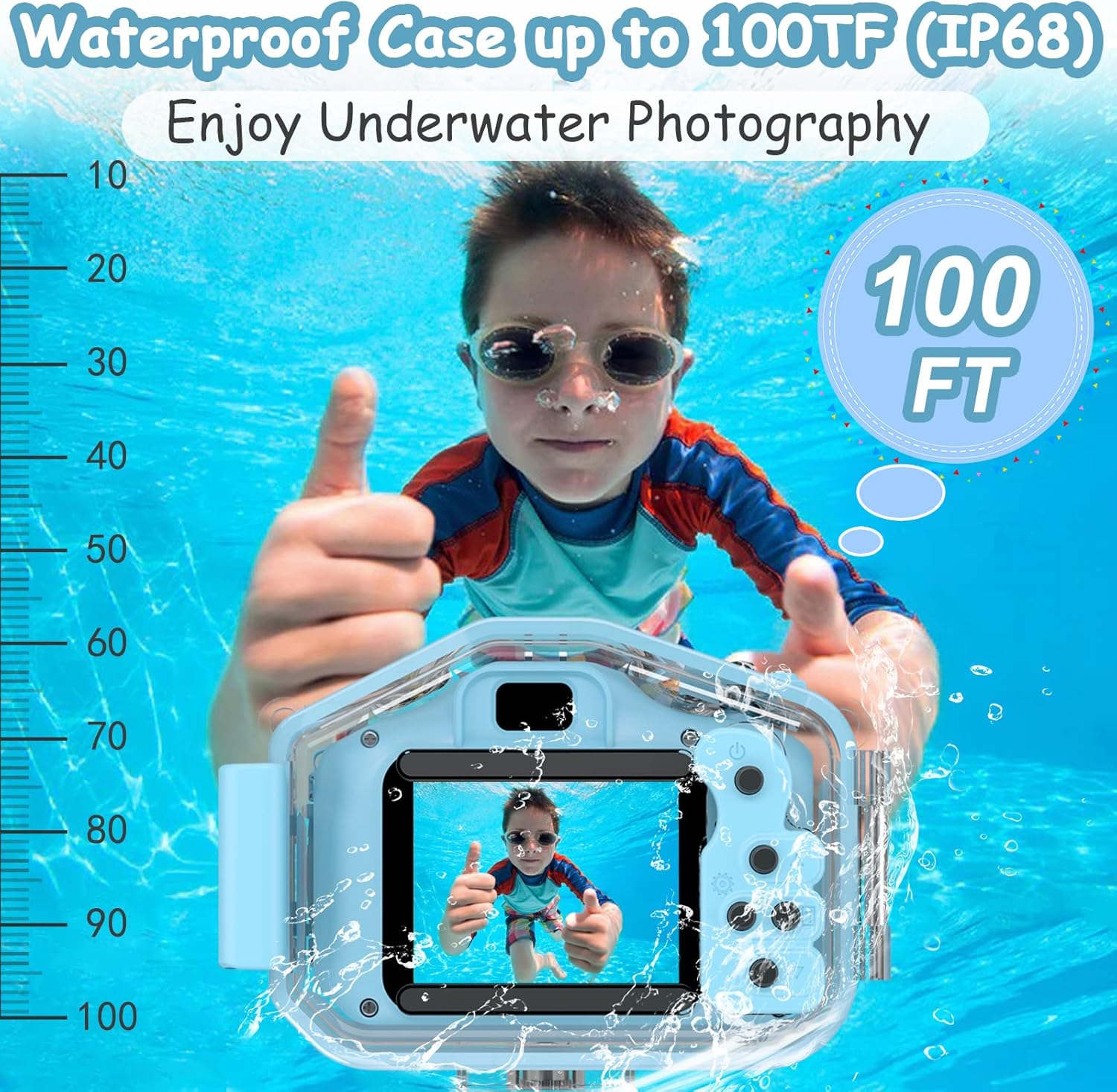
Figure 5: Underwater Photography with Waterproof Case.
6. Mounting Accessories
The camera includes versatile mounting kits that allow it to be attached to various surfaces and equipment. This enables children to capture their adventures from unique perspectives, whether on skateboards, helmets, or bikes.
- Helmet Mount: Securely attach the camera to a helmet for point-of-view shots during activities like skiing or skateboarding.
- Bike Mount: Mount the camera to bicycle handlebars to record rides.
- Flat Surface Mounts: Use adhesive mounts to attach the camera to flat surfaces.
- Lanyard: Wear the camera around the neck for easy access and to prevent drops.

Figure 6: Camera Application in Multiple Scenes.
7. Maintenance
7.1 Cleaning
Wipe the camera and waterproof case with a soft, dry cloth after each use. If used in saltwater, rinse the waterproof case with fresh water and dry thoroughly before opening to prevent salt residue from damaging the seals.
7.2 Battery Care
To maximize battery life, avoid extreme temperatures. The camera has an average battery life of 2.5 hours and will automatically shut off if inactive to conserve power.
8. Troubleshooting
8.1 SD Card Not Identified
If the memory card cannot be identified by the camera, follow these steps:
- Connect the camera to a computer using the data cable.
- Format the SD card on the computer to FAT32.
- Safely eject the SD card from the computer.
- Locate the 'Reset key' on the side of the camera and perform a reset.
- Re-insert the SD card into the camera.
9. Specifications
| Feature | Specification |
|---|---|
| Brand | Agoigo |
| Model Name | W1 |
| Photo Sensor Resolution | 5 MP |
| Video Resolution | 1080p |
| Screen Size | 2 Inches |
| External Memory Size | 32 GB (included) |
| Water Resistance Level | Waterproof |
| Water Resistance Depth | 98 Feet |
| Battery Type | Lithium Ion |
| Battery Average Life | 2.5 Hours |
| Item Weight | 0.67 Pounds |
| Item Dimensions (D x W x H) | 4.1"D x 2.9"W x 2.5"H |
10. Warranty & Support
10.1 Warranty Information
The Agoigo Kids Waterproof Camera comes with a 1-year manufacturer warranty.
10.2 Customer Support
For any problems or inquiries regarding your Agoigo Kids Waterproof Camera, please feel free to contact our customer support. Refer to your purchase documentation for specific contact details.
Related documentsW1

Ask a question about this manual
Ask about setup, troubleshooting, compatibility, parts, safety, or missing instructions. Manuals+ will review the question and use this page’s manual context to help answer it.