
Xiaomi PB3018
Xiaomi 30000mAh Power Bank User Manual
Model: PB3018
1. Introduction
Thank you for choosing the Xiaomi 30000mAh Power Bank. This ultra-high capacity portable charger is designed to provide reliable power for your mobile devices, including smartphones, tablets, and other digital gadgets. With its multiple output ports and fast charging capabilities, it ensures your devices stay powered on the go. This manual provides essential information on how to use, maintain, and troubleshoot your power bank.
2. Product Overview
The Xiaomi 30000mAh Power Bank (Model PB3018) features a robust design and multiple connectivity options.

Figure 2.1: Front view of the Xiaomi 30000mAh Power Bank, showcasing its textured black finish and minimalist design.
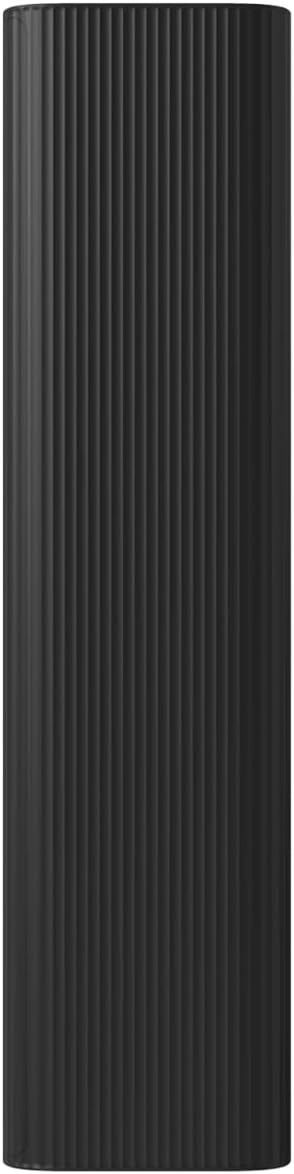
Figure 2.2: Side view of the power bank, highlighting its compact profile for portability.
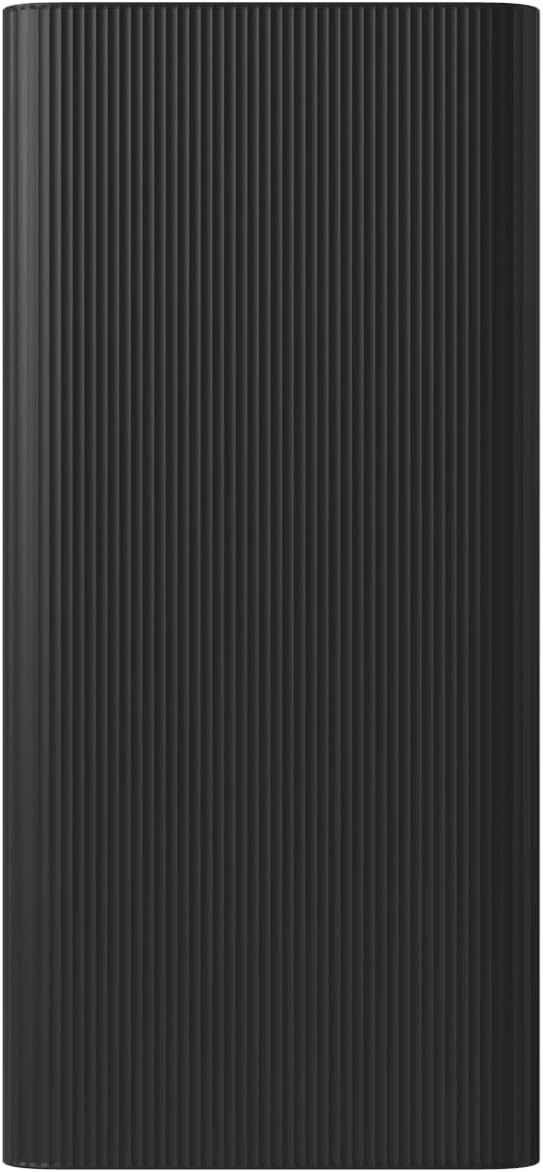
Figure 2.3: Back view of the power bank, showing the input and output ports.
Key Features:
- Ultra-High Capacity: 30000mAh (111Wh) provides multiple charges for smartphones, tablets, and other devices.
- Fast Charging: Supports up to 18W MAX fast charging with 3.6A total output for quick and efficient power delivery.
- Multiple Ports: Equipped with two USB-A output ports and one USB-C output/input port, allowing simultaneous charging of up to three devices. It also has a Micro USB input port.
- Low Current Charging: Double press the Check Battery button to activate low-current charging mode for small devices like smart bands and Bluetooth earphones.
- Advanced Safety Features: Built-in high-precision resistance, inductance, and capacitance components provide multiple circuit protections including overcharge, overcurrent, short-circuit, input overvoltage, output overvoltage, input reverse insertion, and temperature protection.

Figure 2.4: The power bank connected to and charging three devices simultaneously: a smartphone, a camera, and another small electronic device.

Figure 2.5: The power bank next to a smart band, illustrating its capability to support low-current charging for smaller devices.

Figure 2.6: A diagram illustrating the various safety protections integrated into the power bank's circuit chip, including temperature, short circuit, reset, input overvoltage, input reverse insertion, output overcurrent, output overvoltage, overcharge, over-discharge, and hardware-level overcurrent short circuit protection.
3. Setup and Initial Charge
Before first use, it is recommended to fully charge your Xiaomi 30000mAh Power Bank.
Charging the Power Bank:
- Connect the power bank to a power source (e.g., wall adapter, computer USB port) using a USB-C cable or a Micro USB cable.
- The LED indicators on the power bank will illuminate to show the charging progress.
- Once all LEDs are solid, the power bank is fully charged. Disconnect it from the power source.
For optimal charging speed, use a fast-charging adapter compatible with the power bank's input specifications.
4. Operating Instructions
Charging Your Devices:
- Connect your device to one of the power bank's output ports (USB-A or USB-C) using a compatible charging cable.
- The power bank will automatically begin charging your device.
- You can charge up to three devices simultaneously using the available ports.
Checking Battery Level:
Press the power button once to check the remaining battery level indicated by the LED lights.
Low Current Charging Mode:
To charge low-current devices (e.g., Bluetooth earphones, smartwatches), double-press the power button. The power bank will enter low-current charging mode, indicated by a specific LED pattern (refer to product specific LED behavior if available, otherwise general statement). Double-press again to exit this mode.
5. Maintenance and Care
- Keep the power bank dry and away from moisture.
- Avoid exposing the power bank to extreme temperatures (hot or cold).
- Do not drop, disassemble, or attempt to repair the power bank yourself.
- Clean the surface with a soft, dry cloth. Do not use harsh chemicals or abrasive materials.
- Store the power bank in a cool, dry place when not in use for extended periods. It is recommended to charge it to about 50% capacity before long-term storage.
6. Troubleshooting
| Problem | Possible Cause | Solution |
|---|---|---|
| Power bank not charging. | Charging cable is faulty or not properly connected. Power adapter is not working. | Try a different charging cable and/or power adapter. Ensure connections are secure. |
| Device not charging from power bank. | Power bank battery is depleted. Charging cable is faulty or incompatible. Device is not compatible. | Recharge the power bank. Try a different charging cable. Ensure your device is compatible with USB charging. |
| Slow charging. | Using a low-power adapter/cable. Device requires higher input. | Use a fast-charging adapter and a high-quality cable. Ensure the power bank is fully charged. |
| Power bank automatically shuts off. | Overload protection activated. Power bank battery is too low. | Reduce the number of devices being charged. Recharge the power bank. |
7. Specifications
| Feature | Detail |
|---|---|
| Brand | Xiaomi |
| Model Number | PB3018 |
| Battery Capacity | 30000 mAh (111 Wh) |
| Product Dimensions | 6.1 x 2.85 x 1.53 inches |
| Item Weight | 1.4 pounds |
| Connector Type | USB-C in/out, USB-A out, Micro USB in |
| Special Features | Auto Shut-Off, Ultra-High Capacity, Fast Charging, Supports Low-Current Charging |
| Color | Black |
8. Warranty and Support
For warranty information and customer support, please refer to the official Xiaomi website or contact your local authorized dealer.
You can also visit the official Xiaomi Store on Amazon for product information and support: Xiaomi Official Store.
Related documentsPB3018


Ask a question about this manual
Ask about setup, troubleshooting, compatibility, parts, safety, or missing instructions. Manuals+ will review the question and use this page’s manual context to help answer it.