
TCL SOCL500TWS
TCL SOCL500TWS Wireless Earbuds User Manual
Model: SOCL500TWS | Brand: TCL
1. Introduction
Thank you for choosing TCL SOCL500TWS Wireless Earbuds. These earbuds are designed to provide a superior audio experience with powerful bass, secure fit, and reliable Bluetooth 5.0 connectivity. This manual will guide you through the setup, operation, and maintenance of your new earbuds to ensure optimal performance and longevity.
Key features include:
- Bluetooth 5.0 for stable and efficient wireless connection.
- Up to 26 hours of total playtime with the Type-C charging case.
- Water-resistant design for sports and daily use.
- Ergonomic design for a secure and comfortable fit.
- One-step pairing for quick and easy connection.
2. What's in the Box
Please check the contents of your package to ensure all items are present:
- 1 x TCL SOCL500TWS True Wireless Earbuds
- 1 x Charging Cable (Type-C)
- 1 x Charging Case
- 1 x User Manual (this document)
- 3 x Eartips (various sizes)

Image: TCL SOCL500TWS Wireless Earbuds and their charging case, showing the compact design and included components.
3. Setup and First Use
3.1 Charging the Earbuds and Case
Before first use, fully charge the earbuds and the charging case. The charging case provides additional battery life for your earbuds on the go.
- Place the earbuds into the charging case. Ensure they are properly seated.
- Connect the Type-C charging cable to the charging port on the case and the other end to a USB power source.
- The indicator light on the case will show charging status. A full charge provides approximately 6.5 hours of playtime for the earbuds, and the case holds multiple charges for a total of 26 hours.
- A quick 15-minute charge can provide up to 1 hour of playtime.

Image: Visual representation of the battery life: 26 hours with charging case, 15 minutes charge for 1 hour play, and 6.5 hours per single charge.
3.2 Pairing with Your Device
The earbuds feature one-step pairing for convenience.
- Open the charging case. The earbuds will automatically enter pairing mode.
- On your device (smartphone, tablet, etc.), go to Bluetooth settings and ensure Bluetooth is enabled.
- Look for "TCL SOCL500TWS" in the list of available devices and select it to connect.
- Once connected, you will hear an audible confirmation, and the earbuds will be ready for use. The earbuds will automatically reconnect to the last paired device when taken out of the case.

Image: A smartphone screen displaying a successful Bluetooth connection to "TCL SOCL500TWS", illustrating the pairing process.
4. Operating Instructions
4.1 Wearing the Earbuds
For optimal sound quality and comfort, ensure a proper fit.
- Select the eartip size that best fits your ear canal. Experiment with different sizes for the most secure and comfortable seal.
- Gently insert the earbuds into your ears and twist slightly to secure them. The ergonomic design with an oval acoustic tube is crafted for a snug fit.

Image: A woman wearing the TCL SOCL500TWS earbuds, demonstrating their secure and comfortable fit with ergonomic design.
4.2 Basic Controls
The earbuds feature intuitive controls for managing your audio and calls.
- Play/Pause: Tap either earbud once.
- Next Track: Double-tap the right earbud.
- Previous Track: Double-tap the left earbud.
- Answer/End Call: Tap either earbud once.
- Reject Call: Press and hold either earbud.
- Volume Control: Both earbuds have controls to raise and lower volume. Refer to the quick start guide for specific tap/hold gestures.
- Activate Voice Assistant: Triple-tap either earbud to activate your device's voice assistant (e.g., Siri, Google Assistant).
4.3 Sound Quality and Call Performance
The SOCL500TWS earbuds are engineered for clear and balanced sound with professional audio drivers and pro acoustic panel technology. They also feature echo cancellation technology to reduce background noise during calls, ensuring crystal clear communication.

Image: Diagram illustrating the 5.8mm speaker driver for clear and balanced sound.

Image: A person using the earbuds, with a graphic showing "Before" and "After" echo cancellation for clear calls.
5. Maintenance and Care
Proper care will extend the life of your earbuds.
- Cleaning: Regularly clean the earbuds and charging case with a soft, dry, lint-free cloth. Do not use harsh chemicals or abrasive materials.
- Water Resistance: The earbuds are water-resistant (sweat and water resistant), making them suitable for workouts and light rain. However, they are not designed for swimming or submersion in water. Ensure the charging port is dry before charging.
- Storage: When not in use, store the earbuds in their charging case to protect them and keep them charged. Avoid extreme temperatures.
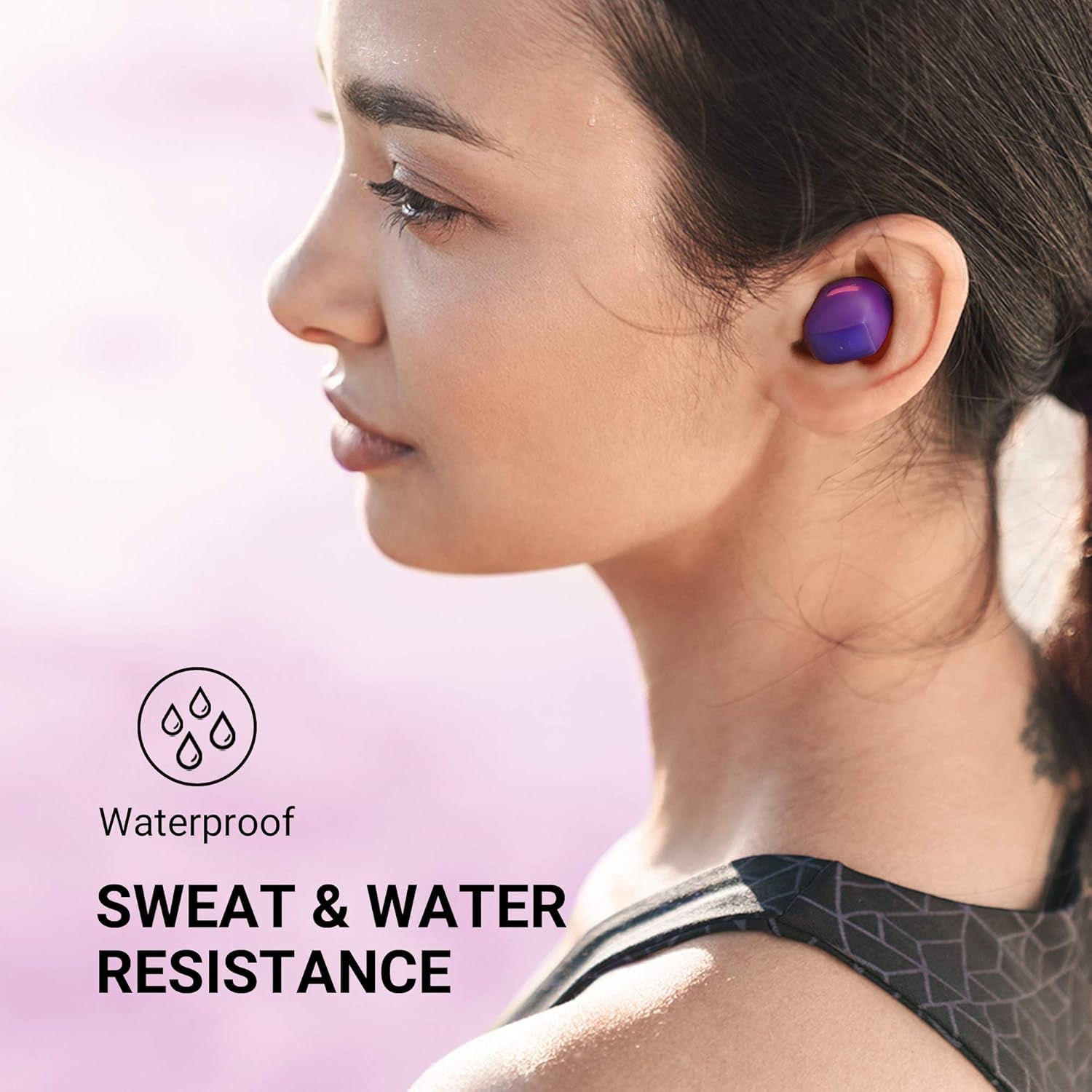
Image: A person wearing the earbuds during exercise, highlighting their sweat and water resistance.
6. Troubleshooting
If you encounter issues with your earbuds, try the following solutions:
6.1 Earbuds Not Pairing or Connecting
- Ensure both earbuds are fully charged.
- Make sure Bluetooth is enabled on your device and the earbuds are within range (up to 10 meters).
- Forget "TCL SOCL500TWS" from your device's Bluetooth settings and attempt to pair again.
- Place both earbuds back into the charging case, close the lid, wait a few seconds, then open the lid to re-initiate pairing mode.
6.2 Only One Earbud Working
- Ensure both earbuds are charged.
- Place both earbuds back into the charging case, close the lid, and then open it again. This often re-syncs them.
- If the issue persists, try resetting the earbuds. Refer to the full user guide (if available online) for specific reset instructions, as this often involves a long press on the earbuds while in the case.
6.3 Poor Sound Quality
- Ensure the earbuds are properly seated in your ears and you are using the correct eartip size for a good seal.
- Clean any debris from the earbud speakers.
- Move closer to your connected device to avoid interference.
7. Specifications
| Feature | Detail |
|---|---|
| Model Name | TCL SOCL500TWS |
| Connectivity Technology | Wireless (Bluetooth 5.0) |
| Bluetooth Range | 10 Meters |
| Noise Control | Sound Isolation |
| Earbud Battery Life | 6.5 Hours (single charge) |
| Total Playtime (with case) | 26 Hours |
| Charging Time (15 min quick charge) | 1 Hour Playtime |
| Water Resistance Level | Water Resistant (Sweat & Water) |
| Driver Size | 5.8mm |
| Frequency Response | 10 - 22,000 Hz |
| Impedance | 14 Ohm |
| Item Weight | 1.76 ounces |
| Dimensions | 1.16 x 2.22 x 2.42 inches |
8. Warranty and Support
TCL products are built to high standards and undergo rigorous testing. For information regarding warranty coverage, technical support, or service inquiries, please visit the official TCL support website or contact their customer service. Keep your proof of purchase for warranty claims.
You can find more information and support at the TCL Official Store on Amazon.
Related documentsSOCL500TWS


Ask a question about this manual
Ask about setup, troubleshooting, compatibility, parts, safety, or missing instructions. Manuals+ will review the question and use this page’s manual context to help answer it.