
1. Product Overview
The ANNLOV 4.3 Inch LCD Digital Microscope is a versatile magnification tool designed for detailed observation of various objects. It features a 4.3-inch HD screen, adjustable LED illumination, and a magnification range of 50X to 1000X. This microscope is suitable for coin collecting, stamp inspection, plant observation, soldering, and educational purposes.

Image: The ANNLOV 4.3 Inch LCD Digital Microscope in use, displaying a magnified image of an insect on its screen.
2. What's in the Box
Verify that all components are present in the package:
- ANNLOV 4.3'' Digital Microscope (1 unit)
- Plastic Base (1 unit)
- Adjustable Stand (1 unit)
- USB Cables (1 unit)
- User Manual (1 unit)

Image: All components included in the ANNLOV 4.3 Inch LCD Digital Microscope package.
3. Setup Instructions
- Assemble the Stand: Attach the adjustable stand to the plastic base. Ensure it is securely fastened.
- Mount the Microscope: Carefully attach the digital microscope unit to the adjustable stand. The microscope should slide into the holder and be secured with the provided knob.
- Power On: Connect the microscope to a power source using the USB cable. Press and hold the power button to turn on the device.
- Adjust Height: Use the adjustment knob on the stand to set the desired working distance between the microscope lens and the object.
- Focus: Rotate the focus wheel on the microscope body until the image on the screen is clear.
4. Operating the Microscope
4.1 Magnification Adjustment
The microscope offers a digital magnification range of 50X to 1000X. Magnification levels are adjusted by changing the distance between the lens and the object, and by using the digital zoom functions on the device. The displayed magnification corresponds to the monitor size.

Image: Visual representation of different magnification levels (10X, 500X, 1000X) on the microscope screen.
4.2 LCD Screen Display
The integrated 4.3-inch HD screen provides a direct view of the magnified object. This allows for detailed observation without the need for external displays, reducing eye strain compared to traditional microscopes.
4.3 Adjustable LED Lights
The microscope is equipped with 8 adjustable LED lights. These lights can be adjusted from dark to bright using a sliding switch, ensuring optimal illumination for clear and bright viewing of tiny details in various environments.
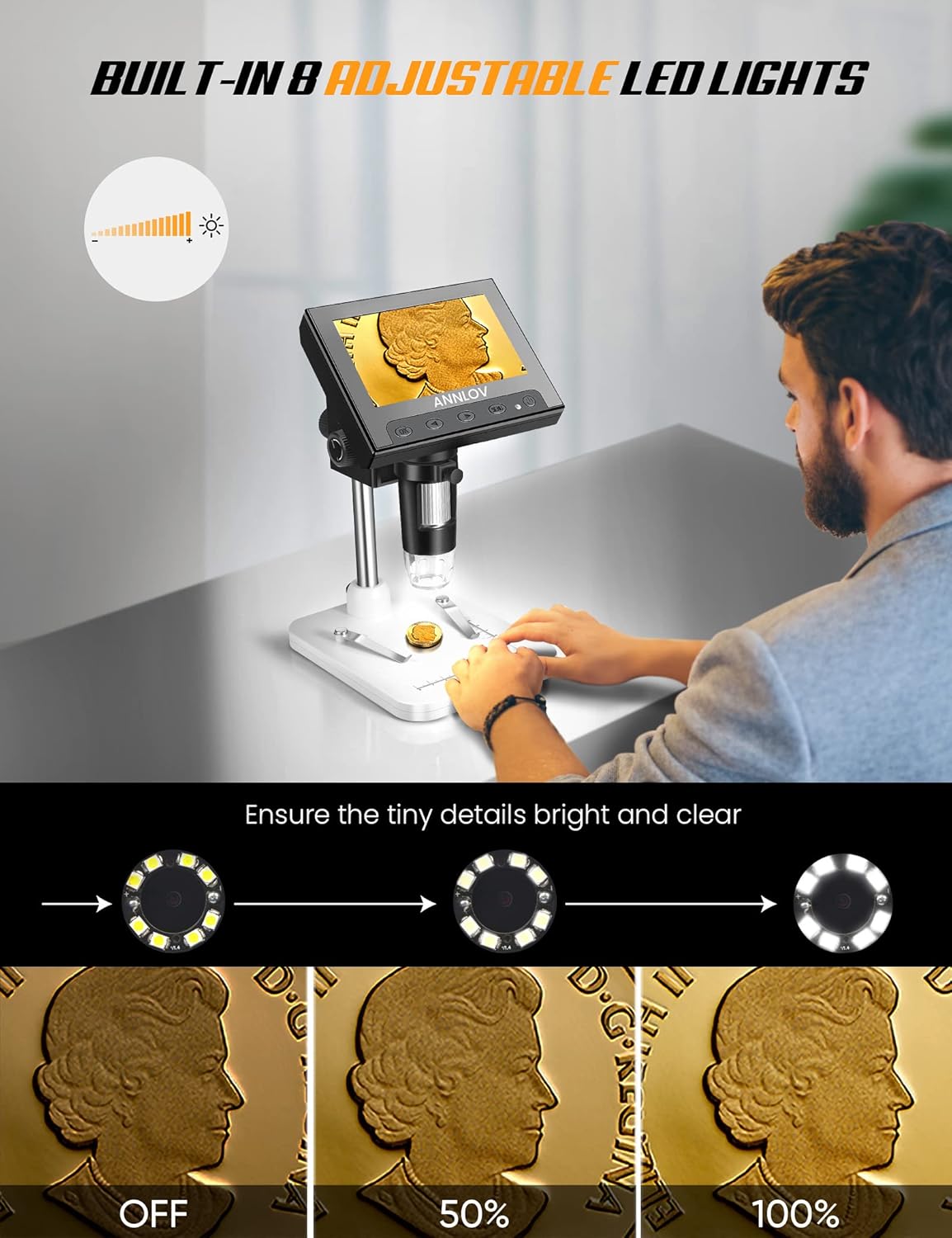
Image: Demonstration of the adjustable LED lighting feature, showing how brightness can be controlled.
4.4 PC Connection for Larger View
For a larger viewing experience, the microscope can be connected to a PC or laptop via a USB cable. No additional software download is required for Windows systems; simply use the default 'Windows Camera' application. Note: This device is not compatible with Mac OS.

Image: The ANNLOV microscope connected to a PC for an expanded view of the magnified object.
4.5 Photo and Video Recording
The ANNLOV digital microscope can capture both still images and record videos. This feature allows users to document their observations. A Micro SD card (up to 32GB, not included) is required to save photos and videos.
4.6 General Usage
The microscope is suitable for a wide range of applications, including circuit board inspection, examining insects, coins, jewelry, gems, trichomes, rocks, stamps, watch/clock repair, skin detection, and educational inspection for children. It is not suitable for cellular or medical use.

Image: An individual using the microscope for coin inspection.
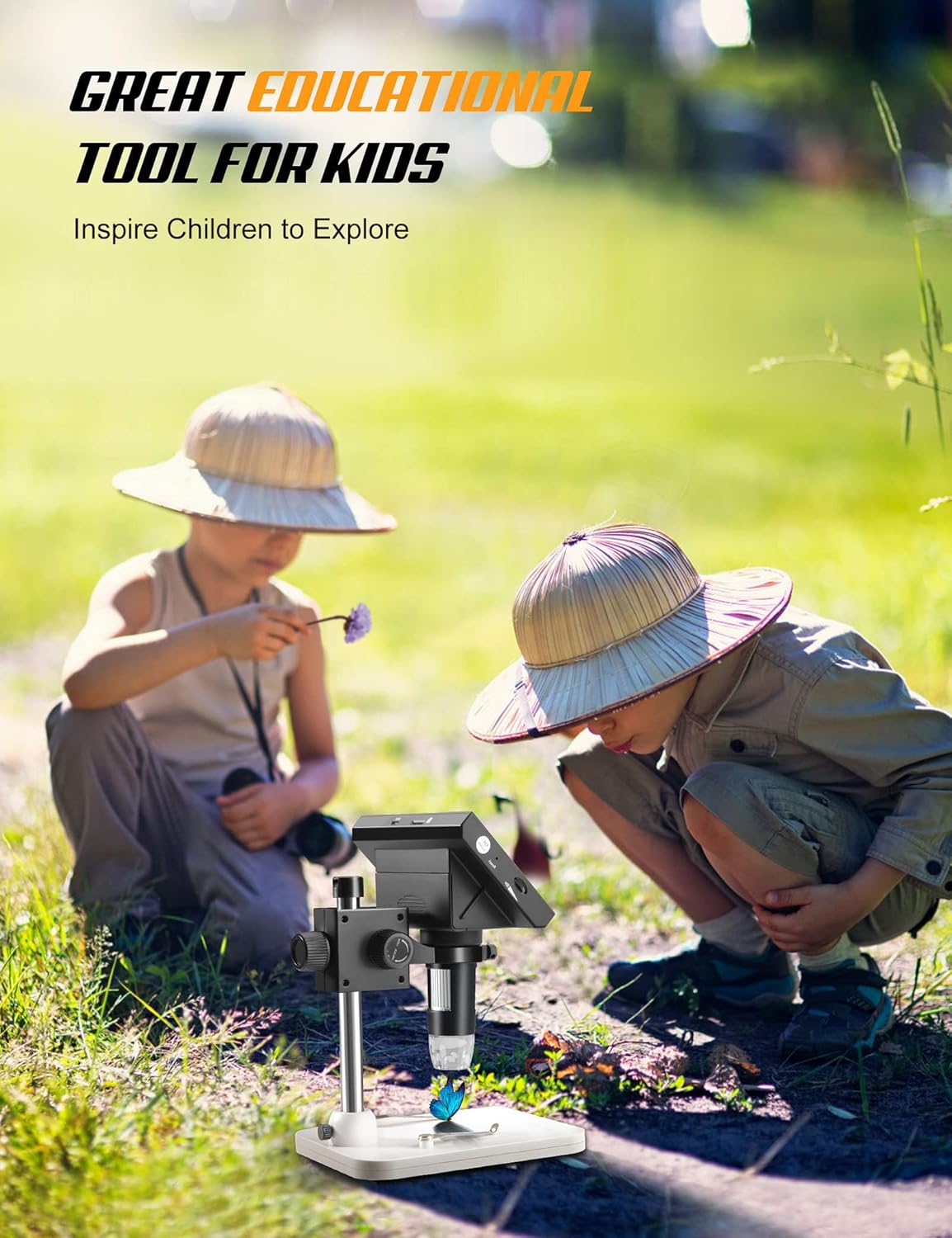
Image: Children using the microscope for educational exploration.
4.7 Official Product Video
Video: An official product video demonstrating the ANNLOV LCD digital microscope's capabilities for examining plants, insects, and coins.
5. Maintenance
- Cleaning the Lens and Screen: Use a soft, lint-free cloth to gently clean the microscope lens and LCD screen. For stubborn smudges, a small amount of lens cleaning solution can be applied to the cloth, not directly to the lens or screen.
- Storage: Store the microscope in a dry, dust-free environment when not in use. Avoid extreme temperatures and direct sunlight.
- Battery Care: To prolong battery life, avoid fully discharging the battery frequently. Charge the device regularly, even if not in constant use.
- General Handling: Handle the microscope with care to prevent drops or impacts, which could damage internal components or the screen.
6. Troubleshooting
- No Power:
- Ensure the USB cable is securely connected to both the microscope and a power source.
- Verify that the power source is active.
- Charge the battery for at least 30 minutes before attempting to power on again.
- Blurry Image:
- Adjust the focus wheel on the microscope body until the image is clear.
- Ensure the object is within the optimal working distance from the lens.
- Clean the lens if smudges or dust are present.
- Screen Not Displaying Image (when connected to PC):
- Confirm the USB connection is stable.
- Ensure the 'Windows Camera' application (or equivalent for other compatible systems) is open and selected the microscope as the camera input.
- Remember: The device is not compatible with Mac OS.
- LED Lights Not Working:
- Check the brightness adjustment switch to ensure it's not set to the lowest setting.
- Ensure the microscope has sufficient power.
7. Specifications
| Feature | Specification |
|---|---|
| Brand | ANNLOV |
| Model Name | AM06 |
| Item Model Number | sdhtfgj |
| Product Dimensions | 6.3 x 4.72 x 8.86 inches (6.3"L x 4.72"W x 8.86"H) |
| Item Weight | 1.3 pounds (0.59 Kilograms) |
| Magnification | 50X-1000X |
| Screen Size | 4.3 Inch |
| Light Source Type | 8 Adjustable LED Lights |
| Power Source | 1 Lithium Ion battery (included), USB (5 Volts DC) |
| Material | ABS, Metal |
| Color | Black, Silver, White |
| PC System Support | Windows XP, Win7, Win8.1, Win10, or higher (Not compatible with Mac OS) |
| Photo and Video Capabilities | Yes (requires Micro SD card, not included) |
8. Warranty and Support
For warranty information, technical support, or service inquiries, please refer to the contact details provided with your product packaging or visit the official ANNLOV website. Keep your purchase receipt as proof of purchase for any warranty claims.

