
1. Introduction
This user manual provides essential information for the safe and effective operation of your ALICN Non-Contact Infrared Forehead Thermometer, Model AET-R1B1. This device is designed for measuring human body temperature by detecting infrared energy emitted from the forehead. It can also be used to measure the temperature of objects and rooms.
Please read this manual thoroughly before first use and keep it for future reference.
2. Important Safety Information
- Do not immerse the thermometer in water or other liquids.
- Keep the device away from direct sunlight, dust, and extreme temperatures.
- Do not drop the thermometer or subject it to strong impact.
- Only use the thermometer for its intended purpose as described in this manual.
- Keep out of reach of children.
- Ensure the measurement distance is approximately 5cm from the forehead for accurate readings.
- If the device is damaged, do not attempt to repair it yourself. Contact customer support.
3. Product Overview
The ALICN AET-R1B1 thermometer features a non-contact design, an LED display for clear readings, and an ergonomic grip for comfortable handling.
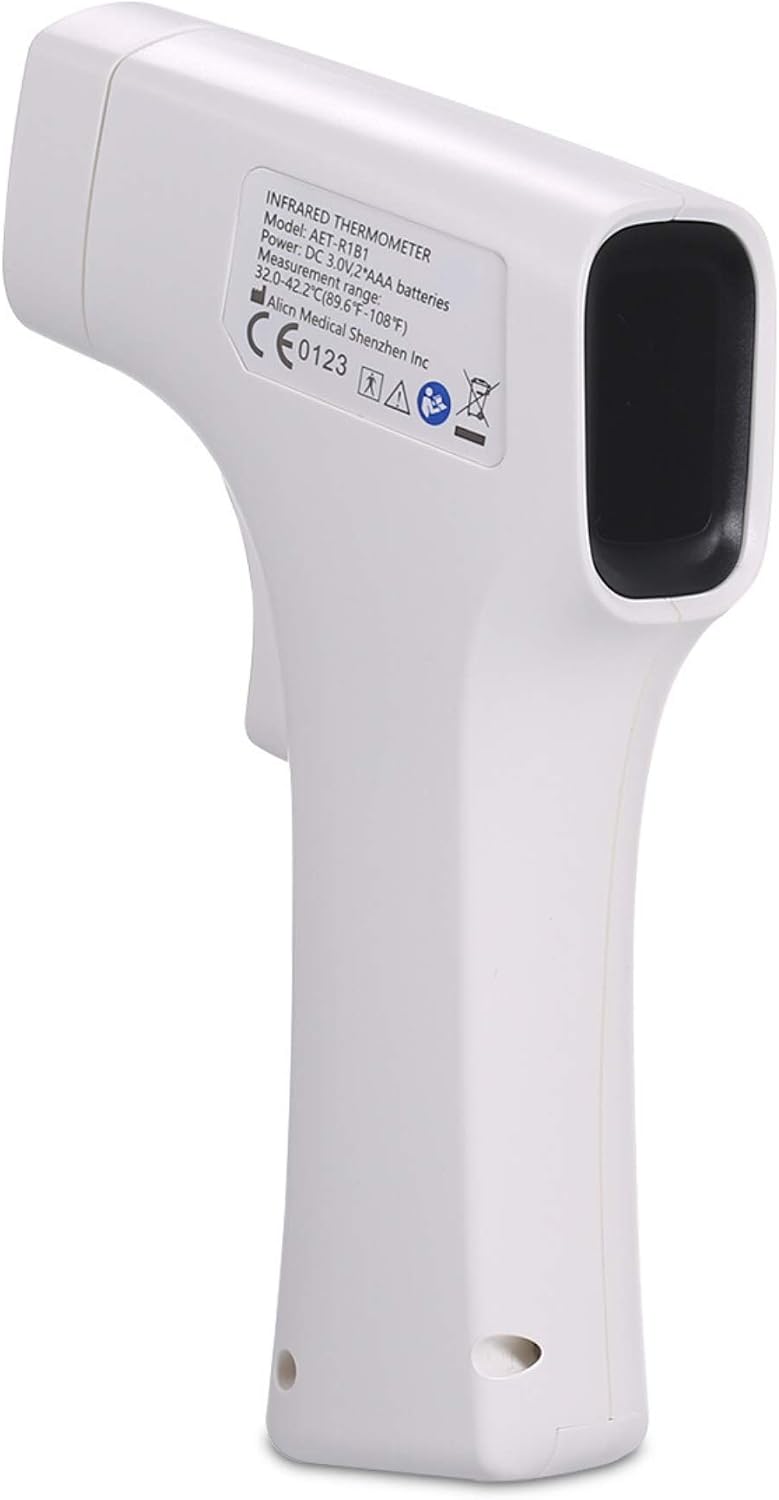
Figure 3.1: The ALICN Non-Contact Infrared Forehead Thermometer.

Figure 3.2: Front view of the ALICN thermometer showing the display and measurement button.

Figure 3.3: The ergonomic design of the ALICN thermometer, comfortable to hold.

Figure 3.4: Rear view of the ALICN thermometer displaying model number, power requirements, and measurement range on its label.
4. Setup
4.1 Battery Installation
The thermometer requires 2 AAA batteries (not included). To install or replace batteries:
- Locate the battery compartment cover on the handle of the thermometer.
- Slide the cover open.
- Insert two AAA batteries, ensuring correct polarity (+ and -).
- Close the battery compartment cover securely.
4.2 Initial Power On
After battery installation, the device is ready for use. Press the measurement button to power on the thermometer. The display will show a self-test sequence before entering measurement mode.
5. Operating Instructions
5.1 Taking a Measurement (Forehead Mode)
To measure body temperature:
- Ensure the thermometer is powered on.
- Point the thermometer probe towards the center of the forehead, maintaining a distance of approximately 5cm (2 inches).
- Press the measurement button once.
- The temperature reading will appear on the LED display within 1 second.

Figure 5.1: Using the ALICN thermometer to measure temperature on an infant's forehead.

Figure 5.2: Demonstration of the 1-second measurement feature with a child.
5.2 Switching Temperature Units (C°/F°)
The thermometer allows switching between Celsius (°C) and Fahrenheit (°F). Refer to the device's specific button or menu for this function. Typically, a dedicated button or a long press of the measurement button when off will toggle units.
5.3 High Temperature Warning
The thermometer is equipped with a high temperature warning feature. If the measured temperature exceeds a preset threshold (e.g., 37.8°C or 100°F), the device may emit an audible alarm or change display color to alert the user.
5.4 Memory Function
The device can store up to 32 temperature readings, allowing you to track changes over time. Consult the manual for specific instructions on how to access and review stored measurements.
5.5 Measuring Object/Room Temperature
This multi-purpose thermometer can also be used to measure the temperature of objects and rooms. Switch to the appropriate mode (if available) and point the thermometer at the desired surface or area.
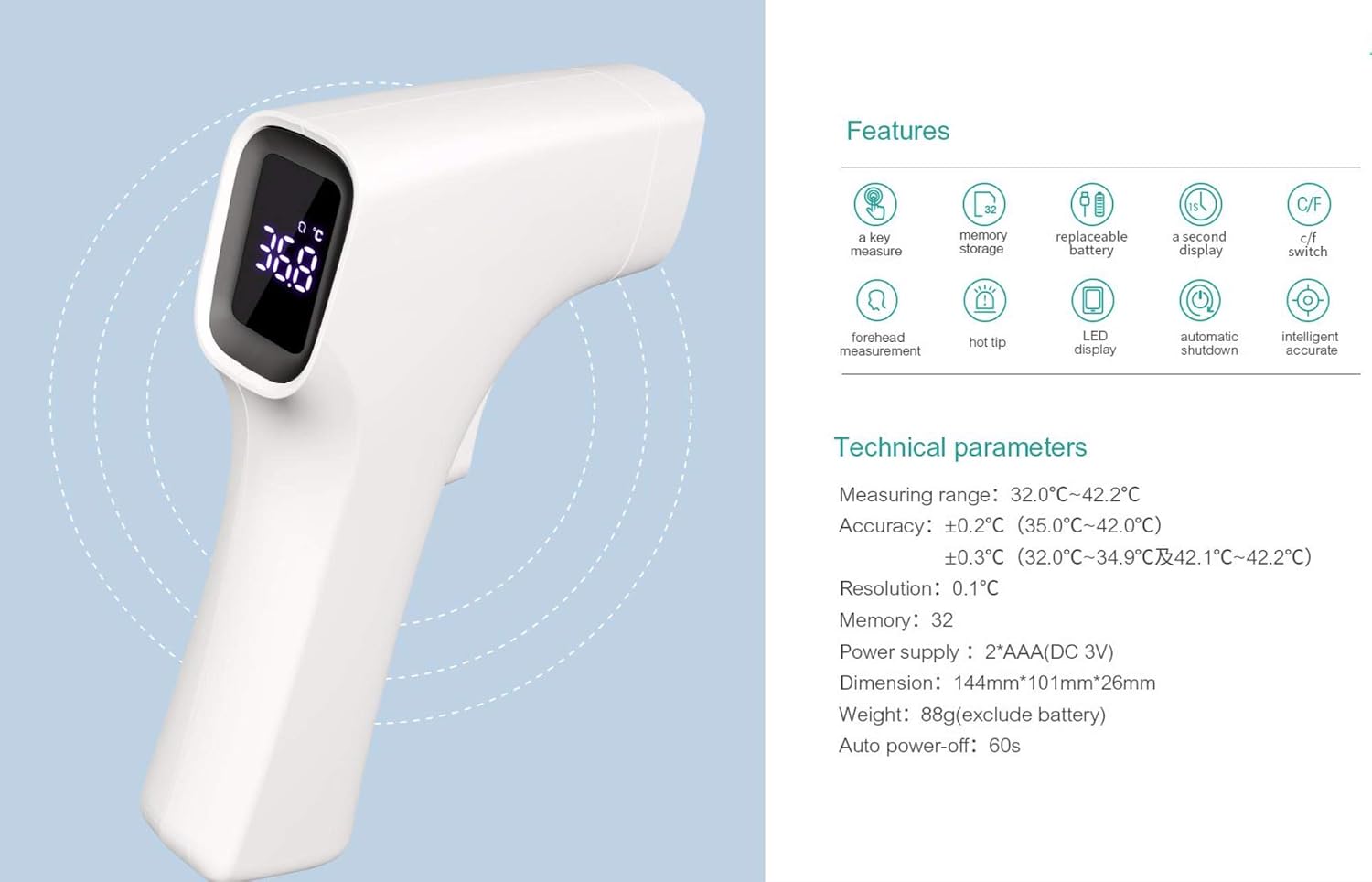
Figure 5.3: The ALICN thermometer being used to measure the temperature of liquid in a bottle, food, and room temperature.
6. Maintenance and Care
6.1 Cleaning
To clean the thermometer, gently wipe the surface with a soft, dry cloth. For disinfection, use an alcohol swab (70% isopropyl alcohol) and wipe the probe and device surface. Do not use abrasive cleaners or immerse the device in water.
6.2 Storage
Store the thermometer in a cool, dry place, away from direct sunlight and extreme temperatures. If the device will not be used for an extended period, remove the batteries to prevent leakage.
6.3 Battery Replacement
When the low battery indicator appears on the display, replace both AAA batteries as described in Section 4.1.
7. Troubleshooting
If you encounter issues with your thermometer, refer to the table below for common problems and their solutions.
| Problem | Possible Cause | Solution |
|---|---|---|
| Inaccurate or inconsistent readings | Incorrect measurement distance; environmental factors (drafts, direct sunlight); dirty probe; rapid temperature changes in environment. | Ensure 5cm distance from forehead. Measure in a stable environment. Clean the probe. Allow thermometer to acclimatize to room temperature for 30 minutes if moved from a different environment. |
| Device does not power on | Batteries incorrectly installed or depleted. | Check battery polarity. Replace with new AAA batteries. |
| Display is dim or blank | Low battery power. | Replace batteries. |
| Error message on display | Measurement out of range; device malfunction. | Ensure temperature is within operating range. If error persists, contact customer support. |
8. Technical Specifications
Below are the detailed technical specifications for the ALICN AET-R1B1 thermometer:
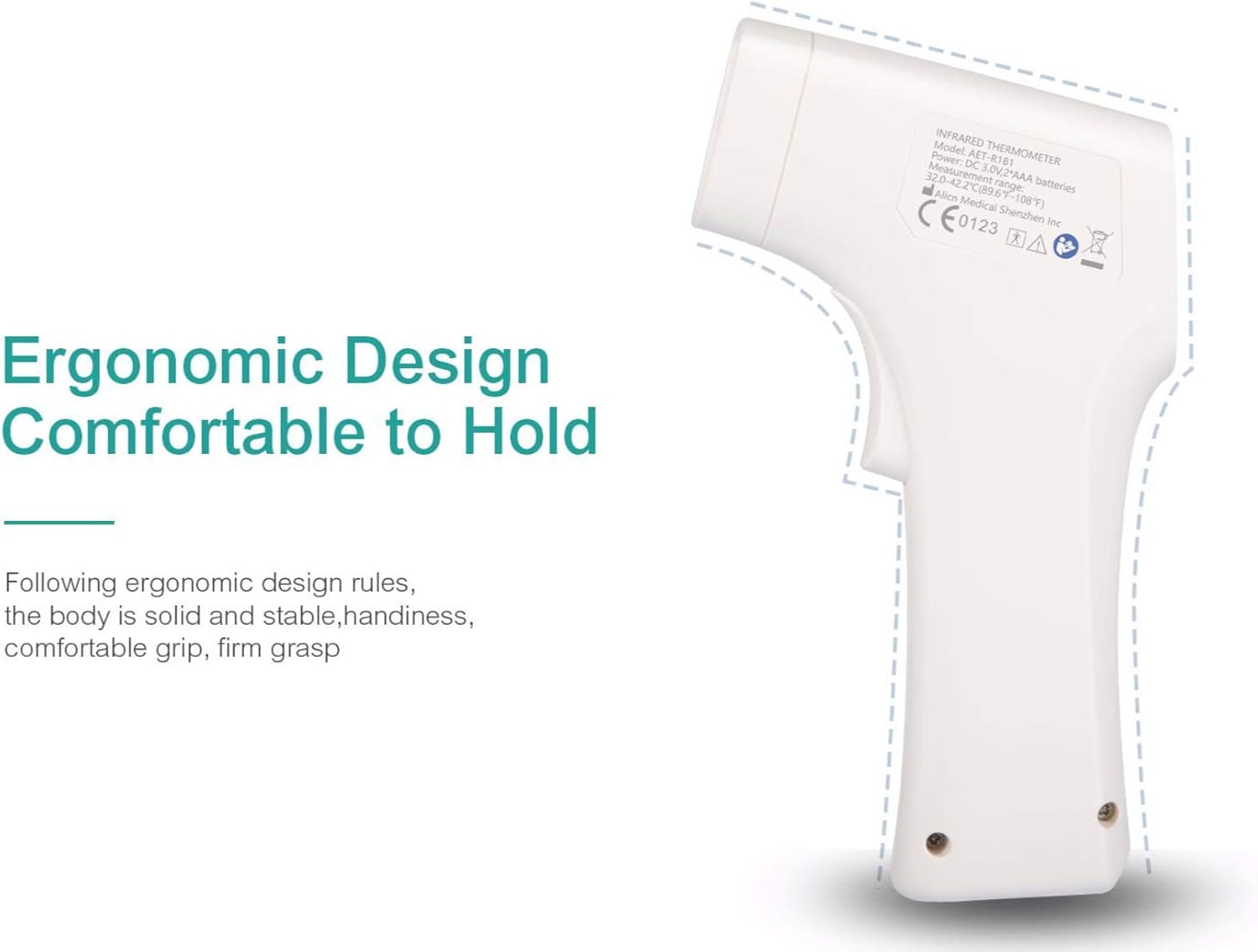
Figure 8.1: Diagram illustrating the features and technical specifications of the ALICN thermometer.
- Model: AET-R1B1
- Measuring Range: 32.0°C – 42.2°C (89.6°F – 108.0°F)
- Accuracy:
- ±0.2°C (35.0°C – 42.0°C)
- ±0.3°C (32.0°C – 34.9°C & 42.1°C – 42.2°C)
- Resolution: 0.1°C
- Memory Storage: 32 measurements
- Power Supply: DC 3V (2 x AAA batteries)
- Automatic Shutdown: Approximately 60 seconds
- Product Dimensions: 10.1 x 2.6 x 14.4 cm
- Product Weight: 50 g (excluding batteries)
- Display Type: LED/LCD
- Connectivity Technology: Infrared
- Material: Plastic
- Color: White
9. Warranty and Support
For warranty information, please refer to the documentation provided with your purchase or contact your retailer. Keep your purchase receipt as proof of purchase.
For technical support or further inquiries, please contact the ALICN customer service department through the contact information provided on the product packaging or the official ALICN website.
