
OxyStore NX-2000
OxyStore Non-Contact Infrared Thermometer
Model: NX-2000
User Manual
1. Introduction
The OxyStore NX-2000 is a digital non-contact infrared thermometer designed for quick and hygienic temperature measurement. It is suitable for use on babies, adults, and objects, providing instant readings within 2 seconds. This manual provides essential information for the safe and effective operation of your thermometer.

Image 1.1: The OxyStore NX-2000 Non-Contact Infrared Thermometer, showing its sleek, white design with an orange LCD display.
2. Product Overview
Familiarize yourself with the components of your thermometer:

Image 2.1: Diagram showing the labeled parts of the OxyStore NX-2000 thermometer, including the probe, LCD display, measure button, memory button, mode button, and battery cover.
- Probe: The infrared sensor for temperature detection.
- LCD Display Screen: Shows temperature readings, mode, and other indicators.
- Measure Button: Press to take a temperature reading and to power on the device.
- Memory Button (M): Press to review stored temperature readings.
- Mode Button (Sun/Person icon): Toggles between Forehead (body) and Object measurement modes.
- Unit Switch Button (C/F icon): Toggles between Celsius (°C) and Fahrenheit (°F) units.
- Battery Cover: Located at the bottom of the handle, for battery insertion.
3. Setup
3.1 Battery Installation
Your thermometer requires two 1.5V AAA batteries (included). To install:
- Open the battery cover located at the bottom of the handle.
- Insert the two AAA batteries, ensuring correct polarity (+ and -).
- Close the battery cover securely.
3.2 Initial Power On
After battery installation, the device is ready for use. Press the Measure button to turn on the thermometer. The LCD display will light up, and a self-test will be performed.
4. Operating Instructions
4.1 Taking a Temperature Measurement
The thermometer can measure body temperature (forehead mode) or object temperature.
- Select Mode: Press the Mode button to switch between Forehead (person icon) and Object (sun icon) modes. Ensure the correct mode is selected for your measurement.
- Positioning: For body temperature, hold the thermometer 3-5 cm (1.2-2 inches) away from the center of the forehead. For object temperature, hold it at a similar distance from the object's surface.
- Measure: Press and release the Measure button. The reading will appear on the LCD screen within approximately 2 seconds.
- Fever Alarm: If the measured body temperature exceeds a certain threshold (typically 37.8°C / 100°F), the thermometer may emit an audible alarm and/or change the backlight color to indicate a fever.

Image 4.1: A person wearing a face mask having their forehead temperature measured with the OxyStore non-contact thermometer, demonstrating proper usage distance.
4.2 Reviewing Memory Readings
The thermometer can store up to 20 previous temperature readings.
- Press the Memory button (M) to enter memory recall mode.
- Each subsequent press of the Memory button will cycle through the stored readings, from most recent to oldest.
4.3 Switching Temperature Units
To switch between Celsius (°C) and Fahrenheit (°F):
- With the thermometer powered on, press the Unit Switch button (C/F icon). The unit displayed on the screen will change accordingly.
5. Features and Benefits
The OxyStore NX-2000 thermometer offers several key features for reliable and convenient temperature measurement:
- Hygienic Non-Contact Measurement: Measures temperature from a distance, reducing the risk of cross-contamination.
- Quick Measurement: Provides accurate readings in approximately 2 seconds.
- High Accuracy: Features an advanced infrared temperature sensor with high sensitivity, ensuring precise results with an accuracy of ± 0.2 °C.
- Backlit LCD Display: Easy to read in various lighting conditions.
- Versatile Use: Suitable for precise temperature measurement of children, adults, and objects.
- Memory Function: Stores up to 20 previous readings for tracking temperature trends.
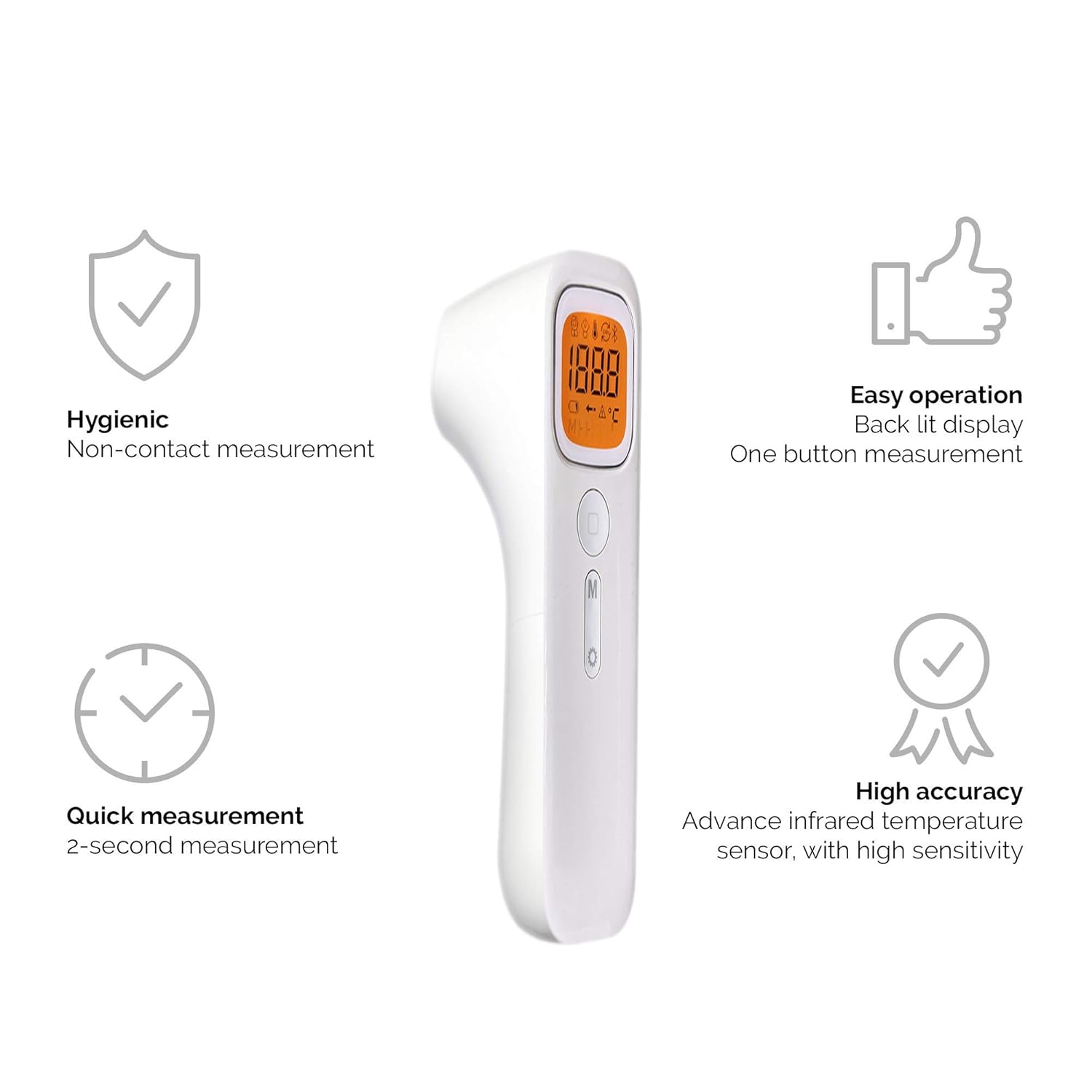
Image 5.1: Visual representation of key features: hygienic non-contact measurement, quick 2-second measurement, high accuracy with advanced infrared sensor, and easy one-button operation with a backlit display.

Image 5.2: Depiction of the thermometer's design elements, highlighting the high accuracy sensor, simple intuitive controls, and comfortable ergonomic design.
6. Maintenance
6.1 Cleaning
To ensure accurate readings and prolong the life of your thermometer:
- Wipe the thermometer body with a soft, dry cloth.
- For the probe (lens), gently clean with a cotton swab lightly moistened with alcohol. Allow to dry completely before use.
- Do not use abrasive cleaners, thinners, or benzene. Do not immerse the thermometer in water or any other liquid.
6.2 Storage
Store the thermometer in a dry place, away from direct sunlight, extreme temperatures, and high humidity. Keep it out of reach of children.
6.3 Battery Replacement
When the low battery indicator appears on the display, replace both AAA batteries promptly to ensure continued accurate operation.
7. Troubleshooting
- Inaccurate Readings:
- Ensure the thermometer is held at the correct distance (3-5 cm) from the measurement surface.
- Check that the probe lens is clean and free from dust or debris.
- Ensure the measurement environment is stable and free from strong air currents or direct heat sources.
- Allow the thermometer to acclimate to room temperature for at least 30 minutes if it has been in a significantly different temperature environment.
- No Power/Display Not Lighting Up:
- Check if the batteries are inserted correctly with the correct polarity.
- Replace the batteries with new ones.
8. Specifications
Detailed technical specifications for the OxyStore NX-2000 thermometer:
| Feature | Specification |
|---|---|
| Measurement Range | 32 °C to 42.9 °C (89.6 °F to 109.2 °F) |
| Accuracy | ± 0.2 °C |
| Measurement Time | Approx. 2 seconds |
| Memory Storage | Up to 20 results |
| Power Source | 2 x 1.5V AAA Batteries (included) |
| Product Dimensions | 140 mm x 40 mm x 40 mm |
| Item Weight | 113 g (with batteries) |
| Special Features | Non-contact, Backlight |

Image 8.1: The dimensions of the OxyStore NX-2000 thermometer, indicating its compact size of 140 x 40 x 40 mm.
9. Safety Information
Please read and understand the following safety precautions before using the thermometer:
- This thermometer is intended for household use. It is not a substitute for professional medical advice, diagnosis, or treatment. Always consult a healthcare professional for any health concerns.
- Do not use the thermometer for purposes other than measuring body or object temperature.
- Keep the device out of reach of children and pets.
- Do not drop, disassemble, or modify the thermometer.
- Avoid exposing the thermometer to direct sunlight, extreme temperatures, high humidity, or strong electromagnetic fields.
- If the device is damaged, do not use it. Contact customer support.
10. Warranty and Support
OxyStore is committed to providing high-quality products. For any questions, technical support, or warranty inquiries regarding your NX-2000 thermometer, please contact OxyStore customer service through the retailer's platform or the official OxyStore website. Please retain your proof of purchase for warranty claims.
Ask a question about this manual
Ask about setup, troubleshooting, compatibility, parts, safety, or missing instructions. Manuals+ will review the question and use this page’s manual context to help answer it.