
Introduction
The Legrand adorne 15A Tamper-Resistant Self-Test GFCI Outlet provides enhanced electrical safety and modern design for your home. This outlet features a patented shutter system for child protection and performs an automatic self-test every three seconds to ensure continuous protection against electrical shock. Its SafeLock Protection feature disconnects power if components are damaged, preventing unsafe conditions. Designed to fit existing electrical boxes, installation is straightforward.
Important Safety Information
WARNING: Always disconnect power at the service panel before beginning any electrical work. Failure to do so may result in serious injury or death. Consult a qualified electrician if you are unsure about any steps or procedures outlined in this manual.
This GFCI outlet is designed to protect against electrical shock. It is required by the National Electrical Code in kitchens, bathrooms, and outdoor locations. The tamper-resistant design helps prevent improper insertion of foreign objects, protecting children.
Package Contents
- adorne 15A Tamper-Resistant Self-Test GFCI Outlet
- Metal Frame for installation
- Installation Screws
Note: Wall plate is not included and must be purchased separately.
Installation Instructions
Follow these steps carefully to install your Legrand adorne GFCI outlet.
- Gather Tools and Parts: Ensure you have all necessary tools, including screwdrivers (flathead and Phillips), wire strippers, and the adorne GFCI outlet with its metal frame.
- Disconnect Power: Locate your electrical service panel and turn off the circuit breaker that supplies power to the outlet you are replacing. Verify power is off using a voltage tester.
- Remove Old Outlet:

Image: A standard white electrical outlet being unscrewed from the wall.
Unscrew the wall plate from the old outlet. Then, unscrew the old outlet device from the wall box. Carefully pull the old outlet out of the box, leaving it connected by the wires. - Identify and Label Wires: Before disconnecting any wires, identify and label them. Typically, you will find:
- Hot Wire: Generally black.
- Neutral Wire: Generally white.
- Ground Wire: Generally bare copper or green insulated.
Image: Wires labeled 'Hot', 'Neutral', and 'Ground' attached to an old outlet.
- Remove Wires from Old Outlet: Once labeled, remove the wires from the old device. You can either unscrew the terminal screws and pull the wires out, or carefully clip the wires off with wire cutters.
- Prepare Wires (if needed): If the wire ends are damaged or too short, strip them to the appropriate length. The adorne outlet has a strip gauge on its back for reference.

Image: Close-up of the back of an adorne outlet showing the strip gauge.
- Connect Ground Wire: Attach the ground wire from the wall box to the ground wire on the adorne metal frame. Secure them with a wire nut.
- Connect Hot and Neutral Wires to New Outlet:
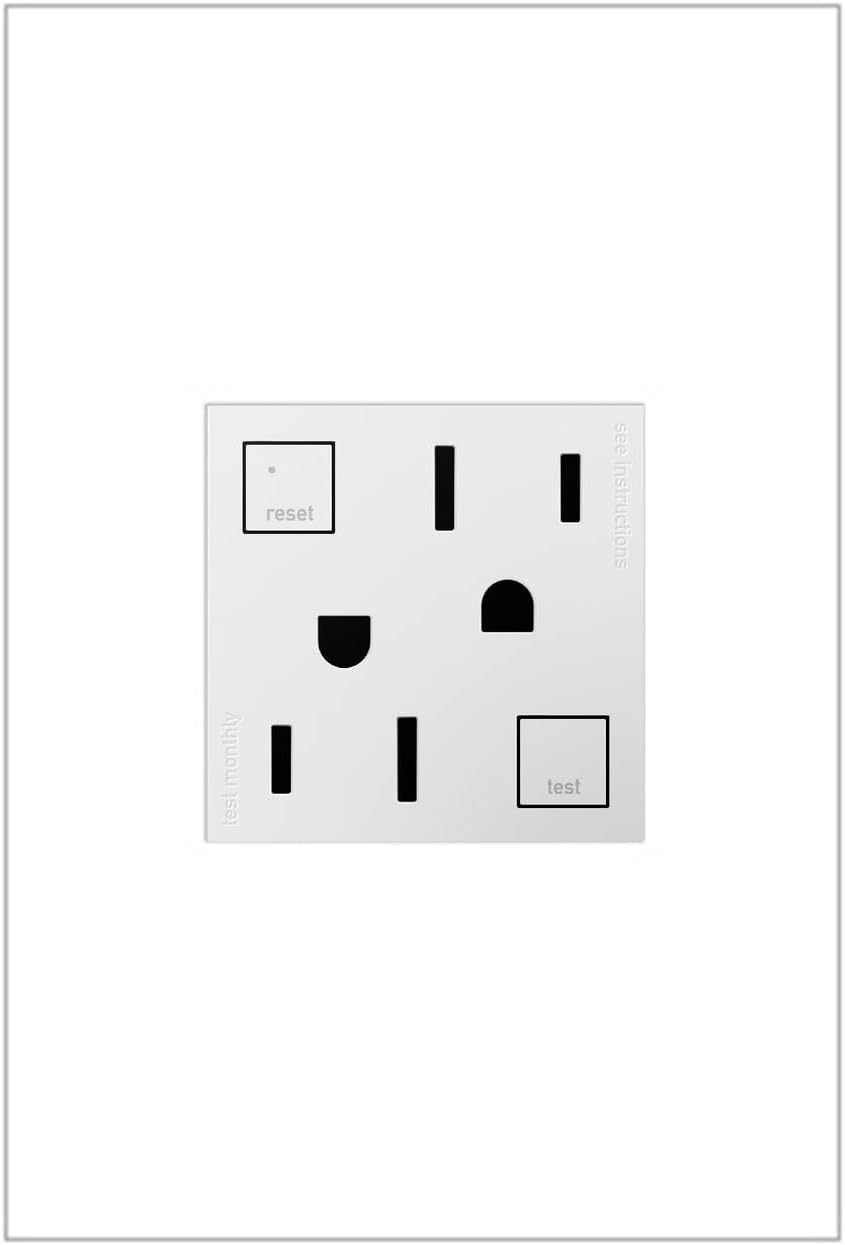
Image: The back of the adorne GFCI outlet with terminals for hot and neutral wires.
Connect the hot and neutral wires to their appropriate terminals on the adorne outlet. The neutral terminal is labeled 'WHITE'. If you have one hot and one neutral wire, connect the hot wire to one of the 'HOT' terminals and the neutral wire to the 'WHITE' terminal. If you have two hot wires and two neutral wires (for feed-through wiring), attach both neutral wires to the 'WHITE' terminal group and one hot wire to each 'HOT' terminal group, ensuring one empty hot terminal next to a wired hot terminal if applicable. - Snap Device into Metal Frame: Carefully push the wired adorne outlet into the metal frame until you hear a significant snap, indicating it is securely in place.
- Secure Frame to Wall: Gently push all wires back into the wall box. Secure the metal frame to the wall box using the provided screws.
- Attach Wall Plate: Snap your adorne wall plate onto the metal frame. Ensure it clicks into place by pushing on the top, bottom, and both sides.
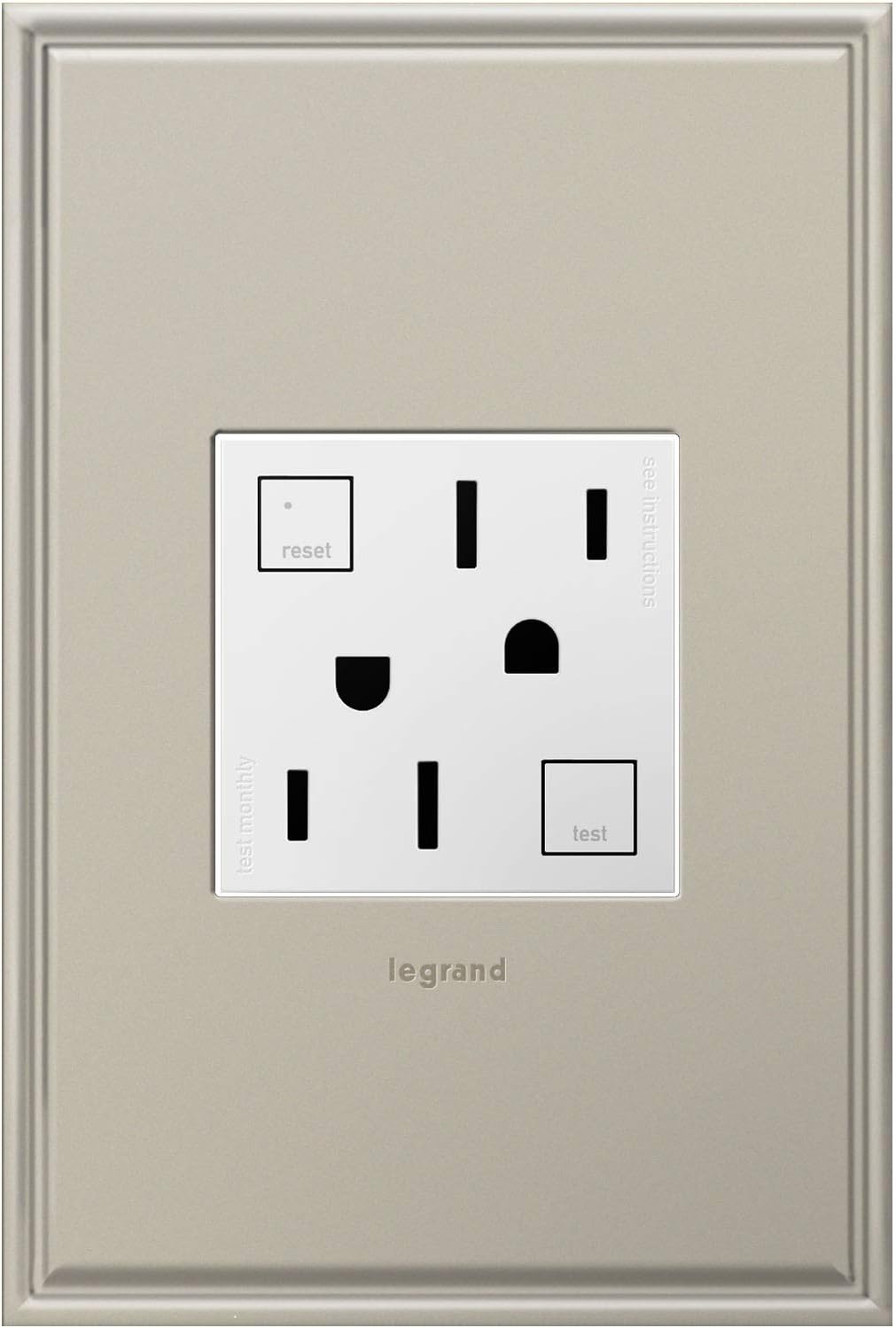
Image: A fully installed Legrand adorne GFCI outlet with a wall plate.
Operation
Your adorne GFCI outlet is designed for simple operation and continuous safety.
- Automatic Self-Test: The GFCI outlet performs an automatic self-test every three seconds to ensure it is functioning correctly and providing continuous protection.
- Reset Button: If the GFCI trips, press the 'RESET' button to restore power. If the red indicator light flashes, the GFCI needs to be replaced.
The patented shutter system ensures that only proper plugs can be inserted, enhancing child safety.
Maintenance
To ensure optimal performance and safety, it is recommended to manually test your GFCI outlet monthly.
- Monthly Test: Press the 'TEST' button on the outlet. The 'RESET' button should pop out, and power to the outlet should be interrupted. Press the 'RESET' button to restore power. If the GFCI does not trip or reset, it should be replaced.
Regular testing confirms the device's ability to protect against ground faults.
Troubleshooting
If your GFCI outlet is not functioning as expected, consider the following:
- No Power / Tripped GFCI: If there is no power, check if the 'RESET' button has popped out. Press it firmly to restore power. If it immediately trips again, there might be a ground fault in the connected appliance or wiring.
- Red Indicator Light Flashing: A flashing red light indicates that the GFCI outlet has reached its end-of-life and needs to be replaced.
- SafeLock Protection: If internal components are damaged and protection is lost, the SafeLock Protection feature will automatically disconnect power to the outlet, preventing unsafe conditions. In this case, the unit must be replaced.
- Installation Issues: Double-check all wiring connections as per the installation instructions. Ensure wires are securely connected to the correct terminals.
If issues persist, it is recommended to consult a qualified electrician.
Specifications
| Feature | Detail |
|---|---|
| Brand | adorne |
| Model Number | AGFTR2152W4-4PK |
| Amperage Capacity | 15 Amps |
| Voltage | 120 Volts |
| Color | White |
| Material | Thermoplastic |
| Product Dimensions | 1.81 x 2.56 x 3.25 inches |
| Item Weight | 1.26 pounds |
| Installation Method | Wall-Mounted |
| Special Features | Easy to Install, Tamper-Resistant, Self-Test, SafeLock Protection |
| Usage | Commercial/Residential |
Warranty and Support
For warranty information or technical support, please visit the official Legrand adorne website or contact their customer service. Keep your purchase receipt for warranty claims.
Online resources and FAQs may also be available on the Legrand adorne brand store page: adorne Store