
Introduction
The BoxWave Micro USB DuraCable is designed to provide reliable charging and data synchronization for your Micro USB compatible devices, such as the Nexgo T2 Desktop POS. This durable, braided cable ensures a stable connection and long-lasting performance for your daily needs.

Image: The BoxWave Micro USB DuraCable, a straightforward solution for simultaneous charging and data transfer.
Features
- Universal Compatibility: Fully compatible with devices featuring a Micro USB port, including the Nexgo T2 Desktop POS.
- Durable Construction: Features a braided nylon exterior that resists tangles, kinking, and splitting, enhancing the cable's lifespan.
- Reinforced Strain Relief: Rubberized grommet strain reliefs are integrated at both connector ends to prevent damage from bending and pulling.
- Optimal Length: A 3-foot (approximately 0.9 meters) cable provides flexibility for various charging and syncing setups.
- Dual Functionality: Supports both charging and high-speed data synchronization (USB 2.0 standards, up to 480Mbps) simultaneously.

Image: Visual representation of the cable's key features, including charge and sync capabilities, braided design, and reinforced strain relief.
Setup
Setting up your BoxWave Micro USB DuraCable is straightforward. No software installation is required for basic functionality.
- Identify Connectors: The cable has two distinct ends: a standard USB-A connector and a Micro USB connector.
- Connect to Device: Insert the Micro USB connector into the Micro USB port on your device (e.g., Nexgo T2 Desktop POS). Ensure it is oriented correctly to avoid damage.
- Connect to Power/Data Source: Insert the USB-A connector into a compatible USB port on a power adapter (for charging) or a computer (for charging and data sync).
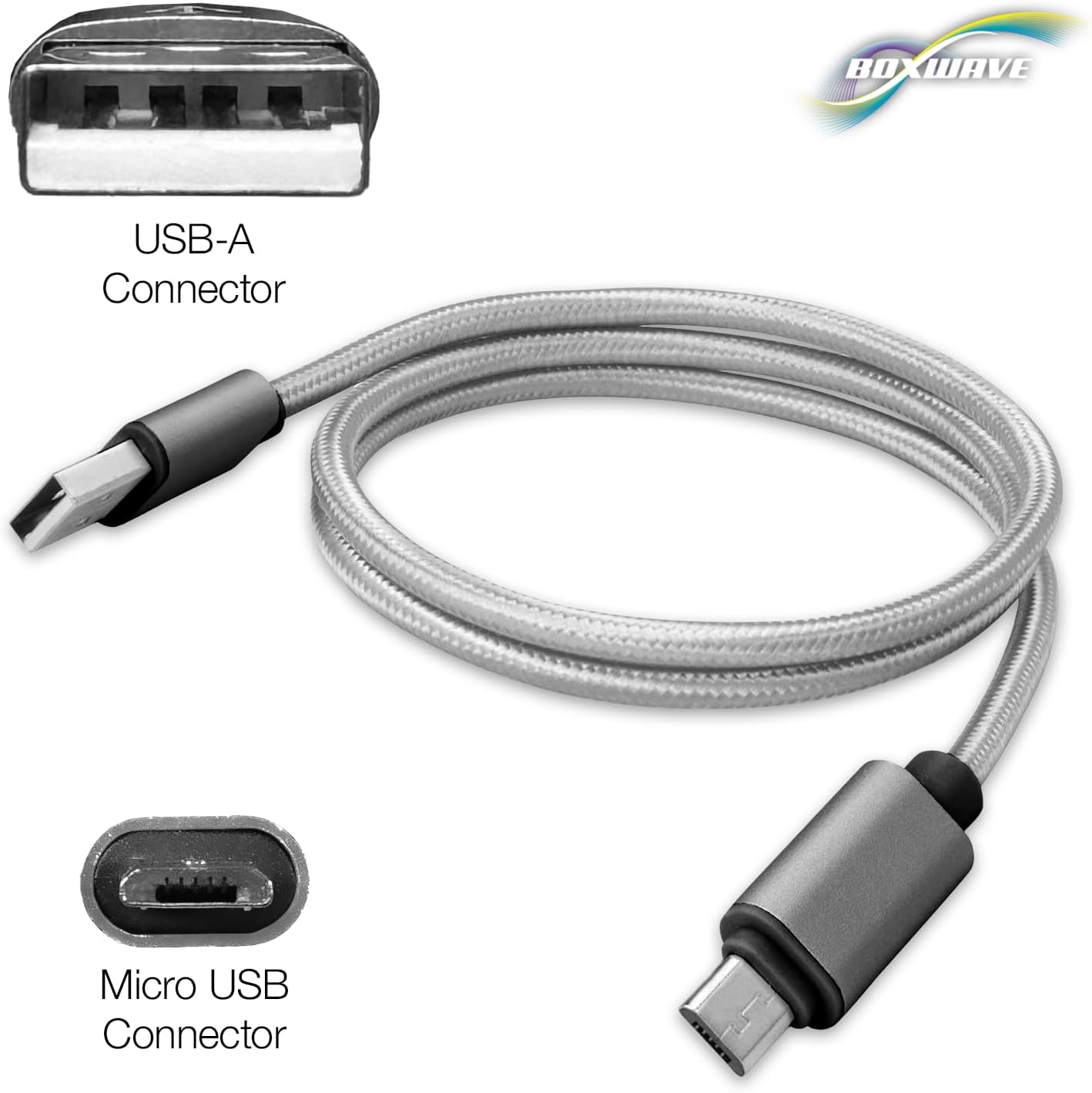
Image: Close-up view of the USB-A and Micro USB connectors on the DuraCable, illustrating their distinct shapes.
Operating Instructions
Charging Your Device
To charge your device using the DuraCable:
- Ensure the Micro USB end is securely connected to your device.
- Plug the USB-A end into a USB wall adapter, car charger, or a powered USB port on a computer.
- Your device should indicate that it is charging.
Synchronizing Data
To transfer data between your device and a computer:
- Connect the Micro USB end to your device.
- Connect the USB-A end to an available USB port on your computer.
- Your computer should recognize the connected device. Follow your device's and computer's instructions for data transfer.
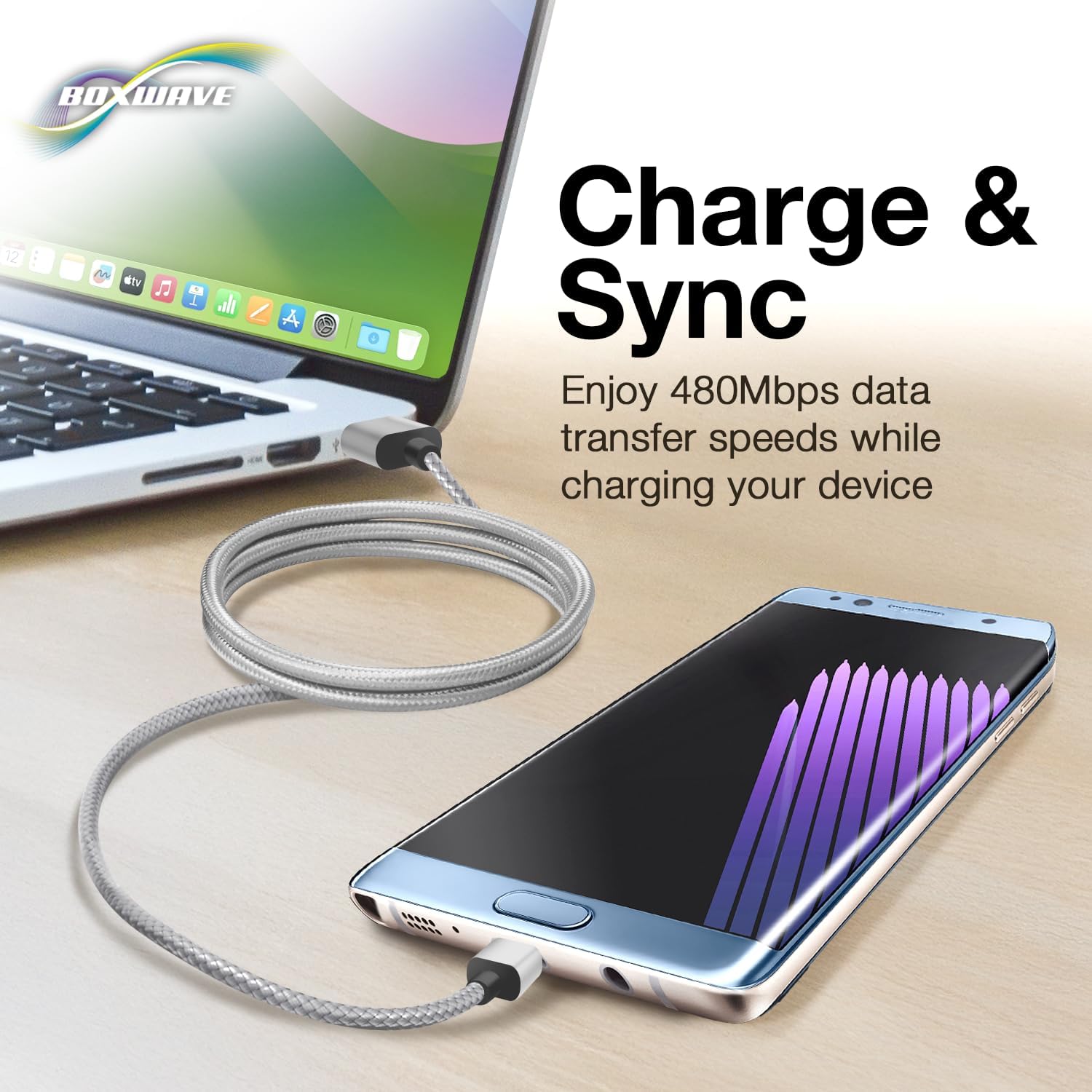
Image: The DuraCable connecting a smartphone to a laptop, demonstrating its charge and sync functionality.
Maintenance
Proper care will extend the life of your BoxWave Micro USB DuraCable:
- Avoid Extreme Bending: While the cable features reinforced strain reliefs, avoid sharp or extreme bends, especially near the connectors, to prevent internal wire damage.
- Keep Clean: Periodically wipe the cable and connectors with a dry, soft cloth to remove dust and debris. Do not use liquid cleaners directly on the connectors.
- Proper Storage: When not in use, coil the cable loosely. Avoid tightly wrapping it around objects or knotting it.
- Handle with Care: Always pull from the connector head, not the cable itself, when disconnecting.

Image: A detailed view of the nylon braided cable, highlighting its durable construction designed to resist tangles and fraying.
Troubleshooting
If you encounter issues with your DuraCable, try the following steps:
- Device Not Charging:
- Ensure both ends of the cable are securely plugged into the device and the power source.
- Try a different power adapter or USB port.
- Test the cable with another Micro USB device, if available, to determine if the issue is with the cable or the device.
- Data Sync Not Working:
- Verify that the cable is firmly connected to both your device and the computer.
- Try a different USB port on your computer.
- Ensure your device's drivers are up to date on your computer.
- Check your device's settings to ensure it is configured for data transfer when connected to a computer.
- Intermittent Connection:
- Inspect the connectors for any visible damage or debris. Clean gently if necessary.
- Avoid putting strain on the cable while in use.
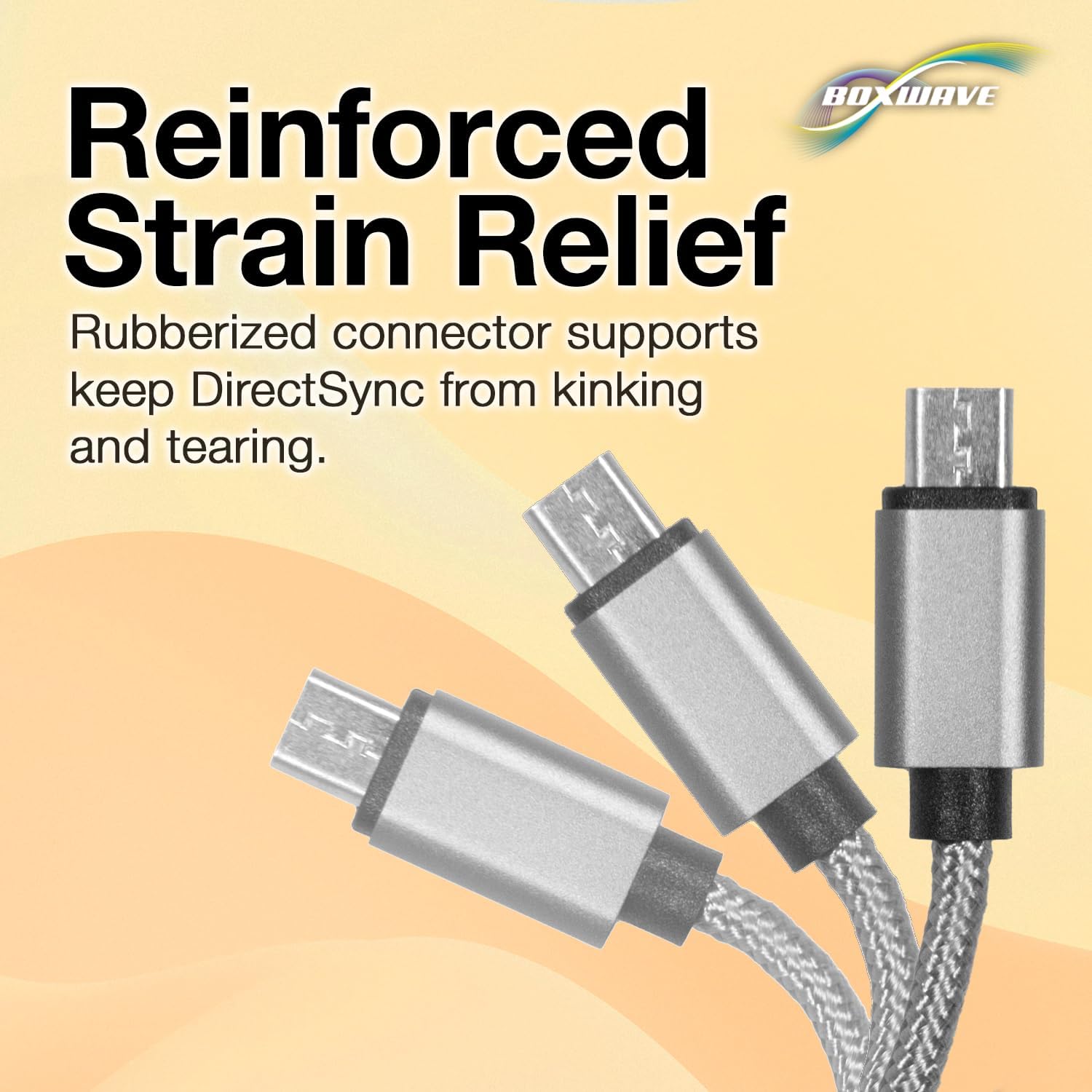
Image: A close-up showing the reinforced strain relief at the connector, designed to prevent kinking and tearing, which can be a common point of failure.
Specifications
| Brand | BoxWave |
| Model | Micro USB DuraCable |
| Connector Type | USB-A to Micro USB |
| Cable Length | 3 feet (approx. 0.9 meters) |
| Data Transfer Speed | Up to 480 Mbps (USB 2.0 Standard) |
| Material | Braided Nylon |
| Color | Space Grey |
| Item Weight | 0.7 ounces (approx. 20 grams) |
| ASIN | B086VPHW3N |
| Date First Available | August 23, 2019 |
Warranty and Support
BoxWave products are designed for quality and reliability. For any technical assistance or inquiries regarding your Micro USB DuraCable, please refer to the manufacturer's official support channels. Limited third-party technical support may be available for your device (up to 3 inquiries via messaging) but is not affiliated with or endorsed by Nexgo.
For further support, please visit the BoxWave website or contact their customer service directly.