
1. Introduction
The STEEL MATE BSA-1U Baby Car Seat Alarm System is designed to enhance child safety by providing a crucial reminder to parents or caregivers about a child remaining in the car seat. This system utilizes a sensor pad, a seat belt clip, and a display unit to detect the presence of a child and trigger an alarm under specific conditions, helping to prevent tragic incidents of children being left unattended in vehicles.
This manual provides detailed instructions for the installation, operation, and maintenance of your BSA-1U system. Please read it thoroughly before use to ensure proper functionality and safety.

This image displays the complete STEEL MATE BSA-1U system, including the main display unit that plugs into the car's cigarette lighter, the circular pressure sensor pad, and the small T-shaped seat belt clip. The product packaging is also visible, illustrating the 'How to use' steps.
2. Safety Information
WARNING: This device is an aid and does not replace parental vigilance. Always visually confirm the presence or absence of your child before leaving the vehicle. Never leave a child unattended in a vehicle, even for a short period.
Extreme temperatures inside a vehicle can be dangerous or fatal for children. This system is designed to provide an additional layer of protection against forgotten child incidents, but it is not a substitute for responsible supervision.

This image visually represents the severe risks associated with leaving a child in a car: asphyxiation, hypothermia (extreme cold), and heatstroke (extreme heat). These conditions can develop rapidly and be life-threatening.
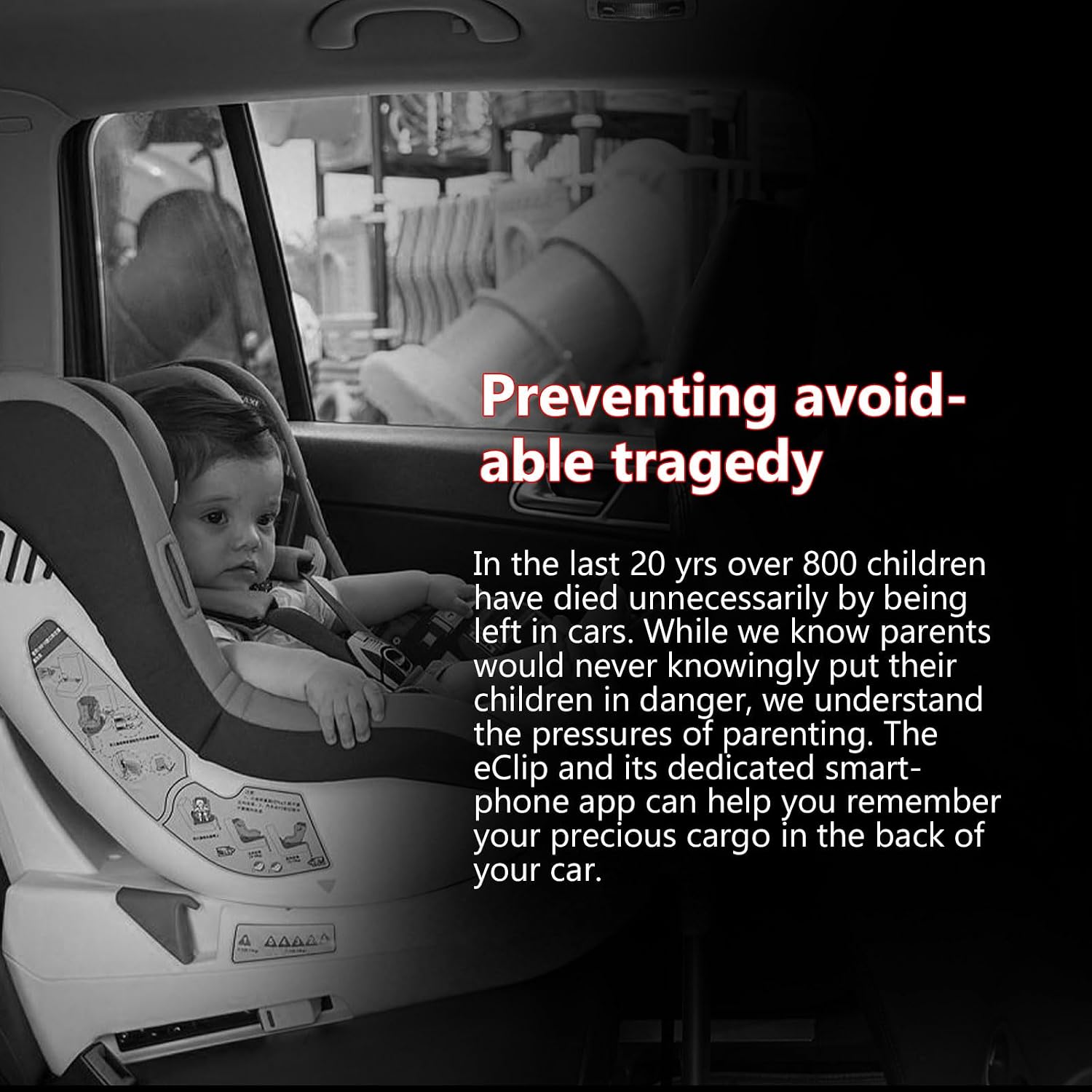
This image highlights the critical importance of preventing avoidable tragedies, reminding users that while parents never intend to harm their children, the pressures of daily life can lead to oversights. The system aims to provide a helpful reminder.
- Ensure all components are securely installed and functioning correctly before each use.
- Do not modify or disassemble the device.
- Keep the device away from water and extreme temperatures.
- This device is intended for use with a child car seat and is not a substitute for proper child restraint systems.
3. Package Contents
Please verify that all the following items are included in your package:
- 1 x Display Unit (plugs into cigarette lighter socket)
- 1 x Sensor Pad (for car seat cushion)
- 1 x Seat Belt Clip (for driver's seat belt)
- 1 x User Manual (this document)
4. Setup and Installation
Follow these steps for easy installation:
- Place the Sensor Pad: Carefully place the circular sensor pad (Figure 4.1) underneath the cushion of your child's car seat. Ensure it is positioned centrally where the child's weight will apply pressure.
- Attach the Seat Belt Clip: Secure the T-shaped seat belt clip (Figure 4.2) to the inside of the driver's seat belt buckle. This clip detects when the driver's seat belt is unbuckled.
- Plug in the Display Unit: Insert the display unit (Figure 4.3) into your vehicle's 12V cigarette lighter socket. Ensure it is firmly seated. Do not press the 'SET' button during initial plug-in.
- Power On: Turn your vehicle's ignition to the ACC (Accessory) or ON position. The display unit should power on.

This image shows a close-up of the black, circular sensor pad with the 'STEEL MATE' logo. This pad is designed to be placed under the car seat cushion to detect the child's presence.

This composite image illustrates the three main installation steps: 1) Plugging the display unit into the car's cigarette lighter (CIG lighter display). 2) Placing the sensor pad under the car seat cushion. 3) Attaching the seat belt detection kit to the driver's seat belt.

This image shows the compact, black and silver display unit securely plugged into the 12V power outlet (cigarette lighter socket) in a car's center console.
5. Operating Instructions
The STEEL MATE BSA-1U system operates automatically once installed and powered on. It provides reminders through light indicators and an audible alarm.
5.1. Normal Operation
- When a child is seated on the sensor pad and the driver's seat belt is buckled, the display unit will show a green light, indicating that the system is active and detecting a child.
5.2. Alarm Conditions and Indicators
The system triggers an alarm under two primary conditions:
- Driver Unbuckles Seat Belt: If a child is detected on the car seat sensor and the driver unbuckles their seat belt while the vehicle is still on, the display unit will immediately begin to flash red and green lights alternately, accompanied by an audible alarm.
- Vehicle ACC Off: If a child is detected on the car seat sensor and the vehicle's ACC (Accessory) power is turned off (engine shut down), the display unit will also flash red and green lights alternately, accompanied by an audible alarm.

This image shows the display unit with a green light, signifying that the system has detected a child in the car seat, providing a visual confirmation of the child's presence.
This diagram illustrates the alarm sequence: 1) The car's ACC is turned off. 2) A baby remains in the car seat. 3) The display unit flashes red and green lights, accompanied by an audible 'Bi-Bi-Bi' sound, alerting the driver.
5.3. Light Reminder Modes
The system features four light reminder modes:
- Green Light: Child detected, system active.
- Red Light: Indicates a potential issue or alarm state.
- Yellow Light: May indicate a sensor issue or low signal.
- Red & Green Flashing: Active alarm, child detected and a trigger condition met (driver unbuckled or ACC off).
5.4. Mute Function
To temporarily mute the audible alarm, press the 'SET' button on the display unit. The visual alarm will continue to flash until the child is removed from the car seat or the trigger condition is resolved.
6. Maintenance
- Keep all components clean and dry. Wipe with a soft, damp cloth if necessary. Do not use harsh chemicals or abrasive cleaners.
- Ensure the sensor pad is free from debris or obstructions that could affect its pressure detection.
- Regularly check the connections of the display unit and seat belt clip to ensure they are secure.
- Store the device in a cool, dry place when not in use for extended periods.
7. Troubleshooting
If you experience issues with your STEEL MATE BSA-1U system, please refer to the following common problems and solutions:
| Problem | Possible Cause | Solution |
|---|---|---|
| System does not power on / No light on display unit. | Display unit not properly plugged in; Vehicle's 12V socket is not receiving power; Blown fuse in vehicle's 12V socket. | Ensure display unit is firmly seated in the 12V socket. Check if other devices work in the same socket. Consult vehicle manual for fuse location and replacement if necessary. |
| Alarm does not sound when child is in seat and driver unbuckles/ACC off. | Sensor pad not detecting child; Seat belt clip not properly attached or detecting driver's seat belt; System malfunction. | Ensure sensor pad is correctly placed under the car seat and the child's weight is sufficient. Verify the seat belt clip is securely attached to the driver's seat belt. If issues persist, contact customer support. |
| False alarms / Alarm sounds when no child is present. | Sensor pad is being pressed by other objects; Sensor pad is faulty. | Ensure nothing else is pressing on the sensor pad. Remove and re-install the sensor pad. If the problem continues, the sensor may be faulty. |
| Display unit shows yellow or red light without alarm. | Indicates a potential connection issue or weak signal from sensor/clip. | Check the placement of the sensor pad and the seat belt clip. Ensure there are no obstructions. Re-seat the display unit in the 12V socket. |
8. Specifications
| Feature | Specification |
|---|---|
| Model Number | BSA-1U |
| Manufacturer | STEEL MATE |
| Product Weight | 132 g (0.29 lbs) |
| Product Dimensions | 11.5 x 4.5 x 16.5 cm (4.5 x 1.8 x 6.5 inches) |
| Material | Alloy Steel |
| Noise Level (Alarm) | Approx. 60 dB |
| Compatible Devices | Automotive (Car) |

This diagram provides the key dimensions for the main components: the sensor pad (3.9 inches diameter), the seat belt clip (1.5 x 1.9 inches), and the display unit (2.8 inches length, 1.6 inches diameter). It also labels the 'SET' button and the 1A USB slot on the display unit.
9. Warranty and Support
For professional after-sales service contact information, please refer to the original product packaging or the official STEEL MATE website. You may also reach out to the seller directly for support regarding your purchase.
Please retain your proof of purchase for any warranty claims or support inquiries.