
Introduction
This manual provides essential instructions for the setup, operation, and maintenance of your Panasonic SC-DM502 Premium Stereo System. Please read this manual thoroughly before using the product to ensure correct and safe operation. Keep this manual for future reference.
The Panasonic SC-DM502 is designed to deliver clear, rich sound from various audio sources, including DAB+ radio, CD, Bluetooth, and AUX-IN. Its robust construction and ergonomic design aim to provide a high-quality audio experience.

Image: Front view of the Panasonic SC-DM502 Premium Stereo System, showcasing its central display and control panel, flanked by speaker grilles.
Package Contents
Before proceeding with the setup, ensure all items are present in the package:
- Panasonic SC-DM502-K Main Unit
- Remote Control
- User Manual (this document)
- Power Cord
- FM/DAB+ Antenna
Setup
1. Unpacking and Placement
- Carefully remove the stereo system and all accessories from the packaging.
- Place the unit on a stable, flat surface away from direct sunlight, heat sources, and excessive dust or moisture. Ensure adequate ventilation around the unit.
2. Remote Control Battery Installation
The remote control requires two AA batteries. Follow these steps:
- Open the battery compartment cover on the back of the remote control.
- Insert two AA batteries, ensuring the correct polarity (+/-) as indicated inside the compartment.
- Close the battery compartment cover securely.
3. Antenna Connection
For optimal radio reception, connect the supplied FM/DAB+ antenna:
- Locate the FM/DAB+ antenna terminal on the rear of the unit.
- Connect the antenna cable firmly to the terminal.
- Extend the antenna fully and position it for the best possible reception. You may need to adjust its position later.
4. Power Connection
- Connect the power cord to the AC IN terminal on the rear of the unit.
- Plug the other end of the power cord into a wall outlet.
- The unit will enter standby mode.
Operating Instructions
1. Power On/Off
- Press the [POWER] button on the unit or remote control to turn the system on or off (standby mode).
2. Source Selection
Press the [SOURCE] button on the unit or remote control repeatedly to cycle through available input sources: DAB+, FM, CD, Bluetooth, AUX, USB.
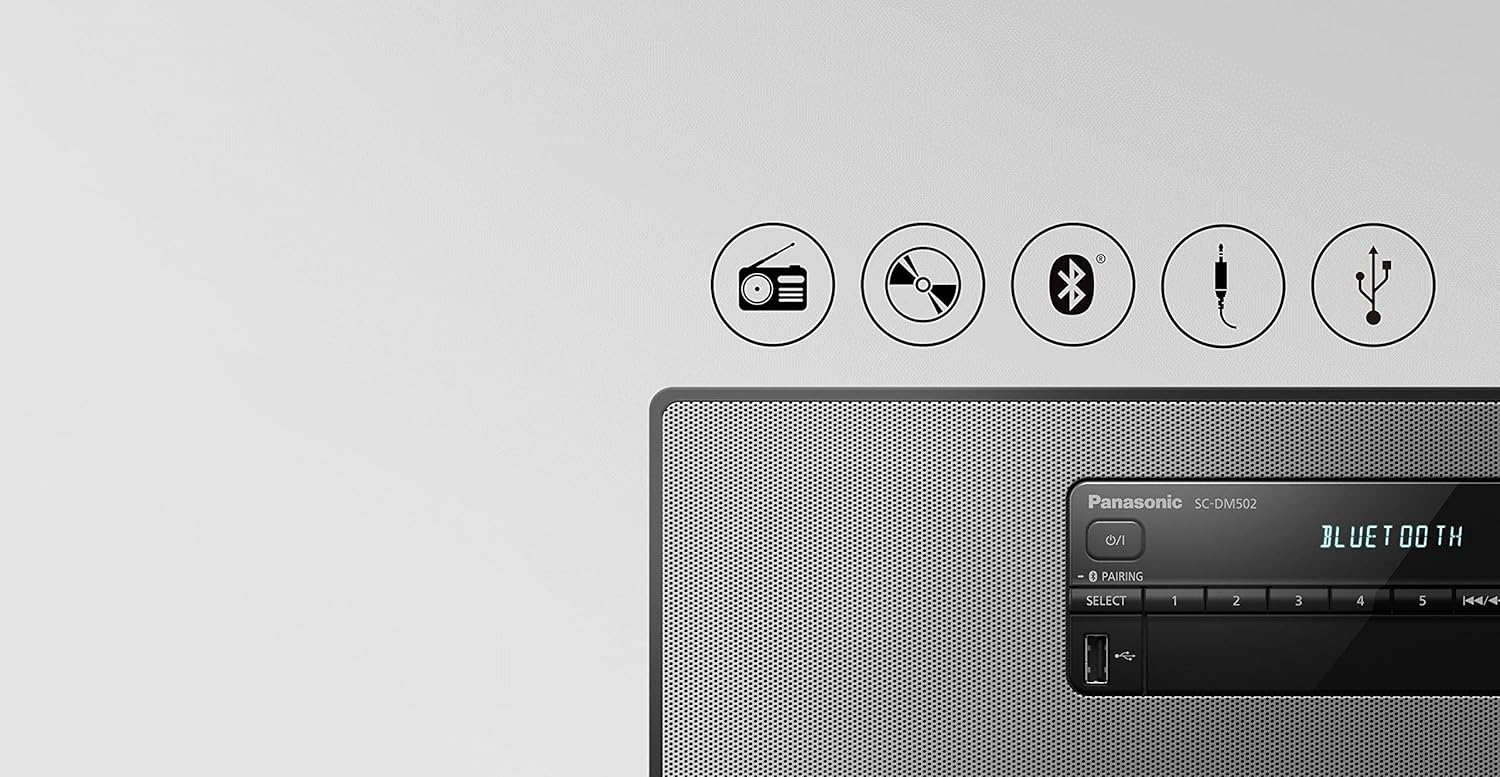
Image: Graphic representation of the various audio sources supported by the system, including icons for radio, CD, Bluetooth, AUX input, and USB.
3. Volume Control
- Use the [VOLUME +] or [VOLUME -] buttons on the unit or remote control to adjust the sound level.
4. DAB+/FM Radio Operation
- Select DAB+ or FM as the source.
- For DAB+: The system will automatically scan for available stations upon first use. To perform a manual scan, refer to the detailed instructions in the full user manual.
- For FM: Use the tuning buttons to find stations.
- To store a preset: Tune to the desired station, then press and hold a preset number button (1-5) until the display confirms storage.
- To recall a preset: Press the desired preset number button briefly.
5. CD Playback
- Select CD as the source.
- Press the [OPEN/CLOSE] button to open the CD tray.
- Place a CD with the label side facing up into the tray.
- Press [OPEN/CLOSE] again to close the tray. Playback will usually start automatically.
- Use [PLAY/PAUSE], [STOP], [SKIP FORWARD], and [SKIP BACKWARD] buttons for control.
6. Bluetooth Connection
- Select Bluetooth as the source. The unit will enter pairing mode, indicated by a flashing Bluetooth icon or message on the display.
- On your Bluetooth device (smartphone, tablet, etc.), enable Bluetooth and search for available devices.
- Select "SC-DM502" from the list of devices.
- Once connected, the display will show "PAIRED" or a steady Bluetooth icon. You can now play audio from your device through the stereo system.
7. AUX-IN Connection
- Connect an external audio device (e.g., MP3 player, TV) to the AUX IN jacks on the rear of the unit using an appropriate audio cable (RCA or 3.5mm stereo jack, depending on the model's specific input).
- Select AUX as the source.
- Play audio from your connected device.
8. USB Playback
- Insert a USB flash drive into the USB port on the front of the unit.
- Select USB as the source.
- The system will automatically detect and begin playing compatible audio files from the USB drive.
- Use the playback controls (play/pause, skip) to navigate your music.
9. Sound Settings
- The system features various sound enhancements. Refer to the full user manual for detailed instructions on adjusting equalizer settings, bass boost, and other audio modes.
Key Product Features
The Panasonic SC-DM502 incorporates several design and technological features to enhance your listening experience:
Wooden Enclosure for Rich Sound
The unit's wooden enclosure is designed to be rigid, which helps reduce unwanted vibrations and reverberations. This construction contributes to a more faithful reproduction of original sound, particularly in the low-frequency range, and imparts a natural tone characteristic of wooden materials.

Image: An exploded view of the stereo system, illustrating the internal speaker components separated from the wooden enclosure, highlighting the construction designed for sound quality.
Aero-dynamic Port for Clear & Deep Bass
An integrated aero-dynamic port facilitates smoother airflow within the enclosure, minimizing air turbulence. This design, combined with the wooden enclosure, aims to produce stronger and more accurate low frequencies.
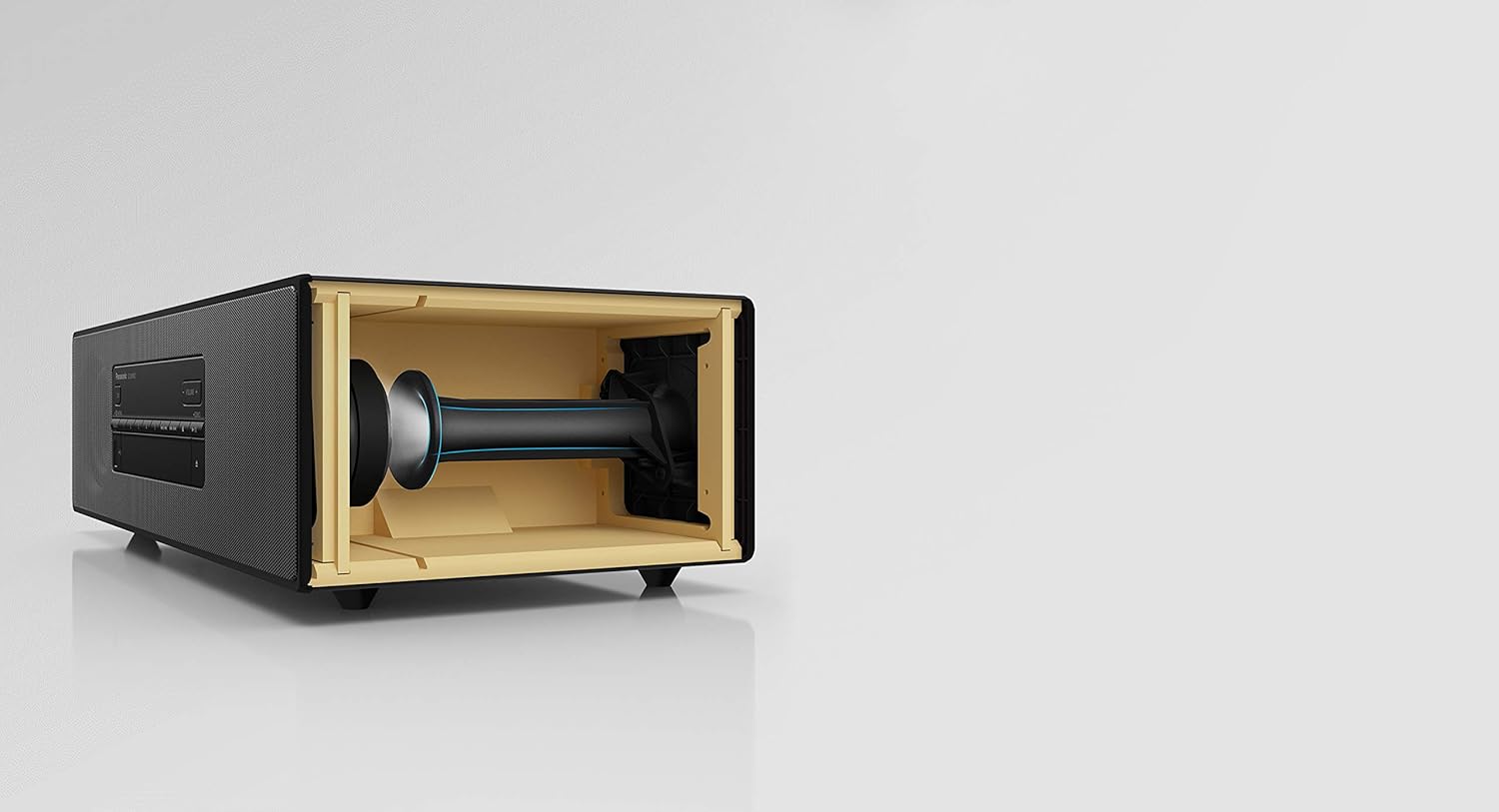
Image: A cutaway view of the stereo system's internal structure, specifically showing the aero-dynamic port designed to optimize bass performance.
Copper Cap for Smooth & Clear Treble
The speaker design includes a copper cap, which is intended to reduce fluctuations in voice coil inductance in the high-frequency range. This feature helps improve magnetic flux, contributing to a smooth high-frequency sound without distortion.

Image: A detailed, exploded view of a speaker driver, highlighting the copper cap component which is designed to enhance treble clarity.
Maintenance
1. Cleaning the Unit
- Wipe the exterior of the unit with a soft, dry cloth.
- For stubborn dirt, slightly dampen the cloth with water and a mild detergent, then wipe dry immediately.
- Do not use abrasive cleaners, waxes, or solvents (e.g., alcohol, benzene, thinners) as they can damage the finish.
- Never spray water or cleaning solutions directly onto the unit.
2. CD Care
- Handle CDs by their edges to avoid fingerprints on the playing surface.
- Keep CDs in their cases when not in use to prevent scratches and dust accumulation.
- If a CD is dirty, wipe it gently from the center outwards with a soft, lint-free cloth. Do not use harsh cleaners.
Troubleshooting
If you encounter issues with your SC-DM502, refer to the following common problems and solutions. If the problem persists, consult the full user manual or contact customer support.
| Problem | Possible Cause / Solution |
|---|---|
| No power |
|
| No sound |
|
| Poor radio reception (DAB+/FM) |
|
| Bluetooth pairing fails |
|
| Unit automatically shuts down |
|
Specifications
The following are key specifications for the Panasonic SC-DM502 Premium Stereo System:
| Feature | Detail |
|---|---|
| Model Number | SC-DM502 |
| Brand | Panasonic |
| Connectivity Technology | Bluetooth |
| Speaker Type | Stereo |
| Product Dimensions (L x W x H) | 8.62 x 15.75 x 5 inches |
| Item Weight | 8.58 pounds |
| Power Source | AC Power |
| Remote Control Batteries | 2 AA batteries (required) |
| Supported Media | CD, DAB+, FM Radio, Bluetooth, AUX-IN, USB |
Warranty and Support
Panasonic products are manufactured to high quality standards and are backed by a limited warranty. For specific warranty terms and conditions applicable to your region, please refer to the warranty card included with your product or visit the official Panasonic website for your country.
For technical assistance, troubleshooting beyond this manual, or to inquire about repairs, please contact Panasonic customer support. Contact information can typically be found on the Panasonic official website or in the full user manual provided with your product.
Manufacturer: Panasonic Corp