
1. Introduction
This manual provides essential instructions for the safe and effective use of your Hakeeta Kids Digital Video Camera Camcorder. Please read this manual thoroughly before operating the device and retain it for future reference. This camcorder is designed for children and beginners, offering a simple way to capture photos and videos.
2. Product Overview
The Hakeeta Kids Digital Video Camera Camcorder is a compact and portable device featuring a 2-inch TFT LCD screen, 16X digital zoom, and the ability to capture 16MP interpolated photos and 720P HD videos. It is designed for ease of use, making it suitable for young users to explore photography and videography.
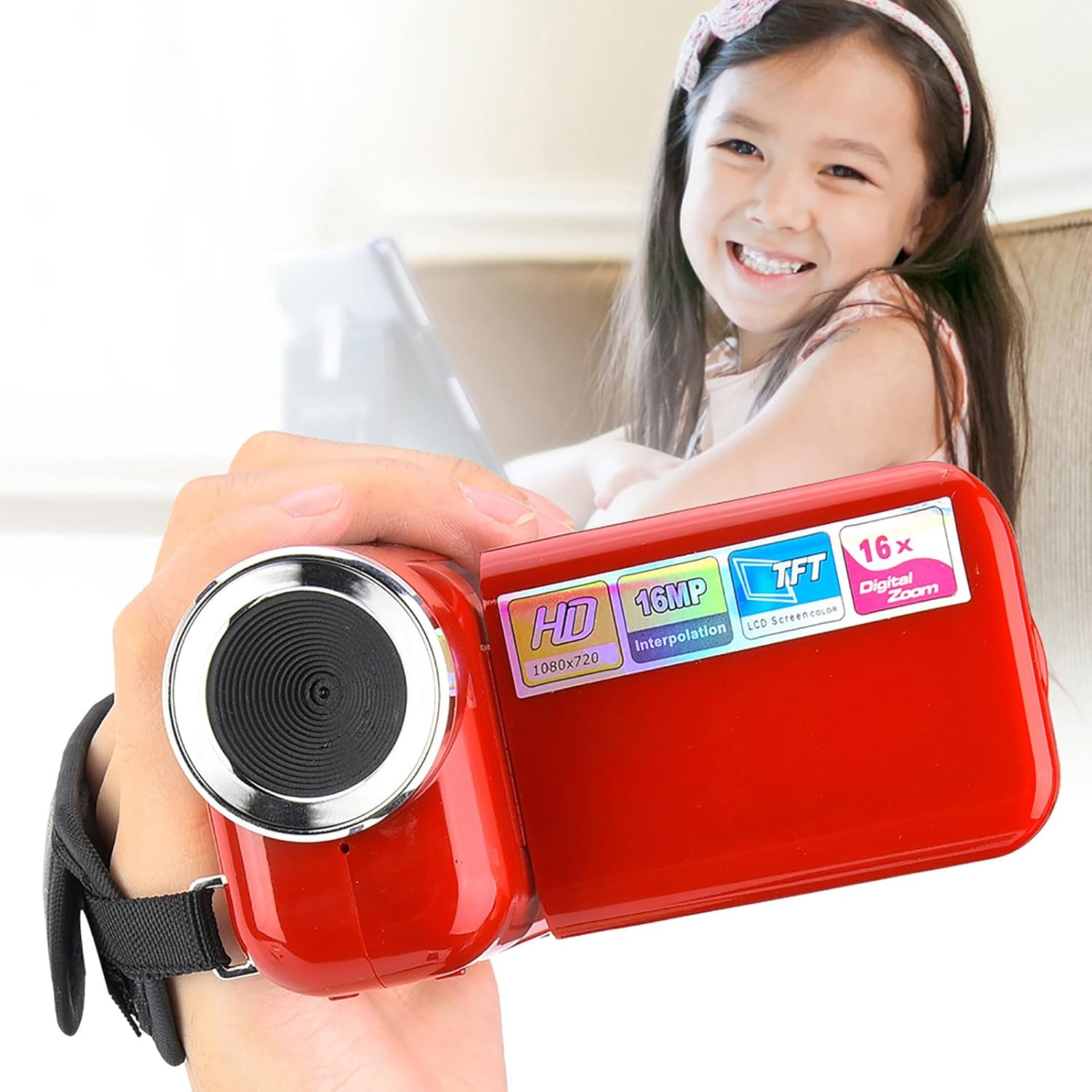
Image: A young child holding the Hakeeta Kids Digital Video Camera Camcorder, demonstrating its user-friendly size.
Key Features:
- 2-inch TFT LCD Screen: For easy viewing and playback.
- 16X Digital Zoom: Allows for closer shots.
- 16MP Photo Resolution (Interpolated): Captures clear still images.
- 720P HD Video Recording: Records high-definition video.
- Portable and Lightweight Design: Easy for children to handle.
- USB 2.0 Interface: For data transfer.
- Selfie Timer: 10 and 20-second options.
- Built-in LED Flash: For low-light conditions.
Product Video:
Video: An official product video showcasing the Hakeeta Kids Camera Camcorder in use, highlighting its features and portability.
3. Setup
3.1 Battery Installation
The camcorder requires 3 AAA batteries (not included). Ensure correct polarity when inserting the batteries.
- Locate the battery compartment on the rear of the camcorder.
- Slide the battery compartment cover open.
- Insert 3 AAA batteries, matching the (+) and (-) indicators inside the compartment.
- Close the battery compartment cover securely.

Image: Rear view of the camcorder showing the battery compartment and various ports.
3.2 Memory Card Installation
A memory card (up to 32GB SD card, not included) is required to store photos and videos.
- Locate the SD card slot, typically near the battery compartment.
- Insert the SD card with the metal contacts facing down until it clicks into place.
- To remove, gently push the card until it springs out.

Image: The camcorder shown with its USB data cable, indicating connectivity options.
4. Operating Instructions
4.1 Power On/Off
- To Power On: Open the LCD screen. The camera will automatically turn on.
- To Power Off: Close the LCD screen. The camera will automatically turn off.
4.2 Taking Photos
- Ensure the camera is in photo mode (usually indicated by an icon on the screen).
- Frame your shot using the 2-inch TFT LCD screen.
- Press the Shutter button (often labeled with a camera icon) to capture the image.
4.3 Recording Videos
- Switch the camera to video recording mode (usually indicated by a video camera icon).
- Press the Record button (often a red dot or 'REC') to start recording. A timer will appear on the screen.
- Press the Record button again to stop recording.
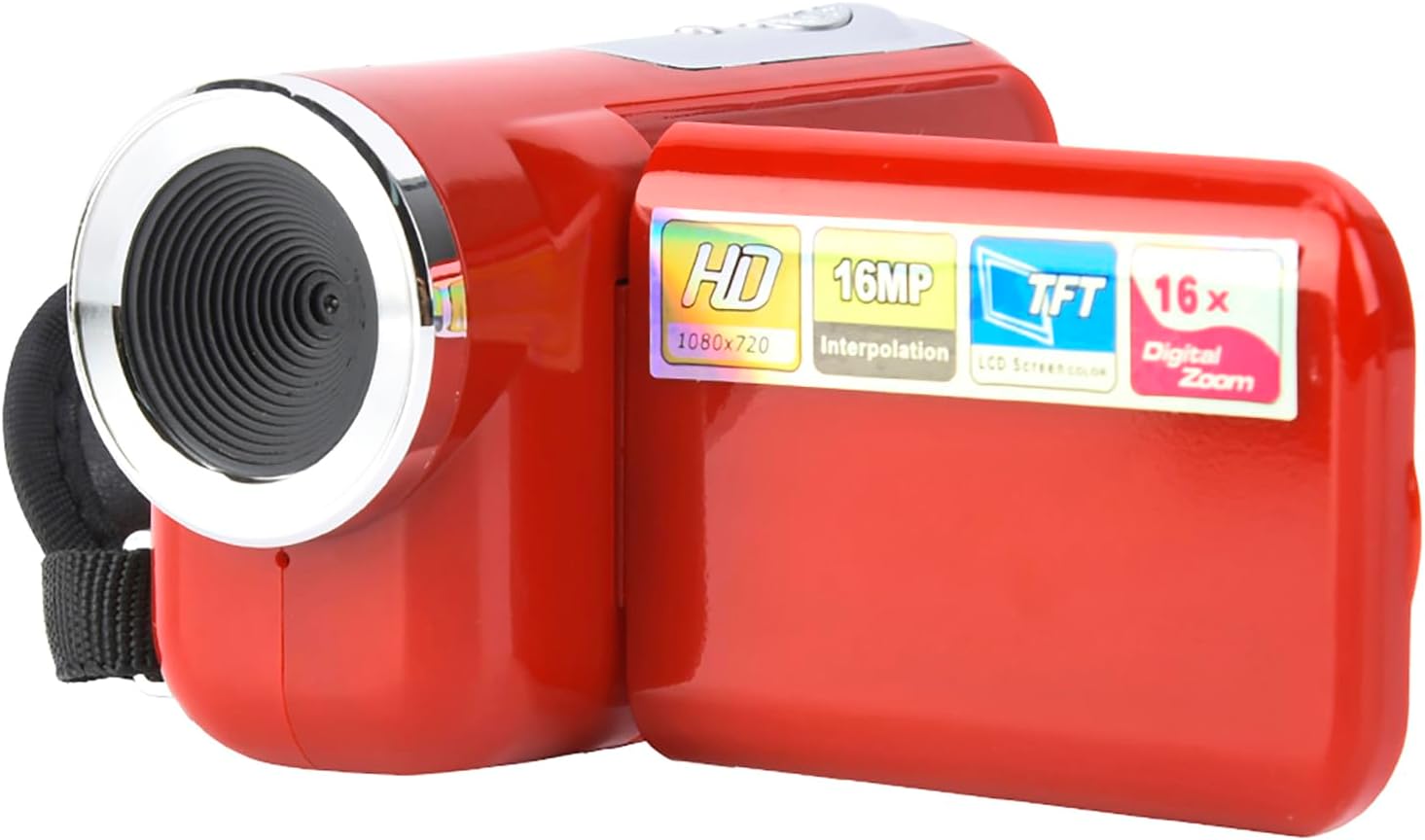
Image: The camcorder with its LCD screen open, displaying a captured image, ready for playback or recording.
4.4 Playback and Deletion
- Playback: In playback mode (often indicated by a play icon), use the navigation buttons to scroll through your photos and videos. Press the Shutter/OK button to play videos.
- Deletion: While viewing a photo or video, access the menu options (usually by pressing a 'Menu' button) and select the 'Delete' option. Confirm your selection to remove the file.
4.5 Menu Settings
Access the menu to adjust various settings such as language, resolution, white balance, and selfie timer.
- Press the 'Menu' button to enter the settings menu.
- Use the navigation buttons (Up/Down/Left/Right) to select options.
- Press the 'OK' or Shutter button to confirm a selection.
- To exit the menu, press the 'Menu' button again.
5. Maintenance
- Cleaning: Use a soft, dry cloth to clean the camera body. For the lens and screen, use a specialized lens cleaning cloth. Avoid abrasive materials or chemical cleaners.
- Battery Care: Remove batteries if the camera will not be used for an extended period to prevent leakage. Use fresh, high-quality AAA batteries.
- Storage: Store the camcorder in a cool, dry place away from direct sunlight and extreme temperatures.
- Handling: This device is designed for children but should still be handled with care to prevent damage from drops or impacts.
6. Troubleshooting
If you encounter issues with your camcorder, please refer to the following common solutions:
- Camera will not power on:
- Ensure batteries are correctly inserted with the correct polarity.
- Replace with fresh AAA batteries.
- Check if the LCD screen is fully opened.
- Cannot take photos or record videos:
- Verify that an SD card is inserted and has sufficient free space.
- Ensure the SD card is formatted correctly (FAT32 is generally recommended).
- Check if the camera is in the correct mode (photo or video).
- Poor image/video quality:
- Ensure the lens is clean and free from smudges.
- Check lighting conditions; use the LED flash in low light.
- Hold the camera steady during capture.
- Screen is dim or unclear:
- Adjust screen brightness in the camera's settings menu if available.
- Ensure the screen is clean.
- Buttons are unresponsive:
- Remove and reinsert batteries to reset the device.
- Ensure no debris is obstructing the buttons.
7. Specifications

Image: The camcorder with its dimensions clearly labeled for reference.
| Feature | Specification |
|---|---|
| Brand | Hakeeta |
| Model Number | Hakeeta7k2wrn1pc4-02 |
| Screen Size | 2-inch TFT LCD |
| Photo Sensor Technology | CMOS |
| Effective Still Resolution | 16 MP (Interpolated) |
| Video Capture Resolution | 720p (1080*720, 640*480, 320*240) |
| Digital Zoom | 16X |
| File Format | Video: AVI, Photo: JPEG |
| Memory Card Support | Max 32GB SD Card (Not Included) |
| Interface | USB 2.0 |
| Focus Range (Standard) | 1.4m to Infinity |
| Focus Range (Macro) | 15cm ~ 25cm |
| Shutter | Electronic Shutter |
| Selfie Timer | 10 seconds, 20 seconds |
| White Balance | Auto / Fluorescent / Tungsten / Cloudy |
| Supported Languages | English, French, Dutch, Italian, Spanish, Simplified Chinese, Portuguese |
| Battery Type | 3 * AAA Batteries (Not Included) |
| Dimensions (L x W x H) | Approx. 10 x 5.5 x 3.5 cm (3.9 x 2.2 x 1.4 inches) |
| Weight | Approx. 124g |
8. Warranty and Support
For warranty information and customer support, please refer to the documentation included with your purchase or contact the retailer where the product was acquired. Keep your purchase receipt as proof of purchase for any warranty claims.
If you require further assistance or have questions not covered in this manual, please reach out to the manufacturer's customer service department.