
Introduction
This manual provides essential information for the proper installation, maintenance, and troubleshooting of your UpStart Components 954-0434 Drive Belt. This replacement belt is designed for use with the Cub Cadet RT65 (21AB456A709) (2015) 21AB456A Tiller and is compatible with 754-0434 belts. Please read these instructions carefully before proceeding with installation to ensure safe and effective operation.
Safety Information
Always prioritize safety when working with machinery. Failure to follow safety instructions can result in injury or damage to equipment.
- Wear Protective Gear: Always wear appropriate work gloves to protect your hands during installation and maintenance. Safety glasses are also recommended.
- Disconnect Power: Before attempting any installation or maintenance, ensure the tiller's engine is off and the spark plug wire is disconnected to prevent accidental starting.
- Consult Tiller Manual: Refer to your Cub Cadet RT65 tiller's original owner's manual for specific instructions regarding belt replacement procedures and safety precautions unique to your equipment.
- Secure Equipment: Ensure the tiller is stable and cannot move unexpectedly during the replacement process.
Product Overview and Compatibility
The UpStart Components 954-0434 Drive Belt is a high-quality replacement part designed to meet or exceed the performance of the original equipment manufacturer (OEM) belt. It is engineered for durability and reliable power transmission in your tiller.
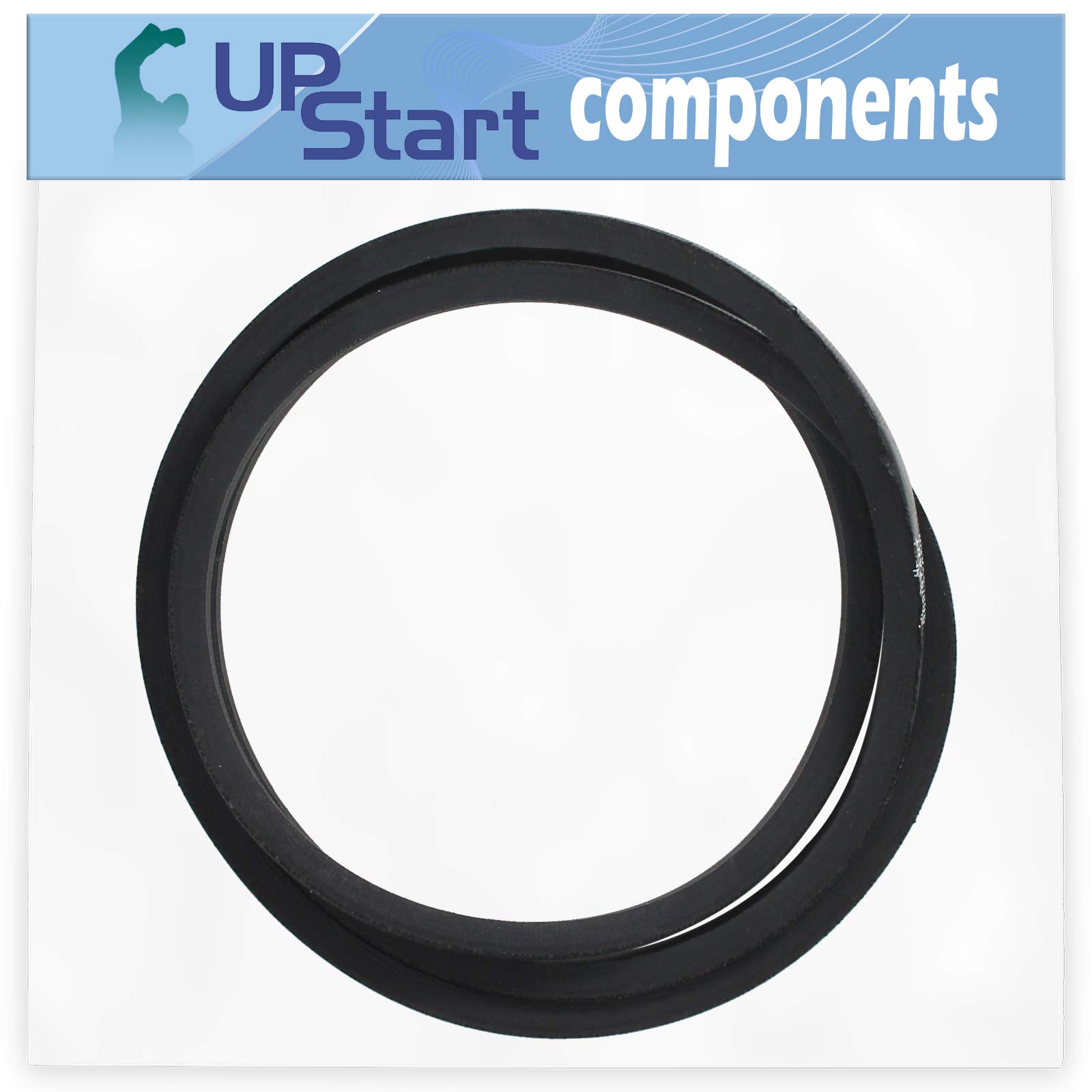
Image 1: The UpStart Components 954-0434 Drive Belt, coiled and featuring the UpStart Components tag. This image shows the overall appearance of the belt.
Compatibility:
This drive belt is compatible with the following models and part numbers:
- Cub Cadet RT65 (21AB456A709) (2015) 21AB456A Tiller
- Replaces OEM Part Numbers: 954-0434, 754-0434 (Cub Cadet, MTD, Sears, Craftsman)
- Stens 265-934
Important: Always verify the part number on your original belt or consult your equipment's manual to confirm compatibility before purchasing and installing this replacement part.
Installation Instructions
Replacing a drive belt typically involves accessing the belt housing, removing the old belt, and installing the new one. The exact steps may vary slightly depending on your specific tiller model. Always refer to your tiller's owner's manual for detailed, model-specific instructions.
General Steps for Belt Replacement:
- Prepare the Tiller:
- Park the tiller on a flat, stable surface.
- Turn off the engine and remove the spark plug wire to prevent accidental starting.
- Allow the engine and any moving parts to cool down completely.
- Access the Belt Area:
- Locate the belt cover or housing on your tiller. This usually requires removing a few bolts or clips.
- Carefully remove the cover to expose the drive belt and pulleys.
- Remove the Old Belt:
- Note the routing of the old belt around the pulleys. Taking a photo can be helpful.
- Loosen any tensioning mechanisms or idler pulleys as needed to create slack in the belt.
- Carefully remove the old belt from the pulleys.
- Install the New Belt:
- Route the new UpStart Components 954-0434 Drive Belt around the pulleys exactly as the old belt was routed.
- Ensure the belt is seated correctly in all pulley grooves.
- Adjust any tensioning mechanisms or idler pulleys to achieve the correct belt tension as specified in your tiller's manual. The belt should be snug but not overly tight.
- Reassemble and Test:
- Replace the belt cover or housing and secure it with the bolts or clips.
- Reconnect the spark plug wire.
- Start the tiller and engage the drive system briefly to ensure the new belt operates smoothly without slipping or unusual noises.
- Turn off the engine and inspect the belt again after a short period of operation to confirm proper seating and tension.

Image 2: A close-up view of the drive belt material, highlighting its texture and construction. This detail is important for ensuring proper grip and durability.
Maintenance
Proper maintenance extends the life of your drive belt and ensures optimal performance of your tiller.
- Regular Inspection: Periodically inspect the belt for signs of wear, cracking, fraying, glazing, or stretching. Replace the belt if any significant damage is observed.
- Keep Clean: Keep the belt and pulley areas free from dirt, debris, oil, and grease. Contaminants can cause the belt to slip or wear prematurely.
- Correct Tension: Ensure the belt maintains proper tension. A belt that is too loose will slip, causing loss of power and excessive wear. A belt that is too tight can strain bearings and reduce belt life. Refer to your tiller's manual for recommended tension specifications.
- Storage: If the tiller is stored for an extended period, especially in extreme temperatures, inspect the belt before next use.

Image 3: The drive belt arranged in a circular form, demonstrating its flexibility and uniform construction. This view helps in assessing the belt's overall condition.
Troubleshooting
If you experience issues after installing the new drive belt, consider the following common problems and solutions:
| Problem | Possible Cause | Solution |
|---|---|---|
| Belt Slipping | Incorrect tension (too loose), oil/grease on belt/pulleys, worn pulleys. | Adjust belt tension. Clean belt and pulleys. Inspect pulleys for wear and replace if necessary. |
| Excessive Noise (Squealing) | Incorrect tension (too tight or too loose), misaligned pulleys, worn belt. | Adjust belt tension. Check pulley alignment. Inspect and replace belt if worn. |
| Belt Comes Off Pulleys | Incorrect tension, misaligned pulleys, damaged belt guides, incorrect belt size. | Verify belt tension and routing. Check pulley alignment and belt guides. Ensure correct belt size (1/2" x 58"). |
| Rapid Belt Wear | Incorrect tension, misaligned pulleys, rough pulley surfaces, excessive load. | Check and adjust tension. Inspect pulley alignment and surfaces. Avoid overloading the tiller. |
If troubleshooting steps do not resolve the issue, consult a qualified service technician or refer to your tiller's comprehensive service manual.

Image 4: A view of the drive belt from the side, illustrating its width and thickness. This perspective is useful for confirming the belt's cross-sectional dimensions.
Specifications
- Product Name: UpStart Components Drive Belt
- Model Number: 954-0434
- Dimensions: 1/2 inch (width) x 58 inches (length)
- Material: Durable rubber compound, resistant to oil and heat.
- Compatibility: Cub Cadet RT65 (21AB456A709) (2015) 21AB456A Tiller, and other models requiring 954-0434 or 754-0434 belts.
Warranty and Support
This UpStart Components replacement part is covered by a warranty provided solely by UpStart Components. This product is not affiliated with any original equipment manufacturers (OEMs) and is not covered under any warranties offered by the original manufacturers.
For warranty claims, technical support, or further assistance, please contact UpStart Components directly through their official channels. Please have your purchase information and product model number ready when contacting support.
Note: All brand names and model descriptions mentioned are strictly for illustrating compatibility and are registered trademarks of their respective owners.