
RICTLY 012-1361
Night Light for Kids, Kids Night Light Nebula 360 Degree Rotation
Model: 012-1361 | Brand: RICTLY
Introduction
This user manual provides comprehensive instructions for the setup, operation, and maintenance of your RICTLY Star Projector Night Light. Please read this manual carefully before using the product to ensure safe and optimal performance.
The RICTLY Star Projector Night Light is designed to create a relaxing and enchanting atmosphere, projecting stars and moon light onto your room's walls and ceiling. It features multiple color modes and a 360-degree rotation function, making it ideal for children's bedrooms, parties, or creating a romantic ambiance.
Safety Information
- Keep the device away from water and moisture.
- Do not disassemble or attempt to repair the device yourself. Refer to qualified personnel for service.
- Use only the specified power source (4 x AAA batteries or USB connection).
- Avoid direct eye exposure to the LED light source.
- Keep out of reach of small children to prevent choking hazards from small parts.
- Ensure proper ventilation around the device during operation.
Package Contents
Verify that all items are present in the package:
- 1 x Star Projector Night Light
- 1 x USB Cable
- 1 x User Manual (This document)
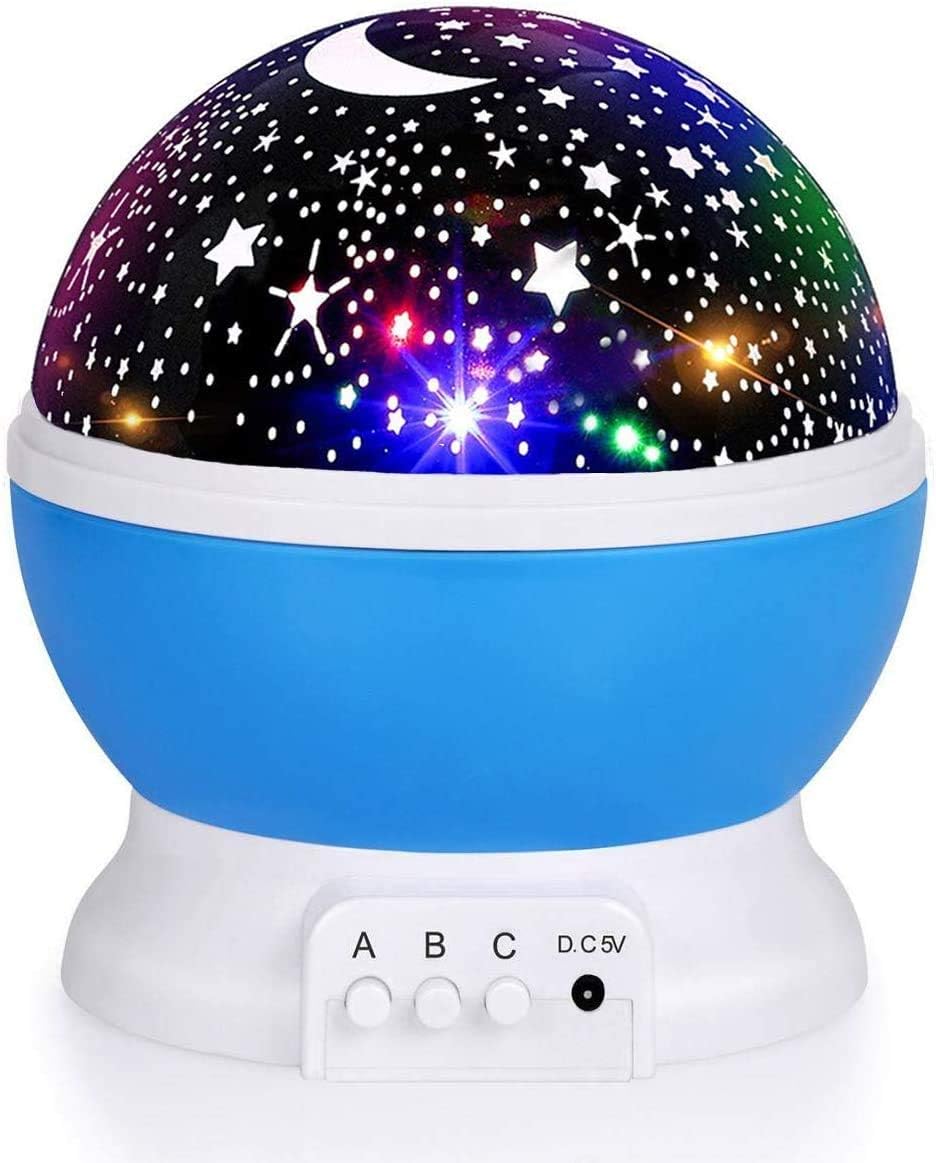
Image: The RICTLY Star Projector Night Light, featuring a blue base and a dome designed for projecting stars and moons.
Setup
Your Star Projector Night Light can be powered by either AAA batteries or a USB connection.
Power Supply Options:
- Battery Power:
Locate the battery compartment on the bottom of the unit. Insert 4 x AAA batteries (not included), ensuring correct polarity (+/-). Close the battery compartment securely.
- USB Power:
Connect the provided USB cable to the DC 5V port on the side of the night light. Plug the other end of the USB cable into a USB power source, such as a computer, a USB wall charger (not included), or a portable power bank.

Image: Illustration of the different power supply methods for the night light, including battery insertion and USB connection points.
Preparing for Projection or Night Light Mode:
- For Star Projection Mode: Ensure the removable white dome cover is placed on top of the unit. This cover has the star and moon cutouts that allow the light to project.
- For Night Light Mode: Remove the removable white dome cover. This will allow the internal LED bulbs to illuminate the room with a soft glow without projection.

Image: The night light in Projection Mode, illuminating a room with a starry and moonlit pattern.
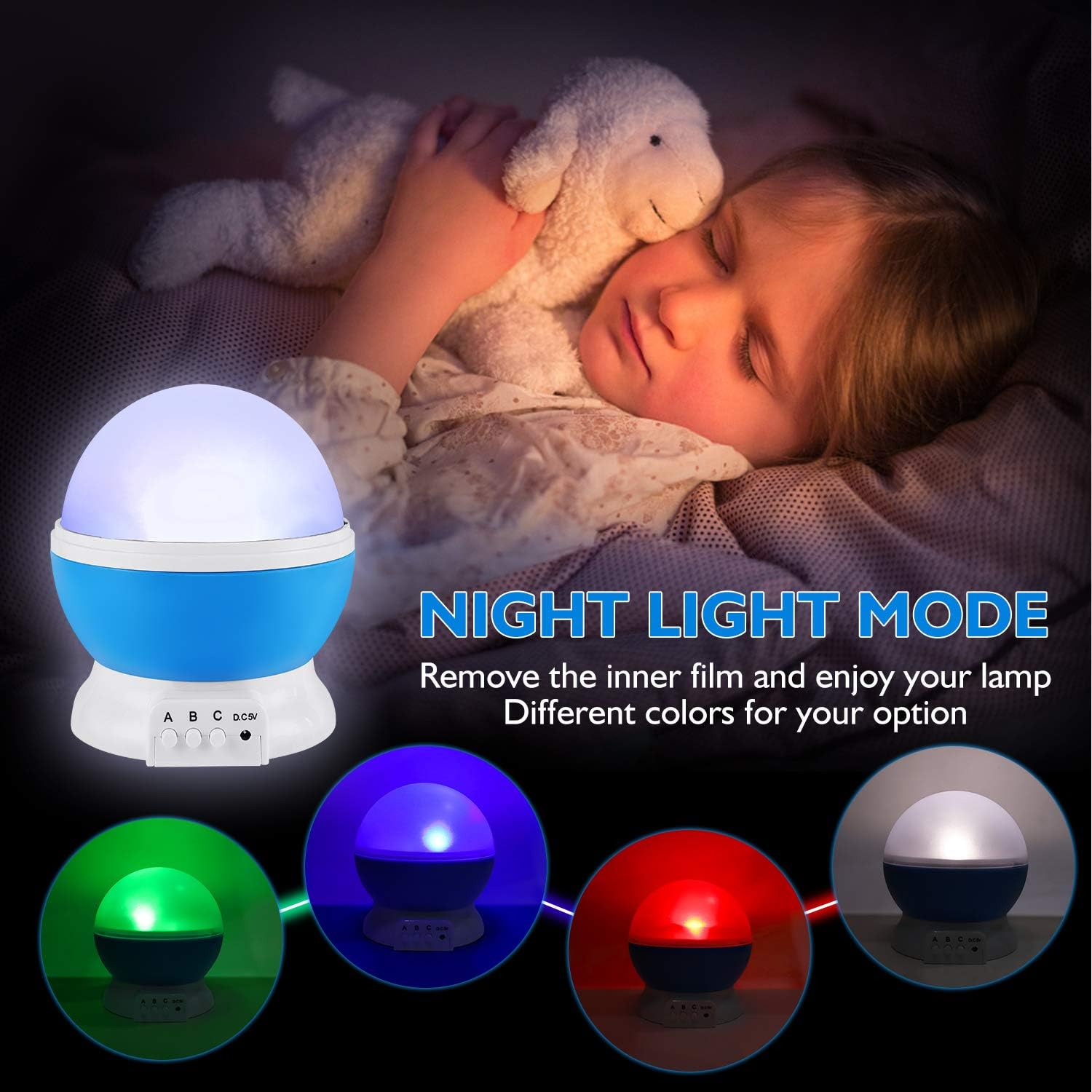
Image: The night light in Night Light Mode, with the outer cover removed, providing ambient light.
Operating Instructions
The night light features three control buttons (A, B, C) on its base:

Image: Detailed view of the night light's base, highlighting the control buttons (A, B, C) and power input.
- Button A: Warm White Light On/Off Switch
Press Button A once to turn on the steady warm white light. Press Button A a second time to turn off the warm white light.
- Button B: Color Lighting Effect Switch
Press Button B repeatedly to cycle through 9 different color modes. These modes include single colors (red, green, blue, warm white) and various multi-color combinations. Continue pressing Button B until all color lights turn off to disable the color effects.

Image: Examples of the 9 different color projection modes available, showcasing various single and mixed color effects.
- Button C: Rotation On/Off Switch
Press Button C once to activate the 360-degree rotation feature, causing the projected stars and moons to slowly move across the room. Press Button C again to stop the rotation.
You can combine the functions of Button A, B, and C to create various lighting effects and experiences.
Maintenance
- Cleaning: Use a soft, dry cloth to gently wipe the surface of the night light. Do not use abrasive cleaners or immerse the device in water.
- Storage: When not in use for extended periods, store the night light in a cool, dry place, away from direct sunlight and extreme temperatures. If using batteries, remove them before storage to prevent leakage.
- Bulb Replacement: The LED bulbs are designed for long-term use and are not user-replaceable.
Troubleshooting
| Problem | Possible Cause | Solution |
|---|---|---|
| Night light does not turn on. | No power supply, or batteries are depleted/incorrectly inserted. |
|
| Projection is dim or unclear. | Room is too bright; protective film on dome not removed; dirty dome. |
|
| Rotation function is not working. | Button C not pressed; internal mechanism obstruction. |
|
| Cannot turn off the light using buttons. | Incorrect button sequence. |
|
Specifications
| Feature | Detail |
|---|---|
| Product Name | Rotating Star Night Light |
| Model Number | 012-1361 |
| Dimensions (D x W x H) | 5.3" x 4.7" x 4.7" (13.46 cm x 11.94 cm x 11.94 cm) |
| Item Weight | 9.6 ounces (272 grams) |
| Material | Acrylonitrile Butadiene Styrene (ABS) |
| Light Source Type | LED (4 LED Bulbs) |
| Light Colors | Warm White, Blue, Red, Green (9 adjustable projection effects) |
| Power Mode | 4 x AAA Batteries (not included) or USB Connection (DC 5V) |
| Control Method | Push Button / Touch |
| Special Features | 360 Degree Rotation, Color Changing |
| Recommended Age | 1 month and up |
Warranty and Support
For any questions, technical support, or warranty inquiries regarding your RICTLY Star Projector Night Light, please refer to the official RICTLY brand store or contact their customer service.
Ask a question about this manual
Ask about setup, troubleshooting, compatibility, parts, safety, or missing instructions. Manuals+ will review the question and use this page’s manual context to help answer it.