
GROWNSY S5D
GROWNSY UV Sanitizer and Dryer (Model: S5D) - Instruction Manual
Your comprehensive guide to effective sanitization and drying.
Product Overview
The GROWNSY UV Sanitizer and Dryer is a versatile 4-in-1 appliance designed to clean and sanitize various household items, especially baby essentials. It utilizes UV-C light technology for effective sanitization and features a drying function to ensure items are ready for immediate use. Its large capacity and multiple modes make it a convenient solution for maintaining hygiene.

Image: The GROWNSY UV Sanitizer and Dryer, a compact and modern appliance.
Key Features
- Effective Sanitizing: Cleans over 99.99% of baby bottles and daily necessities using UV-C light.
- 4-in-1 Functionality: Offers AUTO (Sanitizing + Drying + Storage), Sanitizing, Drying, and Storage modes for comprehensive care.
- Large Capacity: Capable of accommodating up to 12 baby bottles, along with other items. Dimensions: 11.06 x 11.22 x 9.85 inches.
- Multipurpose Use: Ideal for baby products, intimate clothing, jewelry, beauty tools, tableware, and mobile phones in various settings.
- Intimate Design: Features a melt-blown filter for fresh air intake and a mirror inner wall for 360° sanitizing. Includes an auto-pause safety feature when the lid is opened.
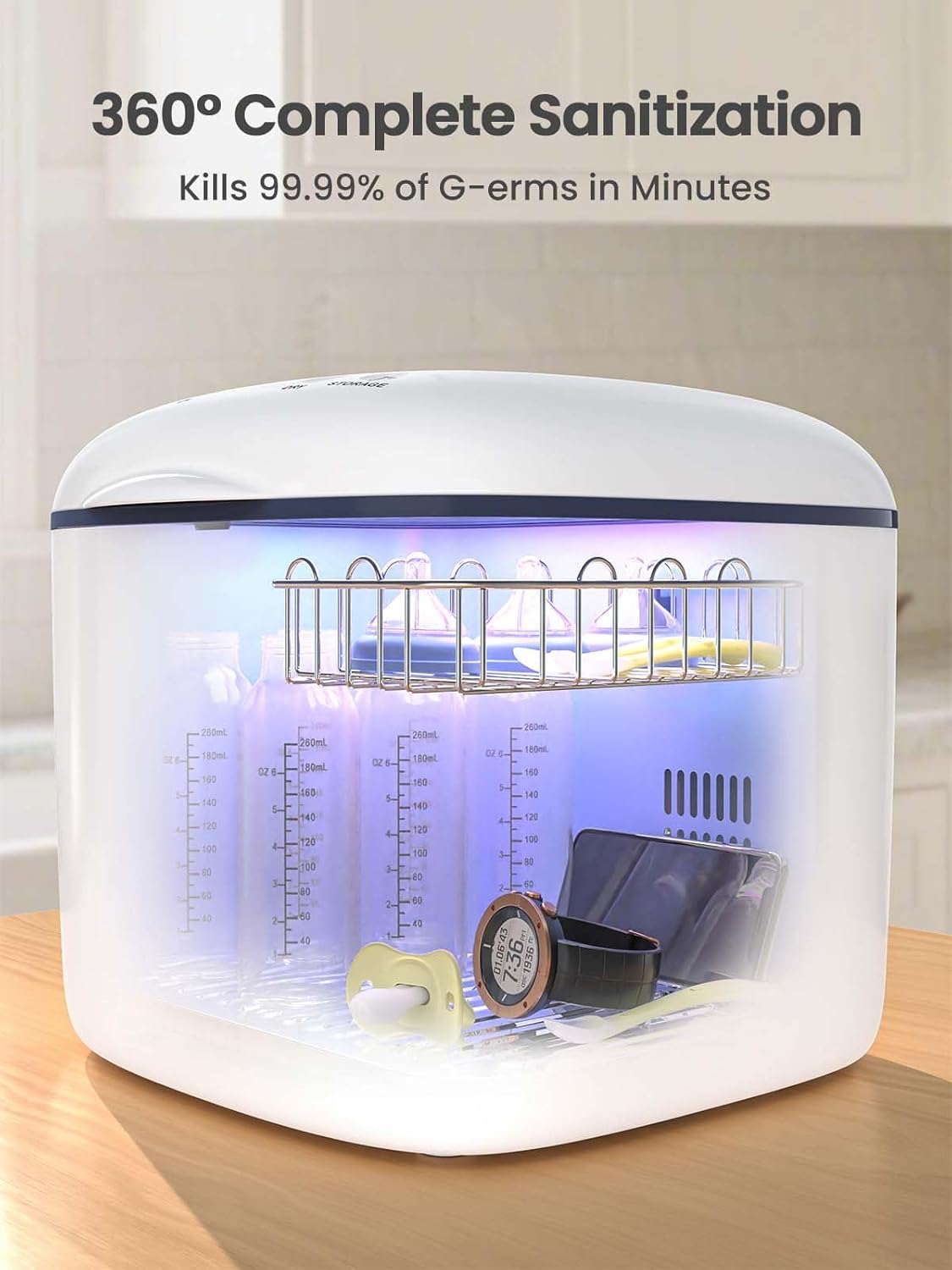
Image: Interior view of the sanitizer demonstrating 360° complete sanitization with UV light.

Image: The large capacity of the unit, capable of holding multiple baby bottles and accessories.
Setup
- Unpacking: Carefully remove the GROWNSY UV Sanitizer and Dryer from its packaging. Ensure all components, including the main unit, power cord, and any internal racks/trays, are present.
- Placement: Place the unit on a stable, flat, and dry surface. Ensure there is adequate ventilation around the appliance. Avoid placing it near heat sources or in direct sunlight.
- Initial Cleaning: Before first use, wipe the interior and exterior of the unit with a soft, damp cloth. Do not immerse the unit in water. Ensure the unit is completely dry before plugging it in.
- Power Connection: Plug the power cord into a suitable electrical outlet. The unit's display should illuminate, indicating it is ready for operation.
Operating Modes
The GROWNSY UV Sanitizer and Dryer offers four distinct operating modes, easily selectable via the control panel.

Image: The control panel illustrating the four available operating modes.
- AUTO Mode: This comprehensive mode combines sanitizing, drying, and storage. It typically includes a 10-minute UV sanitizing cycle followed by an adjustable drying period (50/60/70 minutes). This is the most commonly used mode for complete processing.
- UV Mode: For sanitization only. This mode offers adjustable sanitization times (10/15 minutes) using UV-C light to eliminate germs.
- DRY Mode: For drying only. This mode provides adjustable drying times (50/60/70 minutes) at 167℉ to ensure items are thoroughly dry and ready for use.
- STORAGE Mode: This mode maintains the sanitized state of items. It disinfects every 2 hours for 2 minutes, providing up to 72 hours of continuous protection.
To operate, place items inside the unit, close the lid securely, and select the desired mode using the corresponding button on the control panel. The display will show the remaining time for the selected cycle.
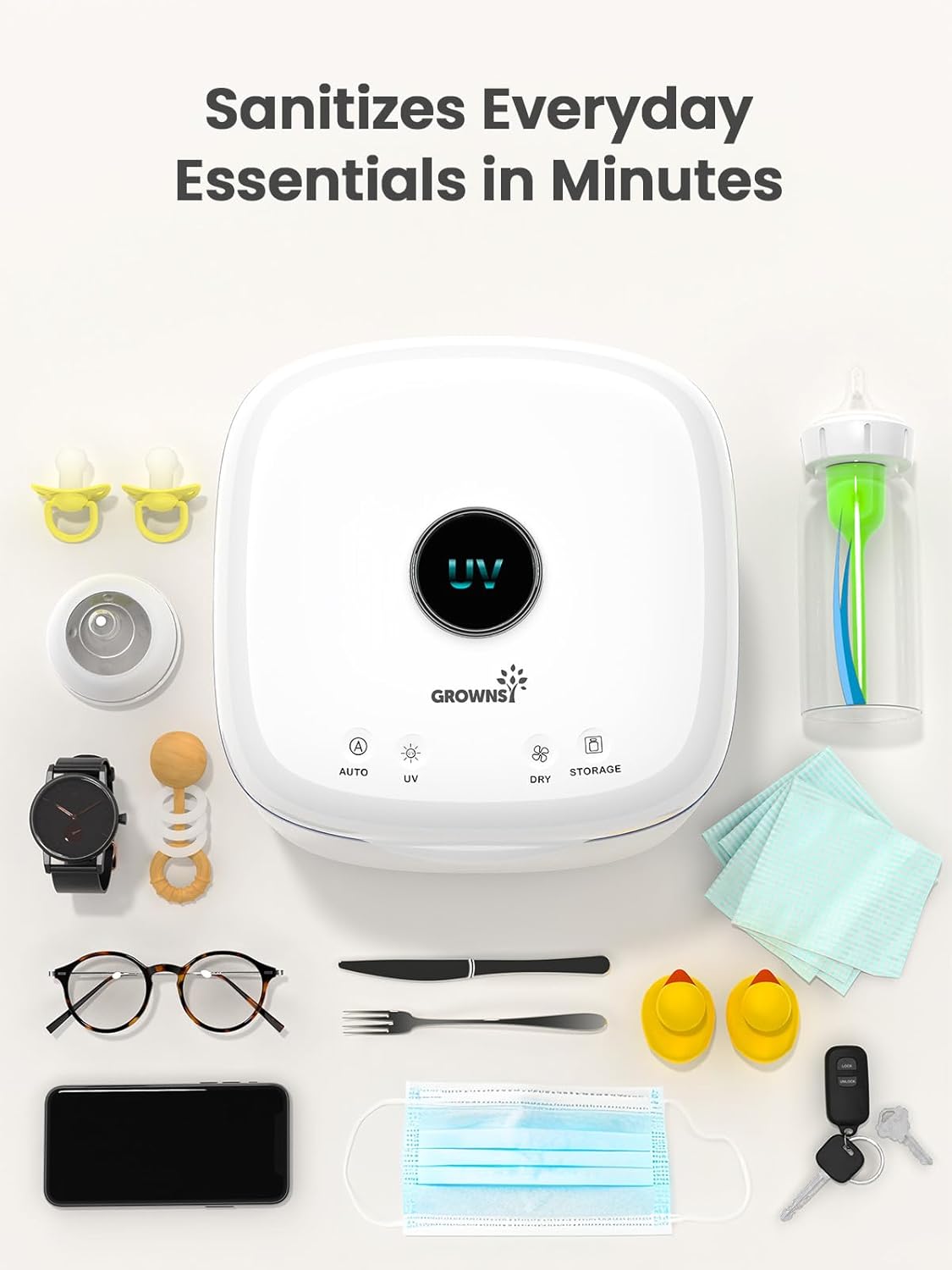
Image: The versatility of the sanitizer for various everyday essentials.
Maintenance
Regular maintenance ensures the longevity and optimal performance of your GROWNSY UV Sanitizer and Dryer.
- Cleaning the Interior: After each use, especially after drying cycles, allow the unit to cool. Wipe the interior surfaces, including the stainless steel base and racks, with a soft, damp cloth. For stubborn residues, a mild, non-abrasive cleaner can be used, followed by a thorough wipe with a clean, damp cloth. Ensure no water enters the electrical components.
- Cleaning the Exterior: Wipe the exterior of the unit with a soft, dry or slightly damp cloth. Do not use harsh chemicals or abrasive materials.
- UV Lamp Replacement: The Philips UV bulb has a lifespan of 6000+ hours. If you notice a decrease in sanitizing effectiveness or the UV light does not illuminate, the bulb may need replacement. Refer to the manufacturer's guidelines for specific replacement instructions and compatible bulb types.
- Filter Maintenance: The unit is built with a melt-blown filter to ensure fresh air entry. Periodically check and clean or replace this filter as per manufacturer recommendations to maintain optimal air circulation and drying efficiency.
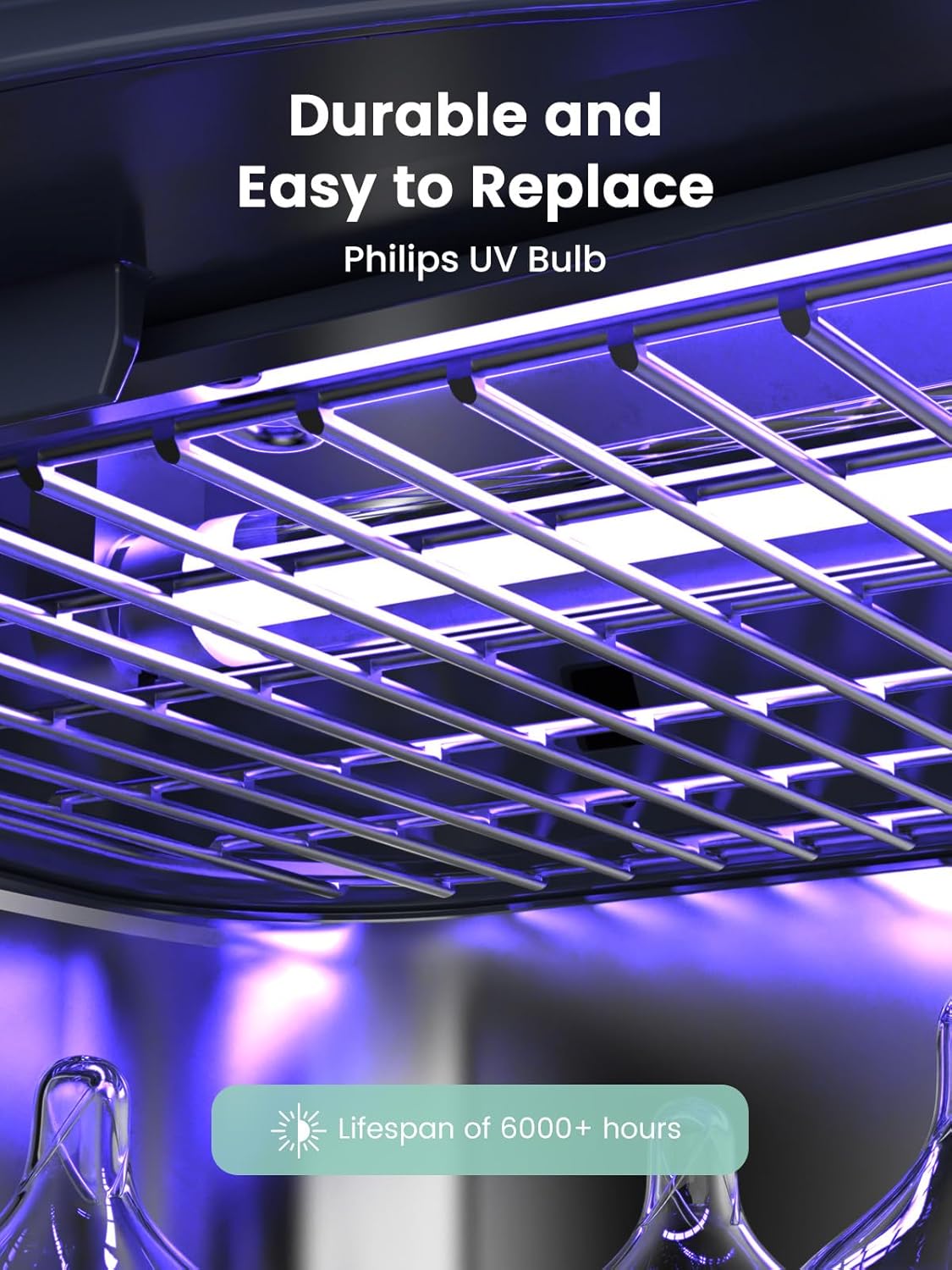
Image: The durable Philips UV bulb, designed for long-lasting performance.
Troubleshooting
| Problem | Possible Cause | Solution |
|---|---|---|
| Unit does not power on. | Not plugged in; power outlet issue; power cord damage. | Ensure the power cord is securely plugged into a working outlet. Check the power cord for any visible damage. Try a different outlet. |
| Sanitizing/Drying cycle stops unexpectedly. | Lid opened during operation; internal sensor triggered. | Ensure the lid is fully closed. The unit has an auto-pause feature if the lid is opened. Close the lid and restart the cycle. |
| Items are not completely dry after cycle. | Overloaded unit; insufficient drying time; blocked air vents. | Do not overload the unit. Select a longer drying time. Ensure air vents are clear and not obstructed. |
| Unusual odor during operation. | New unit odor; residue from items; ozone smell. | Initial use may produce a slight odor; this should dissipate. Ensure items are clean before placing them in the unit. If the smell persists, clean the interior thoroughly. Some users report using lemon slices to help with odors. |
| UV light not illuminating. | UV bulb expired or faulty. | The UV bulb may need replacement. Contact customer support for assistance or refer to the maintenance section for replacement instructions. |
Specifications
- Model Number: S5D
- Package Dimensions: 13 x 12 x 12 inches
- Item Weight: 7.04 pounds
- Material: BPA Free
- Target Gender: Unisex
- Number Of Items: 1 (unit)
- Compatible Products: Baby bottles, toys, clothes, toothbrushes, beauty tools, phones, intimate clothing, jewelry, tableware.
- Batteries Required: No
Warranty and Support
GROWNSY offers a 12-Month Warranty on this product. For any questions, technical support, or warranty claims, please contact GROWNSY customer service through their official website or the retailer where the product was purchased.
Visit the official GROWNSY Store for more information and product updates: GROWNSY Store
Ask a question about this manual
Ask about setup, troubleshooting, compatibility, parts, safety, or missing instructions. Manuals+ will review the question and use this page’s manual context to help answer it.