1. Product Overview
The STR8 stepper drive is a compact, powerful, and digital step & direction drive designed for OEM applications requiring basic step & direction control of a 2-phase step motor. It is engineered to optimize the performance of both the drive and compatible motors.
This drive features advanced microstepping performance and sophisticated current control with anti-resonance technology. Anti-resonance electronically dampens motor and system resonances, significantly improving motor smoothness and torque across a wide speed range.
Key Features:
- Outputs up to 8 A/phase to the step motor.
- Advanced microstepping performance.
- Sophisticated current control with anti-resonance.
- Operates in either Step & Direction or Pulse/Pulse control mode.
- Microstep Emulation for low-resolution command pulses.
- Current range: 2.35A to 8.0A peak of sine.
- Electronic damping (anti-resonance).
- Built-in self-test move profile.
- Idle current reduction.
- Selectable digital input filter.
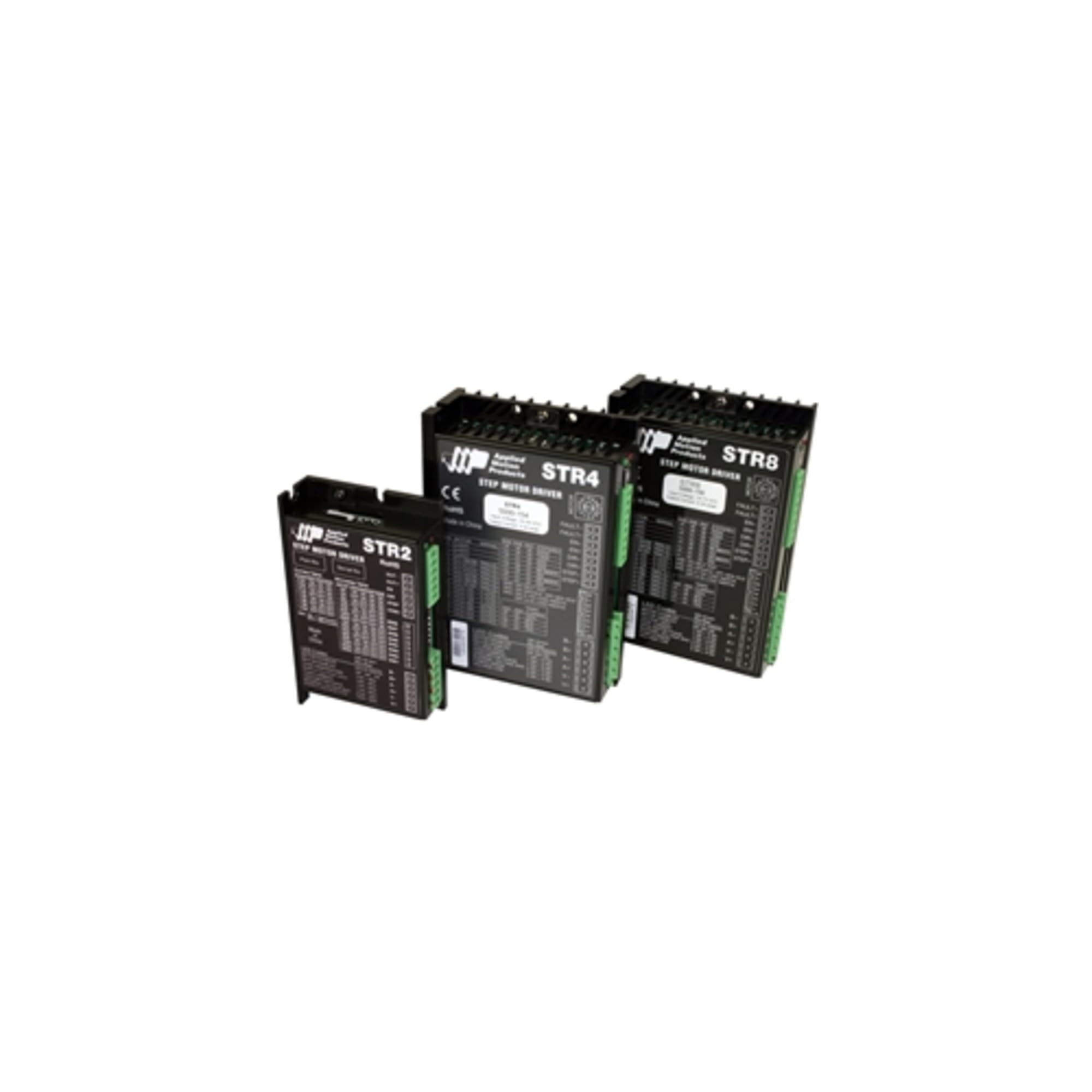
This image displays three models of Applied Motion stepper drives. From left to right, they are the STR2, STR4, and STR8. The STR8, which is the subject of this manual, is the largest unit on the right, designed for advanced microstep control of 2-phase motors.
2. Setup and Configuration
The STR8 drive's configuration is primarily managed through dip switches and a rotary switch located on the side of the unit. These controls allow for the selection of various operational parameters.
2.1 Control Mode Selection
The operational mode of the STR8 drive, either Step & Direction or Pulse/Pulse control, is selected by adjusting a jumper located under the cover of the drive. Ensure the power is disconnected before making any changes to the jumper settings.
2.2 Drive Parameter Settings
Use the dip switches and rotary switch to configure the following parameters:
- Motor Selection: Choose the appropriate setting for your connected 2-phase step motor.
- Running Current: Set the peak current supplied to the motor during operation.
- Idle Current: Configure the current supplied to the motor when it is idle or not moving.
- Step Resolution: Define the microstepping resolution, up to 20,000 steps/rev with a 1.8º step motor.
Refer to the detailed wiring diagrams and switch configuration tables provided in the full technical manual for precise setup instructions.
3. Operating Instructions
Once the STR8 drive is properly installed and configured, it is ready for operation. The drive interprets command pulses to control the connected 2-phase step motor.
3.1 Control Modes
- Step & Direction Mode: In this mode, one input signal controls the step pulses, and another input signal controls the direction of motor rotation.
- Pulse/Pulse Mode: This mode uses separate input signals for clockwise (CW) and counter-clockwise (CCW) pulses, allowing for direct control of rotation in each direction.
3.2 Microstep Emulation
The STR8 drive features Microstep Emulation, which allows the drive to microstep the motor even when the command pulses have low resolution. This ensures smooth motor operation and precise positioning regardless of the input signal quality.
3.3 Built-in Self Test
The drive includes a built-in self-test move profile. Consult the full technical manual for instructions on how to activate and interpret the results of this self-test, which can be useful for initial setup verification.
4. Maintenance
The Applied Motion STR8 (5000-158) DC Advanced MICROSTEP Drive is designed for robust and reliable operation with minimal maintenance. Regular inspection of connections and ensuring proper ventilation are recommended.
No user-serviceable parts are contained within the unit. Do not attempt to open or repair the drive. For any issues requiring service, please contact Applied Motion technical support.
5. Troubleshooting
This section provides general guidance for common operational issues. For detailed troubleshooting steps and error codes, refer to the comprehensive technical manual provided by Applied Motion.
Common Issues:
- Motor Not Moving: Verify power supply, motor connections, and input signals. Check dip switch settings for correct motor selection and current.
- Erratic Motor Movement: Ensure proper grounding and shielding of signal cables. Check for electrical noise interference. Verify step resolution settings.
- Overheating: Confirm adequate ventilation around the drive. Check motor current settings; reduce if too high for the application.
- No Response to Commands: Confirm the control mode jumper setting (Step & Direction or Pulse/Pulse) matches your input signals. Verify signal integrity.
If issues persist after reviewing these points, it is recommended to consult the full technical documentation or contact Applied Motion technical support for assistance.
6. Specifications
| Specification | Value |
|---|---|
| Model Number | 5000-158 |
| Product Dimensions | 7.09 x 6.3 x 8.27 inches |
| Weight | 1.32 Pounds |
| Current Range | 2.35A to 8.0A peak of sine |
| Microstepping Resolution | Up to 20,000 steps/rev (with 1.8º step motor) |
| Control Modes | Step & Direction, Pulse/Pulse |
| Manufacturer | Applied Motion |
| First Available Date | January 24, 2020 |
7. Warranty Information
Specific warranty details for the Applied Motion STR8 (5000-158) DC Advanced MICROSTEP Drive are not provided in this manual. For comprehensive warranty terms and conditions, please refer to the official documentation included with your product or visit the Applied Motion website.
8. Customer Support
For technical assistance, product inquiries, or support regarding your STR8 (5000-158) drive, please contact Applied Motion directly. Their official website typically provides contact information, FAQs, and additional resources.
Please have your product model number (5000-158) and any relevant purchase information ready when contacting support to ensure efficient service.