
Introduction
The Bowers & Wilkins Formation Audio is a wireless audio streamer designed to integrate your existing home theater or audio components into a high-resolution multi-room audio system. It facilitates seamless connection to traditional audio sources such as CD players, turntables (with a built-in phono preamp), AV receivers, or other digital audio sources and delivers high-quality wireless sound at 24-bit/96kHz resolution.
Control of the Formation Audio and playback of your favorite tracks from various sources in different rooms is managed via the iOS/Android compatible B&W Music App. Connectivity options include built-in Bluetooth 4.1, AirPlay 2 (compatible with iPhone, iPad, and iPod touch with iOS 11.4 or later, Mac or PC with iTunes 12.8 or later), Wi-Fi, and Spotify Connect. This allows streaming from popular services like Spotify, Tidal, TuneIn, Qobuz, NTS, Soundcloud, and Dash. For an immersive, hi-resolution whole-home entertainment setup, the Formation Audio can be paired with other Formation Series speakers, soundbars, and subwoofers.
What's in the Box
- Formation Audio Unit
- Power Cord
- Literature Pack (includes Quick Start Guide and Safety Information)
Product Overview
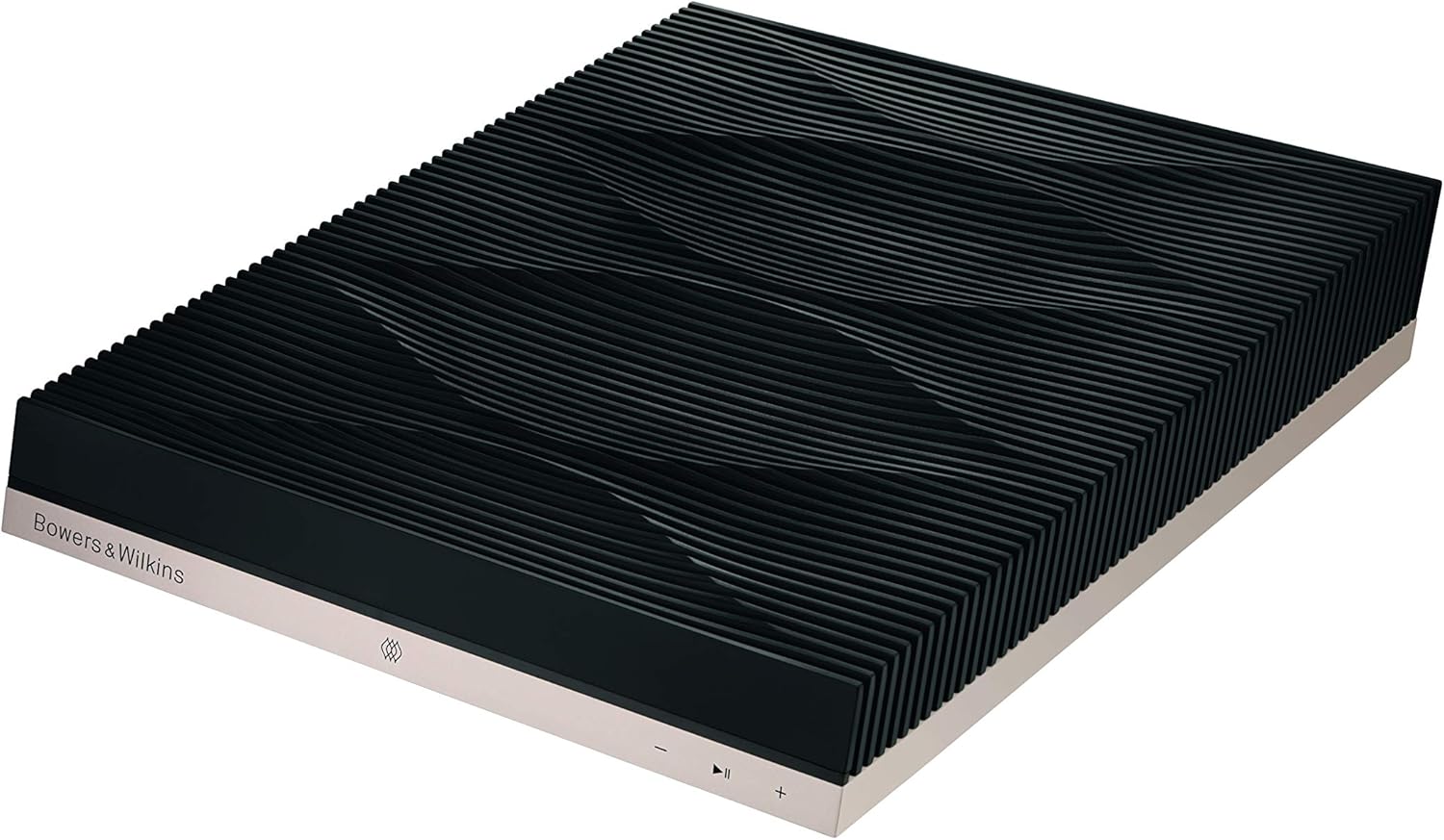
Figure 1: Angled view of the Bowers & Wilkins Formation Audio unit, showcasing its sleek design and textured top surface.
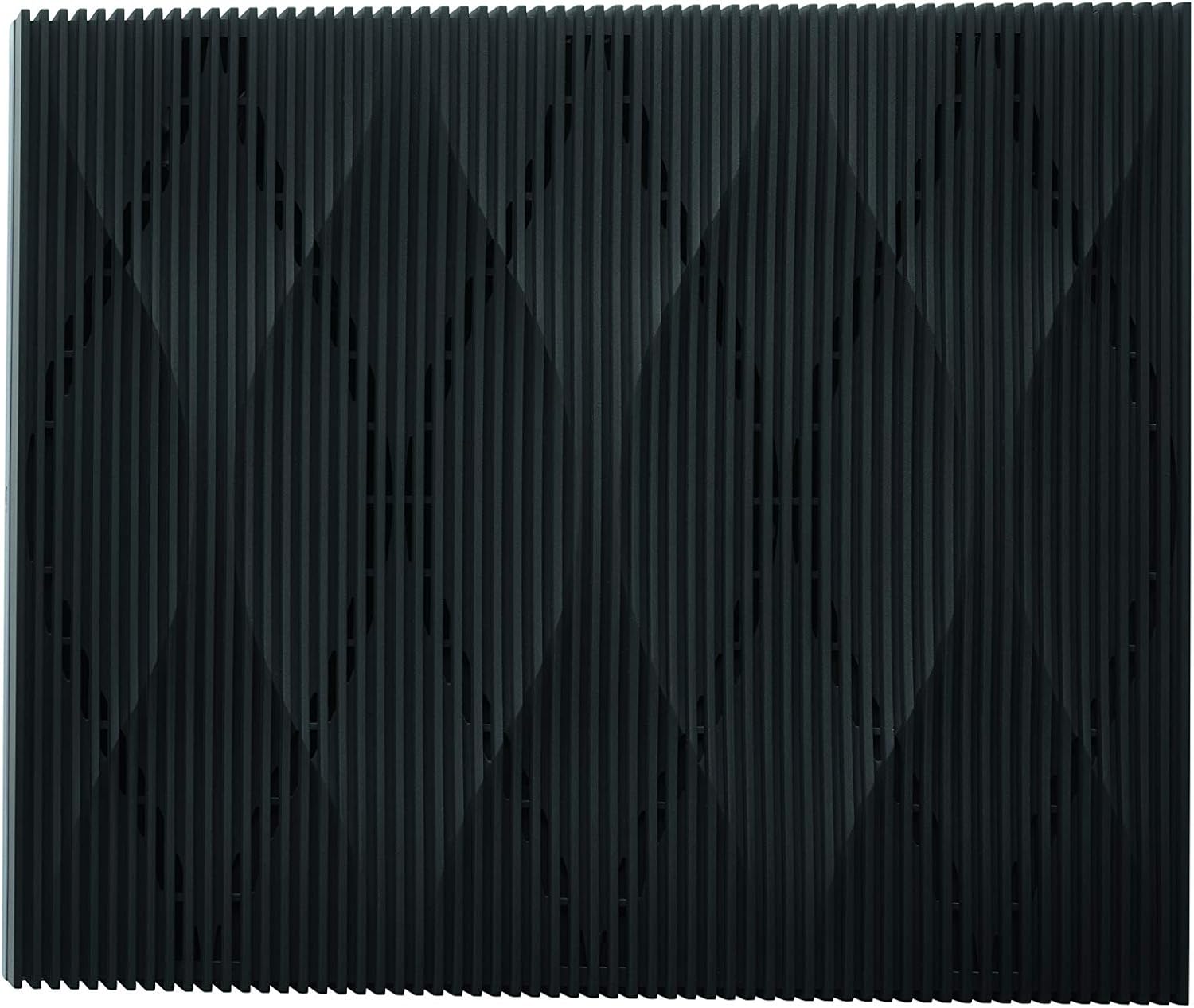
Figure 2: Top-down view of the Formation Audio, highlighting the distinctive textured pattern on its upper surface.

Figure 3: Front view of the Formation Audio, displaying the Bowers & Wilkins logo and minimalist control buttons.

Figure 4: Rear panel of the Formation Audio, showing the power input, Ethernet port, service port, optical input, analog inputs (RCA), digital output, and analog outputs (RCA).
Setup
1. Initial Placement and Power Connection
Place the Formation Audio unit on a stable, flat surface, away from direct heat sources or excessive moisture. Connect the supplied power cord to the 'POWER' input on the rear panel of the Formation Audio and then to a suitable wall outlet.
2. Connecting Audio Sources
The Formation Audio can connect to various audio components:
- Analog Input: Use RCA cables to connect analog audio sources (e.g., CD player, turntable with built-in phono preamp) to the 'ANALOG IN' ports.
- Optical Input: Use an optical cable to connect digital audio sources (e.g., TV, game console) to the 'OPTICAL IN' port.
3. Connecting to an Audio System
Connect the Formation Audio to your existing audio system (e.g., AV receiver, amplifier, powered speakers) using the 'ANALOG OUT' RCA ports or the 'DIGITAL OUT' coaxial port, depending on your system's inputs.
4. Network Connection (Wi-Fi or Ethernet)
For optimal performance and multi-room functionality, connect the Formation Audio to your home network:
- Wi-Fi: Download the Bowers & Wilkins Music App (available on iOS and Android). Follow the in-app instructions to connect your Formation Audio to your Wi-Fi network.
- Ethernet: For a wired connection, connect an Ethernet cable from your router to the 'ETHERNET' port on the Formation Audio.

Figure 5: The Formation Audio unit positioned to convert analog devices into a wireless multi-room system, illustrating its core function.
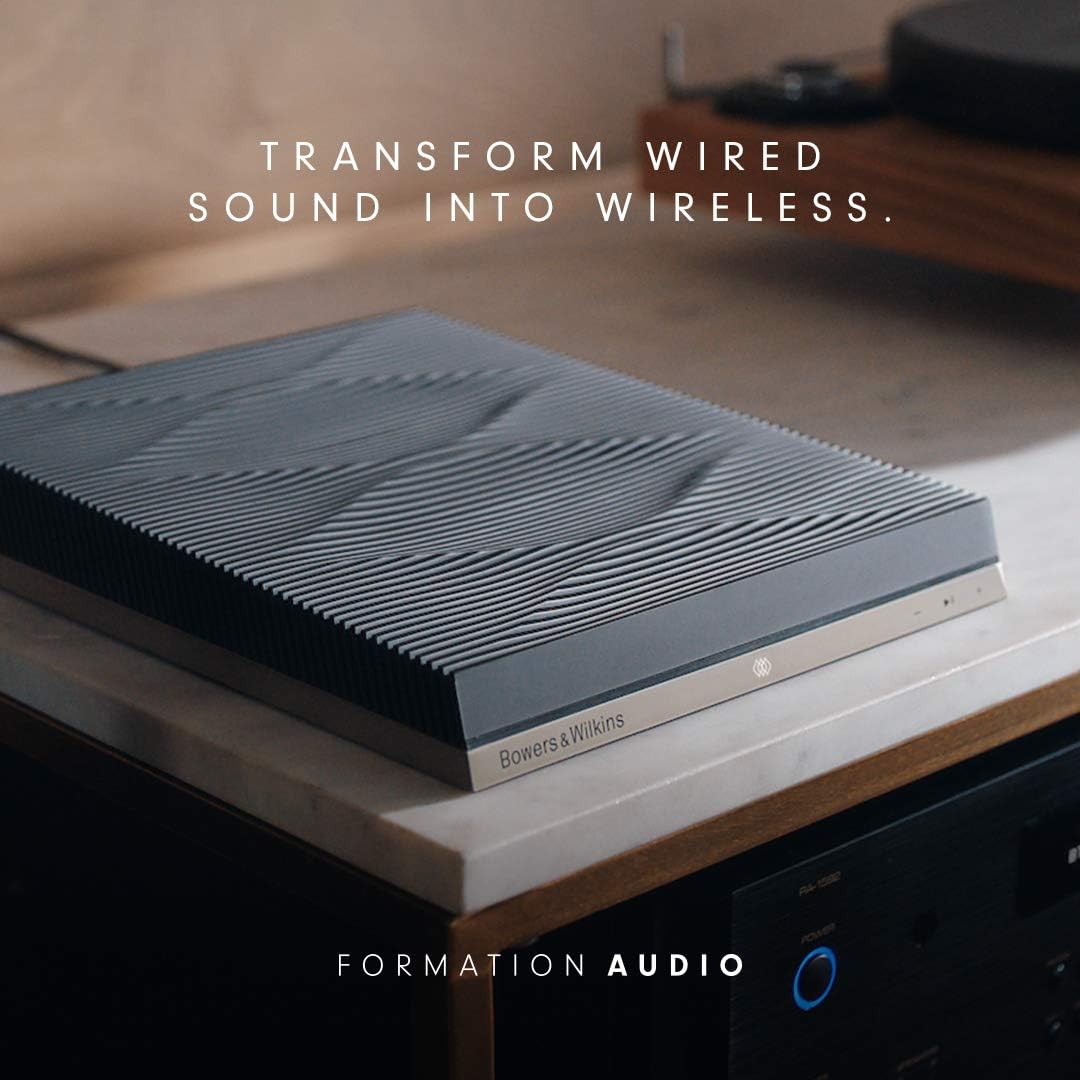
Figure 6: The Formation Audio unit integrated into a home audio setup, demonstrating its ability to transform wired audio sources into wireless streams.
Operating Instructions
Using the B&W Music App
The B&W Music App is the primary interface for controlling your Formation Audio and managing your multi-room audio system. Through the app, you can:
- Select audio sources (connected analog/optical devices, streaming services).
- Control playback (play, pause, skip tracks).
- Adjust volume.
- Group Formation devices for synchronized multi-room audio or play different content in different rooms.
- Access and manage streaming services like Spotify, Tidal, TuneIn, Qobuz, Soundcloud, and Dash (subscriptions may be required).
Wireless Audio Playback
- Bluetooth 4.1: Pair your mobile device directly with the Formation Audio via Bluetooth for quick and easy streaming.
- AirPlay 2: Stream audio from Apple devices (iPhone, iPad, iPod touch with iOS 11.4+, Mac, or PC with iTunes 12.8+) directly to the Formation Audio.
- Spotify Connect: Control music playback on your Formation Audio directly from the Spotify app.
- Wi-Fi Streaming: Utilize the B&W Music App to stream high-resolution audio over your home Wi-Fi network from various integrated services.
The Formation Audio features perfect Digital-to-Analog (D/A) and Analog-to-Digital (A/D) conversion, ensuring that your music maintains its fidelity with no lag or breaks, even when streaming across multiple rooms.
Maintenance
To ensure the longevity and optimal performance of your Bowers & Wilkins Formation Audio, follow these maintenance guidelines:
- Cleaning: Gently wipe the unit with a soft, dry, lint-free cloth. Do not use abrasive cleaners, waxes, or solvents as they may damage the finish.
- Placement: Avoid placing the unit in direct sunlight, near heat sources, or in areas with high humidity or dust. Ensure adequate ventilation around the unit.
- Power: Disconnect the power cord from the wall outlet if the unit will not be used for an extended period.
Troubleshooting
| Problem | Solution |
|---|---|
| No power/Unit not turning on. | Ensure power cord is securely plugged into the unit and a working wall outlet. Try a different outlet. |
| No sound output. | Verify all audio cables are correctly connected. Select the correct input on your amplifier/receiver. Increase volume on both the Formation Audio (via app) and your connected system. |
| Cannot connect to Wi-Fi. | Double-check Wi-Fi password. Move the unit closer to your router or use an Ethernet cable. Try restarting your router and the Formation Audio. |
| Bluetooth pairing issues. | Ensure the Formation Audio is in Bluetooth pairing mode. Disable Bluetooth on other nearby devices. Forget the device on your mobile and try pairing again. |
| Audio dropouts or poor quality. | Improve Wi-Fi signal strength. Reduce network traffic. Ensure the audio source is high quality. Consider a wired Ethernet connection. |
Specifications
| Feature | Detail |
|---|---|
| Product Dimensions | 9 x 10 x 2 inches (W x D x H) |
| Item Weight | 6.16 pounds |
| Manufacturer | Bowers & Wilkins |
| Model Number | Formation Audio |
| Connectivity Technology | Bluetooth 4.1, Wi-Fi (802.11a/b/g/n/ac) |
| Connector Types | RCA (Analog In/Out), Coaxial (Digital Out), Optical (Digital In), Ethernet |
| Special Feature | Multiroom Audio |
| Supported Internet Services | Spotify Connect, Tidal, TuneIn, Qobuz, Soundcloud, Dash, NTS |
| Controller Type | iOS/Android App (B&W Music App) |
| Color | Black |
| Audio Resolution | Up to 24-bit/96kHz |
Warranty and Support
Bowers & Wilkins products are designed and manufactured to the highest quality standards. For information regarding warranty coverage, terms, and conditions, please refer to the warranty card included in your Literature Pack or visit the official Bowers & Wilkins website.
For technical support, troubleshooting assistance, or to download the latest version of the B&W Music App, please visit the Bowers & Wilkins support page or contact their customer service directly. Contact details and support resources can typically be found on the manufacturer's official website: www.bowerswilkins.com.