
1. Introduction
This manual provides essential information for the safe installation, operation, and maintenance of your Westinghouse Comet Indoor Ceiling Fan with Light, Model 7233600. This 52-inch ceiling fan features energy-efficient LED lighting and reversible blades, offering both white and white washed pine finishes to complement various room aesthetics. Designed for large indoor spaces up to 400 square feet, it is suitable for bedrooms, playrooms, and other living areas.

Image 1.1: The Westinghouse Comet 52-inch indoor ceiling fan with light, featuring a clean white finish and five blades.
2. Important Safety Information
Read all instructions carefully before beginning installation. Failure to follow these instructions could result in electric shock, fire, or personal injury. Always consult a qualified electrician if you are unsure about any part of the installation process.
- WARNING: To reduce the risk of electric shock, ensure electricity is turned off at the circuit breaker or fuse box before installation or servicing.
- WARNING: All wiring must be in accordance with national and local electrical codes.
- WARNING: To reduce the risk of fire, electric shock, or personal injury, mount the fan directly to a structural ceiling joist or an outlet box marked "Acceptable for Fan Support of 35 lbs (15.9 kg) or less."
- Do not operate the fan with damaged power cords or plugs.
- Keep hands, hair, and clothing clear of moving fan blades.
- This product contains chemicals known to the State of California to cause cancer and birth defects or other reproductive harm.
3. Package Contents
Carefully unpack your ceiling fan and inspect the contents to ensure all parts are present and undamaged. If any parts are missing or damaged, do not attempt to assemble or install the fan. Contact Westinghouse customer service for assistance.
- Fan Motor Assembly
- 5 Reversible Fan Blades (White / White Washed Pine)
- Light Kit with Frosted Glass
- Mounting Hardware (Canopy, Downrod, Mounting Bracket, Screws, Washers)
- Pull Chains for Fan Speed and Light Control
- Instruction Manual

Image 3.1: The Westinghouse Comet fan showcasing the reversible blades, with one side in white and the other in white washed pine.
4. Setup and Installation
Installation of the Westinghouse Comet ceiling fan requires basic electrical knowledge and tools. For detailed, step-by-step instructions, please refer to the official Installation Manual (PDF). Below is a general overview of the installation process:
- Turn Off Power: Before starting, ensure the power supply to the installation area is completely disconnected at the circuit breaker.
- Mounting Bracket Installation: Secure the mounting bracket to the ceiling outlet box. Ensure the outlet box is rated for fan support.
- Fan Assembly: Attach the downrod to the motor assembly. Carefully lift the fan assembly and hang it from the mounting bracket.
- Wiring: Connect the electrical wires according to the wiring diagram provided in the detailed installation manual.
- Canopy Installation: Secure the canopy to cover the wiring and mounting bracket.
- Blade Attachment: Attach the fan blades to the motor housing. Ensure all screws are tightened securely.
- Light Kit Installation: Connect the light kit wiring and attach the light kit to the fan motor assembly. Install the frosted glass shade.
- Power On: Restore power at the circuit breaker and test the fan and light functions.
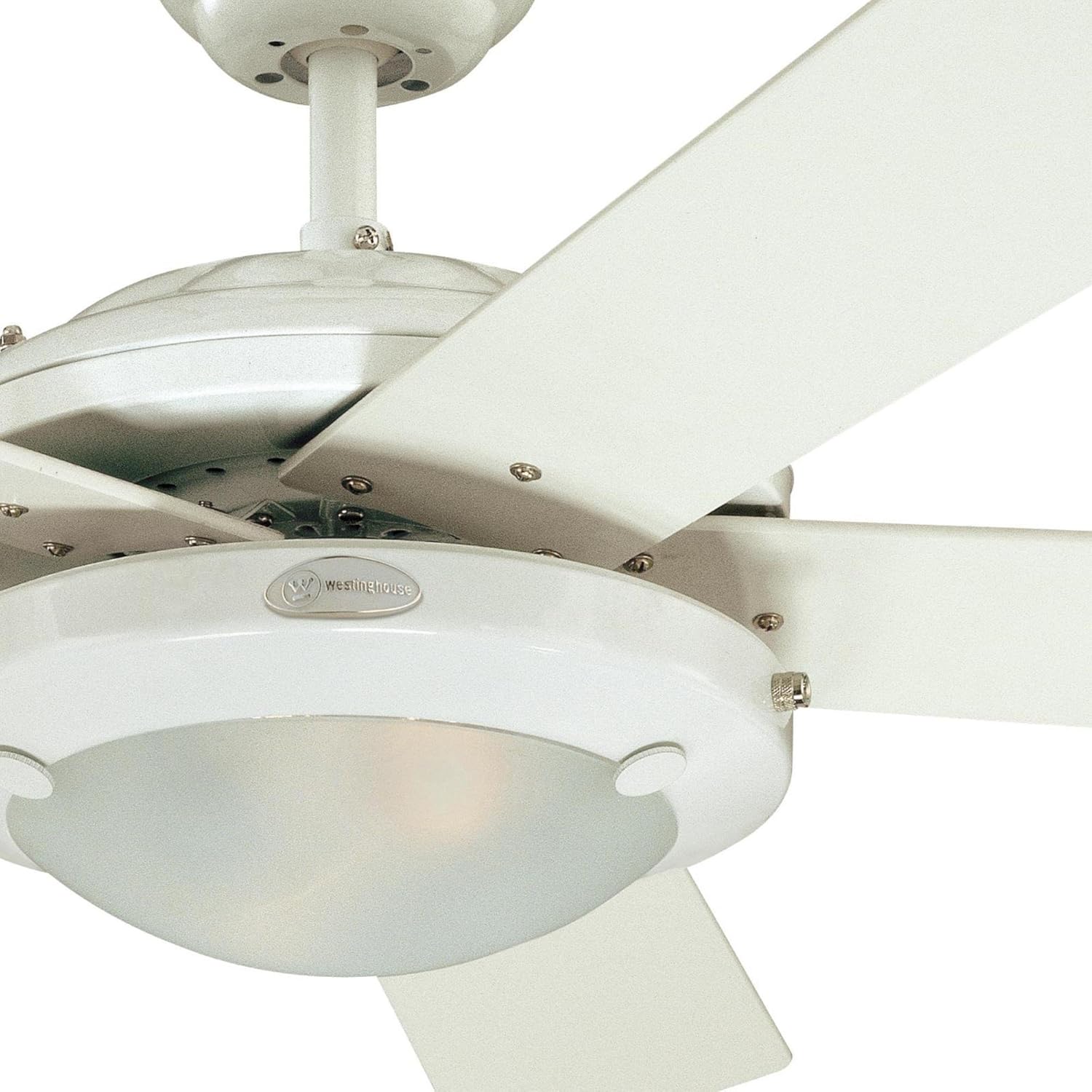
Image 4.1: A detailed view of the fan's central housing, showing the integrated LED light kit and the attachment points for the blades.
5. Operating Instructions
The Westinghouse Comet ceiling fan is operated using two pull chains: one for fan speed control and one for the integrated LED light.
5.1 Fan Speed Control
Locate the pull chain designated for fan speed. Each pull will cycle through the available speed settings:
- First Pull: High Speed
- Second Pull: Medium Speed
- Third Pull: Low Speed
- Fourth Pull: Off
5.2 Light Control
Locate the pull chain designated for the light. Each pull will toggle the light on or off. The integrated LED light is dimmable; however, dimming functionality is typically controlled via a compatible wall dimmer switch (not included) if the fan is wired to one. The fan's pull chain only provides on/off control.
5.3 Reversible Function (Summer/Winter Operation)
Your ceiling fan features a reverse switch, usually located on the motor housing, to change the direction of blade rotation. This allows for year-round use:
- Summer Operation (Counter-clockwise): Set the switch to make the blades rotate counter-clockwise. This creates a downward airflow, producing a cooling effect.
- Winter Operation (Clockwise): Set the switch to make the blades rotate clockwise. This creates an upward airflow, recirculating warm air trapped near the ceiling.
Important: Always turn off the fan and wait for the blades to stop completely before changing the direction of rotation.

Image 5.1: An overhead view of the Westinghouse Comet ceiling fan, illustrating the five blades and the central light fixture.
6. Maintenance
Regular maintenance helps ensure the longevity and optimal performance of your ceiling fan.
6.1 Cleaning
- WARNING: Always turn off the power at the circuit breaker before cleaning your fan.
- To clean the fan, wipe with a soft, damp cloth. Do not use abrasive cleaners or solvents, as these can damage the finish.
- Dust the blades regularly to prevent accumulation, which can affect fan balance and performance.
- The frosted glass shade can be removed and washed with mild soap and water if necessary. Ensure it is completely dry before reattaching.
6.2 LED Light Module
The Westinghouse Comet ceiling fan features an integrated LED light module. This module is designed for long-term use and is not user-replaceable. If the LED light module malfunctions, please contact Westinghouse customer support for service.
7. Troubleshooting
Before contacting customer service, review the following common issues and their solutions:
| Problem | Possible Cause | Solution |
|---|---|---|
| Fan does not start | No power to the fan; Loose wire connections; Incorrect wiring. | Check circuit breaker/fuse; Ensure all wire connections are secure; Verify wiring against the installation manual. |
| Light does not work | Loose wire connections; Faulty LED module. | Check light kit wiring; Contact customer support if LED module is suspected faulty. |
| Fan wobbles excessively | Loose blade screws; Unbalanced blades; Loose mounting bracket. | Tighten all blade screws; Use a blade balancing kit (often included or available separately); Ensure mounting bracket is securely fastened. |
| Noisy operation | Loose screws; Motor hum; Blades hitting an obstruction. | Check and tighten all screws; Ensure no wires are rubbing against the motor or canopy; Verify blades are not hitting anything. |
8. Product Specifications
| Feature | Detail |
|---|---|
| Model Name | Comet |
| Model Number | 7233600 |
| Brand | Westinghouse |
| Color | White |
| Product Dimensions | 52"D x 52"W x 14.25"H |
| Item Weight | 16.5 Pounds |
| Number of Blades | 5 |
| Blade Material | Engineered Wood |
| Light Type | Integrated LED Light |
| Wattage (Light) | 16 watts |
| Switch Type | Pull Chain |
| Air Flow Capacity | 3589 CFM (on High Speed) |
| Energy Usage (without lights) | 63 W |
| Airflow Efficiency | 57 CFM/W |
| Noise Level | 57 dB |
| Indoor/Outdoor Usage | Indoor |
| Voltage | 120V |
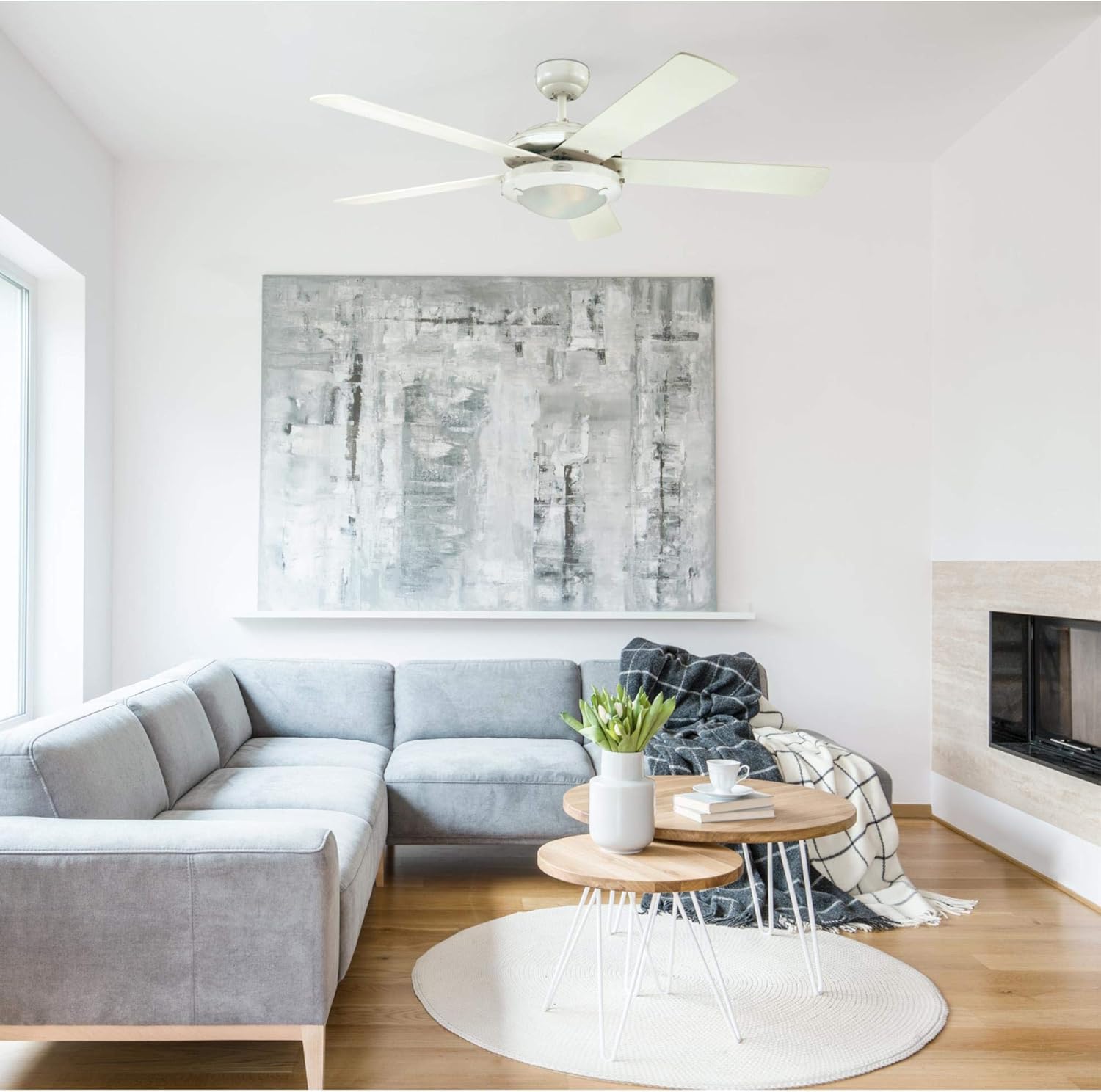
Image 8.1: The Westinghouse Comet ceiling fan integrated into a contemporary living room setting, providing both air circulation and ambient lighting.
9. Warranty Information
Westinghouse provides the following warranty for the Comet Indoor Ceiling Fan with Light, Model 7233600:
- Motor: Limited lifetime warranty.
- All Other Parts: Two-year warranty.
Please retain your proof of purchase for warranty claims. For full warranty terms and conditions, refer to the documentation included with your product or visit the official Westinghouse website.
10. Customer Support
If you have any questions, require technical assistance, or need to report a problem with your Westinghouse Comet ceiling fan, please contact Westinghouse customer service. You can find contact information on the official Westinghouse website or through the retailer where you purchased the product.
For additional resources and product information, visit the Westinghouse Store on Amazon.
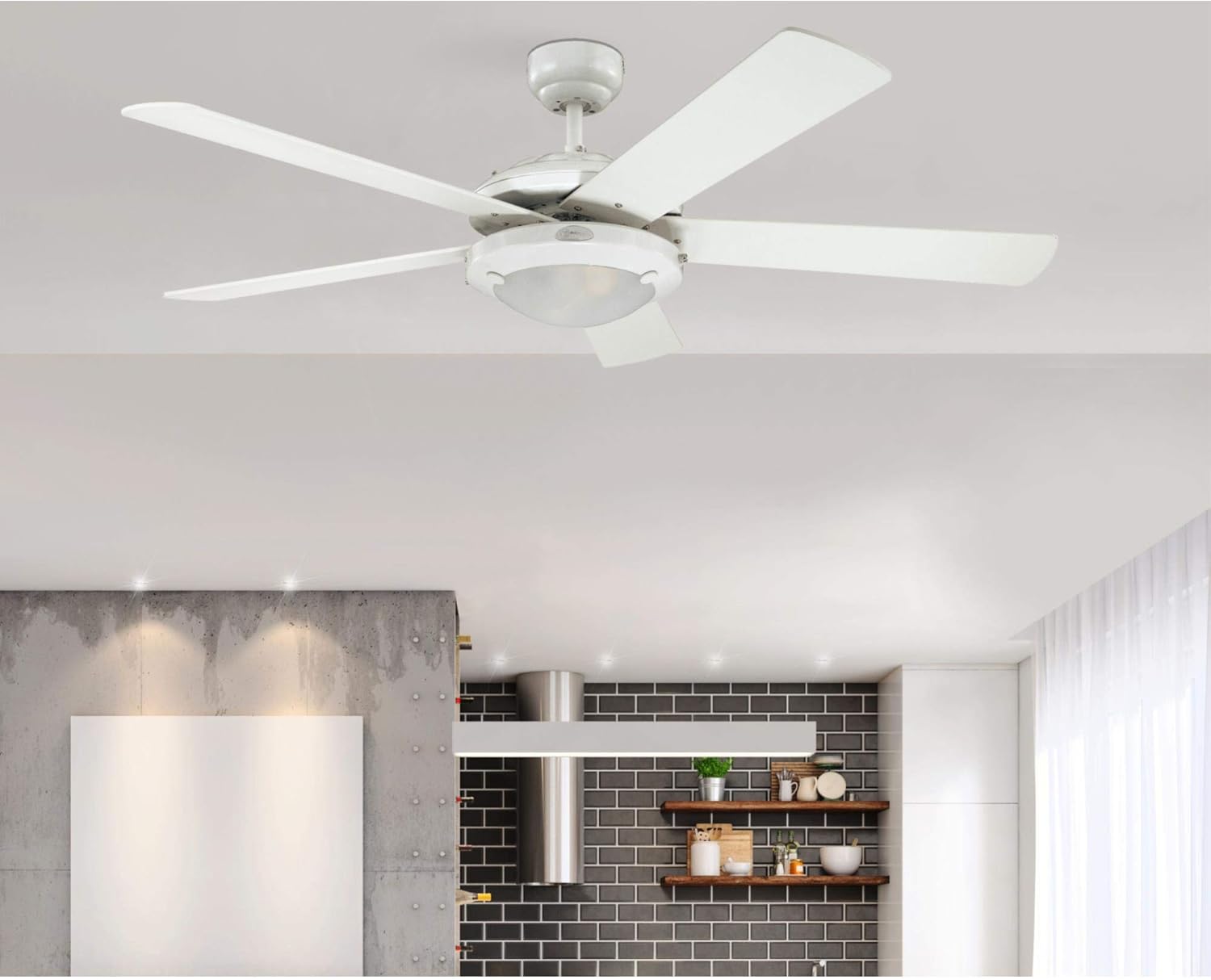
Image 10.1: The Westinghouse Comet ceiling fan providing illumination and air movement in a contemporary kitchen environment.