
1. Introduction
The BoSidin Permanent Hair Removal Device D-1103 utilizes advanced IPL (Intense Pulsed Light) technology to target hair follicles, inhibiting hair regrowth for long-lasting smooth skin. Designed for both women and men, this device offers a convenient and effective solution for hair removal across various body areas, including the face, upper lip, chin, bikini line, legs, and body. It also features a Skin Rejuvenation (SR) mode for enhanced skin care.
2. Safety Information
Please read this manual thoroughly before using the device to ensure safe and effective operation. Failure to follow safety instructions may result in injury or device damage.
- Eye Protection: Always wear the provided safety goggles during treatment to protect your eyes from the intense pulsed light. Do not look directly at the light flash.
- Skin Tone and Hair Color: This device is most effective on lighter skin tones with darker hair. It is not suitable for very dark skin tones or very light (blonde, red, grey, white) hair, as the light targets melanin in the hair follicle. Consult the skin tone chart in the full manual for suitability.
- Patch Test: Before full treatment, perform a patch test on a small area of skin you intend to treat. Wait 24 hours to check for any adverse reactions.
- Contraindications: Do not use on irritated, sunburned, or recently tanned skin. Avoid use on tattoos, moles, birthmarks, or varicose veins. Consult a medical professional if you have any underlying skin conditions, are pregnant, or breastfeeding.
- Clean Skin: Ensure skin is clean, dry, and free of lotions, creams, or deodorants before treatment.
- Shaving: Shave the treatment area prior to using the device. Do not wax, pluck, or use depilatory creams, as these remove the hair follicle that the IPL targets.
3. Product Components
The BoSidin Permanent Hair Removal Device D-1103 package typically includes the following items:
- BoSidin Hair Removal Device (Main Unit)
- Precision Treatment Head (for smaller, sensitive areas like face, upper lip, chin)
- Body Treatment Head (for larger areas like legs, arms, back)
- Skin Rejuvenation (SR) Head (for skin care)
- Power Adapter
- Safety Goggles
- Razor
- User Manual
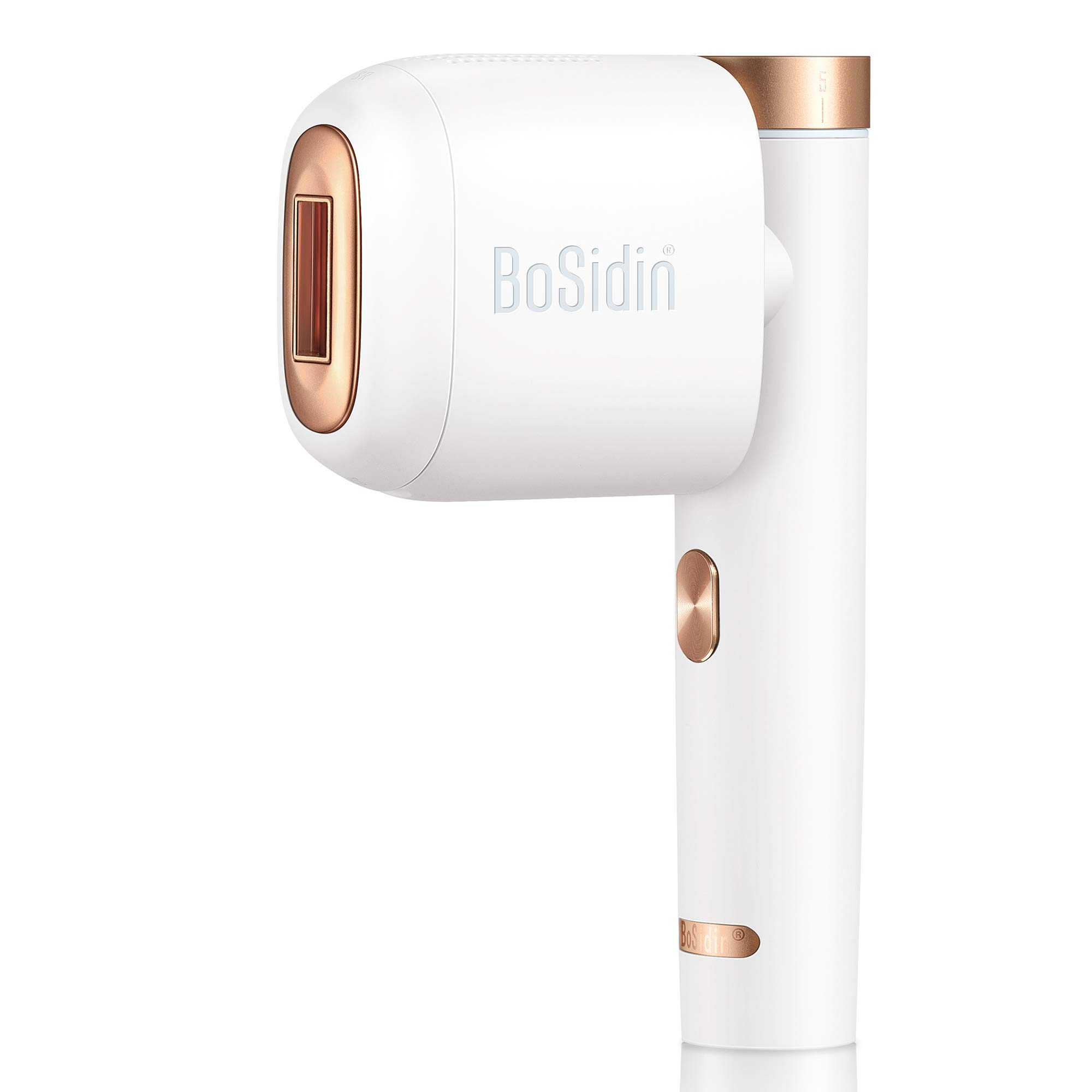
Image: BoSidin Permanent Hair Removal Device with various attachments.
4. Setup
- Unpack: Carefully remove all components from the packaging.
- Connect Power: Plug the power adapter into the device and then into a power outlet. The device will power on automatically.
- Attach Treatment Head: Select the appropriate treatment head (e.g., precision head for face, body head for legs) and attach it securely to the device. Ensure it clicks into place.
- Wear Goggles: Put on the provided safety goggles before proceeding.
5. Operating Instructions
5.1 Preparation
- Shave the area to be treated. Do not wax or pluck.
- Cleanse the skin to remove any oils, lotions, or makeup. Ensure skin is completely dry.
5.2 Power On and Mode Selection
- The device powers on when connected to power.
- Press the power button to cycle through different treatment modes (indicated by icons on the device). Select the mode corresponding to the body area you are treating (e.g., face, armpit, bikini, leg, arm).
- The device also features a Skin Rejuvenation (SR) mode, indicated by 'SR'.
5.3 Intensity Level Adjustment
- The device has multiple intensity levels (typically 1-5). Start with the lowest intensity and gradually increase it if comfortable.
- Adjust the intensity using the designated buttons on the device.
5.4 Application Technique
- Place the treatment window firmly against your skin. The device will detect skin contact and the indicator light will turn solid, ready to flash.
- Press the flash button to emit a pulse of light.
- For larger areas, use the gliding mode: hold the flash button down and slowly glide the device across the skin, ensuring continuous contact.
- For smaller or sensitive areas, use the stamp mode: press the flash button for each pulse, lifting and repositioning the device for each new area.
- Ensure each area is treated only once per session to avoid over-exposure.
5.5 Treatment Schedule
For optimal results, follow a consistent treatment schedule:
- Initial Phase (Weeks 1-4): Use the device twice a week.
- Reduction Phase (Weeks 5-8): Use the device once a week.
- Maintenance Phase (After Week 8): Use as needed, typically once every 2-4 weeks, to maintain results.
Image: Proper handling and application of the BoSidin device.
6. Maintenance
- Cleaning: After each use, ensure the device is unplugged and cooled down. Wipe the treatment window and the device surface with a soft, dry cloth. Do not use abrasive cleaners or immerse the device in water.
- Storage: Store the device in a cool, dry place, away from direct sunlight and out of reach of children.
7. Troubleshooting
- Device Not Turning On: Ensure the power adapter is securely connected to both the device and a working power outlet.
- No Flash: Check that the treatment window is fully in contact with your skin. The device has a built-in skin contact sensor for safety. Ensure the device is not in standby mode.
- Skin Discomfort/Redness: If you experience discomfort, reduce the intensity level. If redness or irritation persists, discontinue use and consult a medical professional.
- Inconsistent Results: Ensure you are following the recommended treatment schedule and proper application technique. Hair growth cycles vary, and consistency is key.
8. Specifications
| Feature | Detail |
|---|---|
| Model Number | D-1103 |
| UPC | 860008377333 |
| ASIN | B083WF6WL2 |
| GTIN | 860008377333 |
| Package Dimensions | 13.89 x 12.01 x 5.55 inches |
| Item Weight | 3.55 Pounds |
9. Warranty and Support
BoSidin offers an 18-month money-back guarantee and a 2-year warranty for the D-1103 Permanent Hair Removal Device. For any product inquiries, technical support, or warranty claims, please contact BoSidin customer service through their official website or the retailer where the product was purchased.