
Introduction
Thank you for choosing the Yamaha EP-E50A Wireless Bluetooth Neckband Headphones. These headphones are designed to provide a high-quality audio experience with features such as Active Noise-Cancelling, Ambient Sound, and Listening Care technology. This manual will guide you through the setup, operation, and maintenance of your new headphones to ensure optimal performance and longevity.
Safety Information
Please read all safety instructions carefully before using the product. Keep this manual for future reference.
- Do not expose the headphones to extreme temperatures, humidity, or liquids.
- Avoid dropping or subjecting the headphones to strong impacts.
- Do not disassemble or modify the headphones. This may void the warranty and pose a safety risk.
- Prolonged listening at high volume levels can cause permanent hearing damage. Adjust the volume to a safe level.
- Be aware of your surroundings when using Ambient Sound mode, especially in traffic or dangerous environments.
Package Contents
Ensure all items are present in the package:
- Yamaha EP-E50A Wireless Bluetooth Neckband Headphones
- USB Charging Cable
- Multiple sizes of Eartips
- Carrying Pouch
- User Manual (this document)

Image: Contents of the Yamaha EP-E50A package, showing the carrying pouch, USB charging cable, and various ear tip sizes.
Setup
1. Charging the Headphones
Before first use, fully charge the headphones. The battery is included and rechargeable.
- Locate the charging port on the inline remote control.
- Connect the supplied USB charging cable to the headphones and a USB power source (e.g., computer USB port, USB wall adapter).
- The indicator light will show the charging status. Refer to the specific light patterns in the operating section for details.
- Once fully charged, disconnect the cable.
2. Pairing with a Bluetooth Device
The EP-E50A uses Bluetooth 5 with aptX-HD for stable wireless connectivity.
- Ensure the headphones are turned off.
- Press and hold the power button (usually the multi-function button) until the indicator light flashes rapidly, indicating pairing mode.
- On your Bluetooth device (smartphone, tablet, computer), enable Bluetooth and search for available devices.
- Select "Yamaha EP-E50A" from the list of found devices.
- Once connected, the indicator light will change to a steady blue or turn off, depending on the model.
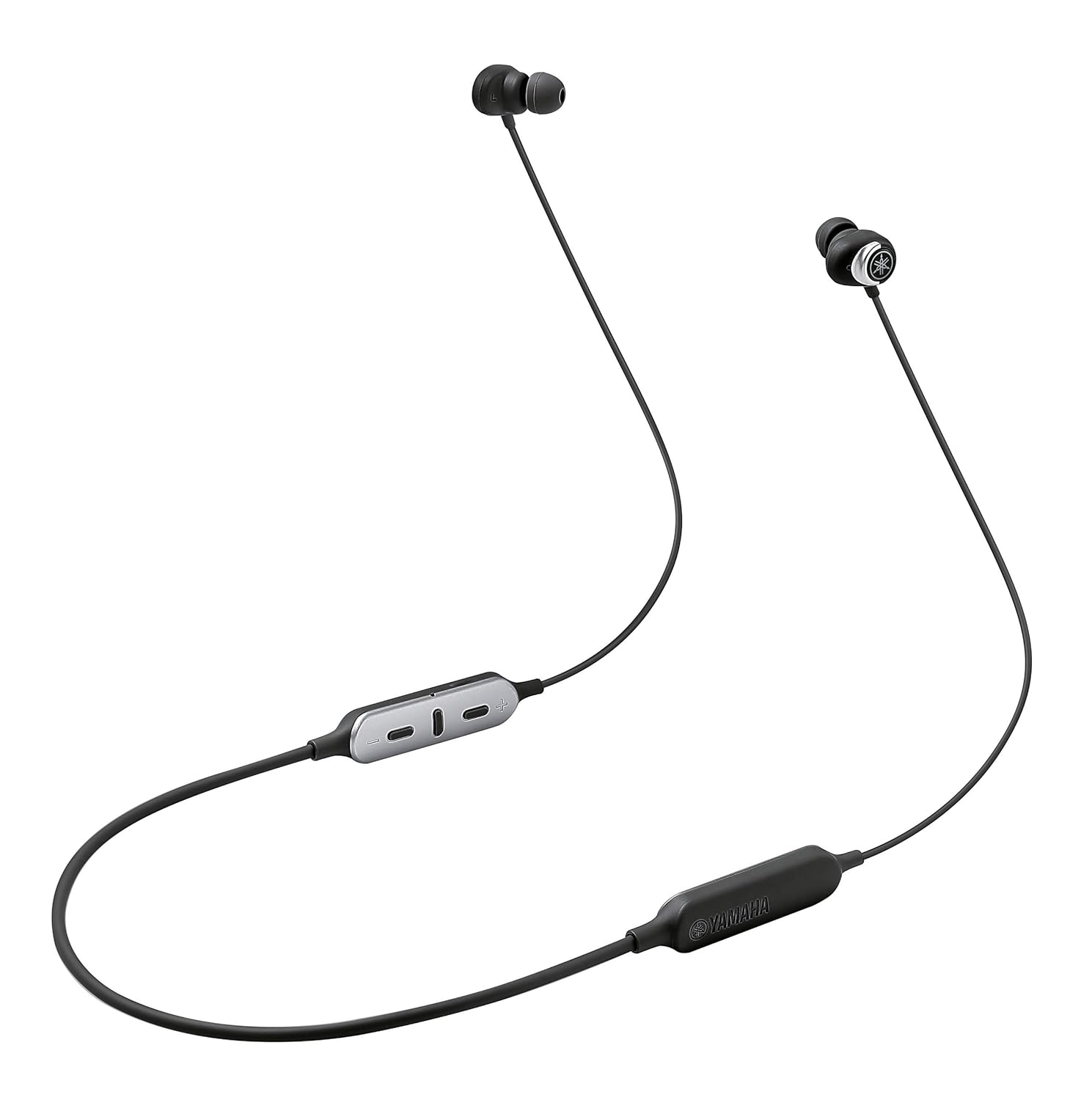
Image: The Yamaha EP-E50A headphones, illustrating their overall design with the neckband and inline controls.
3. Fitting the Earbuds
Proper fit is crucial for sound quality and noise cancellation.
- Choose the ear tips that provide the best seal and comfort for your ears. Experiment with different sizes.
- Gently insert the earbuds into your ear canals.
- Adjust the neckband for a comfortable and secure fit around your neck.
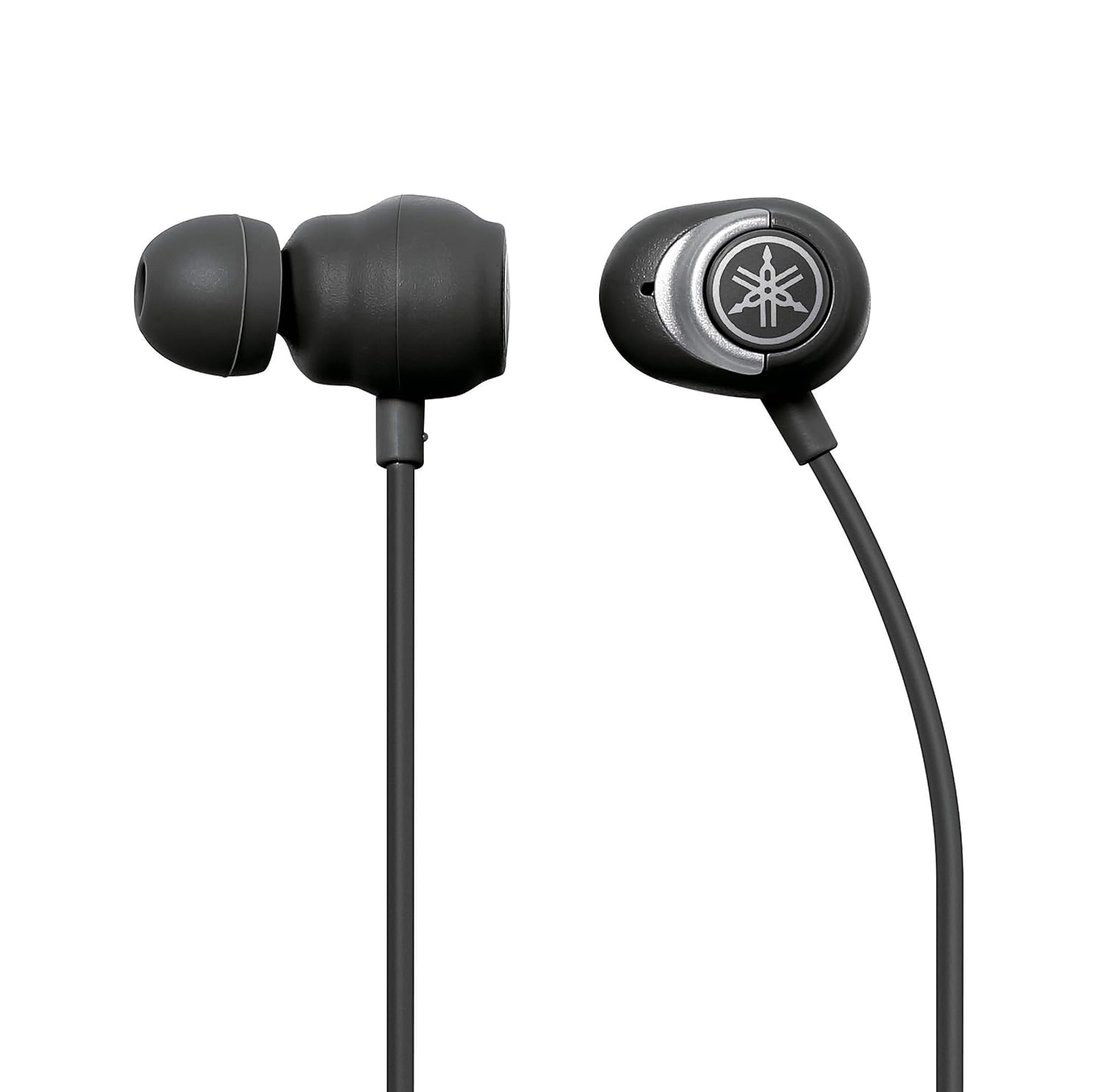
Image: A detailed view of the Yamaha EP-E50A earbuds, highlighting their shape and the brand's emblem.
Operating the Headphones
Controls Overview
The inline remote control allows for easy management of audio playback, calls, and features.

Image: The inline remote control of the EP-E50A, detailing the button layout for various functions.
| Button/Action | Function |
|---|---|
| Power Button (Multi-function) |
|
| Volume Up (+) | Increase Volume |
| Volume Down (-) | Decrease Volume |
| ANC/Ambient Sound Button | Toggle between Active Noise-Cancelling, Ambient Sound, and Off modes. |
Active Noise-Cancelling (ANC)
The ANC feature helps to reduce external ambient noise, allowing you to immerse yourself in your music or calls without distraction. Activate this mode when you wish to block out surrounding sounds.
Ambient Sound
Ambient Sound mode allows you to hear your surroundings while still enjoying your audio. This is useful for situations where you need to be aware of your environment, such as walking in a city or listening for announcements.
Listening Care
Yamaha's Listening Care technology intelligently equalizes the sound to ensure full-range audio quality even at lower listening volumes. This helps to prevent listening fatigue and provides a balanced sound experience regardless of the volume level.
Maintenance
Cleaning
- Wipe the headphones and earbuds with a soft, dry cloth.
- For stubborn dirt, slightly dampen the cloth with water. Do not use harsh chemicals or abrasive cleaners.
- Remove ear tips periodically and clean them with mild soap and water. Ensure they are completely dry before reattaching.
Storage
- When not in use, store the headphones in the provided carrying pouch to protect them from dust and scratches.
- Store in a cool, dry place away from direct sunlight and extreme temperatures.
Battery Care
- To preserve battery life, avoid fully discharging the headphones frequently.
- If storing for an extended period, charge the battery to about 50% before storage.
Troubleshooting
If you encounter issues with your Yamaha EP-E50A headphones, refer to the following common solutions:
- No Power: Ensure the headphones are charged. Connect to a power source and check the charging indicator.
- Cannot Pair:
- Ensure Bluetooth is enabled on your device and the headphones are in pairing mode.
- Move the headphones closer to your device.
- Turn off and on both the headphones and your Bluetooth device.
- Delete "Yamaha EP-E50A" from your device's Bluetooth list and try pairing again.
- No Sound:
- Check the volume level on both the headphones and your connected device.
- Ensure the headphones are properly connected to your device via Bluetooth.
- Try playing audio from a different application or source.
- Poor Sound Quality:
- Ensure the ear tips provide a good seal in your ear canal.
- Move closer to your Bluetooth device to avoid interference.
- Check if there are other strong wireless signals nearby that might cause interference.
Specifications
| Feature | Detail |
|---|---|
| Model Name | EP-E50A Black |
| Connectivity Technology | Bluetooth, SBC, AAC, Qualcomm® aptX™ HD, Wireless |
| Wireless Communication Technology | Bluetooth |
| Frequency Response | 20000 Hz |
| Item Weight | 35 Grams |
| Product Dimensions | 24 x 1 x 1 cm |
| Batteries | 1 Lithium Ion battery (included) |
| Special Features | Lightweight, Listening Care, Noise Cancellation (Active Noise-Cancelling) |
| Microphone Format | In Ear |
| Control Type | Media Control |
| Control Method | Touch (referring to button presses) |
| Material | Plastic |
| Ear Placement | In Ear |
| Form Factor | In Ear |
| Included Components | Cable (USB charging cable) |
Warranty Information
The Yamaha EP-E50A Wireless Bluetooth Neckband Headphones come with a 1 Year Warranty from the date of purchase. This warranty covers manufacturing defects and workmanship under normal use. Please retain your proof of purchase for warranty claims. The warranty does not cover damage caused by misuse, accidents, unauthorized modifications, or normal wear and tear.
For detailed warranty terms and conditions, please refer to the official Yamaha website or contact customer support.
Customer Support
For any questions, technical assistance, or warranty claims regarding your Yamaha EP-E50A headphones, please contact Yamaha customer support.
- Manufacturer: Yamaha Corporation Japan
- Importer (India): Yamaha Music India P 401, JMD Megapolis, Sohna Rd, Sector 48, Gurugram, Haryana 122018
- Online Support: Visit the official Yamaha website for support resources, FAQs, and contact information.
- Brand Store: You can also find more information and products at the Yamaha Store on Amazon.in.