
Introduction
This manual provides comprehensive instructions for the VINABTY RMF-TX200U Voice Remote Control. This remote is designed as a replacement and upgrade for various Sony TV models, offering both standard remote functions and integrated voice control capabilities. No complex programming is required for basic functionality.
Compatible Sony TV Models:
- XBR-43X800D, XBR-49X800D, XBR-55X850D, XBR-65X850D, XBR-75X850D, XBR-85X850D
- XBR-55X930D, XBR-65X930D, XBR-75X940D
- XBR-65Z9D, XBR-75Z9D, XBR-100Z9D
- XBR-65X900E
Setup
1. Battery Installation
The RMF-TX200U remote control requires two (2) AAA batteries for operation. Follow these steps to install them:
- Locate the battery compartment cover on the back of the remote control.
- Slide the cover downwards or press the latch (if present) to open the compartment.
- Insert two AAA batteries, ensuring the positive (+) and negative (-) terminals align correctly with the markings inside the compartment.
- Replace the battery compartment cover until it clicks securely into place.
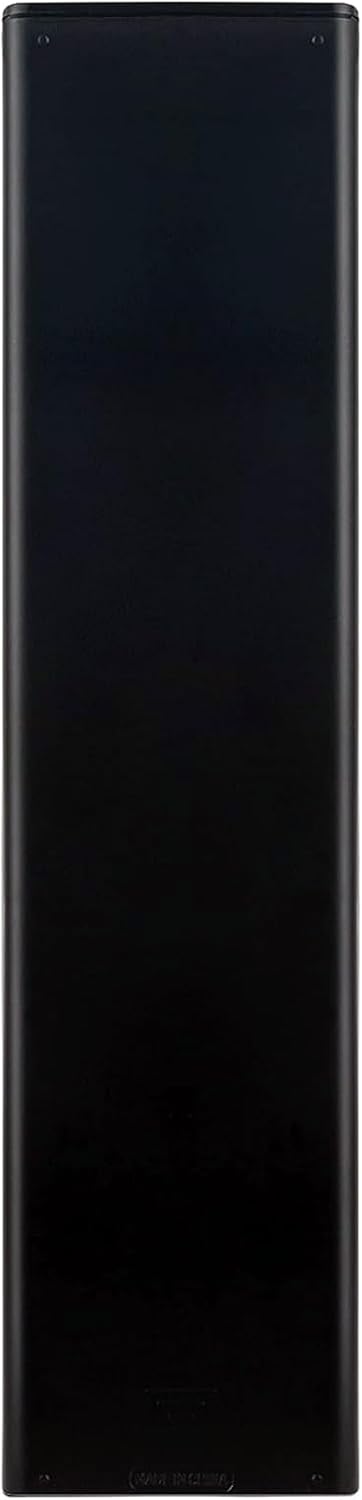
This image shows the rear of the remote control, where the battery compartment is located. This section is where two AAA batteries are inserted to power the device.
2. Pairing the Remote Control
For basic functions (power, volume, channel, navigation), the RMF-TX200U remote typically works immediately after battery installation without additional programming. For voice control functionality, pairing with your Sony TV is required:
- Ensure your Sony TV is powered on.
- On your TV, navigate to the Settings menu. The exact path may vary by TV model, but typically involves: Settings > Remote & Accessories > Remote control > Activate button or Settings > Network & Accessories > Bluetooth settings > Add device.
- Follow the on-screen prompts to put your TV into pairing mode.
- On the RMF-TX200U remote, press and hold the Volume Down (-) button and the Microphone (Voice) button simultaneously for approximately 3 seconds. The remote's indicator light may flash to confirm it is in pairing mode.
- Once the remote appears on your TV's pairing list, select it to complete the pairing process. A confirmation message should appear on your TV screen.
If pairing is unsuccessful, ensure the batteries are fresh and correctly inserted, and try the pairing process again.
Operating the Remote Control
1. Button Functions Overview
The VINABTY RMF-TX200U remote control features a standard layout for intuitive operation of your Sony TV. Refer to the image below for a visual guide to the buttons:

This image displays the complete layout of the VINABTY RMF-TX200U remote control. Key buttons include Power, Input, number pad (0-9), navigation cluster (Action Menu, TV, Guide, Back, Home), volume and channel controls, and dedicated buttons for streaming services like Google Play and NTFX (Netflix).
- POWER: Turns the TV on or off.
- INPUT: Selects the input source (HDMI, AV, etc.).
- SYNC MENU: Accesses the BRAVIA Sync menu for connected devices.
- Number Pad (0-9): Direct channel selection or data entry.
- DISPLAY: Shows on-screen information.
- Google Play / NTFX (Netflix): Direct access buttons for these streaming services.
- Colored Buttons (Yellow, Blue, Red, Green): Context-sensitive functions within menus or applications.
- ACTION MENU: Displays a quick menu of frequently used functions.
- Navigation Pad (Up, Down, Left, Right, Enter): Navigates menus and selects items.
- TV: Switches to TV input.
- GUIDE: Opens the electronic program guide.
- BACK: Returns to the previous screen or menu.
- HOME: Opens the TV's Home menu.
- DISCOVER: Accesses content discovery features.
- VOL (+/-): Adjusts the volume level.
- CH (+/-): Changes the TV channel.
- MUTING: Mutes or unmutes the TV audio.
- JUMP: Quickly switches between two channels or inputs.
- Playback Controls (AUDIO, SUBTITLE, CC, PREV, PAUSE, PLAY, NEXT, HELP, WIDE, STOP, PIC OFF): Controls media playback and display options.
2. Using Voice Control
After successfully pairing your remote for voice functionality, you can use voice commands to control your TV, search for content, and more.

This image focuses on the voice control button, located near the top of the remote, indicated by a microphone icon. A blue circle highlights its function, signifying its readiness for voice commands after successful pairing.
- Press and hold the Microphone (Voice) button located near the top of the remote.
- Speak clearly into the microphone located on the remote control.
- Release the button when you have finished speaking.
Examples of Voice Commands:
- "Open Netflix"
- "Search for action movies"
- "Switch to HDMI 1"
- "Volume up"
Maintenance
1. Cleaning the Remote
To maintain the remote's appearance and functionality, clean it periodically:
- Use a soft, dry cloth to wipe the surface of the remote.
- For stubborn dirt, slightly dampen the cloth with water or a mild, non-abrasive cleaner. Avoid excessive moisture.
- Do not use harsh chemicals, solvents, or abrasive cleaning pads, as these can damage the remote's finish or internal components.
2. Battery Replacement
Replace the batteries when the remote's response becomes sluggish or if the indicator light (if present) does not illuminate during use. Always replace both AAA batteries at the same time with new ones. Do not mix old and new batteries, or different types of batteries.
Troubleshooting
If you encounter issues with your VINABTY RMF-TX200U remote control, try the following solutions:
- Remote not responding:
- Check if the batteries are correctly inserted and have sufficient charge. Replace them if necessary.
- Ensure there are no obstructions between the remote control and the TV's infrared receiver.
- Point the remote directly at the TV.
- Voice control not working:
- Confirm that the remote is properly paired with your TV for voice functionality (refer to the "Pairing the Remote Control" section).
- Ensure the TV's Bluetooth is enabled and functioning correctly.
- Speak clearly and hold the Microphone button while speaking.
- Check your TV's network connection, as some voice features may require internet access.
- Specific buttons not functioning:
- If only certain buttons are unresponsive, try replacing the batteries.
- Ensure the remote is clean and there is no debris lodged under the buttons.
- If the issue persists after checking batteries and cleaning, the remote may have a defect.
Specifications
Detailed specifications for the VINABTY RMF-TX200U remote control:
| Feature | Detail |
|---|---|
| Model Number | RMF-TX200U |
| Brand | VINABTY |
| Compatible Devices | Sony Televisions |
| Power Source | 2 x AAA Batteries (not included) |
| Special Feature | Voice Control, Ergonomic Design |
| Color | Black |
| Product Dimensions | 5 x 1.9 x 0.5 inches (12.7 x 4.8 x 1.3 cm) |
| Item Weight | 3.8 ounces (107.7 grams) |

This image provides the physical dimensions of the remote control, measuring approximately 7.87 inches (20 cm) in length and 1.97 inches (5 cm) in width, for reference.
Support and Warranty
For any questions, concerns, or technical assistance regarding your VINABTY RMF-TX200U remote control, please contact the seller directly. The seller commits to providing a reply within 24 hours to address your inquiries.
Please refer to your purchase documentation for specific warranty details and return policies.