
Introduction
This manual provides instructions for the safe and effective use of your Hiccapop Baby Wipe Warmer. Designed to keep baby wipes warm and moist, this device enhances comfort during diaper changes. Please read all instructions carefully before use.
Safety Information
Ensure the device is placed on a stable, flat surface away from water. Use only the provided low-voltage power adapter. Do not immerse the unit in water. Keep out of reach of children when not in use. Disconnect from power before cleaning or refilling.
Product Features
- Top-Heated Design: Keeps wipes at the top of the box warmest, preventing drying and browning.
- Innovative Silicone Seal: Locks in moisture and heat to maintain wipe freshness.
- Built-in Changing Light: Softly illuminates for nighttime changes and automatically shuts off after 10 minutes.
- High Capacity: Accommodates a week's worth of most major wipe brands.
- Viewing Lens: Allows monitoring of wipe levels.
- Low Voltage Power Adapter: Ensures ultimate safety.

Image: A graphic illustrating key features of the Hiccapop wipe warmer, including top-heated design, moisture-lock silicone seal, universal wipe fit, auto shut-off night light, and international power adapter.
Setup
- Unpack the Warmer: Carefully remove all components from the packaging.
- Place the Warmer: Position the warmer on a stable, flat surface near an electrical outlet.
- Load Wipes:
- Open the lid of the warmer.
- Place a stack of baby wipes into the main compartment. The warmer is designed to hold most standard continuous-feed wipe brands.
- Thread the first wipe through the opening in the lid.
- Close the lid securely.
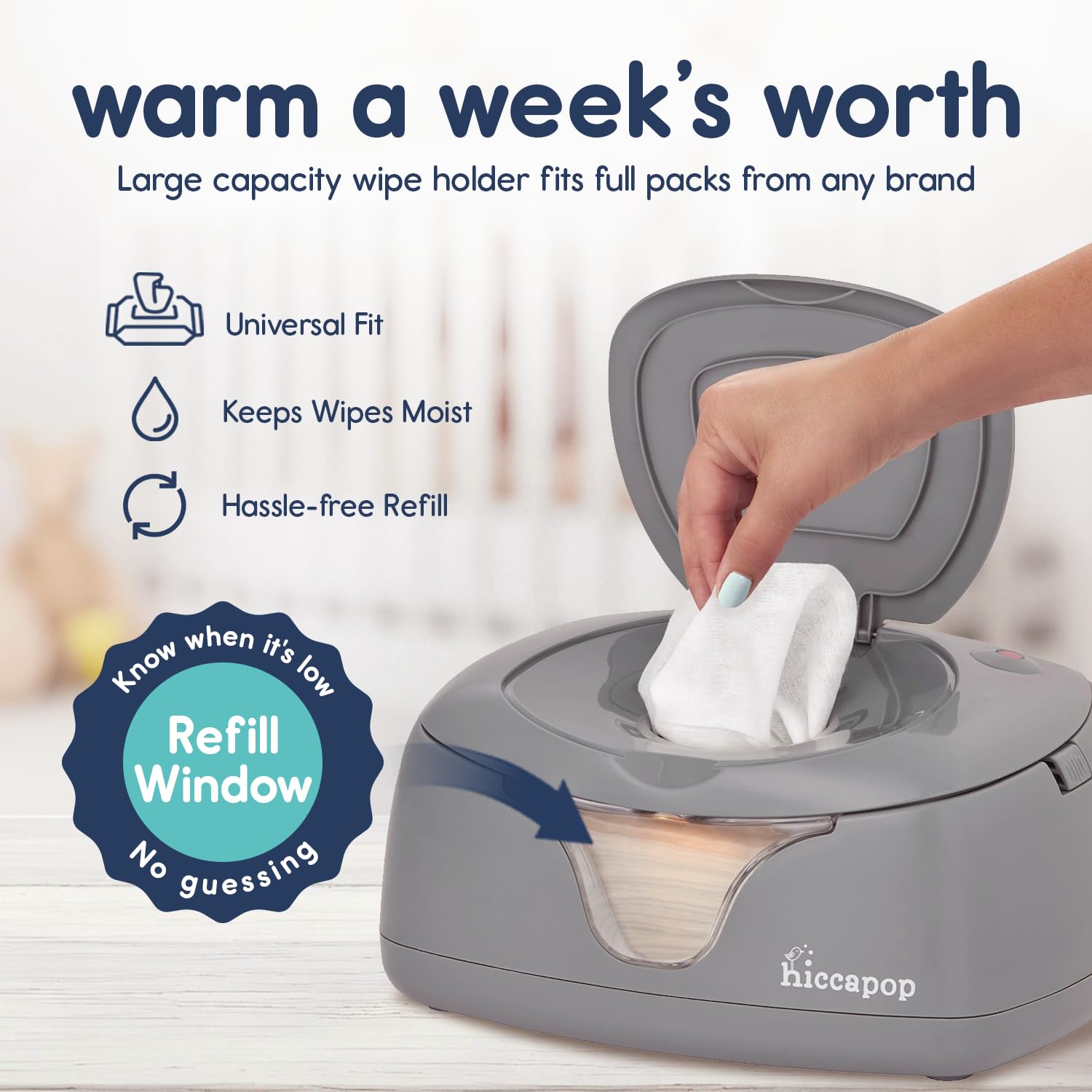
Image: The Hiccapop wipe warmer with its lid open, revealing a large capacity compartment for a week's worth of wipes and a refill window.
- Connect Power:
- Connect the low-voltage power adapter to the port on the back of the warmer.
- Plug the adapter into a suitable electrical outlet. The power indicator light will illuminate.

Image: The Hiccapop wipe warmer with its low-voltage power adapter plugged into the unit, highlighting its safety features and compatibility with various voltages.
Operating Instructions
- Dispensing Wipes:
- Gently pull a wipe from the top opening. The top-heated design ensures the next wipe is always warm.
- The silicone seal helps maintain moisture, preventing wipes from drying out.
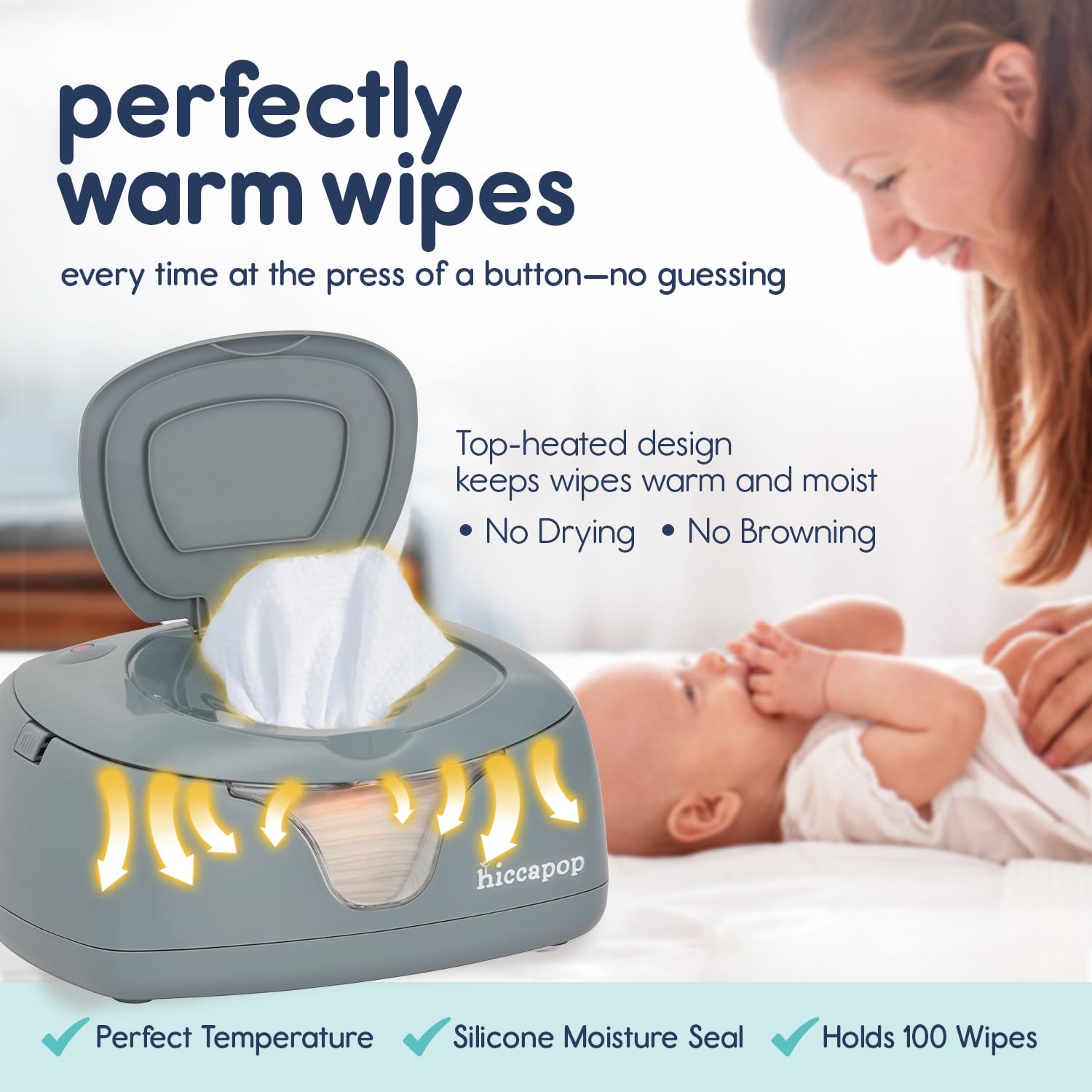
Image: The Hiccapop wipe warmer with a warm wipe being dispensed, illustrating the top-heated design that keeps wipes moist and at a perfect temperature.
- Using the Changing Light:
- Press the illuminated power button to activate the soft glow night light.
- The light will automatically turn off after 10 minutes, providing gentle illumination for nighttime diaper changes without disturbing sleep.
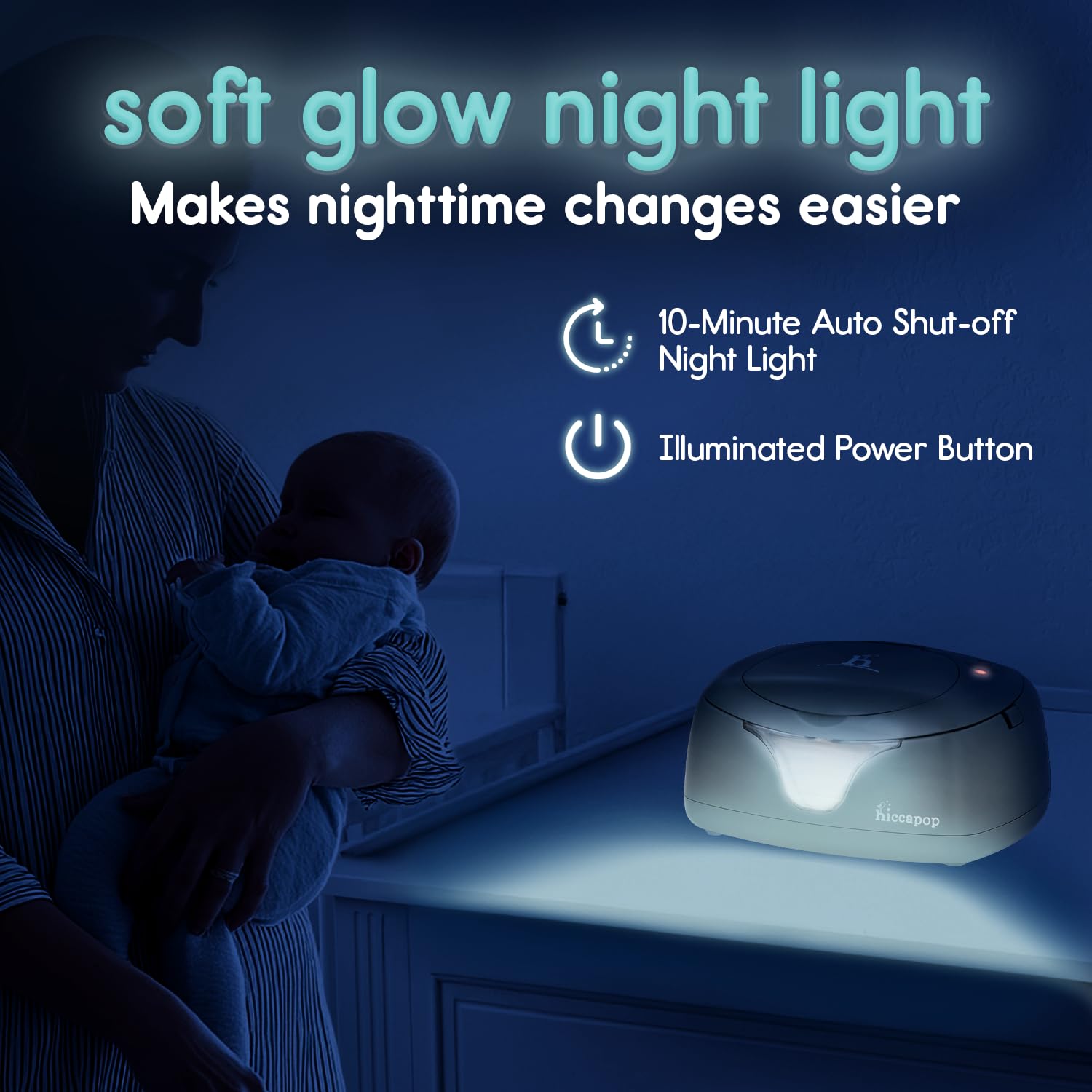
Image: The Hiccapop wipe warmer in a dimly lit room, showcasing its soft glow night light feature for easy nighttime changes with a 10-minute auto shut-off.
Maintenance
- To ensure wipes remain moist, periodically check the silicone seal for proper closure.
- If wipes appear to be drying out, you may add a small amount of water (approximately 1/2 cup) over the top of the wipes before closing the lid.
- Clean the exterior of the warmer with a soft, damp cloth. Do not use abrasive cleaners.
Specifications
| Feature | Detail |
|---|---|
| Product Dimensions | 10.5 x 7.5 x 5 inches |
| Item Model Number | HP-WWCL-GY |
| Material Type | Silicone |
| Item Weight | 2.09 pounds |
| Power | Low Voltage Power Adapter |
| Night Light Auto Shut-off | 10 minutes |
Warranty and Support
The Hiccapop Baby Wipe Warmer comes with a FREE LIFETIME WARRANTY. To register your product or for any questions, concerns, or support, please visit hiccapop.com/replacement or call toll-free at 833-442-2276.
