
Introduction
This manual provides detailed instructions for the setup, operation, and maintenance of your N_EYE S5 2MP WiFi Security Home Camera. This indoor camera offers 1080P Full HD resolution, enhanced night vision, two-way audio, and AI-powered human motion detection for comprehensive surveillance. Please read this manual thoroughly before using the product to ensure proper functionality and safety.
What's in the Box
Upon unboxing your N_EYE S5 2MP camera, verify that all components are present:
- N_EYE S5 2MP WiFi Security Home Camera
- USB Power Cable
- Wall Mount Bracket
- Mounting Screws
- User Manual (this document)

The camera itself features a rotating head for wide coverage, a lens, a reset key, a TF card slot, and a USB power port. The package includes a power cable and a mounting bracket with screws for flexible installation.

Setup Instructions
- Power On: Connect the USB power cable to the camera's USB port and plug the adapter into a power outlet. A red light will illuminate at the base, indicating power.
- App Download: Download the "Neye 3C" app from the Google Play Store or Apple App Store.
- Account Registration: Open the app and register for a new account or log in if you already have one.
- Add Device: In the app, click "Add Device" and select "Hotspot Connection" (recommended).
- WiFi Configuration: Input your WiFi password. Ensure your smartphone is connected to the same WiFi network (2.4GHz is supported, 5GHz is not supported for initial configuration).
- Connect to AP Hotspot: Go to your phone's WiFi settings and connect to the AP hotspot named "WiFiCAM-80xxxxxx".
- Complete Configuration: Return to the "Neye 3C" app and click "Configure". A "WiFi password has been obtained" notice will appear. Click "OK".
- Device Naming: Name your camera (e.g., "Living Room Camera").

For optimal performance during configuration, place the device within 10 meters of your router and ensure your phone's media volume is at maximum. Keep the phone and camera within 50cm. The device does not support 5G signal for the initial setup; please use a 2.4G signal. WiFi names and passwords should not contain special characters.
Video demonstrating the AP mode WiFi connection process for the N_EYE S5 2MP camera using an iOS device.
Operating Instructions
- Live View: Once connected, access the live video feed through the "Neye 3C" app.
- Pan/Tilt/Zoom: Use the controls within the app to remotely pan (360° horizontal rotation) and tilt the camera lens (vertical movement) to view different angles of your space. Digital zoom is also available.
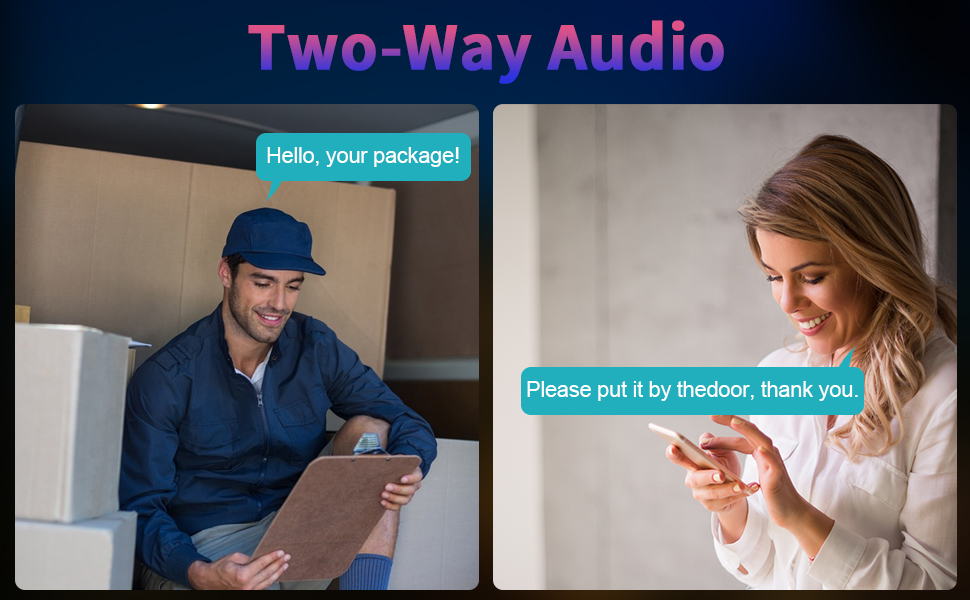
- Two-Way Audio: Utilize the built-in microphone and speaker for real-time two-way communication. This feature allows you to listen in and speak through the camera.
- Night Vision: The camera automatically switches to enhanced infrared night vision in low-light conditions, providing clear video up to 32ft/10m.
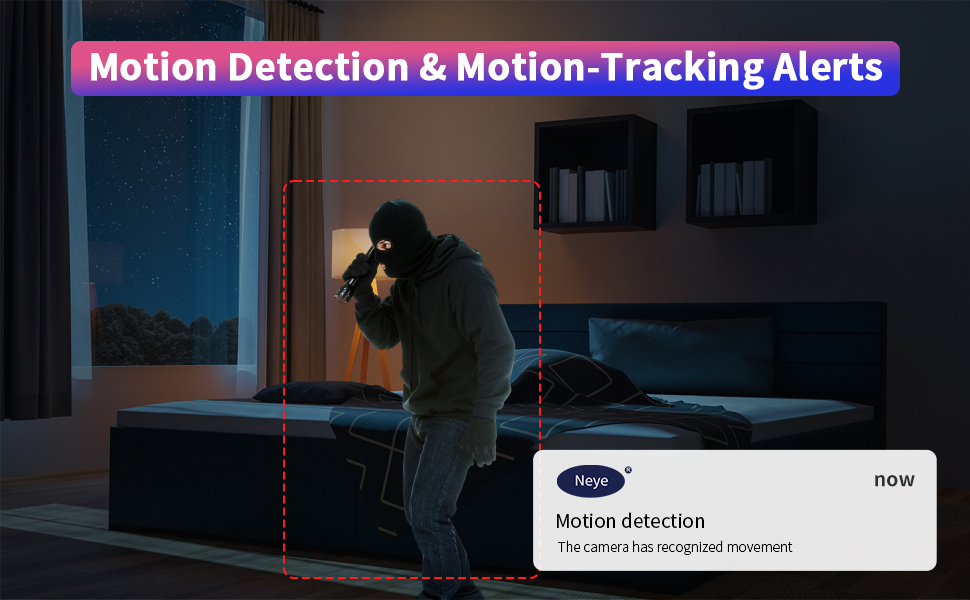
- Motion Detection: Enable AI-powered human motion detection to receive instant alerts on your phone when movement is detected. Sensitivity can be adjusted to minimize false alarms.
- Recording & Storage: The camera supports local storage via a TF card (up to 128GB) and cloud storage options (subscription may be required).
- Historical Playback: Access recorded footage from your TF card or cloud storage through the app for review.
A short video showcasing the N_EYE S5 2MP camera's features, including pan/tilt, night vision, and two-way audio.
Features
- 1080P Full HD Resolution: Provides clear and detailed video footage.
- Enhanced Night Vision: See clearly in the dark up to 32ft/10m.
- 360° Pan & Tilt: Wide-angle viewing with remote control via the app.
- Two-Way Audio: Built-in microphone and speaker for interactive communication.
- AI Human Motion Detection: Reduces false alarms by specifically detecting human movement.
- Dual-Band WiFi Support: Compatible with both 2.4GHz and 5GHz WiFi networks for flexible connectivity.
- Local & Cloud Storage: Supports TF card up to 128GB and optional cloud storage.
- Multi-Device Viewing: Connect multiple cameras to the app and view up to 5 live feeds simultaneously.
- Device Sharing: Share camera access with family and friends.


Specifications
| Feature | Detail |
|---|---|
| Model Number | N_eye S5 2MP |
| Resolution | 1080p Full HD (Video Capture), 4 MP (Effective Still) |
| Connectivity | Wireless (Wi-Fi, 2.4GHz & 5GHz Dual Bands) |
| Night Vision Range | Up to 32 Feet (10 meters) |
| Audio | Full Duplex 2-Way Audio |
| Motion Detection | AI-Powered Human Motion Detection |
| Storage | TF Card (up to 128GB), Cloud Storage |
| Control Method | App (Neye 3C) |
| Indoor/Outdoor Usage | Indoor |
| Power Source | Corded Electric (1 Watt-hours) |
| Item Dimensions | 3.2 x 3.2 x 5.8 inches |
| Item Weight | 0.27 Kilograms |
Maintenance
To ensure the longevity and optimal performance of your N_EYE S5 2MP camera, follow these maintenance guidelines:
- Cleaning: Gently wipe the camera lens and body with a soft, dry cloth. Avoid using liquid cleaners or abrasive materials.
- Firmware Updates: Regularly check the "Neye 3C" app for available firmware updates to ensure your camera has the latest features and security enhancements.
- Power Supply: Use only the provided power adapter and cable to prevent damage to the device.
- Placement: Avoid placing the camera in direct sunlight, near heat sources, or in areas with high humidity.
- Storage Management: Periodically review and manage your recorded footage on the TF card or cloud storage to free up space and ensure important events are saved.
Troubleshooting
If you encounter issues with your N_EYE S5 2MP camera, refer to the following common troubleshooting steps:
- Camera Not Connecting to WiFi:
- Ensure your router is 2.4GHz compatible for initial setup (5GHz is supported after initial setup).
- Verify the WiFi password is entered correctly in the app.
- Place the camera closer to the router during setup.
- Reset the camera by pressing the reset button for 2 seconds until you hear a "Du" prompt, then re-attempt setup.
- Poor Video Quality:
- Check your internet connection speed.
- Ensure the camera lens is clean.
- Adjust image quality settings within the "Neye 3C" app.
- Motion Detection Not Working:
- Ensure motion detection is enabled in the app settings.
- Adjust the sensitivity level to suit your environment.
- Verify the camera's field of view covers the desired area.
- Two-Way Audio Issues:
- Check the volume settings on your smartphone and within the app.
- Ensure there are no obstructions blocking the camera's microphone or speaker.
For further assistance, please contact N_EYE customer support.
Warranty and Support
N_EYE products come with a standard manufacturer's warranty. For specific warranty details, please refer to the documentation included with your purchase or visit the official N_EYE website. For technical support, troubleshooting, or any product-related inquiries, please contact N_EYE customer service through the "Neye 3C" app or the contact information provided on the N_EYE Official Store page.
N_EYE Official Store: Visit Store