
1. Introduction
Thank you for choosing the LEADSIGN Portable Indoor/Outdoor TV Antenna. This manual provides essential information for the proper setup, operation, and maintenance of your antenna. Please read it thoroughly before use to ensure optimal performance and longevity of the product.

Figure 1: LEADSIGN Portable Indoor/Outdoor TV Antenna (Model LDS-DVB65).
2. Product Overview
2.1. Key Features
- No Cable or Satellite Fees: Receive clear Freeview broadcasts in various locations.
- Easy Installation: Features a magnetic base for flexible mounting.
- 2-Meter Coaxial Cable: Provides flexibility for optimal antenna placement.
- Compact and Powerful: Suitable for both indoor and outdoor use, ideal for portable TVs, media players, Freeview, and set-top boxes.
- 360° Omnidirectional Reception: Receives HD Freeview TV signals from VHF (174-230MHz) and UHF (470-860MHz) frequencies without needing to face a specific direction.
2.2. Package Contents
- LEADSIGN Portable TV Antenna (LDS-DVB65)
- Integrated 2-meter Coaxial Cable
- Magnetic Base

Figure 2: Components of the LEADSIGN TV Antenna, including the antenna rod, magnetic base, and coaxial cable.
3. Setup Instructions
Follow these steps to connect your LEADSIGN TV Antenna to your television or set-top box.
3.1. Antenna Placement
Optimal antenna placement is crucial for best signal reception. Consider the following:
- Near a Window: Placing the antenna close to a window is highly recommended for improved signal reception.
- Elevated Position: Higher positions generally yield better results.
- Metal Surface: The magnetic base allows for secure attachment to metal surfaces, which can sometimes enhance reception.
- Avoid Obstructions: Keep the antenna away from large metal objects, thick walls, or other electronic devices that might interfere with the signal.

Figure 3: Antenna placed on a table.

Figure 4: Antenna placed by a window.

Figure 5: Antenna placed behind a TV.
3.2. Connecting to an HDTV (with Built-in HD Tuner)
- Locate the "ANT/IN" or "CABLE/IN" port on the back of your HDTV.
- Connect the coaxial cable from the LEADSIGN antenna directly into this port.
- Proceed to Section 4: Operating Instructions to scan for channels.
3.3. Connecting to a Digital Set-top Box (for HDTVs without Built-in HD Tuner)
- Locate the "ANT/IN" or "RF IN" port on your digital set-top box.
- Connect the coaxial cable from the LEADSIGN antenna into this port.
- Connect your digital set-top box to your TV using an HDMI cable or other appropriate connection.
- Proceed to Section 4: Operating Instructions to scan for channels using your set-top box.
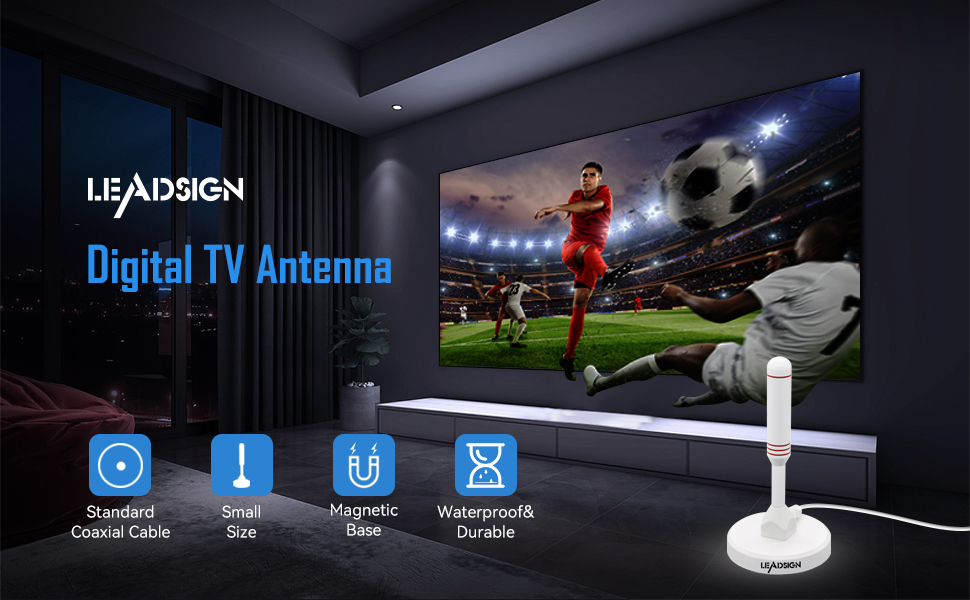
Figure 6: Connection diagrams for HDTVs with and without built-in HD tuners.
4. Operating Instructions
After connecting the antenna, you need to perform a channel scan on your television or set-top box.
- Turn on your TV and the connected set-top box (if applicable).
- Access the TV's (or set-top box's) menu using its remote control.
- Navigate to the "Channel Setup," "Scan," "Auto Program," or "Tuner Setup" section. The exact name may vary by TV model.
- Select "Antenna" or "Air" as the input source, not "Cable."
- Initiate an "Auto Scan" or "Channel Search." This process may take several minutes.
- Once the scan is complete, your TV should display the available Freeview channels.
Note: If you are not receiving all expected channels or the signal is weak, try repositioning the antenna and performing another channel scan. Signal strength can vary based on location, terrain, and distance from broadcast towers.
5. Maintenance
The LEADSIGN Portable TV Antenna requires minimal maintenance.
- Cleaning: Wipe the antenna with a soft, dry cloth to remove dust. Do not use harsh chemicals or abrasive cleaners.
- Cable Care: Ensure the coaxial cable is not kinked, pinched, or damaged. A damaged cable can affect signal quality.
- Outdoor Use: While designed for outdoor use, prolonged exposure to extreme weather conditions (heavy rain, snow, direct sunlight) may affect its lifespan. Consider bringing it indoors during severe weather.
6. Troubleshooting
If you encounter issues with your LEADSIGN TV Antenna, refer to the following common problems and solutions:
| Problem | Possible Cause | Solution |
|---|---|---|
| No channels found or poor signal quality. |
|
|
| Some channels are missing. |
|
|
| Picture freezes or pixelates. |
|
|
7. Specifications
| Attribute | Value |
|---|---|
| Brand | LEADSIGN |
| Model Number | LDS-DVB65 |
| Color | White |
| Impedance | 50 ohms |
| Frequency Range | VHF 174-230MHz, UHF 470-860MHz |
| Cable Length | 2 meters (6.5 feet) |
| Product Dimensions | 6.6L x 6.6W x 13.2H centimeters (2.6L x 2.6W x 5.3H inches) |
| Reception Type | Omnidirectional 360° |
| UPC | 664918451790 |

Figure 7: Antenna dimensions (132mm height, 66mm base diameter, 15mm antenna rod diameter).

Figure 8: The antenna includes a 2-meter (6.5 feet) coaxial cable.
8. Warranty and Support
LEADSIGN is committed to providing quality products. For warranty information or technical support, please refer to the contact details provided with your purchase or visit the official LEADSIGN website. Please retain your proof of purchase for warranty claims.