
OUKITEL WP5
OUKITEL WP5 Rugged Smartphone User Manual
Model: WP5
Brand: OUKITEL
Introduction
Welcome to the user manual for your OUKITEL WP5 Rugged Smartphone. This device is engineered for exceptional durability and performance in demanding conditions. It combines advanced smartphone features with robust protection against water, dust, and drops, ensuring reliability wherever you go.

Key Features
The OUKITEL WP5 is equipped with a range of features designed for resilience and functionality:
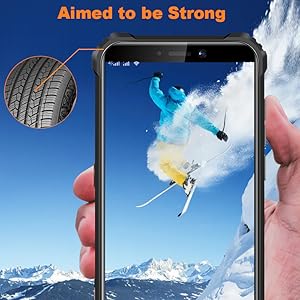
- Extreme Durability: IP68 waterproof, IP69K dustproof, and MIL-STD-810G certified for drop resistance up to 1.5 meters.
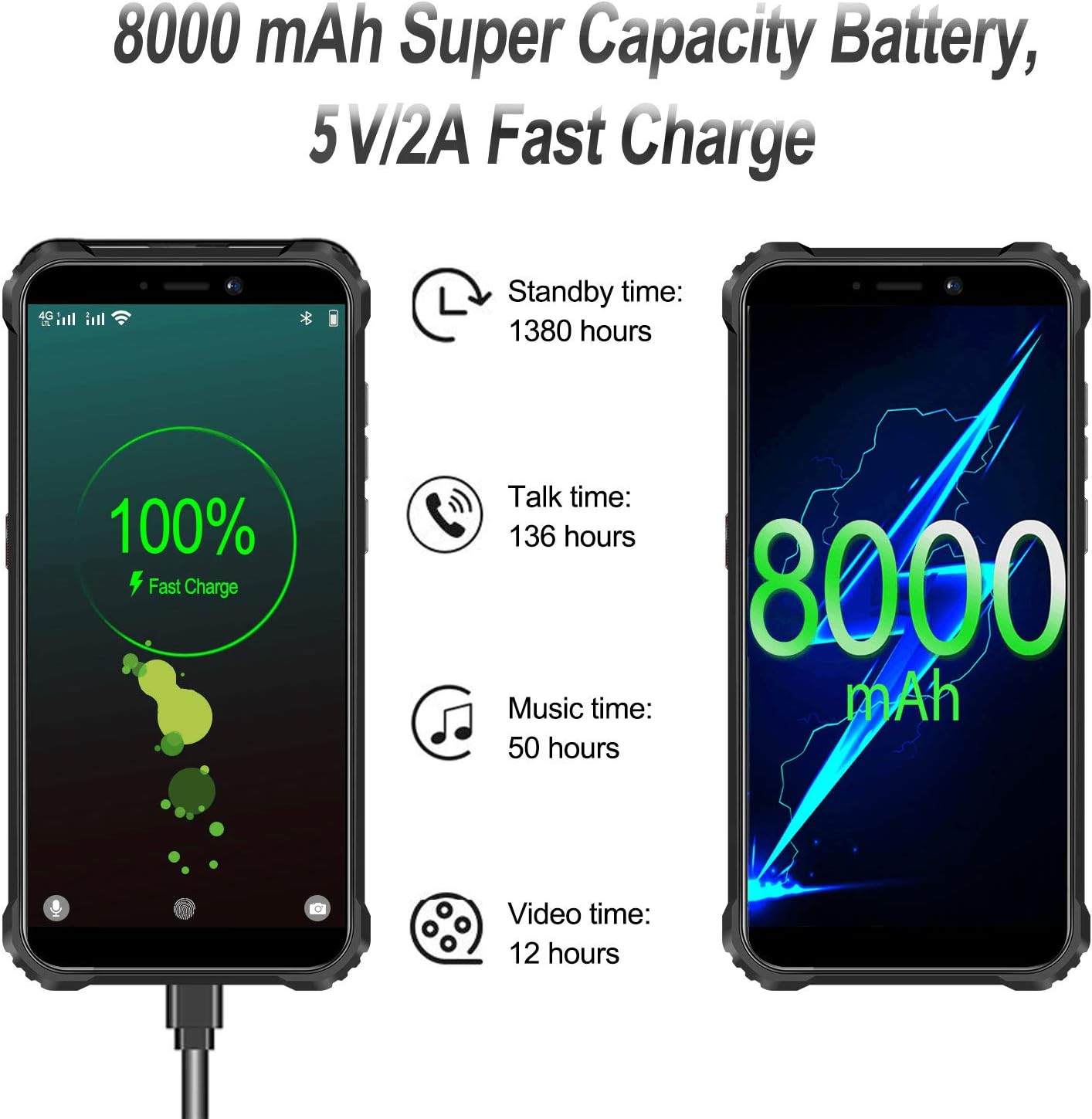
- Long-lasting Battery: An impressive 8000mAh battery provides extended usage times.
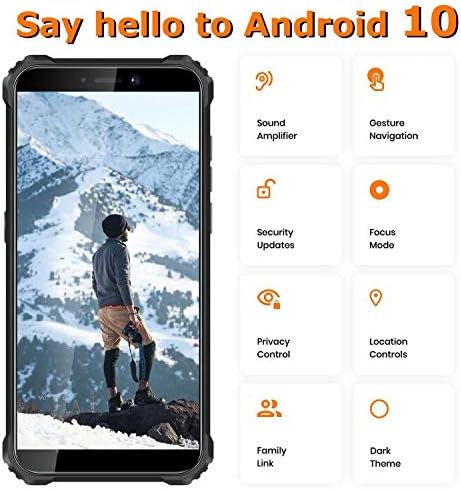
- Android 10 OS: Enjoy a smooth and intuitive user experience with the latest Android features.
- Triple Camera System: Capture clear photos and videos with the integrated triple camera.
- Superpower LED Flashlight: A powerful 4-LED flashlight for illuminating your surroundings.
- Dual SIM Support: Flexibility for managing two phone numbers or separate data plans.

Setup
Inserting SIM/SD Cards
To insert your SIM card(s) and/or microSD card:
- Locate the SIM card tray on the side of the phone.
- Use the provided SIM ejector tool to open the tray.
- Carefully place your Nano-SIM cards and/or microSD card into the designated slots on the tray. Ensure they are correctly oriented.
- Gently push the tray back into the phone until it is flush with the device body.
Initial Power On
Press and hold the Power button located on the side of the device until the OUKITEL logo appears. Follow the on-screen prompts to complete the initial setup, including language selection, Wi-Fi connection, and Google account setup.
Charging the Device
Connect the provided USB cable to the charging port at the bottom of the phone and the other end to the power adapter. Plug the adapter into a wall outlet. The battery indicator on the screen will show charging progress. For optimal battery life, it is recommended to use the original charger and cable.
Operating the Device
Basic Navigation
The OUKITEL WP5 runs on Android 10, offering a user-friendly interface. Navigate through apps and settings using gestures or on-screen buttons. Swipe up from the bottom to access the app drawer, swipe down from the top for notifications and quick settings.
Using the Flashlight
The WP5 features a powerful 4-LED flashlight. To activate it, swipe down from the top of the screen to open the quick settings panel and tap the flashlight icon. Alternatively, some devices may have a dedicated customizable button for quick access.

GPS and Navigation
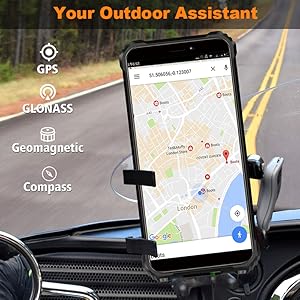
The device supports GPS, GLONASS, and features a geomagnetic compass, making it an ideal outdoor assistant for navigation and location tracking. Utilize pre-installed map applications or download your preferred navigation tools from the Google Play Store.

Multi-functional Toolbox
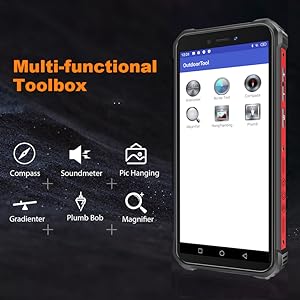
The OUKITEL WP5 includes a pre-installed 'Outdoor Tool' application, offering various utilities such as a compass, soundmeter, picture hanging assistant, gradienter, plumb bob, and magnifier. These tools enhance the phone's utility for outdoor activities and practical tasks.

Temperature Measurement
The OUKITEL WP5 (or similar models like WP13 shown) may feature an infrared thermometer function, allowing you to measure the temperature of objects or even body temperature. This feature is typically accessed via a dedicated application. Follow the in-app instructions for accurate readings.
Demonstration of temperature measurement using the OUKITEL WP13, showcasing its ability to measure coffee temperature, body temperature, and refrigerator temperature, with records saved for reference. The video also highlights the phone's water resistance during temperature measurement in water.
Maintenance
Phone Maintenance
- Clean the lens and display with a clean, dry soft cloth.
- Do not use chemical solvents or detergents to clean the phone. Wipe the phone case with a soft cotton cloth moistened with water or mild soap.
- The screen is made of Corning Gorilla Glass, designed to withstand accidental drops. However, avoid dropping the phone screen directly on sharp corners to prevent damage.
Battery Maintenance
- When the charger is not in use, please unplug it from the power outlet.
- Do not connect a fully charged battery to the charger for extended periods of time.
- Do not replace the battery yourself to avoid damage to the battery or the device.
- Do not use unapproved or incompatible power sources.
- Do not drop, crush, scratch, or puncture the battery; do not disassemble or reset the battery.
- Do not immerse in water or other liquids to avoid battery leakage.
Troubleshooting
This section provides solutions to common issues you might encounter with your OUKITEL WP5.
Device Not Powering On
If your device does not power on, ensure it is fully charged. Connect it to the charger and wait for at least 15-30 minutes before attempting to power it on again. If the issue persists, try holding the power button for an extended period (10-15 seconds) to force a restart.
Connectivity Issues (Wi-Fi/Cellular)
For Wi-Fi or cellular network problems, first try restarting the device. If cellular network is not detected, verify that your SIM card is correctly inserted and activated with your carrier. For Wi-Fi, ensure you are within range of a known network and that the password is correct.
Screen Unresponsive or Frozen
If the screen becomes unresponsive or the device freezes, perform a forced restart. Press and hold the Power button for approximately 10-15 seconds until the device powers off and then restarts. This often resolves temporary software glitches.
Apps Crashing or Slow Performance
If applications are frequently crashing or the phone is performing slowly, try clearing the cache of the problematic apps via Settings > Apps > [App Name] > Storage > Clear Cache. Regularly restarting your phone can also help improve performance. If issues persist, consider a factory reset (back up your data first).
Specifications
Key technical specifications for the OUKITEL WP5 Rugged Smartphone:
| Feature | Specification |
|---|---|
| Model Name | WP5 |
| Operating System | Android 10.0 |
| RAM | 4 GB |
| Memory Storage Capacity | 32 GB (Expandable) |
| Screen Size | 5.5 Inches |
| Resolution | 720 x 1440 |
| Battery Capacity | 8000 Milliamp Hours |
| Product Dimensions | 6.06 x 2.84 x 0.71 inches |
| Item Weight | 9.8 ounces (276.5 Grams) |
| Wireless Communication Technologies | Cellular, Wi-Fi |
| Cellular Technology | 4G |
| Color | ORANGE |
| What's in the box | Adapter |
Warranty and Support
OUKITEL provides a standard manufacturer's warranty for the WP5 Rugged Smartphone. For specific warranty terms and conditions, please refer to the warranty card included in your product packaging or visit the official OUKITEL website.
For technical support, troubleshooting assistance, or service inquiries, please contact OUKITEL customer support through their official channels. Details can typically be found on the OUKITEL website or in the product documentation.