
1. Product Overview
The GYMFORM Leg Action Foot and Leg Massager is designed to provide a comprehensive massage experience, targeting muscle pain, tension, and circulation issues in the feet and legs. It features rotating massage heads and vibrations to deliver a soothing and effective treatment.
Key Features:
- Improved Circulation: Designed to enhance blood circulation and tone the legs.
- Pain and Tension Relief: Effectively alleviates muscle pain, calluses, bunions, swelling, and general tension.
- Toxin Elimination: Rotating massage heads on the soles of the feet help stimulate the elimination of toxins.
- User-Friendly Operation: Includes a remote control for easy selection of 4 automatic programs, 2 manual programs, and 15 speed settings.

Figure 1: GYMFORM Leg Action Foot and Leg Massager with its remote control.
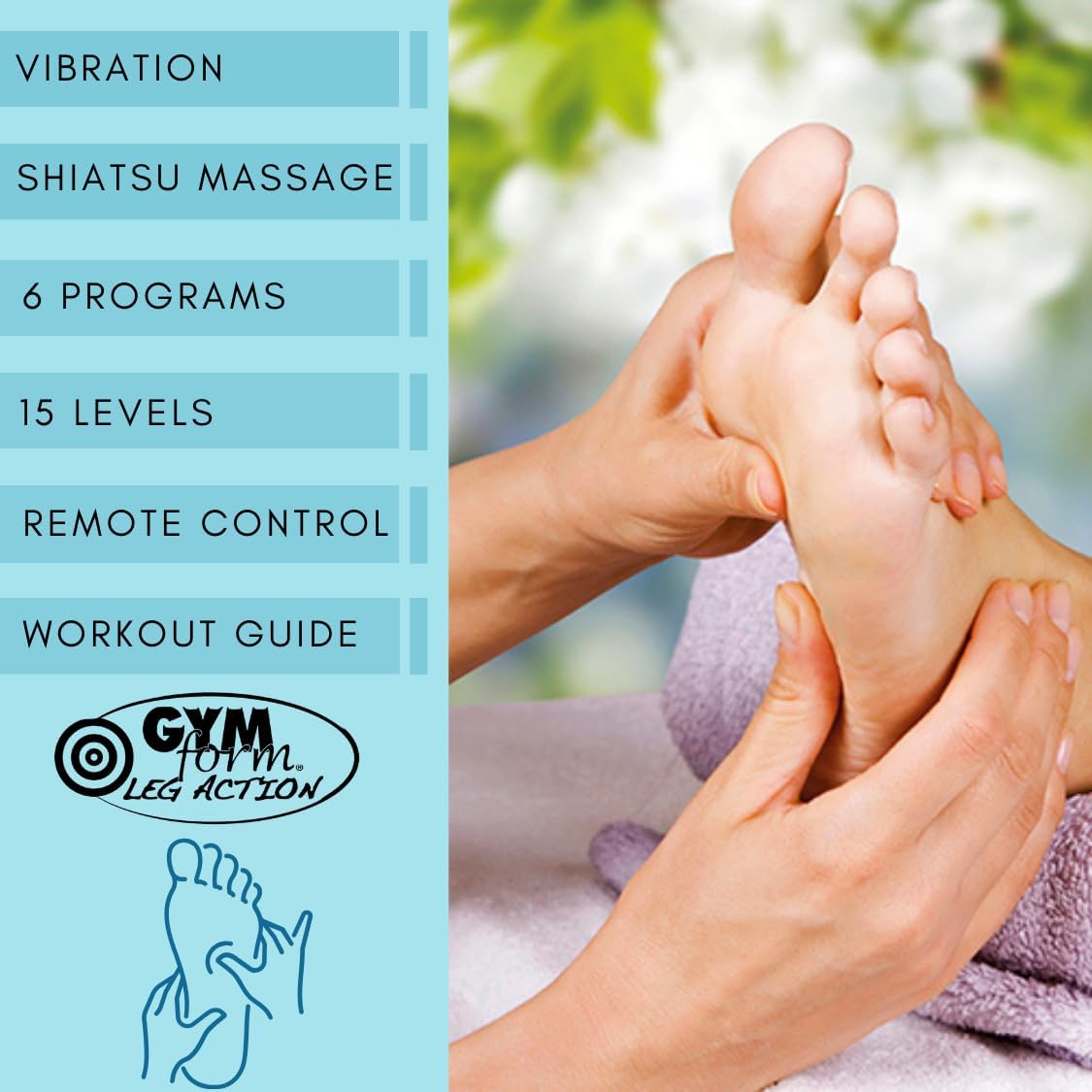
Figure 2: Overview of the massager's features, including vibration, shiatsu massage, 6 programs, 15 intensity levels, and remote control functionality.
2. Safety Information
Please read and understand all safety precautions before using the device to ensure safe operation and prevent injury.
- Wash all removable parts with warm soapy water before initial use.
- Do not immerse the device in water.
- Do not use the massager while sleeping.
- Do not use if you have existing injuries or medical conditions affecting your legs or feet. Consult a healthcare professional if unsure.
- Keep the device away from heat sources and open flames.
- Do not use the device if the power cable is damaged. Contact customer support for assistance.
3. Setup and Operating Instructions
Initial Setup:
- Carefully remove the foot massager from its packaging.
- Clean any removable parts with warm soapy water. Ensure all parts are dry before assembly or use.
- Place the massager on a flat, stable surface where you intend to use it, ensuring it is within reach of a power outlet.
Operating the Device:
- Plug the power cable into a suitable electrical outlet.
- Sit comfortably and place your feet in the designated massage areas on the device.
- Turn on the foot massager using the power button on the device or the remote control.
- Select one of the six available programs (4 automatic, 2 manual) using the remote control.
- Adjust the massage speed and intensity to your preference using the remote control. The device offers 15 speed settings.
- Enjoy your massage session.
- Once your session is complete, turn off the massager and unplug it from the power outlet.

Figure 3: The massager's control panel indicating 15 intensity levels and 6 available programs.

Figure 4: The remote control allows for convenient adjustment of settings during use.
4. Maintenance
Regular maintenance ensures the longevity and hygienic use of your massager.
- Cleaning: After each use, wipe down the surface of the massager with a soft, damp cloth. For removable parts, clean with warm soapy water and ensure they are completely dry before reattaching.
- Storage: Store the massager in a cool, dry place away from direct sunlight and extreme temperatures. Keep it covered to prevent dust accumulation.
- Inspection: Periodically check the power cord for any signs of damage. If damage is found, discontinue use immediately and contact customer support.
5. Troubleshooting
If you encounter any issues with your GYMFORM Leg Action Massager, please refer to the following common troubleshooting steps:
- Device not turning on: Ensure the power cable is securely plugged into both the device and a working electrical outlet. Check if the power button on the device or remote is pressed correctly.
- No massage sensation: Verify that the intensity level is set appropriately. Increase the intensity gradually to find a comfortable level. Ensure your feet are properly placed on the massage areas.
- Remote control not working: Check if the remote control batteries need replacement. Ensure there are no obstructions between the remote and the device.
- Unusual noises or smells: Immediately turn off the device and unplug it. Contact customer support for further assistance. Do not attempt to repair the device yourself.
6. Specifications
| Attribute | Detail |
|---|---|
| Brand | BEST DIRECT |
| Model Number | VDPGYCIND0090 |
| Color | Blue |
| Product Dimensions (L x W x H) | 44 x 40 x 17 cm |
| Item Weight | 4 Kilograms |
| Power Source | Corded Electric |
| Special Feature | Speed Control |
| Massage Device Form | Foot Massager |
| Product Benefits | Improves blood circulation |
7. Warranty and Support
The GYMFORM Leg Action Foot and Leg Massager comes with a 2-year warranty from the date of purchase.
For any product inquiries, technical support, or warranty claims, please contact BEST DIRECT customer service. Do not attempt to repair the device yourself, as this may void your warranty.
8. Product in Action (Videos)
The following videos demonstrate general usage and benefits of similar foot and leg massagers, providing a visual guide to the experience.
Video 1: Demonstration of a foot massager in use, highlighting its features and benefits for relaxation and circulation.
Video 2: An electric leg circulatory massager demonstrating how it can be used to stimulate leg muscles and improve blood flow.
Video 3: A shiatsu foot massager with heat function, showcasing the deep kneading and warming sensations for foot relaxation.
Video 4: An instructional video demonstrating the proper use and benefits of a circulatory stimulator for overall well-being.