
Ulefone Armor X6
Ulefone Armor X6 Rugged Smartphone User Manual
Model: Armor X6 | Brand: Ulefone
Introduction
The Ulefone Armor X6 is a rugged smartphone designed for durability and performance in challenging environments. Featuring IP68 waterproofing, a 5.0-inch HD+ display, and a 4000mAh battery, it is built to withstand drops, dust, and water. This manual provides essential information for setting up, operating, maintaining, and troubleshooting your Armor X6 device.

Figure 1: Ulefone Armor X6 Rugged Smartphone
The image displays the Ulefone Armor X6 rugged smartphone from both front and back angles. The front shows the display with app icons, while the back highlights its textured, durable casing and camera module. The phone features a black body with yellow accents, emphasizing its robust design.
Safety Information
Please read this section carefully before using your device to ensure safe and proper operation.
- Network Compatibility: The Armor X6 is compatible with most GSM carriers such as T-Mobile and Metro PCS. It does NOT support AT&T, Cricket, or CDMA carriers like Sprint and Verizon. Ensure your carrier is supported before attempting to connect.
- Water Resistance: The device is IP68 certified for water and dust resistance. While designed to withstand immersion up to 1.5 meters for 30 minutes, ensure all ports are securely sealed before exposure to water. Avoid exposing the phone to high-pressure water jets or hot water.
- Battery Safety: Use only the provided 5V/1A charger. Do not attempt to replace the battery yourself. Avoid exposing the device to extreme temperatures.
- Operating Environment: This phone is designed for rugged use. However, avoid intentional abuse or exposure to corrosive chemicals.
What's in the Box
Upon unboxing your Ulefone Armor X6, verify that all the following items are included:
- 1x Ulefone Armor X6 Phone
- 1x AC Power Charger Adapter (100~240V / US plug)
- 1x Data Cable (100cm)
- 1x Protective Film (pre-applied or separate)
- 1x Sling
- 1x Plastic Spudger
- 1x SIM Needle
- 1x Warranty Card
- 1x User Manual

Figure 2: Box Contents
This image illustrates all the items typically found inside the Ulefone Armor X6 retail packaging. It includes the phone, charger, data cable, protective film, sling, plastic spudger, SIM needle, warranty card, and user manual, neatly laid out.
Setup
1. SIM Card and MicroSD Card Installation
The Armor X6 supports dual SIM cards or one SIM card and one MicroSD card. Use the provided SIM needle to open the card tray.
- Locate the SIM card tray on the side of the phone.
- Insert the SIM needle into the small hole next to the tray and press gently until the tray ejects.
- Place your SIM card(s) and/or MicroSD card into the designated slots on the tray, ensuring correct orientation.
- Carefully reinsert the tray into the phone, ensuring it is flush with the device body to maintain water resistance.

Figure 3: SIM/MicroSD Card Installation
This image illustrates the process of inserting SIM cards and a MicroSD card into the Ulefone Armor X6. It shows the dual SIM slots and the option to use one SIM and one MicroSD card, along with the supported GSM and WCDMA frequency bands.
2. Initial Charging
Before first use, it is recommended to fully charge your Armor X6.
- Connect the provided USB data cable to the phone's Micro USB port.
- Connect the other end of the data cable to the AC power charger adapter.
- Plug the charger into a power outlet.
- The LED notification light will indicate charging status. A full charge typically takes a few hours.
Operating Instructions
1. Device Overview and Basic Controls
Familiarize yourself with the physical layout and buttons of your Armor X6.

Figure 4: Device Layout
This diagram provides a detailed overview of the Ulefone Armor X6's physical features, including the 5MP front camera, earpiece receiver, LED notification light, light/proximity sensor, 3.5mm earphone jack, Micro USB port, microphone, dual flash, 8MP rear camera, pressure relief hole, speaker, TF/SIM card slot, custom key, volume buttons, and power key.
- Power Key: Press and hold to power on/off or restart. Short press to lock/unlock the screen.
- Volume Buttons: Adjust media volume during playback or ringtone volume.
- Custom Key: This button can be programmed for quick access to specific applications or functions. Navigate to Settings > Smart Assistant > Custom Key to configure.
2. Special Modes and Features
- Underwater Mode: This unique mode allows you to take photos and videos underwater. Activate it from the quick settings panel or camera app. Ensure all ports are sealed before submerging the device.
- Gloves Mode: Enable this mode in settings to improve touchscreen sensitivity, allowing you to operate the phone while wearing gloves.
- LED Notification Light: The blinking notification light provides alerts for incoming calls, messages, and charging status.
3. Camera Operation
The Armor X6 features an 8MP rear camera with dual flash and a 5MP front camera.
- Open the Camera application from your home screen or app drawer.
- Tap the shutter button to take a photo.
- Switch between photo and video modes as needed.
- Utilize the dual flash for improved low-light photography.
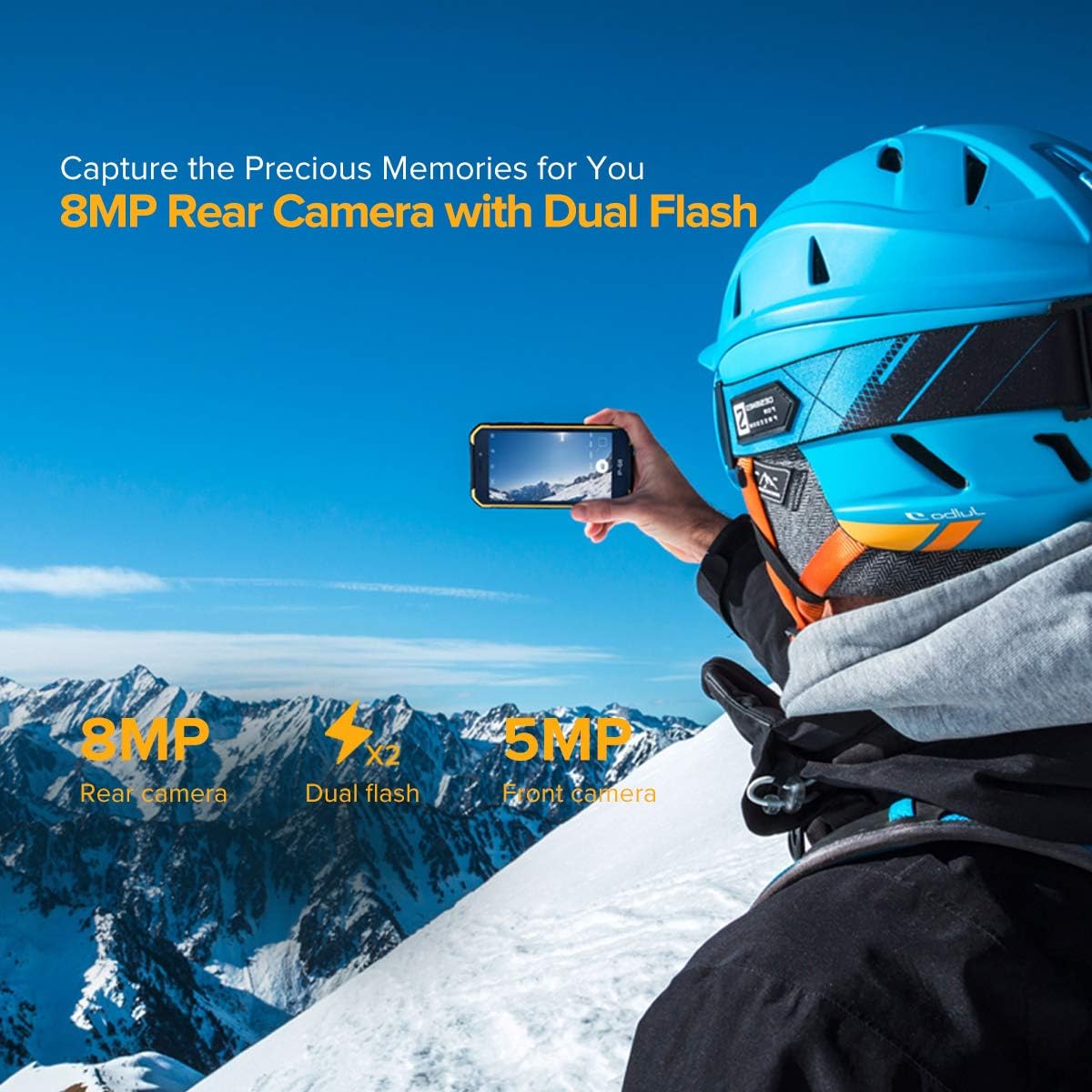
Figure 5: Camera Features
This image highlights the camera capabilities of the Ulefone Armor X6, showing an 8MP rear camera with dual flash and a 5MP front camera, emphasizing its ability to capture memories.
Maintenance
Proper maintenance ensures the longevity and performance of your rugged smartphone.
- Cleaning: Regularly wipe the phone with a soft, damp cloth. For stubborn dirt or after exposure to mud/sand, rinse gently with clean water, ensuring all ports are sealed. Allow the phone to dry completely before charging or opening any ports.
- Battery Care: To maximize battery life, avoid fully discharging the battery frequently. Charge the phone using the original charger.
- Physical Protection: While rugged, avoid unnecessary drops or impacts. The phone is designed to be shockproof and protected against dust and sand.
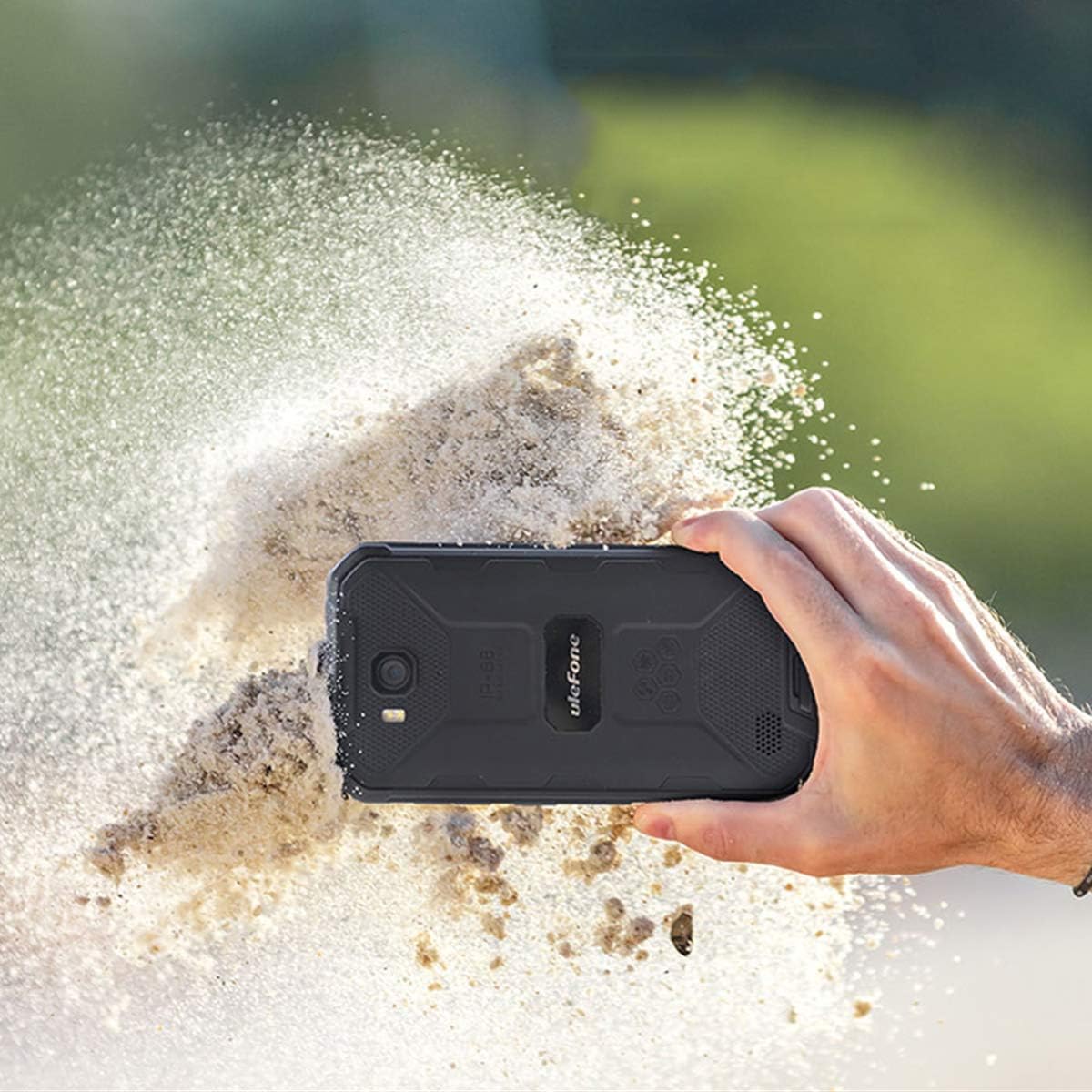
Figure 6: Rugged Durability
This image shows the Ulefone Armor X6 being held while sand is being kicked up around it, illustrating its robust and durable design, capable of withstanding harsh environments like dusty or sandy conditions.

Figure 7: 360° Full Protection
This image highlights the 360-degree full protection feature of the Ulefone Armor X6, showing how its design provides superb durability against impacts and environmental elements.
Troubleshooting
This section addresses common issues you might encounter with your Ulefone Armor X6.
| Problem | Possible Cause | Solution |
|---|---|---|
| Phone does not power on. | Low battery; software crash. | Charge the phone for at least 30 minutes. Press and hold the Power key for 10-15 seconds to force restart. |
| Cannot connect to 3G network. | Incompatible carrier; SIM card not activated; incorrect APN settings. | Ensure your carrier is GSM compatible (T-Mobile, Metro PCS). Activate SIM card on an existing compatible phone first. Check APN settings in Settings > Network & Internet > Mobile network > Access Point Names. If issues persist, contact Ulefone support. |
| Slow charging. | Using a non-original charger/cable; background apps. | Use the original Ulefone 5V/1A charger and data cable. Close unnecessary background applications. |
| Screen unresponsive or black. | Software glitch; physical damage; water ingress. | Force restart the phone. If recently exposed to water, ensure all ports were sealed and allow to dry completely. If physical damage is suspected, contact support. |
| "Contacts has stopped" error. | Software bug. | Clear cache and data for the Contacts app (Settings > Apps & notifications > See all apps > Contacts > Storage & cache > Clear cache/Clear storage). If the issue persists, a factory reset might be necessary (backup data first). |
Specifications
Key technical specifications for the Ulefone Armor X6.
| Feature | Detail |
|---|---|
| Model | Armor X6 |
| Operating System | Android 9.0 |
| RAM | 2 GB |
| Internal Storage | 16 GB |
| Display | 5.0 inches HD+ (720 x 1280 resolution) |
| Battery Capacity | 4000 mAh Lithium Polymer |
| Rear Camera | 8 MP with Dual Flash |
| Front Camera | 5 MP |
| Dimensions (L x W x H) | 5.91 x 3.11 x 0.57 inches (150 x 78.9 x 14.4 mm) |
| Weight | 7.9 ounces (223.8 grams) |
| Water/Dust Resistance | IP68, IP69K certified |
| Connectivity | 3G Cellular, Bluetooth, GPS |
| Audio Jack | 3.5 mm |

Figure 8: Product Dimensions
This image provides a detailed view of the Ulefone Armor X6's dimensions, including its height (150mm), width (78.9mm), and thickness (14.4mm), along with its 5.0-inch screen size.
Warranty and Support
Your Ulefone Armor X6 comes with a warranty. Please refer to the included Warranty Card for specific terms and conditions.
For technical support, troubleshooting assistance, or warranty claims, please contact Ulefone customer service. If your Armor X6 cannot connect to the 3G network or read your SIM card, you can email Ulefone at amazon@ulefone.com for assistance.
Related documentsArmor X6


Ask a question about this manual
Ask about setup, troubleshooting, compatibility, parts, safety, or missing instructions. Manuals+ will review the question and use this page’s manual context to help answer it.