
Seesii LL121 (LW0340JBOG)
Seesii 4D Laser Level Instruction Manual
Model: LL121 (LW0340JBOG) | Brand: Seesii
1. Introduction and Overview
The Seesii 4D Laser Level is a high-precision instrument designed for various leveling and alignment tasks in construction, home improvement, and professional settings. It features two 360° horizontal planes and two 360° vertical planes, providing comprehensive coverage for accurate measurements. The bright green laser lines offer superior visibility, even in well-lit indoor environments.
This manual provides detailed instructions on setting up, operating, and maintaining your Seesii 4D Laser Level to ensure optimal performance and longevity.

Image: Seesii 4D Laser Level with its complete set of accessories.
2. Package Contents
Verify that all items listed below are included in your package:
- Seesii 4D Laser Level Unit
- Hard Carry Case
- 2 x 2400mAh Li-ion Rechargeable Batteries
- Battery Charger
- Mini Tripod Base
- Lifting Base
- Target Plate
- Multifunction Magnetic Bracket
- Upper Wall Iron Plate
- 3/8" Adapter
- Remote Control
- Instruction Manual (this document)

Image: Complete package contents of the Seesii 4D Laser Level.
3. Setup
3.1 Battery Installation and Charging
Before first use, ensure the batteries are fully charged. Insert the two rechargeable Li-ion batteries into the designated compartment on the laser level. Connect the charger to the unit and a power outlet. The charging indicator will show the charging status.
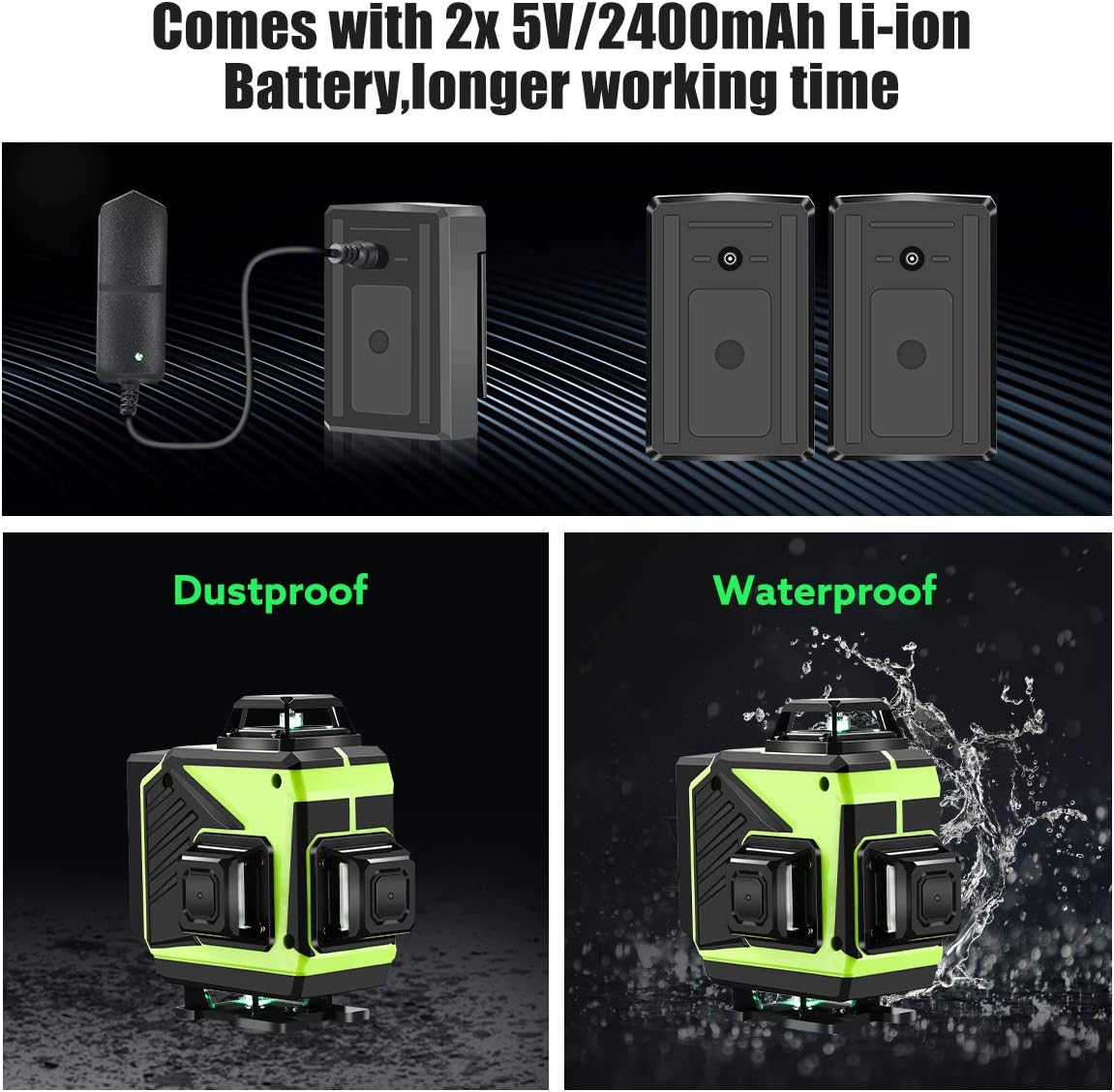
Image: Battery installation and charging for the laser level.
3.2 Initial Placement and Mounting
Place the laser level on a stable, flat surface. For optimal performance, ensure the surface is within the self-leveling range (±3°). The unit can be placed directly on the floor, on the mini tripod, or on the lifting base for height adjustment. For wall applications, use the magnetic bracket with the upper wall iron plate.

Image: Demonstrating multiple fixing methods for the laser level.
4. Operating Modes
4.1 Self-Leveling Mode
In self-leveling mode, the laser level automatically levels itself within a range of ±3°. If the surface inclination exceeds this range, the device will sound an alarm and the laser lines will flash continuously, indicating that it is out of level. Adjust the position of the laser level until it self-levels.

Image: Self-leveling and manual/tilt mode functionality.
Video: An overview of the Seesii 4x360 Self-Leveling Laser Level, demonstrating its features and operation.
4.2 Manual/Tilt Mode
To activate manual mode, long-press the brightness key on the control panel for 3 seconds. In this mode, the self-leveling function is disabled, allowing the device to be used at any angle. This is useful for projecting oblique lines, such as for staircase installations or decorative patterns.
The remote control allows for convenient switching between horizontal and vertical lines, as well as adjusting brightness levels without directly touching the unit.

Image: Wireless remote control and brightness adjustment features.
Video: Demonstrates the various features of the Seesii 4x360 Self-Leveling Laser Level, including its operating modes.
5. Applications and Usage
The Seesii 4D Laser Level is versatile and suitable for a wide range of applications:
- Tiling: Project precise horizontal and vertical lines for floor and wall tiling.
- Picture Hanging: Ensure perfect alignment for multiple frames.
- Cabinet Installation: Achieve level and plumb installations for kitchen or bathroom cabinets.
- Drywall Installation: Guide the placement of studs and drywall sheets.
- Electrical Work: Align outlets, switches, and lighting fixtures.
- Staircase Layout: Use manual mode to project accurate oblique lines for stair stringers.

Image: 4x360° laser lines for multiple applications.
Video: A professional demonstration of the Seesii 4D Green Beam Laser Level in various construction and alignment scenarios.
6. Battery Information
The Seesii 4D Laser Level comes with two 5V/2400mAh Li-ion batteries, providing over 8 hours of continuous use. Always use the provided charger for recharging. Do not use damaged batteries or chargers. Store batteries in a cool, dry place away from direct sunlight and extreme temperatures.
Image: Battery features and charging.
7. Maintenance
- Cleaning: Use a soft, damp cloth to clean the exterior of the laser level. Do not use abrasive cleaners or solvents. Keep the laser emission windows clean for clear projection.
- Storage: When not in use, store the laser level in its hard carry case in a dry, dust-free environment. Ensure the pendulum lock is engaged before storage to protect the internal mechanism.
- Calibration Check: Periodically check the accuracy of the laser level. If you suspect it is out of calibration, refer to the troubleshooting section or contact customer support.
- Environmental Protection: The unit is designed to be dustproof and waterproof, but avoid prolonged exposure to extreme conditions or direct water immersion.

Image: Portable carrying case for easy transport and storage.
8. Troubleshooting
| Problem | Possible Cause | Solution |
|---|---|---|
| Laser lines are flashing and beeping in self-leveling mode. | The laser level is not on a level surface; inclination exceeds ±3°. | Adjust the position of the laser level until it is within the self-leveling range. Ensure the surface is stable. |
| Laser lines are dim or not visible. | Low battery; high ambient light; laser emission windows are dirty. | Charge the batteries. Adjust brightness using the remote or control panel. Clean the laser emission windows. Use the target plate to enhance visibility. |
| Remote control is not working. | Remote battery is dead; remote is out of range; interference. | Replace the remote control battery. Ensure you are within effective range. Remove any potential sources of interference. |
| Inaccurate measurements. | Unit is not properly self-leveled; unit is damaged or out of calibration. | Ensure the unit is self-leveled (no flashing/beeping). If issues persist, contact customer support for calibration or repair. |
9. Specifications
| Feature | Detail |
|---|---|
| Brand | Seesii |
| Model Number | LW0340JBOG |
| Material | Aluminum |
| Color | Green |
| Style | 4x360° (Two horizontal, two vertical planes) |
| Operation Mode | Automatic |
| Item Weight | 5.02 pounds |
| Product Dimensions | 13.78 x 9.84 x 5.91 inches |
| Power Source | Battery Powered |
| Batteries | 2 Lithium Ion batteries (included) |
| Measurement Accuracy | ± 1/17 inch at 33Ft |
| Laser Beam Color | Green |
| Special Features | Self-leveling, Green-line, Remote Control |
| Usage | Inside; Professional |
| UPC | 889251537639 |
10. Warranty and Support
Seesii offers a 12-month limited warranty for every Seesii line laser. In case of any issues or questions, professional customer service is available 24 hours a day.
For support, please refer to the contact information provided with your product packaging or visit the official Seesii website.
Note: Warranty terms and conditions may vary. Please retain your proof of purchase for warranty claims.
Ask a question about this manual
Ask about setup, troubleshooting, compatibility, parts, safety, or missing instructions. Manuals+ will review the question and use this page’s manual context to help answer it.